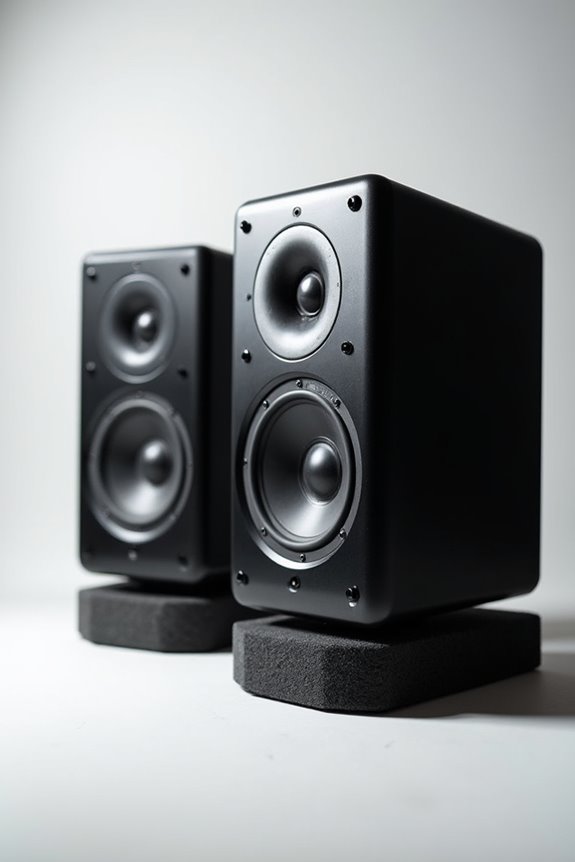

To reduce ear fatigue from studio monitors, we should maintain ideal listening levels between 75 dB and 85 dB. Regular breaks every 45-60 minutes, lasting about 5-10 minutes, are essential! Choosing powered monitors with built-in amps can also help reduce strain. Don’t forget to use reference tracks at consistent levels and switch between monitors and headphones for a fresh perspective. By keeping an eye on these strategies, you’ll keep your ears happy and healthy! Stick around for more tips! 😊
Key Takeaways
- Maintain monitoring levels between 75 dB and 85 dB to avoid excessive strain on your ears.
- Take regular breaks of 5-10 minutes every 45-60 minutes to refresh your hearing.
- Use a variety of reference tracks to prevent auditory fatigue and maintain perspective.
- Switch between studio monitors and headphones during sessions to alleviate monotony and reduce fatigue.
- Choose high-quality monitors with better alignment to minimize distortion and improve clarity for longer listening.
Optimal Listening Levels for Ear Health
You may be interested
When it comes to ideal listening levels for ear health, we should aim to strike a balance! 🎧 Most experts recommend keeping our mixing and monitoring levels between 75 dB and 85 dB. This range provides optimal volume for both frequency perception and ear safety. The Fletcher-Munson curve suggests around 83 dB hits that sweet spot, making everything sound balanced.
It’s essential to be aware of safe exposure limits, too! Listening above 85 dB should be limited to two hours, or we risk permanent damage. For longer sessions, keeping it at 60 to 70 dB—around conversation volume—will protect those tiny hair cells in our ears. Additionally, incorporating low latency performance during recordings can help ensure a comfortable listening experience. So, let’s be mindful and enjoy our sound without compromising our hearing!
Recommended Products

Closed-back, over-ear recording headphones with approx. –10 dBSPL isolation to cut ambient noise and bleed by about half. Ideal for vocals, instruments, field recordings, podcasts and AV productions.

Industry-Leading 9ms Ultra-Low Latency: Break the limits of wireless audio. Powered by proprietary RapidWill+ 3.0 technology, Studio Max 2 achieves an incredible 9ms response time, effectively eliminating the lag traditional Bluetooth headphones suffer from. Perfect for professional DJ monitoring, video editing, and competitive gaming where every millisecond counts.

Multi-scenario connectivity - Rapid Will+ ultra-low latency (20ms) transmitter, ideal for DJ mixing, gaming gear, and music playback (e.g., amplifiers, mixers, guitars, and pianos). Supports Bluetooth 5.3 for seamless pairing with phones/tablets/PCs. Includes 3.5mm/6.35mm wired cables for compatibility with traditional audio interface devices.
The Importance of Breaks and Rest Periods
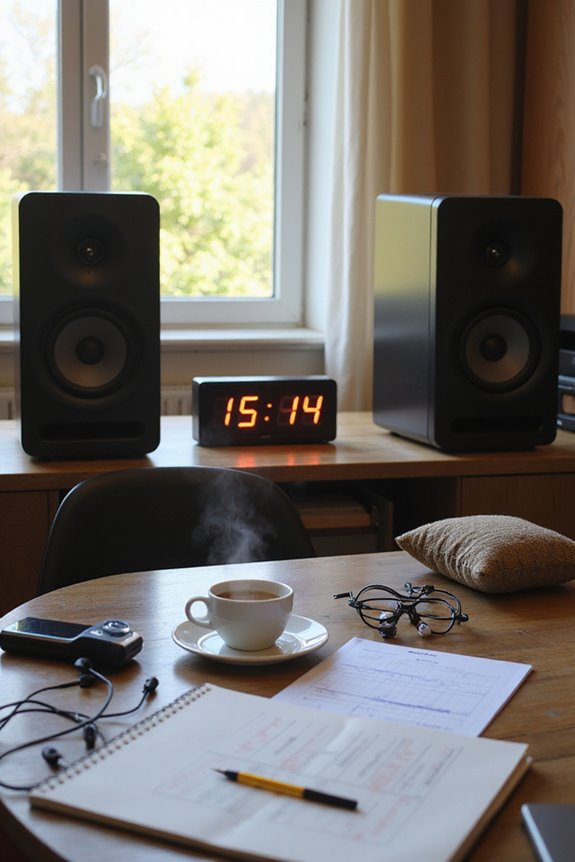
Although we love getting lost in our mixes, taking regular breaks is essential for our ear health! By incorporating break frequency into our routine, we can notably reduce ear fatigue. Let’s aim for 5-10 minute breaks every 45 minutes to an hour. This allows our ears to engage in much-needed auditory recovery.
During these breaks, stepping away from our monitors can make a world of difference! It helps refresh our hearing and keeps us from becoming desensitized to sounds. Plus, getting some fresh air and a little movement can boost our overall focus. So, next time we’re deep into mixing, let’s not forget to hit that pause button—our ears will thank us, and our mixes will sound even better! 🎶✨
Exploring Different Monitoring Systems
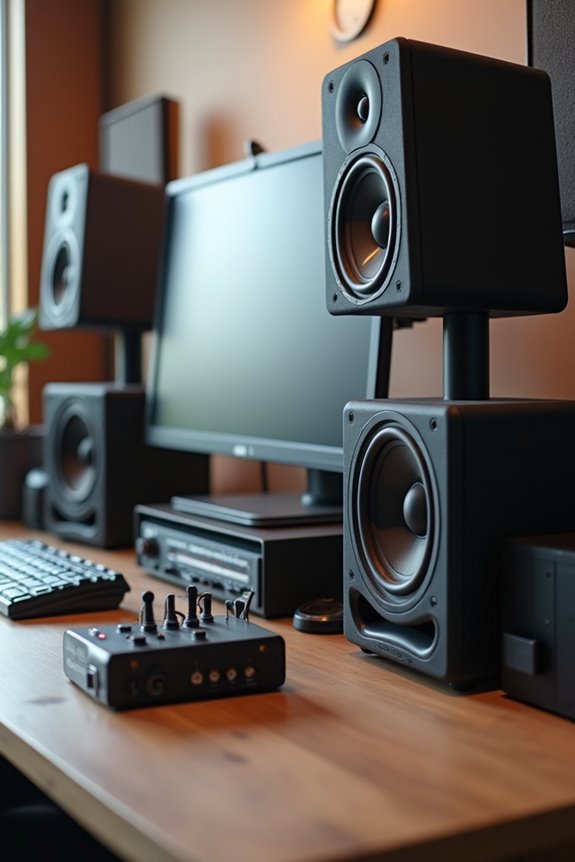
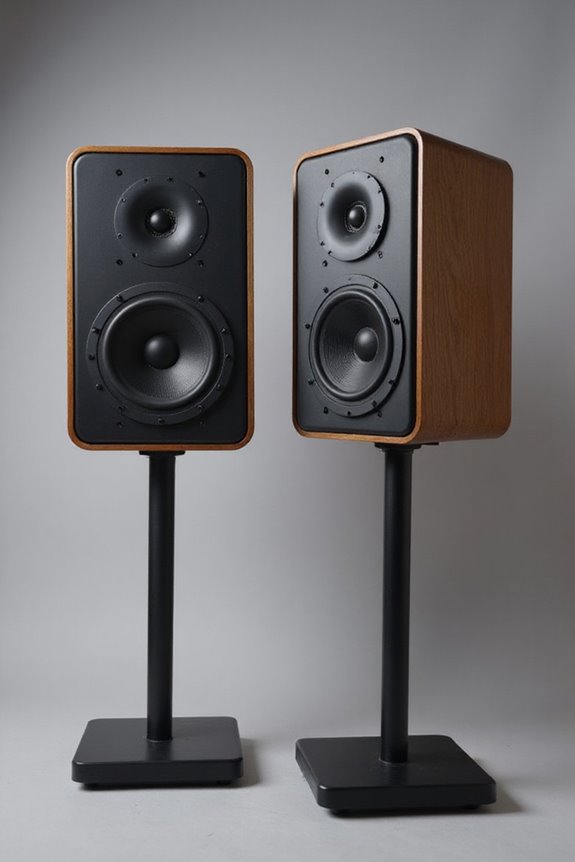
Diving into the world of studio monitoring systems opens up a treasure trove of options, each with its unique benefits! There are various monitor types, like passive, powered, and active monitors, and they can change how we experience sound.
Passive Monitors
- Require external amplifiers
- Offer upgrading potential
Powered Monitors
- Built-in amps make setup easy
- Perfect for home studios
Active Monitors
- Feature dedicated amps per driver
- Excellent for tuning precision
When it comes to speaker design, monitors that align high and low-frequency drivers improve stereo imaging and create a wider sweet spot. Choosing the right system can greatly reduce ear fatigue, helping you enjoy those long mixing sessions even more! 🎧 Additionally, understanding passive studio monitors can help you select options that offer great sound quality while minimizing strain on your ears.
Recommended Products

Reference-grade in-ear monitor optimized for Guitars, Vocals, and other Mid Frequency Instruments. They deliver a sound signature ideal for musicians, engineers, and producers, who demand tonal clarity and detailed insight into their instrument within the mix.

40 mm neodymium drivers deliver superior acoustic performance for an expansive soundstage with clear, extended highs and warm bass
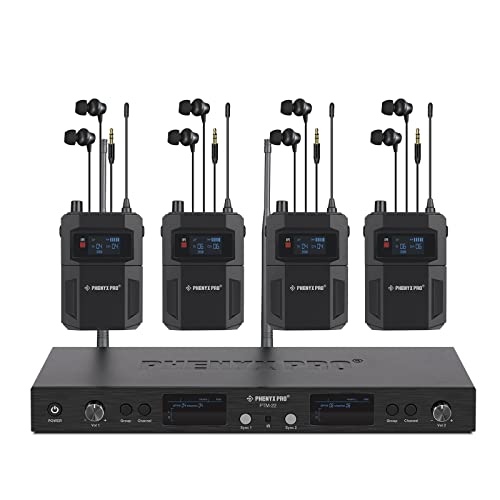
MONO MONITORING: Immerse in crisp mono audio with our wireless in-ear monitor system. Mono monitoring of the wireless IEM system eliminates phase issues that can cause blurring or distortion in stereo systems, ensuring clear, focused audio output. The mono in ear monitor system provides consistent sound, simplified setup, and improved signal stability, making it an ideal choice for professionals like church pastors, conference hosts, broadcasters, and live performers who require reliable audio monitoring
Utilizing Reference Tracks Effectively
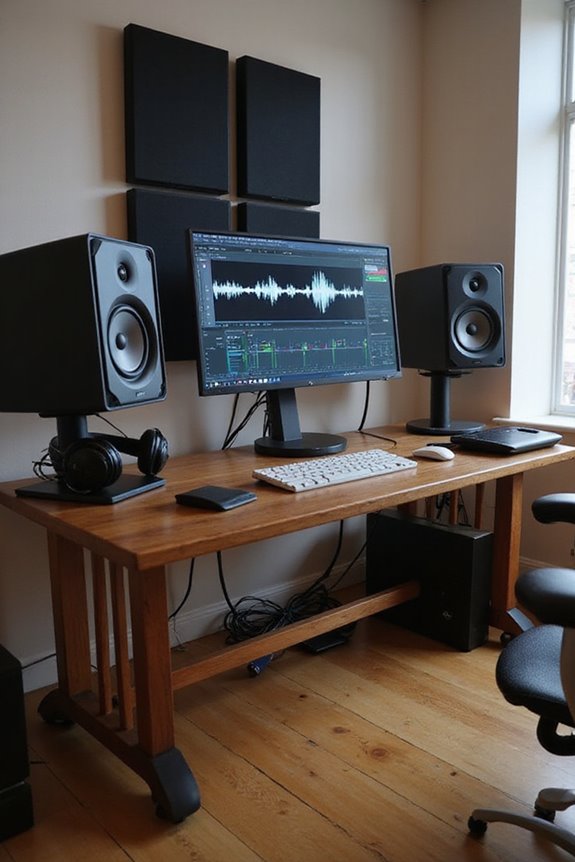
Let’s bounce the mixdown to a separate lossless file for accurate comparisons. Position those tracks in the same monitoring chain and level; this makes tonal balance analysis a breeze. To keep things fresh, let’s cycle through multiple references instead of sticking to one track, preventing ear fatigue. Regular breaks are key, allowing our ears to reset. By using visual tools alongside audio, we’ll preserve stamina and creativity throughout our mixing sessions. Additionally, utilizing high-quality audio interfaces can enhance the overall clarity and precision of our monitoring setup. Happy mixing!
Acoustic Calibration for Accurate Sound
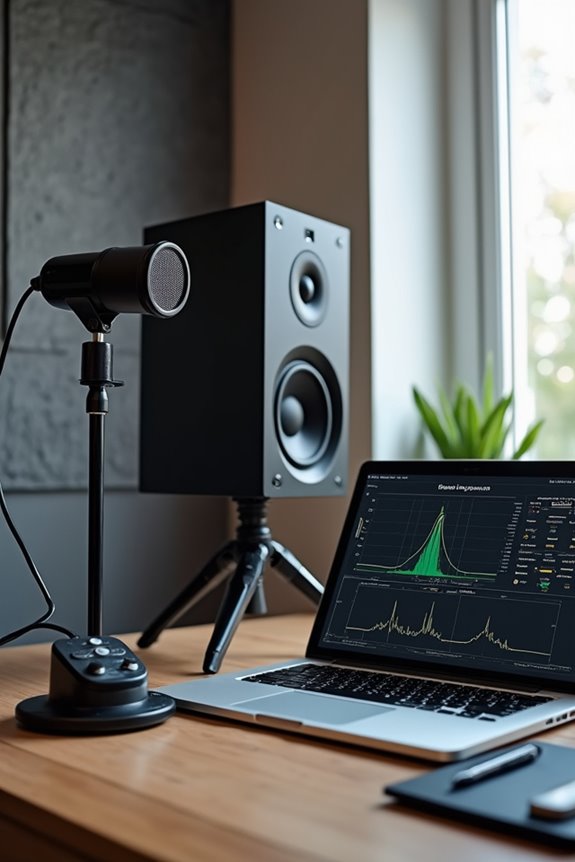
When we guarantee our studio monitors are acoustically calibrated, we set the stage for accurate sound reproduction and a more enjoyable mixing experience. 🎵 Proper calibration isn’t just about setting a volume level; it directly impacts our long-term ear health and mixing decisions. To start, we should aim for a sound pressure level (SPL) of 78-85 dB at the listening position. For smaller rooms, 78-80 dB works best to avoid ear fatigue. Plus, monitor placement is key! We need to match left and right monitor volumes closely for balanced stereo imaging. Using pink noise helps assess frequency response, so we can identify and correct any issues, ensuring a flatter output—that means our mixes will translate better across different systems! Additionally, investing in monitors with flat frequency response is crucial for achieving accurate sound representation.
Recommended Products

Pro-grade accuracy: Dual Doppler radar + photometric cameras measure ball & club data like carry distance, spin, launch angle, club head speed, smash factor and more.

Class-leading AD-converter resolution with a dynamic range of 136 dB

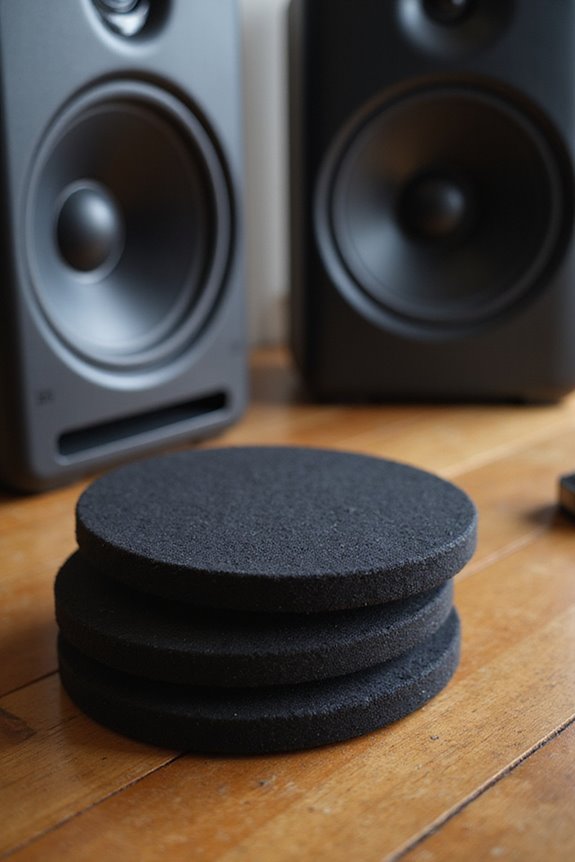
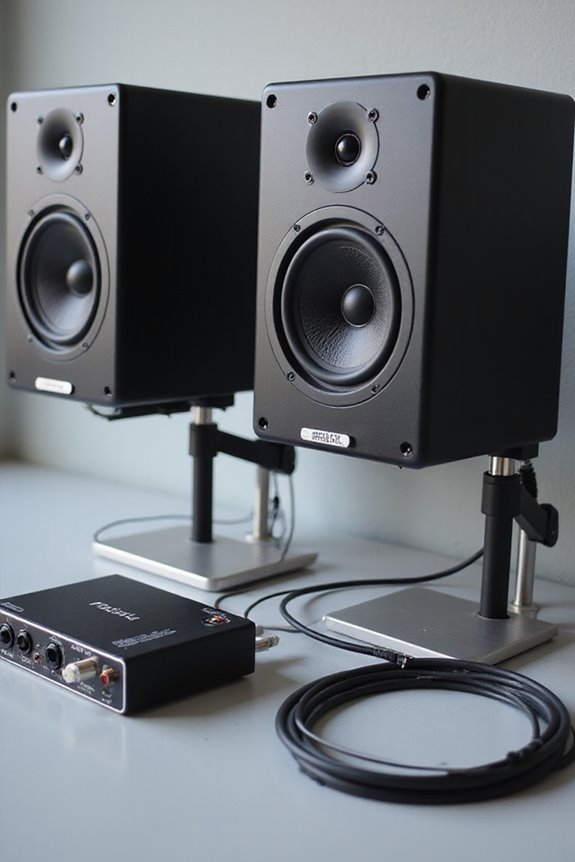
Bundle Includes: 2 x Adam Audio A7V Powered Two-Way Studio Monitor, 2 x FocusProAudio 25-Feet XLR Male to Female Microphone Cable, 2 x PX-TMXM2 1/4-Inch TRS to XLR Male to Male Balanced Cable (10-Feet), and Studio Monitor Isolation Pads for 8-Inch Speakers (Pair)
Workflow Strategies to Minimize Fatigue
To keep our ears happy while working with studio monitors, it’s essential we adopt some solid workflow strategies! 🎧 By managing our volume levels and session durations, we can lessen the strain on our hearing without sacrificing clarity. Let’s keep our listening levels between 75 and 85 dB SPL. We should also take regular breaks—mixing sessions around 45 minutes followed by 5-10 minute rests helps combat cognitive fatigue.
Incorporating session variety is crucial! Instead of looping small sections, let’s allow playback with natural start and stop intervals. Switching between studio monitors and open-back headphones can refresh our perspective. Remember, a balanced tonal mix avoids high-frequency boosts that lead to fatigue. Additionally, using low-noise preamps can enhance audio quality, further contributing to a more comfortable listening experience. Keeping these tactics in mind will help us stay sharp and create great music!
Recommended Products


‘M’-shaped grille following the curve of the speaker driver. Better linearity of the high frequencies

Push-Pull Open Back Circular Electrostatic Headphone
Protecting Ear Health Outside the Studio
Protecting our ear health outside the studio is just as essential as managing it within. 🎧 After all, who wants to risk the damage that loud environments can cause? Using custom earplugs can make a difference, fitting snugly and preserving sound clarity. Plus, they come in various attenuation levels, ranging from 10dB to 25dB, so you pick what works best!
Also, consider noise-cancelling headphones or IEMs. They help minimize noise exposure, allowing us to enjoy our music at safer volumes. By combining earplugs with these technologies, we can safeguard our hearing while staying connected to the sounds we love. Remember, folks, hearing protection shouldn’t be an afterthought! So, let’s make ear safety a priority wherever we go! 🎶
Recommended Products
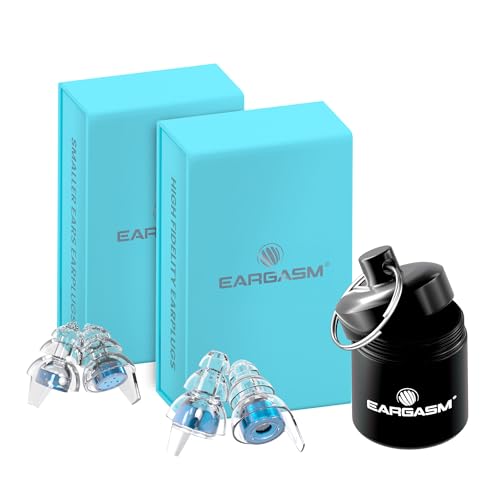
Dual-fit concert earplugs bundle – Includes one pair of High Fidelity Earplugs (Blue) and one pair of Smaller Ears Earplugs (Blue), designed specifically for the smallest 20% of ear canals for a more precise fit

PROTECT YOUR HEARING IN STYLE - Clicks contain an embedded acoustic filter that provide up to 21dB of noise reduction while allowing to hear your surroundings with perfect clarity.

Maximum protection earplugs bundle – Includes High Fidelity Earplugs (Blue) plus interchangeable High dB filters for enhanced noise reduction in loud environments
Understanding Psychoacoustic Principles
Understanding psychoacoustic principles can greatly enhance our experience in the studio! 🎶 These principles explain how we perceive sound, which often differs from the physical properties of those sounds. For instance, psychoacoustic masking can make certain frequencies seem quieter than they are. That’s why we might miss essential elements in our mix!
Additionally, sound localization helps us pinpoint where a sound originates, important for stereo monitoring. By configuring our studio monitors to enhance spatial cues, we can reduce cognitive strain and prevent ear fatigue. Emphasizing clarity over volume will keep our sessions enjoyable. Moreover, employing low-latency monitoring can further improve our recording experience by providing real-time feedback without the distractions of delays. So, let’s embrace these principles to create mixes that sound amazing without overwhelming our ears! After all, we deserve to enjoy every note!
Frequently Asked Questions
How Can I Tell if My Ears Are Fatigued?
When we suspect ear fatigue, we should notice physical discomfort, loss of clarity, or difficulty in mixing. It’s crucial to monitor our listening habits, as these signs help us recognize when our ears need a break.
What Are the Signs of Hearing Damage From Monitoring?
We’ve all experienced signs of hearing damage from sound exposure, like difficulty understanding speech or increased sensitivity. It’s essential to use hearing protection and recognize these changes to maintain our shared audio enjoyment and relationships.
How Often Should I Check My Equipment Settings?
We get it, regular checks might feel tedious, but consistent equipment calibration helps us tailor our audio preferences. Let’s dedicate time weekly or biweekly to guarantee everything’s in perfect harmony for our creative sessions.
Is Using Earbuds Instead of Monitors Helpful for Ear Health?
Using earbuds can offer certain advantages, like convenience and portability, but they may increase ear fatigue risk compared to monitors. We should explore various monitoring alternatives to balance our audio experience and protect our ears together.
Can Ambient Noise Levels Affect Ear Fatigue While Mixing?
It’s fascinating how ambient sound in our mixing environment can really impact ear fatigue. If we lower ambient noise, we’ll notice less strain, allowing us to mix with clarity and enjoy healthier listening sessions together.