Yes, you often need phantom power for certain microphones, like true condensers, which require +48V to function properly. This power helps us avoid bulky batteries and capture those crisp audio details. Just remember, we want to connect our mics before activating phantom power, and always use balanced XLR cables to guarantee quality. If you’ve got tube or active ribbon mics, they’ll need this power too. Stick around, and we’ll explore everything else you need to know! 🎤✨
Key Takeaways
- True condenser microphones require phantom power to operate, typically +48V supplied through XLR cables.
- Electret microphones may use batteries instead of phantom power, while tube microphones need both.
- Active ribbon microphones often need phantom power, while passive ribbons can be damaged by it.
- Phantom power is essential for capturing delicate audio details in vocals and instruments during recordings and performances.
- Always check compatibility and settings before connecting or disconnecting microphones to avoid damage.
Understanding Phantom Power and Its Function
You may be interested



Understanding phantom power and its function can feel like unraveling a bit of audio magic! 🎩 When we talk about phantom power, we’re fundamentally discussing a power supply—typically +48 volts—that’s delivered through balanced XLR cables, and yes, it’s super important for active microphones.
Types of Microphones That Require Phantom Power
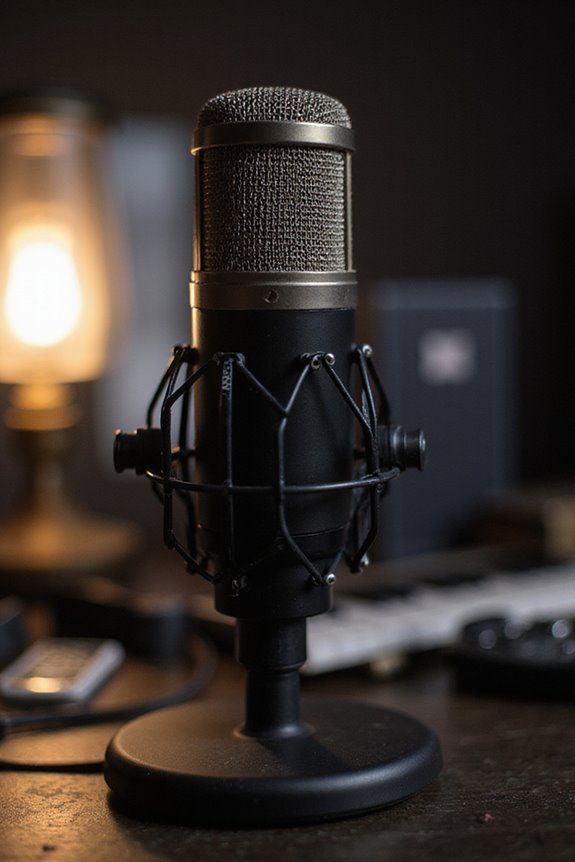
When it comes to microphones that require phantom power, knowing the differences can save you from some audio woes! 🎤 While many may think only condenser microphones need that magical +48V, several other types depend on it too.
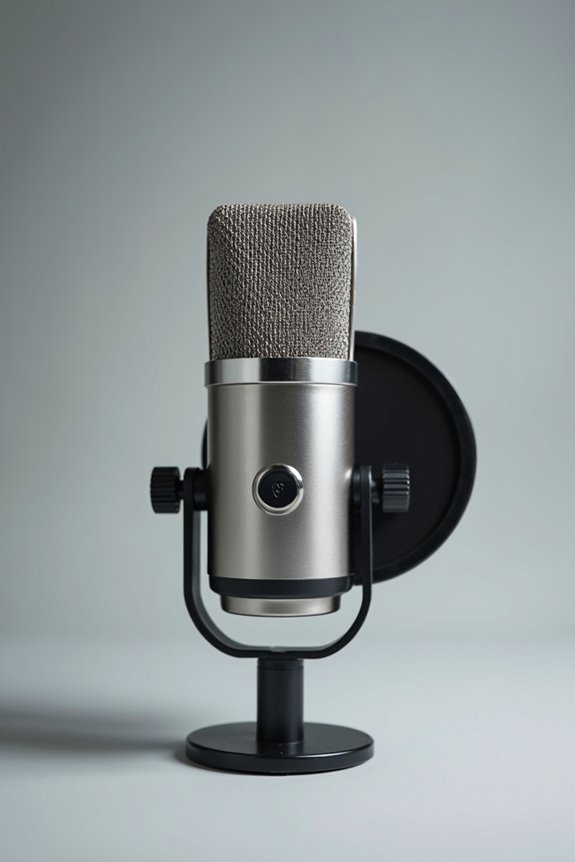
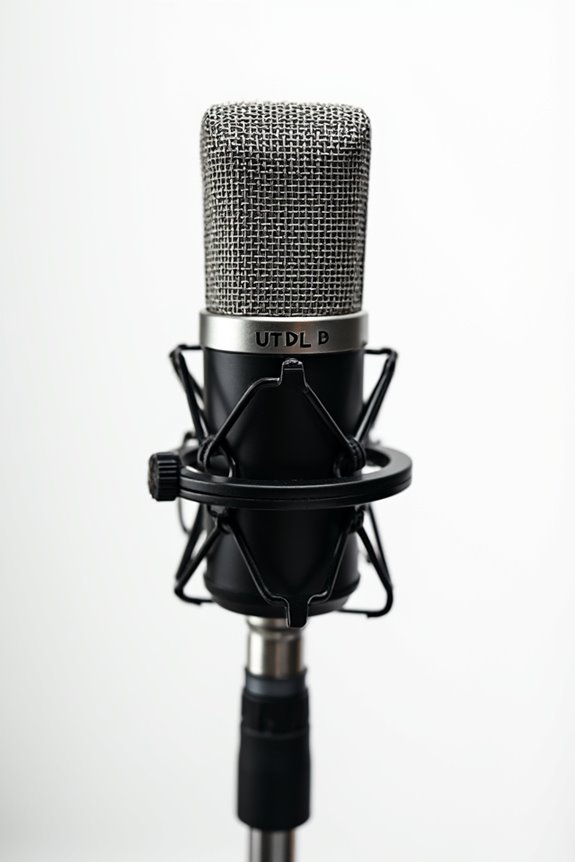
Condenser Microphone Types: Almost all true condensers need that +48V to operate, while electret models may utilize batteries. Tube microphones, popular in pro studios, require both phantom power and a tube supply for peak sound.
Ribbon Microphone Considerations: Some modern active ribbons need phantom power for their internal preamps. However, you’ve got to be cautious, as passive ribbons can actually be damaged by phantom power! Additionally, understanding the frequency response range of your microphone can help you choose the right one for your recording needs.
Understanding these nuances keeps us all moving forward in our audio adventures! Let’s keep the sound crisp!
Recommended Products

Circuit topology Four dual triode vacuum tubes (Sovtek 6922), high-voltage discrete Class A

For Recording Studios and Touring

DuoPre XLR Microphone preamps, including 48V Phantom power for condenser microphones and up to 69dB of gain. Each preamp uses two gain stages to provide a full and accurate sound across the entire gain range with enough power for even the most gain hungry mics.
When Phantom Power Is Necessary

In many sound applications, phantom power isn’t just nice to have; it’s absolutely essential! 🎤 Without it, true condenser microphones simply can’t do their job of converting acoustic sounds into stunning audio signals. The phantom power necessity arises particularly when we’re using microphones with internal preamps or active electronics—these need that energy boost to perform their best.
We often rely on sensitive vocal mics or acoustic instrument mics to capture every nuance, and this won’t happen without the right power. Phantom power shines in live performances and recording sessions, enabling compact cabling while avoiding bulky batteries. Additionally, many audio interfaces and mixers come equipped with 48V phantom power, ensuring compatibility with a wide range of professional microphones. So, let’s make sure we’re always equipped, because when it comes to performance, we all want to sound our best!
Recommended Products

FLAGSHIP SOUND QUALITY: Get the sound of Symphony Mk ii right on your desk with our legendary A/D and D/A conversion that delivers ultra-low distortion and provides a transparent window into the sonic landscape of your mix and recordings.

Next-gen 28 x 32 USB3 audio interface — Builds on 22 years of proven success as an industry-leading audio interface brand.

USB Type-C audio interface with 32-bit / 192 kHz support, Multi-Stream Audio Driver, dual MAIN/SUB USB ports and microSD card slot.
How to Properly Supply Phantom Power
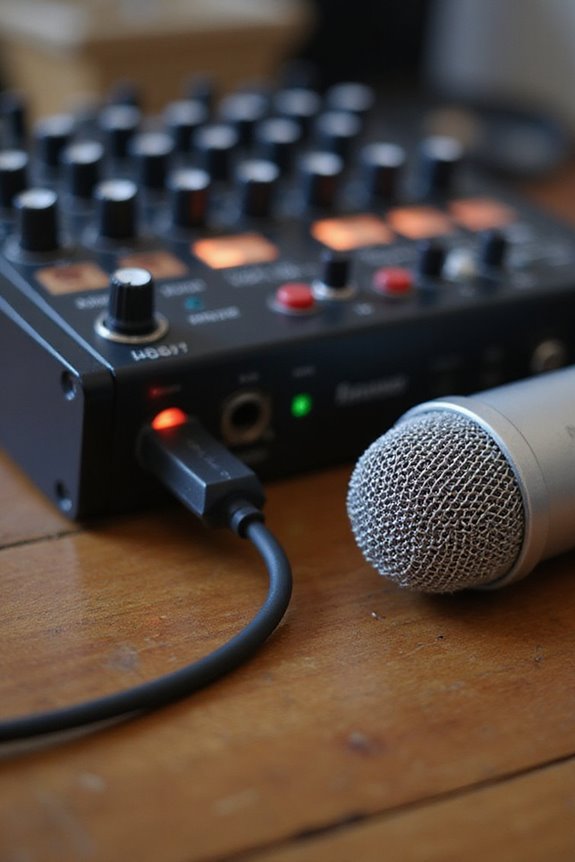
Supplying phantom power is an essential step in ensuring your condenser microphones perform at their best! 🎤 We want to make sure that every note and nuance gets captured perfectly, and this means knowing how to deliver that sweet 48 V voltage correctly.
To power your mic, we’ve got a few phantom power sources: mixer consoles, dedicated preamps, or inline supplies. Always use balanced, shielded XLR cables—they’re designed for smooth cable connections and minimize noise. Be sure to connect your microphone first, then enable the phantom power. It’s like lighting a candle without melting the wax! And remember to check voltage levels and turn off phantom power before unplugging to prevent unwanted pops. Additionally, make sure your interface supports phantom power (+48V) to ensure compatibility with your condenser mics. Let’s keep our gear safe and sound!
Recommended Products

INCREDIBLE IMAGE QUALITY: Features Full-Frame 6K image sensor with native resolution of 6048 x 4032 and Leica L lens mount; 13 stops of dynamic range to capture even the slightest details; Dual gain ISO up to 25,600 to minimize grain and noise in all lighting conditions; Built-in OLPF for better detail handling.

INCREDIBLE IMAGE QUALITY: Features Super 35 image sensor with native resolution of 6144 x 3456 and an active EF/EF-S lens mount; 13 stops of dynamic range to capture even the slightest details; Dual gain ISO up to 25,600 to minimize grain and noise in all lighting conditions; Built-in 2, 4, and 6 stop ND filters.

INCREDIBLE IMAGE QUALITY: Features Super 35 image sensor with native resolution of 6144 x 3456 and an active EF/EF-S lens mount; 13 stops of dynamic range to capture even the slightest details; Dual gain ISO up to 25,600 to minimize grain and noise in all lighting conditions.
Best Practices for Using Phantom Power in Recording
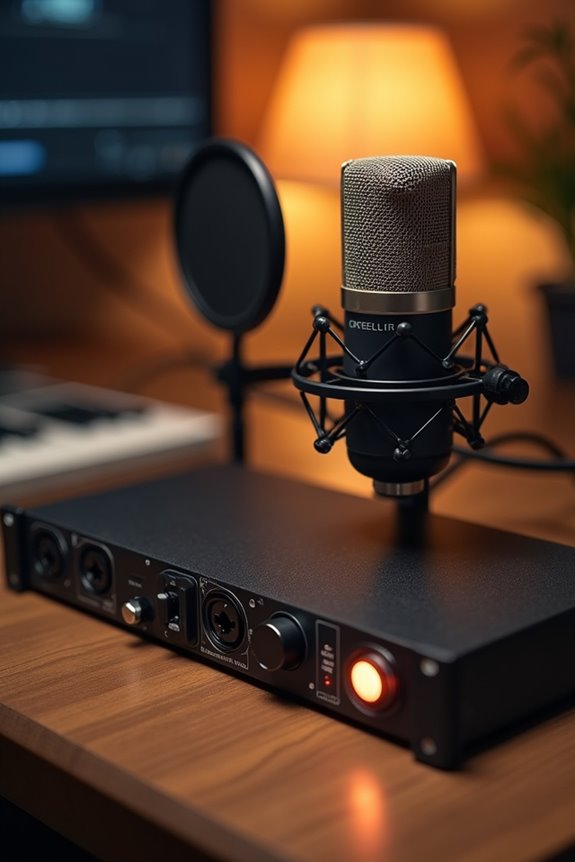
Using phantom power correctly is essential for achieving high-quality recordings with condenser microphones! 🎤 Let’s explore some best practices that will help you harness this crucial tool effectively.
- Check Microphone Compatibility: Always verify that your mic requires phantom power. Dynamic and some ribbon mics might not need it.
- Turn It Off First: Before connecting or disconnecting, make sure phantom power’s off to avoid voltage spikes.
- Gradual Gain Adjustment: After plugging in, switch the phantom power on and slowly increase gain levels. This reduces loud pops.
- Quality Equipment: Use high-quality XLR cables for balanced connections in your phantom power setups.
- Consider Input Types: Ensure your setup includes the appropriate input types for the microphones you are using, as this can affect the effectiveness of phantom power.
Recommended Products

8 award-winning Midas PRO mic preamps and 8 Midas PRO outputs onboard

Bundle Includes: 1 x Blackmagic Design Pocket Cinema Camera 6K Pro (EF Mount), 1 x 64GB UHS-II Memory Card, 1 x Corel Photo Software With PhotoMirage, AfterShot, Painter Essentials, PaintShop Pro, and Video Studio, 1 x NPF550 Battery, 1 x Large Padded Case, 1 x Led Light, 1 x Deluxe Cleaning Set, 1 x HDMI Cable, 1 x 12_inch Flexible Tripod, 1 x External Charger, 1 x Hand Strap, 1 x Memory Card Wallet

Panasonic AG-CX350 4K Camcorder (International Model) - 1" MOS Sensor, 20x Optical, 32x Intelligent Zoom, UHD 4K, 1080p, Variable Frame Rate, Supports LANC Control, 2 x Media Card Slot, HLG Recording, 3.2" LCD Screen, OLED Viewfinder, Individual Zoom, Focus, Iris Rings, Front-Mounted Mic with Front Audio Level, TC In/Out, 3G-SDI, HDMI Out, USB 3.0, USB 2.0 Host, LAN Port.
Frequently Asked Questions
Can I Use Phantom Power With Dynamic Microphones Safely?
Yes, we can safely use phantom power with dynamic microphones, debunking phantom power myths. While dynamic microphone safety is guaranteed, it’s always wise to know your mic’s specifics to avoid potential issues. Let’s stay informed together!
What Happens if I Apply Phantom Power Incorrectly?
When we misuse phantom power, we risk damaging not just our microphones but our connections too. Prioritizing microphone safety means knowing these phantom power risks, fostering a secure setup for everyone in our audio community.
Are There Any Exceptions for Ribbon Microphones Needing Phantom Power?
When exploring ribbon microphone types, we should note that while passive ribbon considerations typically avoid phantom power, some modern active variants may require it for ideal performance. Always check specifications before connecting to guarantee safe usage together.
How Does Phantom Power Affect Audio Quality?
When we consider how phantom power affects audio quality, we find it greatly enhances audio clarity and signal integrity, allowing our recordings to shine with detail and minimizing unwanted noise for a more professional sound.
Can Phantom Power Drain My Microphone’s Internal Battery?
Phantom power doesn’t usually drain our microphone’s internal battery, as long as it’s compatible. We should always remember to check power compatibility, ensuring we preserve the battery life while enjoying great sound quality together.