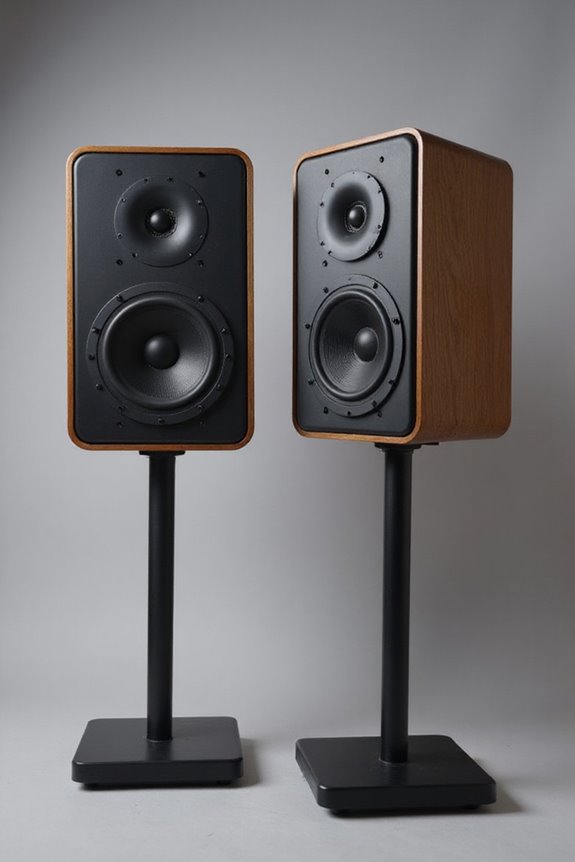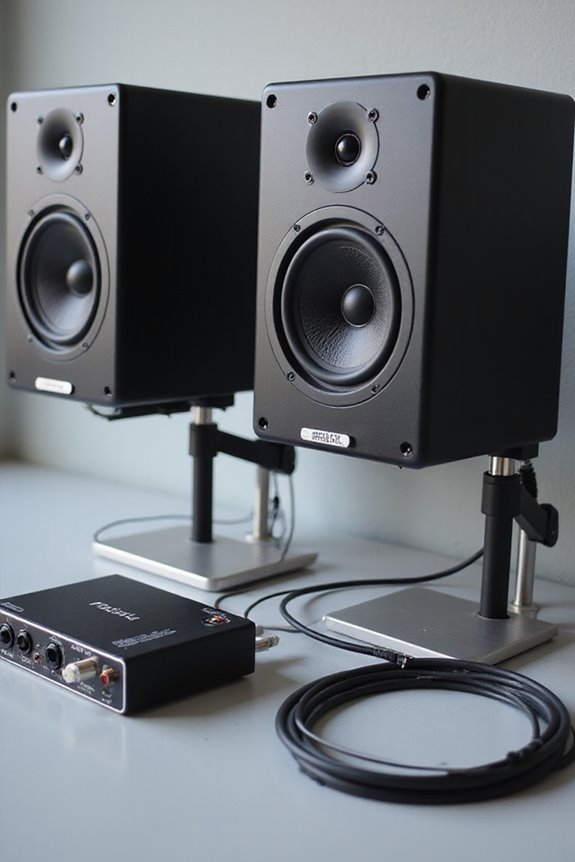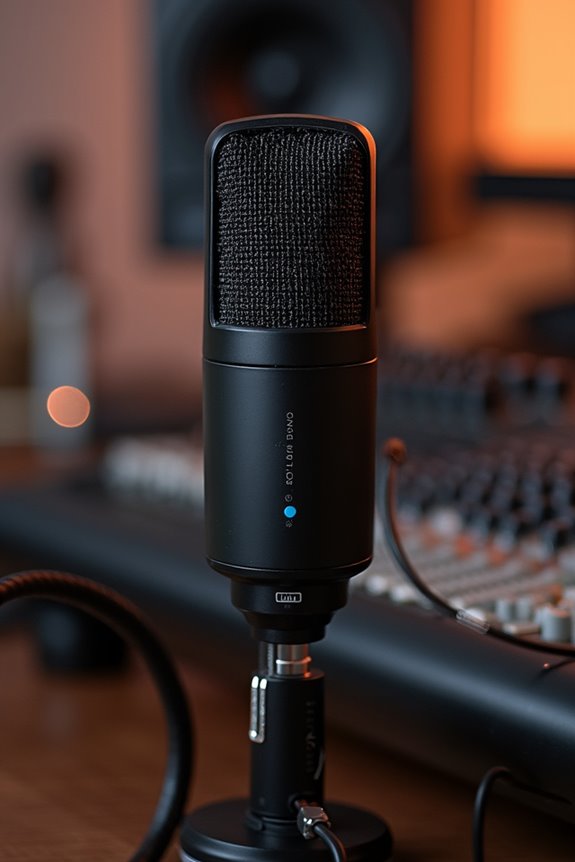

A studio monitor calibration mic helps us measure sound accurately in our listening space, ensuring our mixes sound great everywhere! 🎶 With an omnidirectional pattern, it captures sound evenly, while specs like a frequency response from 18 Hz to 20 kHz keep our sessions crisp. Let’s not forget the 65 dB(A) signal-to-noise ratio for clear readings! By using calibration software like Room EQ Wizard, we can fine-tune our setup. Stick around! There’s more to explore! 😊
Key Takeaways
- A studio monitor calibration mic is a specialized microphone designed for accurate acoustic measurements and optimal sound monitoring.
- It features an omnidirectional pattern, allowing it to capture sound evenly from all directions for reliable frequency response readings.
- These mics connect to audio interfaces via USB or XLR, enhancing clarity in audio mixes and helping to create correction curves for speaker imbalances.
- Calibration mics are essential tools in the calibration process, improving monitor accuracy and ensuring mixes translate well across various playback systems.
- Popular choices include mics with electret-condenser capsules or MEMS transducers, typically requiring +48V phantom power for optimal performance.
Definition and Purpose of Calibration Mics
You may be interested
When it comes to studio monitor calibration, having the right tools is key, and that’s where calibration mics come into play! These specialized microphones are designed for accurate acoustic measurement. With an omnidirectional pattern, they capture sound evenly, ensuring reliable frequency response readings. This means you’ll get an honest look at how your monitors perform in your unique space.
Calibration mics often connect via USB or XLR to your audio interface, bringing clarity to the mix! They measure speaker imbalances and room reflections, guiding software to create those essential correction curves. This technology lets us fine-tune our listening experience, resulting in mixes that translate beautifully across different systems. It’s like giving your music the VIP treatment! 🎶
Recommended Products

Audio reference measurement microphone with unique calibration file

Sturdy dynamic interview microphone

Flexibility: Expansion Mic extends MeetUp’s microphone pickup range, so you’re heard clearly up to 4.2 m (14 ft) away
The Calibration Process
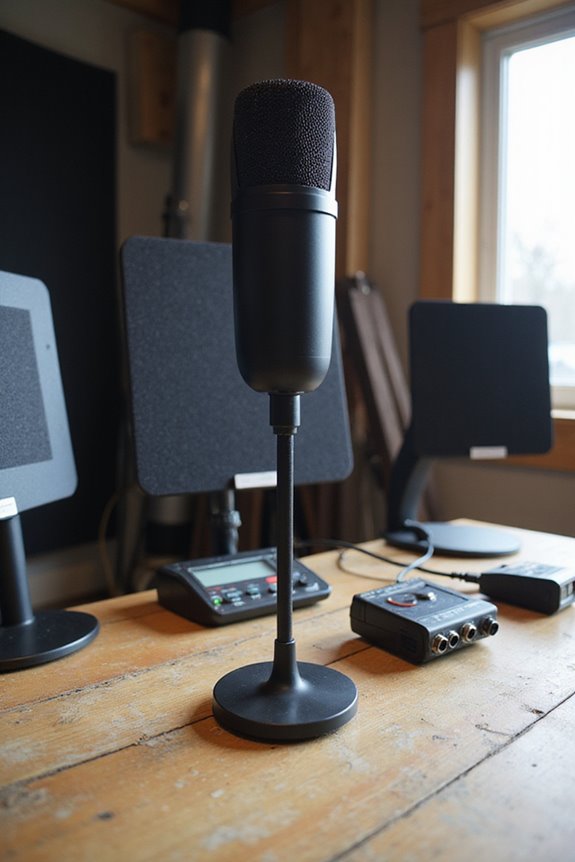
Before we immerse ourselves in the calibration process, let’s make certain we grasp its significance! Calibration techniques start by lowering monitor levels to prevent sound spikes, using a signal generator for a stable test tone. We prefer pink noise because it gives even energy across frequencies, great for our mix sessions!
Microphone positioning is crucial; we place an SPL meter at ear height in our listening sweet spot. Target SPL usually sits around 78–79 dB for small spaces. Adjusting monitor levels based on SPL readings guarantees balanced output, letting us fine-tune those pesky room acoustics.
Recommended Products

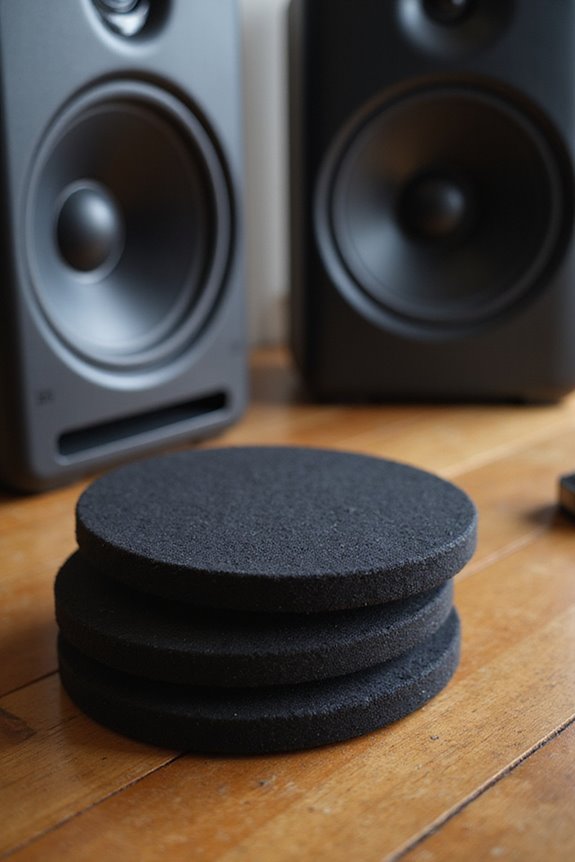
Bundle Includes: 2 x Adam Audio A7V Powered Two-Way Studio Monitor, 2 x FocusProAudio 25-Feet XLR Male to Female Microphone Cable, 2 x PX-TMXM2 1/4-Inch TRS to XLR Male to Male Balanced Cable (10-Feet), and Studio Monitor Isolation Pads for 8-Inch Speakers (Pair)

CONVENIENT: Easily control the device from the front panel and enjoy access to every feature

Monitor Controller with Talkback
Importance of Proper Calibration
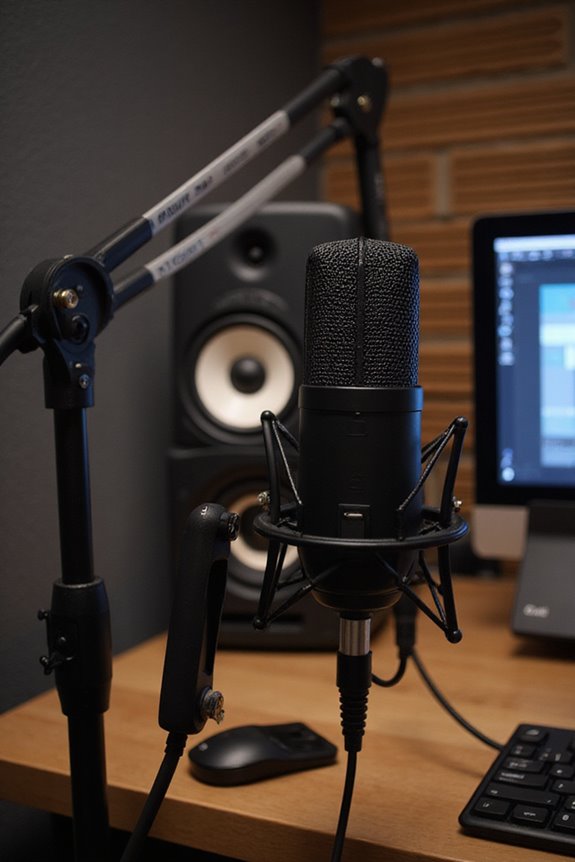
Proper calibration isn’t just a luxury—it’s a necessity! 🤩 As we plunge into the importance of calibrating our studio monitors, let’s remember that getting this right can greatly enhance our mixing experience. Proper calibration boosts monitor accuracy, ensuring fewer mixing errors. You’ll find that mixes translate better across devices, from headphones to car stereos, improving sound fidelity. Plus, a calibrated environment helps reduce listener fatigue, making those long sessions easier. Think of calibration as your secret weapon, providing consistent monitoring levels and speeding up client approvals! With over 70% of industry pros valuing calibration, why not join the ranks? Let’s elevate our craft together—because who doesn’t want mixes that sound great everywhere? 🎶
Calibration Tools and Software
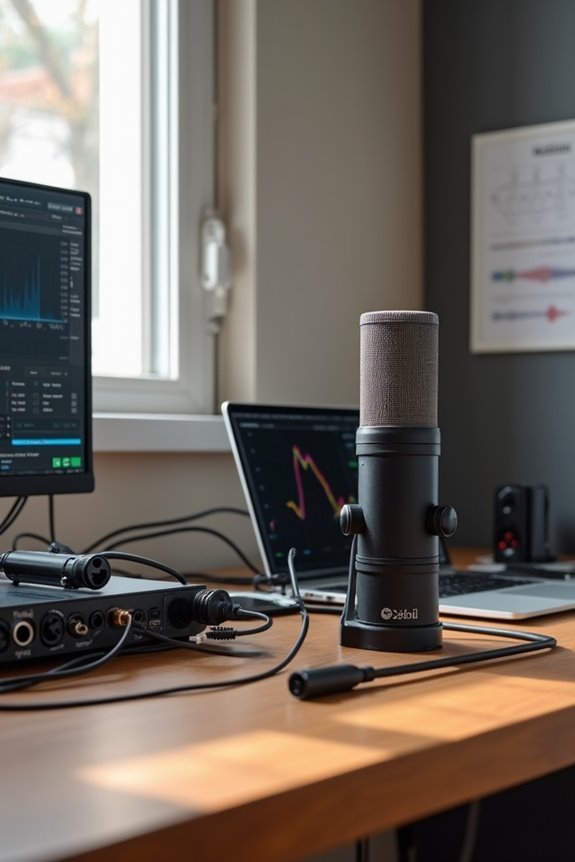
Achieving high-quality audio fidelity doesn’t just hinge on the monitors themselves; it’s also about how we calibrate them! 🎤 Let’s talk about the tools and software that can make your monitor calibration journey smooth and effective.
First up, we’ve got Room EQ Wizard (REW), a free and powerful acoustic measurement tool. For those after precision, IK Multimedia’s ARC System 3 calibrates within 0.5 dB! Dirac Live offers high-fidelity correction and customizable target curves. We can integrate calibration software seamlessly, often using our favorite DAWs.
Don’t forget about microphone integration; quality calibration mics are essential for accurate measurements! So, grab your tools and let’s make our mixes sound stellar! 🎶
Recommended Products

Class-leading AD-converter resolution with a dynamic range of 136 dB

Bundle Includes: Adam Audio T10S 10-Inch Powered Studio Subwoofer, 2 x Adam Audio T5V Active Nearfield Monitor, 2 x FocusProAudio 25-Feet XLR Cable Male to XLR Female Microphone Cable, and 2 x 1/4-Inch TRS to XLR Male to Male Balanced Cable (10-Feet)

Ultra-flat frequency range from 36 Hz to 32 kHz delivers deep, controlled bass and crisp, clear highs for superior audio quality. Perfect for critical listening, mixing, and production, ensuring every detail is heard with precision across the full spectrum.
Technical Specifications of Calibration Mics
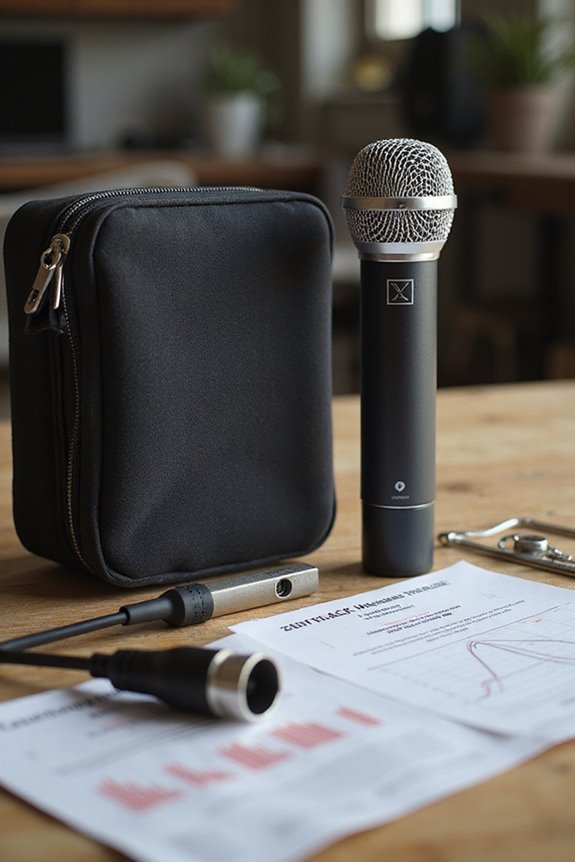
When it comes to calibrating your studio monitors, having the right calibration mic makes all the difference! 🎤 These microphones aren’t just any run-of-the-mill devices; they’re engineered to deliver precise sound measurements.
Recommended Products

Small-diaphragm Wide Spectrum Omnidirectional Measurement Microphone with Electronic Calibration Files

Omnidirectional Small-diaphragm Condenser Measurement Microphone

OPTIMAL AUDIO CALIBRATION: The Audix TM1 Plus Calibration Mic allows for accurate calibration of monitoring or PA systems, providing superior audio performance.
Microphone Technology
Calibration mics often feature electret-condenser capsules or MEMS transducers for compact reliability. With true omnidirectional polar patterns, they capture sound uniformly from all angles!
Frequency Response
Typically, they offer a frequency response from 18 Hz to 20 kHz, ensuring minimal deviation. Sensitivity usually hovers around 14 mV/Pa, with a signal-to-noise ratio of 65 dB(A).
Electrical Specs
Most require +48V phantom power through XLR connectors. Some even include USB-C for modern convenience!
With these specifications, calibration mics are essential for achieving those pristine, accurate acoustics you crave!
Common Use Cases and Best Practices
Now that we’ve covered the technical specs of calibration mics, let’s explore how these little wonders are used! First off, they help us avoid common mistakes, ensuring that our mixes translate well across different playback systems. Using pink noise for measurement accuracy, we can optimize speaker placement and adjust monitor output to prevent ear fatigue.
Best practices include taking multiple measurements from various ear positions and calibrating one monitor at a time. Always remember to check stereo balance! 🎶 Keeping the mic at ear height and facing the center speaker guarantees precision, too. By following these steps, we get consistent sound that we all crave for our mixing sessions! Additionally, having studio monitors with excellent frequency response can further enhance the accuracy of your mixes, making calibration even more effective. Let’s make our studios sound their absolute best!
Recommended Products
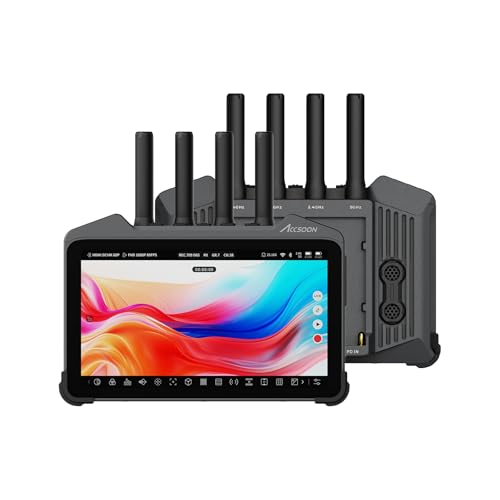
【CineView M7H Pro】All-In-One wireless smart monitoring ecosystem, comprehensive screen calibration tools advanced color management workflow, high bright fully-laminated low reflection screen, compatibility with CineView systems.
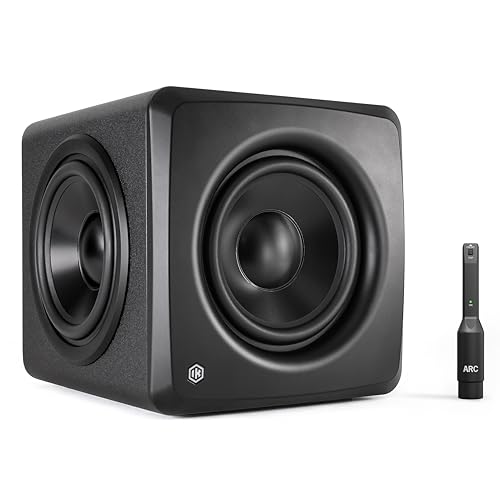
Deep 25 Hz Bass in a Compact Footprint: Experience powerful, controlled low-end response down to 25 Hz from the smallest pro subwoofer in its class. Its ultra-compact design fits effortlessly into any studio, delivering full-range impact without requiring major rearrangement of your workspace.
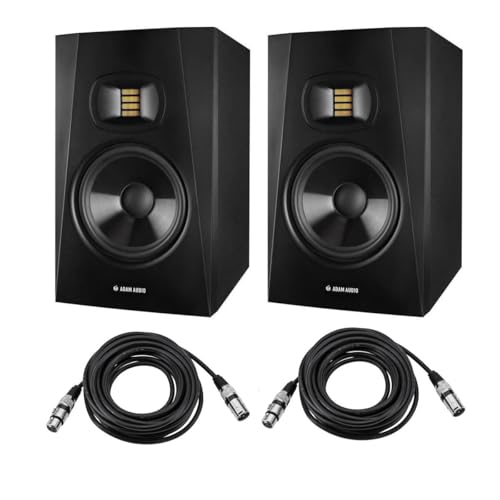
INCLUDED - Two Adam Audio T7V 7" studio monitors, power cords, quick start guides, 5-year warranty, and two XLR microphone cables for immediate setup.
Frequently Asked Questions
Can I Use a Regular Microphone for Calibration?
While we might think a regular microphone could work for calibration, its limitations often lead to inaccurate results. Embracing a calibration mic’s benefits guarantees our setup delivers precise measurements and a consistently reliable audio experience together.
How Often Should I Calibrate My Studio Monitors?
It’s understood that it feels tedious, but regular calibration frequency is key for monitor accuracy. Frequent checks guarantee our mixes translate well, helping us build confidence in our sound. Let’s commit to maintaining that quality together!
Does Room Size Affect Calibration Results?
Absolutely, room size affects calibration results. By understanding room acoustics and ensuring proper speaker placement, we can achieve a balanced sound. Together, we’ll create a space that enhances our mixing and mastering experiences.
What Brands Offer High-Quality Calibration Mics?
When considering high-quality calibration mics, we can explore high-end options like Beyerdynamic and miniDSP alongside budget picks like Behringer and Dayton. There’s a perfect fit out there for every one of us!
What Is the Cost Range for Calibration Mics?
When we think about budget considerations, calibration accuracy truly matters. You’ll find microphones ranging from $30 for beginners to over $400 for serious enthusiasts, ensuring we can find something that fits our needs and aspirations.