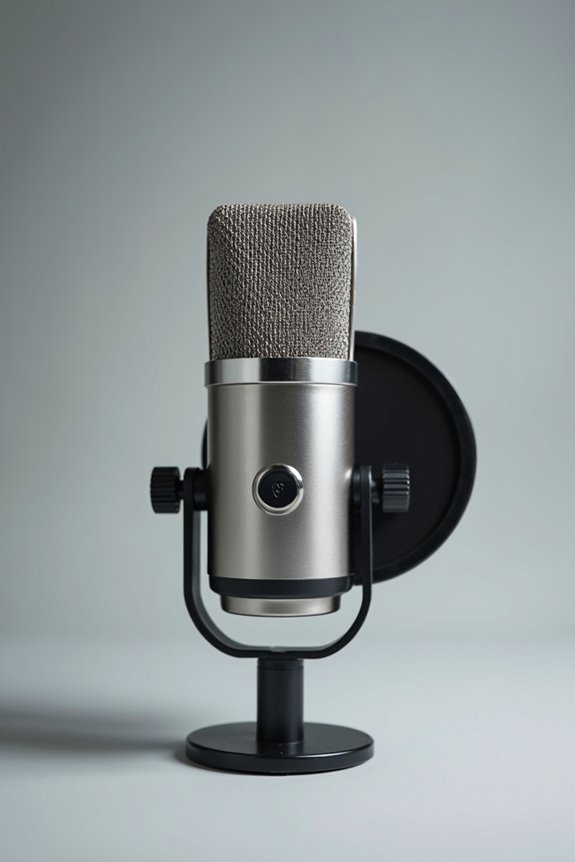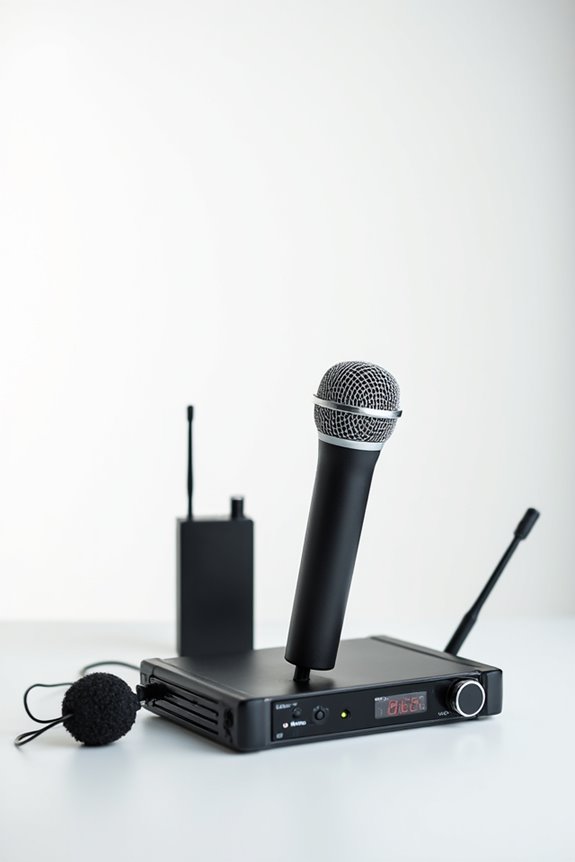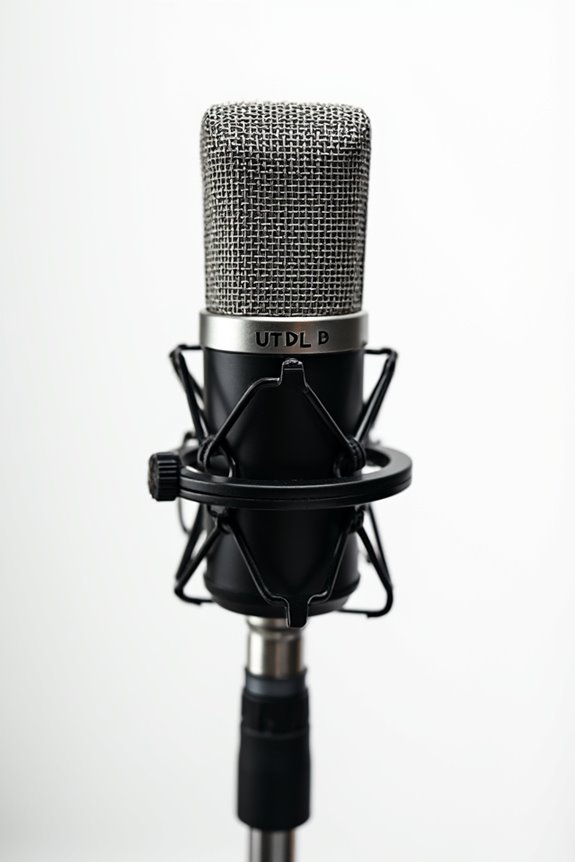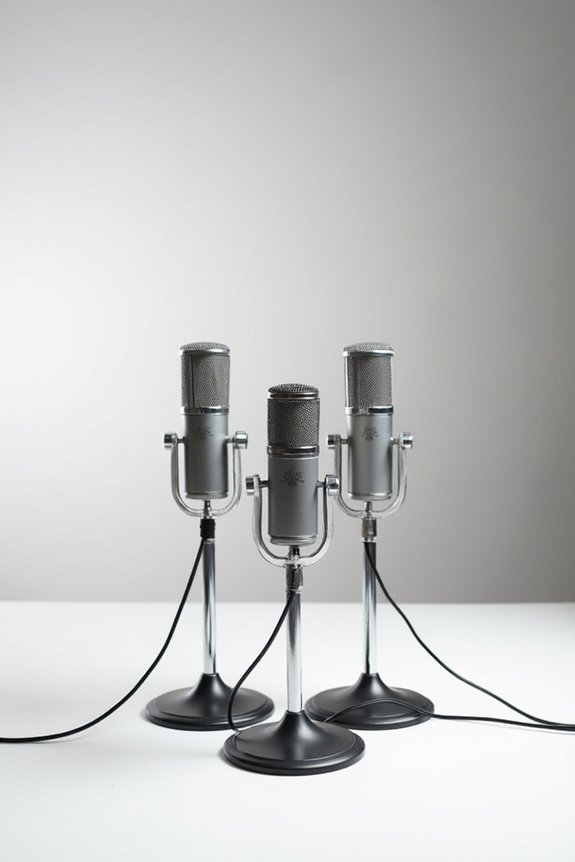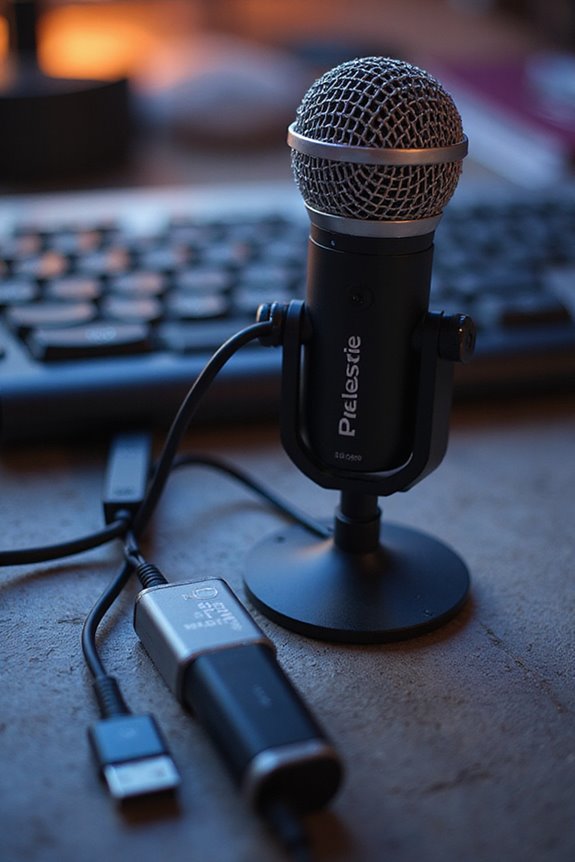

USB microphones don’t directly connect with audio interfaces, but they can totally enhance your setup! 🎤 You can plug them into your computer easily, and they work great for solo projects. However, if you’re looking for the pro-quality sounds, XLR microphones paired with audio interfaces are the way to go! They offer stunning sound fidelity and multiple inputs for various sources. If you’re curious about the best options for your recording adventures, we’ve got more insights ahead!
Key Takeaways
- USB microphones typically do not connect directly to audio interfaces due to different connection types (USB vs. XLR).
- Most audio interfaces are designed primarily for XLR microphones to provide superior sound quality and preamps.
- Some audio interfaces may have USB inputs specifically for connecting USB microphones, but this is less common.
- USB microphones can be used with computers that also have audio interfaces for enhanced recording setups.
- For portable and simple setups, USB microphones offer convenience without needing an audio interface.
Understanding USB Microphones and Audio Interfaces
You may be interested



Understanding USB microphones and audio interfaces can feel a bit like entering a new world, but it’s really not as complicated as it seems! 🥳 At their core, USB microphones are handy devices that combine several components into one neat package. With USB connectivity, they easily plug directly into a computer’s USB port, offering a seamless experience.
These microphones include microphone integration, preamps, and an analog-to-digital converter all in one. This simplicity means no extra hardware is needed, making them ideal for beginners. However, they typically support only single-track recording and lack the expandability of audio interfaces. Plus, they usually come with a handy headphone output for monitoring. So, if you’re just starting out, a USB microphone could be your best friend! 🎤 Additionally, they often feature noise-canceling technology that enhances audio clarity by reducing background noise in your recordings.
Key Differences Between USB Microphones and XLR Microphones

When it comes to sound, XLR setups usually provide superior fidelity! They’re perfect for detailed tonal shaping. However, USB mics offer plug-and-play convenience, making them great for beginners. Lastly, XLR mics can stretch their cables for hundreds of feet, while USB is limited to about 16.5 feet. So, whether you want simplicity or professional quality, the choice of microphone types impacts your setup! Additionally, USB microphones can easily connect to audio interfaces like the PreSonus AudioBox 96 for enhanced recording capabilities.
Recommended Products

Accompaniment Styles add a "backing band" when you play or perform for dynamic and professional results. Customize and personalize your music while maintaining control over chord changes and arrangements.

48 Input Channels, 36 Total Busses, PAFL Bus, 12 Stereo Mix (Aux or Group) + Main

[ All-in-One Smart Podium] This smart digital podium combines a 23.6-inch touchscreen display, OPS computer, Two wired gooseneck microphone, and motorized height adjustment into one integrated unit, making it the perfect solution for modern conferences, lectures, and public speaking events. Designed for professional use, it delivers seamless functionality for engaging and dynamic presentations.
Advantages of Using USB Microphones
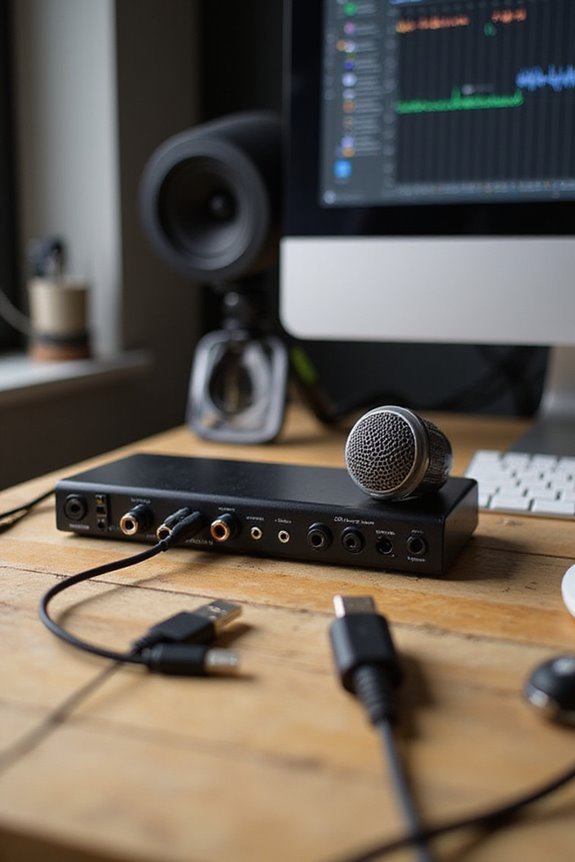
USB microphones have really taken the spotlight in recent years, offering a remarkable blend of convenience and quality! 🎤 With their all-in-one design, which incorporates built-in preamps and A/D converters, setup becomes a breeze. Here are some USB microphone benefits that make them appealing:
- Simplicity: Just plug them into your computer, and you’re good to go—no complicated setups!
- Cost-Effective: They’re generally cheaper than traditional mics and audio interfaces, making them beginner-friendly options.
- Portability: Light and compact, they’re perfect for on-the-go recording.
- Compatibility: They work seamlessly with common software like Zoom, ensuring you won’t miss a beat during meetings! Additionally, many USB microphones utilize high-quality audio interfaces to enhance sound fidelity, making them a great choice for professionals.
Recommended Products

Large-diaphragm Tube Condenser Microphone with 2 Polar Patterns

Faithfull Recreation of AKG C12 Tube Mic
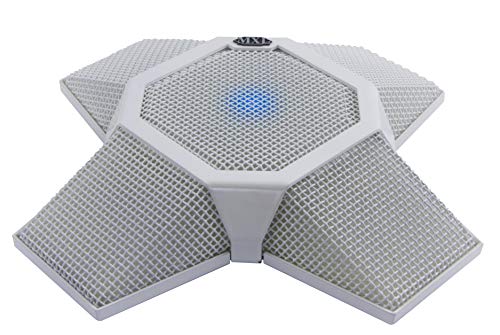
Designed by a microphone company for zoom video communications for use in zoom rooms
Benefits of Audio Interfaces and XLR Microphone Setups
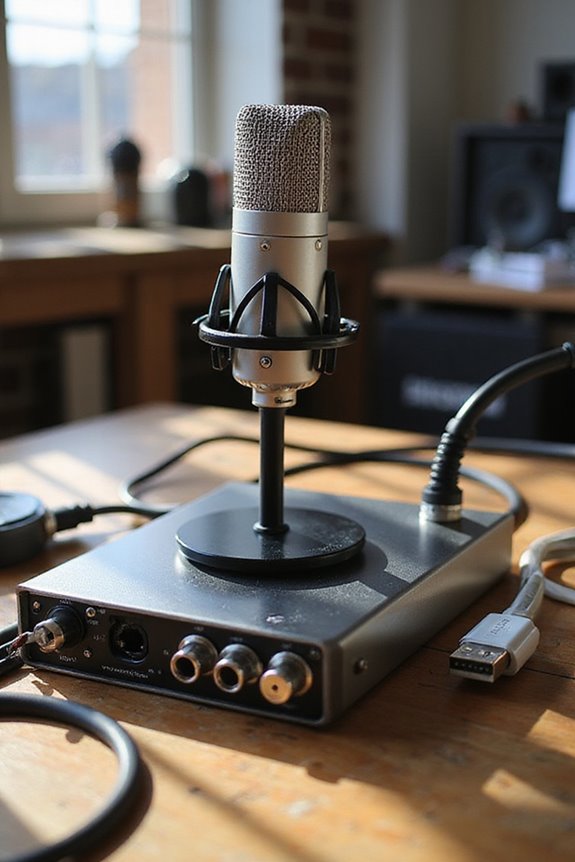
While USB microphones offer impressive convenience and affordability, we can’t overlook the advanced capabilities of audio interfaces and XLR microphone setups! 🎛 Imagine expanding your audio production journey with high-quality sound and versatile connectivity options.
Superior Audio Quality
Audio interfaces feature exceptional preamps and converters, providing clearer recordings with less noise. This means better sound—who wouldn’t want that?
Recording Flexibility
With multiple XLR and instrument inputs, we can record various sources simultaneously. Perfect for bands or podcasting, right?
Low Latency Monitoring
Real-time monitoring without delays keeps us in the groove, making recording smoother and more enjoyable! Additionally, the low-latency drivers ensure seamless performance when using high-resolution audio formats.
Recommended Products

Mix and record through AAX DSP plugins with rock-solid sub-1 ms latency monitoring

96kHz XCVI FPGA core, less than 0.7ms Latency with all processing enabled

Suitable Use Cases for Each Setup
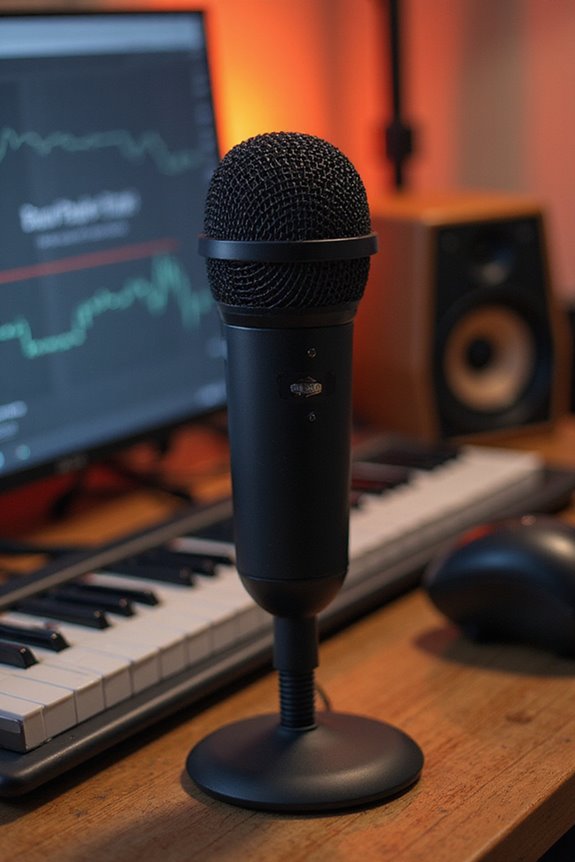
Considering the best setup for your recording or streaming needs can feel overwhelming, but it doesn’t have to be! 😊 Each option serves its purpose, and understanding suitable use cases can simplify your decision.
If quick and simple is what you’re after, USB mic advantages shine in home offices or solo voiceover projects. They’re perfect for video calls, needing minimal configuration and featuring built-in headphone outputs.
On the other hand, for those craving audio interface flexibility, consider XLR mics for multi-source recordings like bands or podcasts. They’re ideal for high-quality production and future-proofing your studio. With great sound fidelity and room to expand, audio interfaces invite creativity. Additionally, USB microphones generally require no additional drivers, making them user-friendly. Choose what fits your needs best—this journey’s all about you!
Recommended Products

System: Intel Core i9-10900K 3.7GHz 10-Core | Intel Z490 Chipset | 16GB DDR4 | 1TB PCI-E NVMe SSD | 2TB HDD | Genuine Windows 10 Home 64-bit

【Powerful Dual-System Performance】LINGHUFOX 86" 4K UHD smartboard delivers exceptional clarity and power with Windows 11 Pro (Intel 13th Gen i5-13450HX, 10 cores, 16 threads, 16GB RAM + 256GB SSD) and Android 13.0 (8GB RAM + 128GB ROM). The ultra-clear 4K display ensures stunning visuals, while the dual OS design offers faster processing and seamless multitasking. Ideal for meeting rooms, government, schools, real estate, and retail spaces to enhance collaboration and productivity.

SEAMLESS INTERACTIVE WHITEBOARD CONNECTIVITY: Easily connect to Mac, Windows, iOS, and Android devices with Eshare, AirPlay, USB, HDMI, and Type-C ports. This interactive whiteboard supports wireless screen sharing for effortless collaboration in classrooms and business meetings
Frequently Asked Questions
Can I Use USB Microphones With Mobile Devices?
Sure, we can use USB microphones with mobile devices for mobile recording! However, we need to keep compatibility concerns in mind, ensuring we have the right cables and settings for ideal performance during our recordings.
Do USB Microphones Require External Power Sources?
USB microphones don’t need external power sources, as they draw everything from the USB connection. Unlike other microphone types, they’re convenient and efficient, making them perfect for our easy, hassle-free recording sessions together.
Are There Specific USB Microphones Recommended for Podcasting?
In our podcasting journey, we’ve explored microphone comparisons, finding gems like the Shure MV7+ and Blue Yeti. Embracing these podcasting tips can elevate our content and create a community that resonates through sound.
Can USB Microphones Capture High-Quality Audio for Music Production?
Absolutely, USB microphones can capture impressive audio quality for music production. With the right recording settings, we can achieve clarity and warmth in our tracks, making them perfect for vocals and simple instrument recordings.
What Are Common Issues When Using USB Microphones With Computers?
When we’ve faced frustrating frequency issues with USB microphones, we’ve discovered that driver compatibility can cause chaos. Latency issues linger, leading to lags in audio capture. Let’s troubleshoot together and conquer these common challenges!