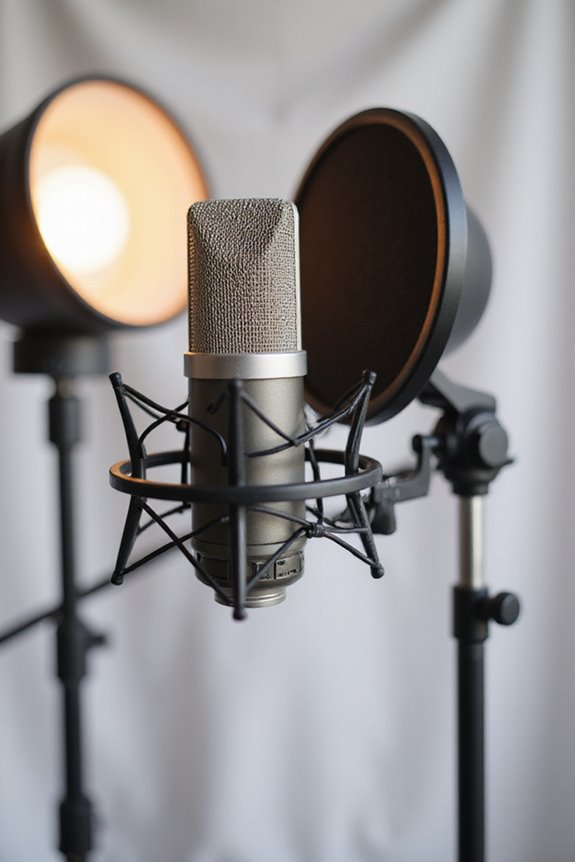

To eliminate background noise with your microphone, let’s start with your environment! Choose a medium-sized room, use soft materials like carpets or curtains to absorb sound, and seal windows and doors. Next, pick a condenser microphone for detail or cardioid patterns to focus on your voice. Don’t forget a pop filter to tackle plosives! By tweaking your setup and experimenting with placement, we can boost clarity and silence distractions. Stick around, and we’ll share more tips! 🎤✨
Key Takeaways
- Choose a directional microphone, like a cardioid mic, to focus on the sound source and minimize background noise.
- Position the microphone close to the sound source to improve the signal-to-noise ratio for clearer audio.
- Use environmental control techniques, such as sealing doors and windows and adding soft materials for sound absorption.
- Utilize pop filters and shock mounts to reduce plosive sounds and vibrations that can create unwanted noise.
- Employ noise reduction software tools during recording and in post-production to further enhance audio clarity.
Environmental Control for Noise Reduction
You may be interested
When it comes to minimizing background noise, we all know that a great recording environment makes a world of difference! 🎤 Whether you’re a seasoned podcaster or just starting out, paying attention to room acoustics can really enhance your audio quality.
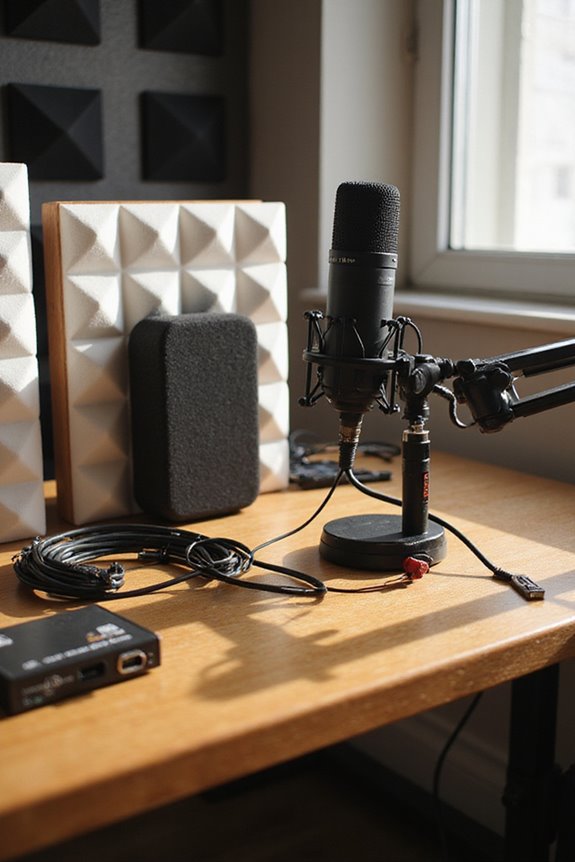
Let’s jump into environmental control for noise reduction. To start, we should consider environmental soundproofing. Adding soft materials like carpets and curtains can absorb sound, while acoustic foam panels help reduce echo. Noise barrier installation is key too! Sealing doors and windows keeps out outdoor disturbances like traffic.
Lastly, turning off noisy appliances during recording sessions can help lower that unwanted background hum. By organizing our cables safely, we minimize electromagnetic interference. Together, we can create a recording oasis that sounds just right! 🎶 Additionally, investing in an audio interface with a built-in gate for noise control can significantly improve the clarity of your recordings by eliminating unwanted sounds.
Choosing the Right Microphone Hardware

Choosing the right microphone hardware can make or break your recording experience! 🎤 While you might think any microphone will work for capturing audio, understanding the nuances between different types can greatly affect the quality of your sound.
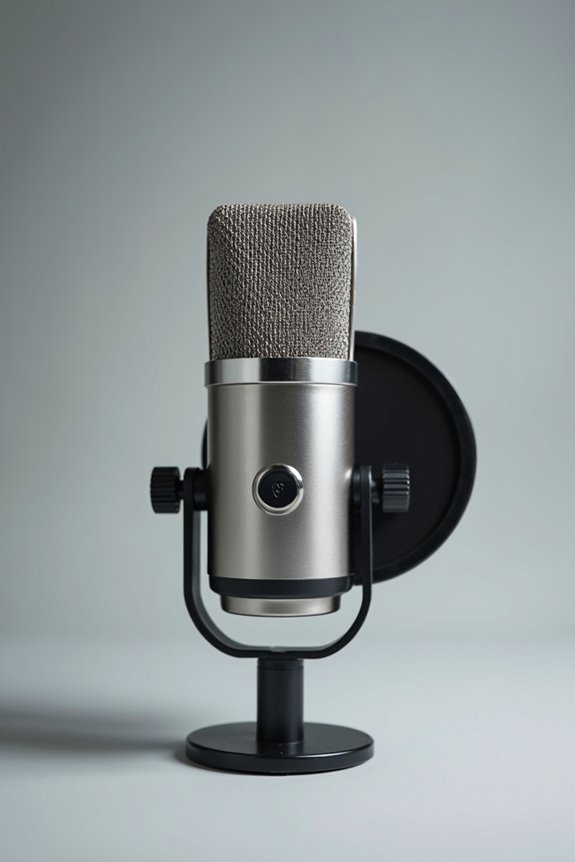
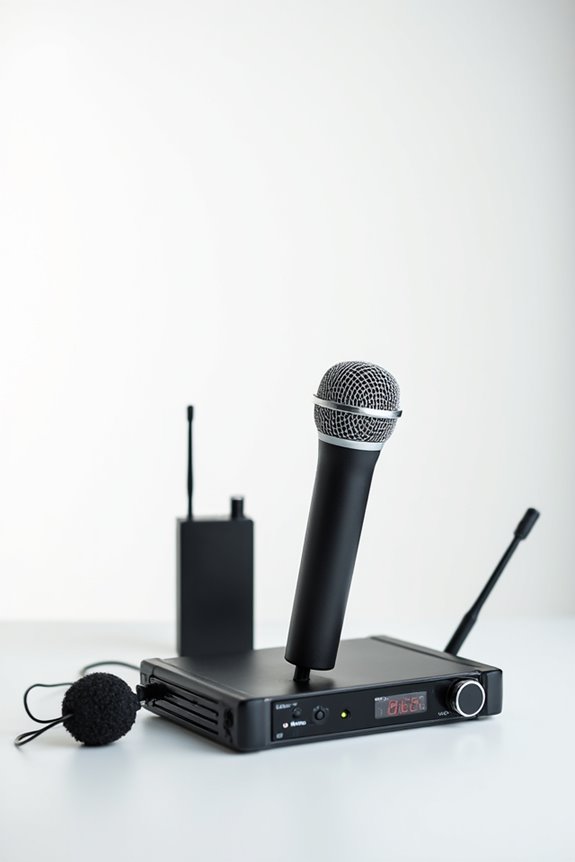
Let’s break it down! We’ve got condenser mics for detail, dynamic mics for noisy spots, and lavalier options for mobile interviews. Don’t overlook the importance of polar patterns—cardioid ones focus on you, reducing background noise. Plus, features like built-in noise cancellation can save the day! Additionally, opting for a microphone that supports 24-bit/192kHz recording can significantly enhance your audio fidelity.
USB mics are super convenient for streaming, but keep in mind XLR connections give us greater control. Whatever your audio applications, choosing the right microphone features is essential for crystal-clear sound!
Recommended Products

For Studio Recording ; Faithful Recreation of RCA 44

Pre-polarized Sub-miniature Cardioid Earset Condenser Microphone with 100mm Boom MicroDot Connect - Beige

Essential Accessories for Enhanced Audio Quality
Recommended Products

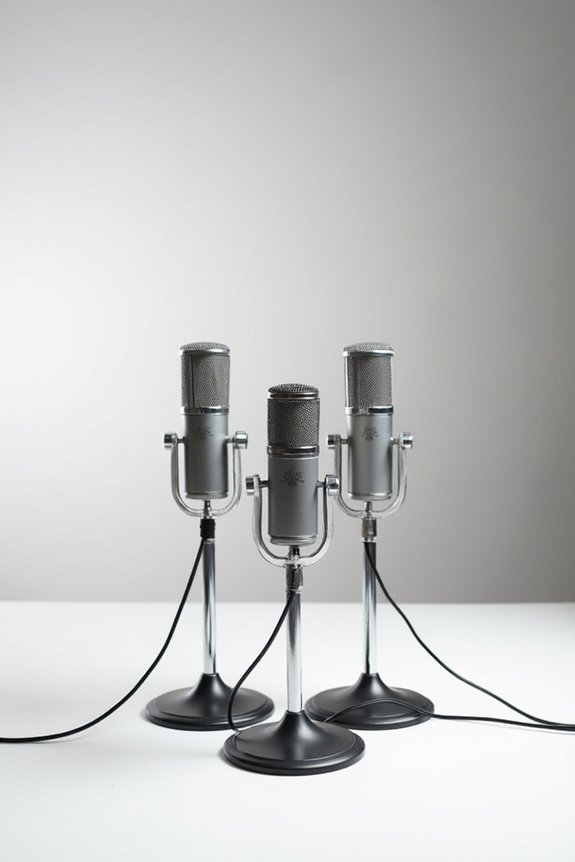
Matched Pair Studio Grade Professional Large Diaphragm Vocal and Instrument Condenser Microphone with Rugged Aluminum Carrying Case. XLR Connector. Astounding sound quality for lead vocals and solo instruments
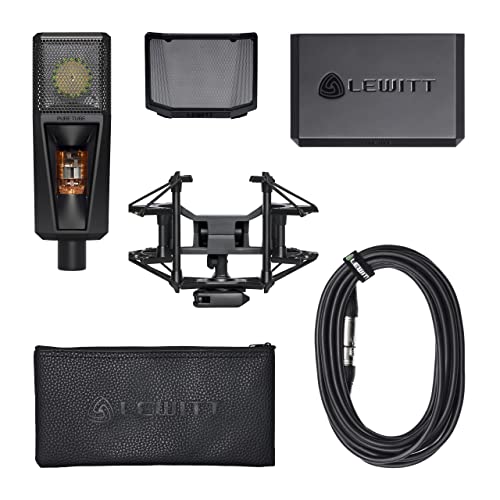
Studio microphone with timeless, premium sound

Large-diaphragm Condenser Microphone with Cardioid Polar Pattern
Pop Filters
These handy tools reduce plosive sounds like “p” and “b,” improving clarity and protecting our mic from moisture.
Shock Mounts
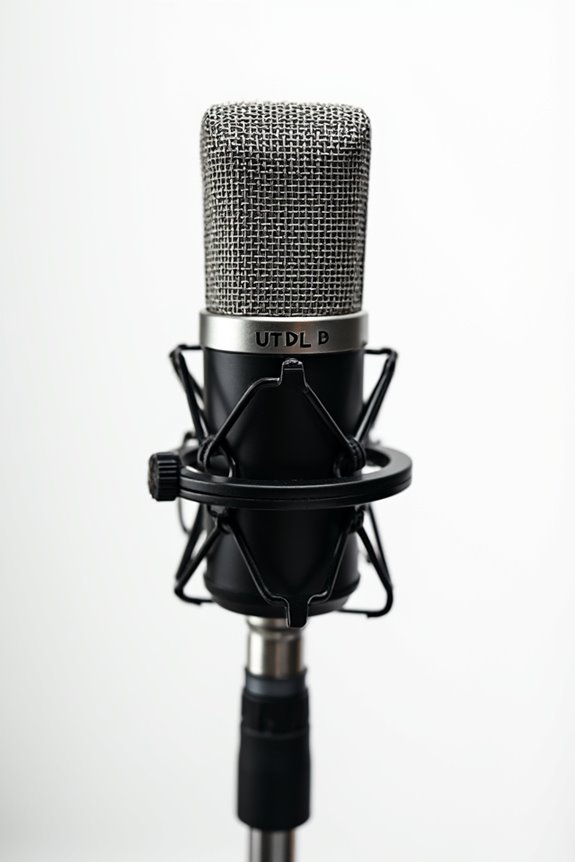
They isolate our microphone from unwanted vibrations and accidental bumps, maintaining consistent sound quality during recording.
Preamps
In-line preamps give us a boost of up to 25 dB, enhancing sound without pushing our equipment too hard.
Cable Quality
Finally, high-quality microphone cables minimize interference, ensuring great signal integrity. A well-designed audio interface with built-in preamps can significantly enhance your recording setup.
With these essentials, we’re well on our way to killer recordings! Ready to sound our best?
Utilizing Software Noise Reduction Tools
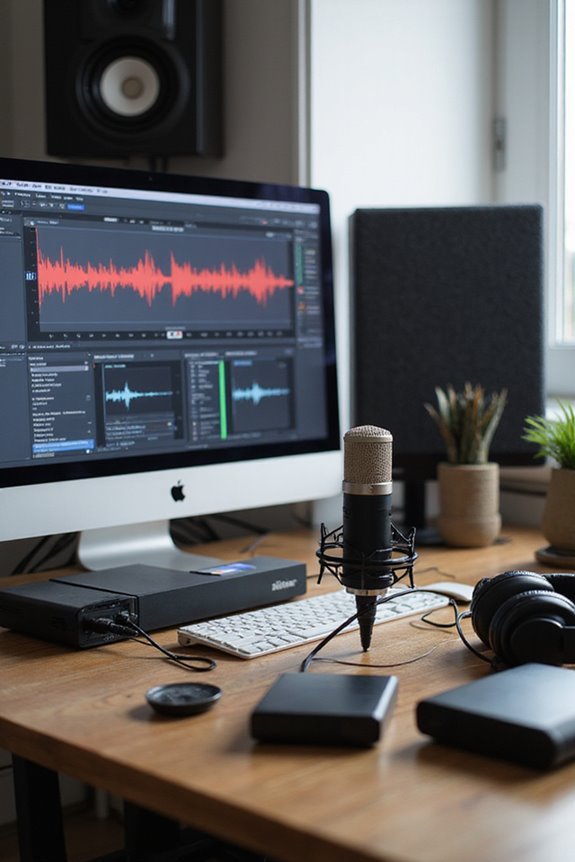
In the world of audio recording, background noise can be a pesky intruder that disrupts your perfect take. One way we can tackle this is by utilizing software noise reduction tools. AI tools like Krisp are fantastic for real-time noise suppression during calls, while Audacity lets us create noise profiles to clean up recorded audio after the fact. With CrumplePop, we can apply AI noise reduction inside our DAWs, targeting pesky sounds like wind or traffic. Plus, Discord’s integration with Krisp simplifies noise removal during chats, making it user-friendly for everyone! Remember, whether it’s real-time or post-production, these tools can help us achieve clarity in our recordings, and make our audio sound crispier than a fresh bag of chips! 😄
Recommended Products

SONY USA AUTHORIZED - Includes Full SONY USA WARRANTY | Introducing the Sony Alpha a7S III - a new milestone in sensitivity, speed and image supremacy.

Unlimited Range Rapid Global Walkie Talkie (Lifetime Free SIM) FCC ID:2AN96PO25601 Break distance barriers with 4G LTE SIM support, enabling long-distance communication with 5000 miles+ coverage via cellular networks. Enjoy nationwide connectivity without subscriptions or hidden fees.

🥇🥇🥇🥇🥇【100% AUTEL O.R.IGINAL】As an authorized Autel distributor, we source all products 100~% AUTEL O.R.IGINAL, directly from Autel's factory. This g.u~arantees a~uth.entic product quality and comprehensive a-fter-s-ales su.pp.ort. 📢Any issues, please re~ach📩AutelStoreOnline @ outlook . com📩
Advanced Techniques in Digital Audio Workstations
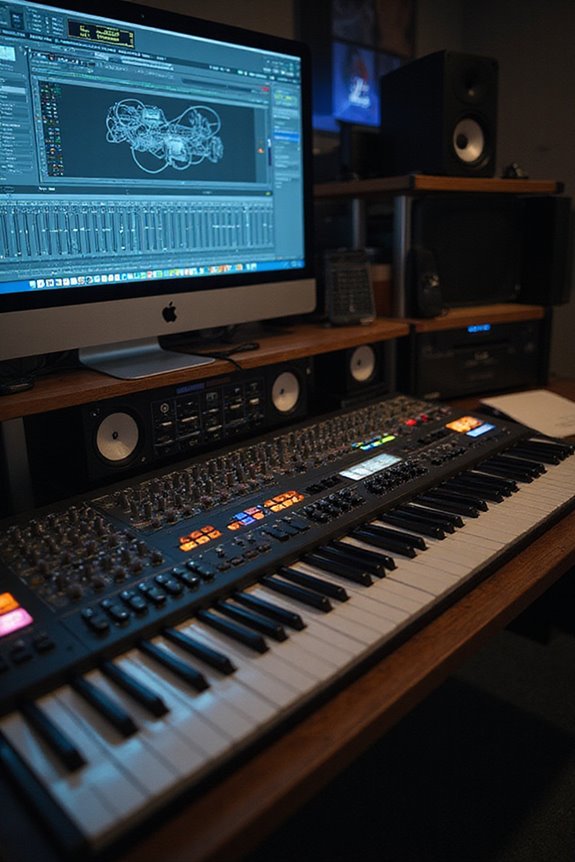
While diving into advanced techniques in digital audio workstations (DAWs), we can discover powerful methods that elevate our audio production game! 🎶 Noise management is essential, and using tools like noise gates can be a game-changer. By adjusting parameters like Threshold, Attack, and Release, we effectively reduce unwanted sounds during quiet moments.
Multiband expansion is another clever trick we can use. It selectively targets specific frequency ranges, preserving our vocals while minimizing background noise. Spectral editing also allows us to isolate and remove frequencies without disturbing the main audio, letting clarity shine through. Additionally, utilizing built-in analog compressors can further enhance vocal clarity and control dynamic range in your recordings.
Effective Recording Techniques
Effective recording techniques can make a world of difference in achieving high-quality audio. Let’s talk about some handy recording strategies! First, mic placement is key; position your microphone close to the sound source to boost the signal-to-noise ratio and minimize unwanted background noise. Using a directional microphone like a cardioid can help too, as it focuses on sound coming from one direction.
Don’t forget to eliminate external noise! Close doors, turn off distracting devices, and pick a quiet time for recording. Also, consider using sound-absorbing materials—like foam panels or carpets—to dampen echoes. Additionally, using an audio interface with ultra-low latency can further enhance your recording experience by ensuring seamless audio capture. By following these steps, you’ll transform your recordings into polished gems! 🎤✨ Let’s make that audio shine!
Recommended Products

2 x C414 XLS Sonically Matched Pair - Engineered for highest linearity and neutral sound for beautifully detailed recording of vocals and any acoustic instrument
Cable Management and Physical Setup
When you’re setting up your audio equipment, the importance of cable management can’t be overstated! Proper cable organization not only keeps things tidy but also helps maintain signal integrity. Let’s plan our cable runs strategically to avoid the chaos of random connections. First, route cables along desk edges and keep audio and power cables separate to minimize interference.
Consider using cable sleeves and Velcro ties for bundling; they’re reusable and flexible. Be mindful of cable lengths—go for custom lengths when possible. Securing cables from foot traffic and using protective raceways can prevent damage. Grouping cables by function makes troubleshooting easier and lays the foundation for an efficient workspace. Additionally, low latency performance is crucial for ensuring that your audio recordings are free from unwanted noise and delays. 🙌 Let’s keep those cables in check!
Monitoring and Adjusting Audio Levels
Monitoring and adjusting audio levels is essential to guarantee your recordings sound crisp and clear! 🗣 We all know how frustrating it can be to play back a session only to hear distorted audio or unintentional background noise. By using real-time monitoring, we can catch issues immediately, like low mic levels or stray sounds. Make gain adjustments so that loud audio peaks around -10 to -12 dB, preventing clipping and ensuring clarity. While we monitor through headphones, it’s important to check that our output levels are solid before adjusting the gain. Several audio interfaces even come with autosetup functions, automatically optimizing levels for us. Let’s dial in those audio levels for the best sound! 🎤
Tips for Achieving a Quiet Recording Environment
Getting the audio levels just right is only part of the equation; creating a quiet recording environment is equally important! 🌟 To capture pristine audio, we need to guarantee our surroundings are as serene as possible.
First, let’s choose a medium-sized room. It should be away from street noise and foot traffic. We can use soundproofing materials—like heavy curtains and acoustic panels—to absorb echoes and reduce reflections. Also, let’s arrange the room by eliminating noisy appliances and closing all windows and doors.
Before we record, we should capture a few seconds of silence. This will help us in post-production. With these tips and a bit of creativity, we can make our recordings shine! 🎤✨
Frequently Asked Questions
How Does Microphone Placement Affect Background Noise Pickup?
They say, “location, location, location.” We all know how microphone placement influences background noise pickup. By harnessing microphone directionality and sound isolation, we can greatly reduce unwanted noise and enhance our audio experience together.
Can Using Headphones Help Reduce Background Noise During Recording?
Using headphones can definitely help reduce background noise during recording. Different headphone types offer varying levels of noise isolation, enhancing our audio clarity and allowing us to focus on our voice without distractions from our environment.
What Environmental Factors Contribute to Background Noise Issues?
When we explore background noise issues, we can’t ignore room acoustics and how ambient sounds interact. Poorly treated spaces amplify unwanted noise, turning our recordings into chaotic blends, making it essential to enhance our environments for clarity.
How Often Should I Replace My Microphone for Optimal Sound Quality?
When it comes to microphone lifespan, we should aim to replace it every few years to maintain ideal sound quality. Regular checks can help us catch issues early, ensuring our audio remains clear and professional.
Is It Beneficial to Record Multiple Takes to Reduce Noise in Editing?
When we think of our recordings as a garden, nurturing multiple takes blooms opportunities for cleaner audio. Using savvy recording techniques and editing software, we can cultivate a masterpiece, together, minimizing unwanted noise while enhancing our sound.