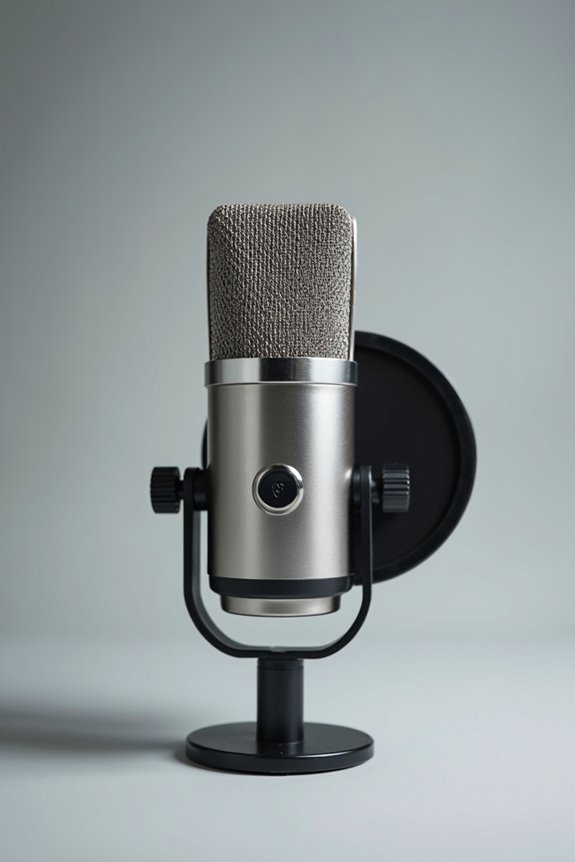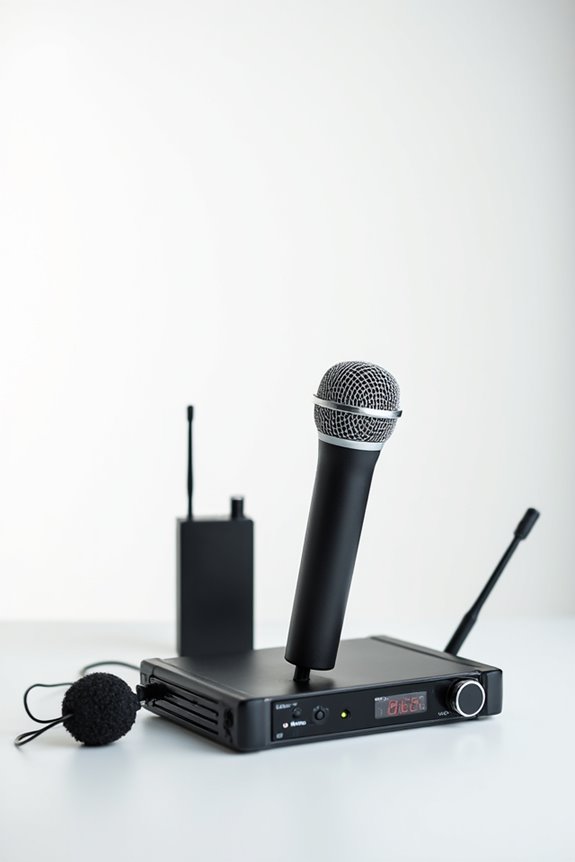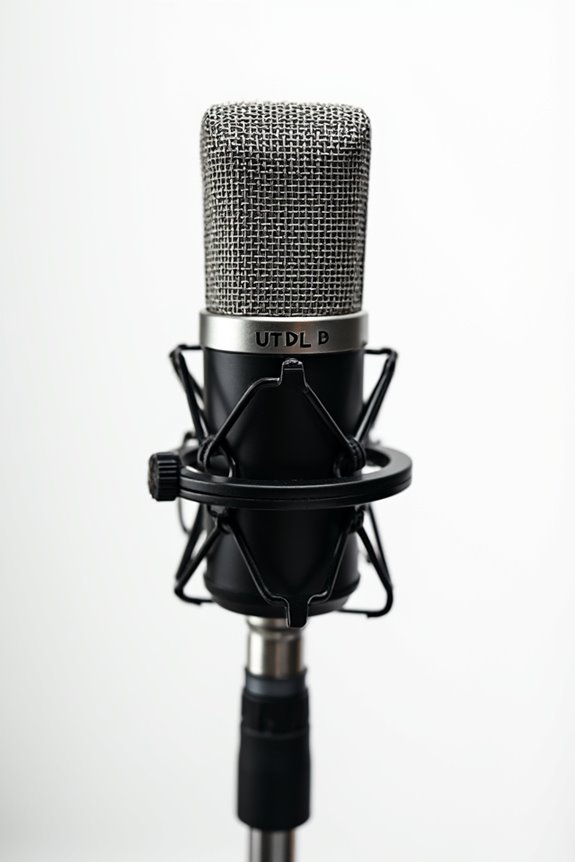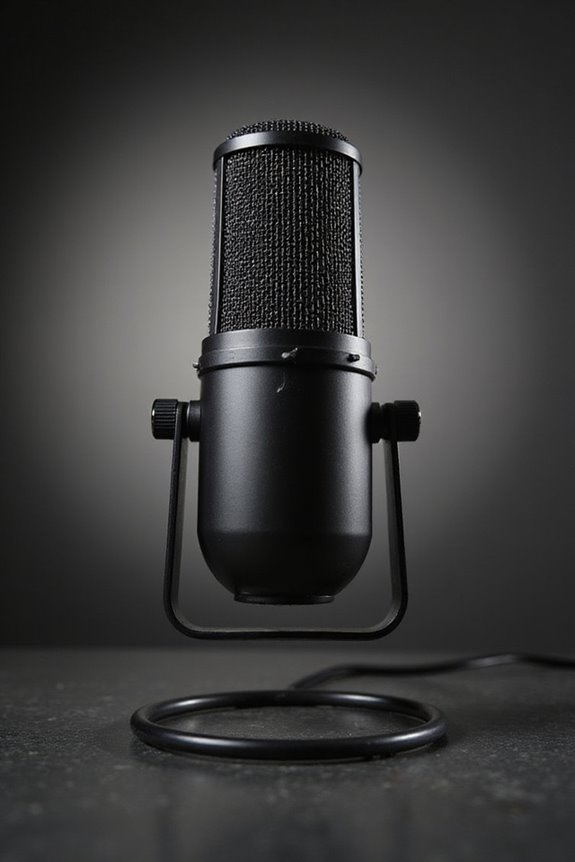

When setting microphone gain, we need to strike a balance! Too much gain can lead to distortion, while too little may capture unwanted noise. Start with gain settings between 0 dB to +70 dB, adjusting based on your source volume and microphone type. Remember, dynamic mics often need higher gain, while condensers don’t. Keep an eye on those meters—green is good, red is bad! Discover more tips and tricks for achieving that perfect sound! 🎤✨
Key Takeaways
- Start gain settings between 0 dB and +30 dB for most applications, adjusting as needed based on source volume and mic type.
- Monitor audio levels; aim for green on meters to avoid distortion, while keeping an eye on potential clipping in red.
- Maintain lower gain in live settings to reduce feedback and control ambient noise interference.
- Consider the distance from the microphone; closer placement often allows for lower gain settings without sacrificing sound quality.
- Use high-quality preamps for clearer gain adjustments, ensuring optimal signal integrity in your recordings.
Importance of Correct Microphone Gain Setting
You may be interested
When it comes to audio recording, we can’t underestimate the importance of correct microphone gain settings. Getting the gain right can make all the difference! 🎤 Using the right gain techniques boosts our recordings, ensuring clarity and richness without distortion. When gain effects are neglected, we might end up amplifying noisy backgrounds or unintentionally clip our signals. This can turn sweet melodies into chaotic sounds! By optimizing the gain, we enhance our signal-to-noise ratio, capturing those delicate vocal nuances or instrument dynamics important for professional quality. We want our recordings to shine without needing heavy post-processing. So, let’s focus on achieving that perfect balance—it’s where the magic happens! 🌟 Whether it’s a podcast or music track, proper gain means professional sound! Additionally, using devices equipped with pad switches can help prevent distortion during loud performances, further enhancing our recordings.
Methods for Adjusting Microphone Gain
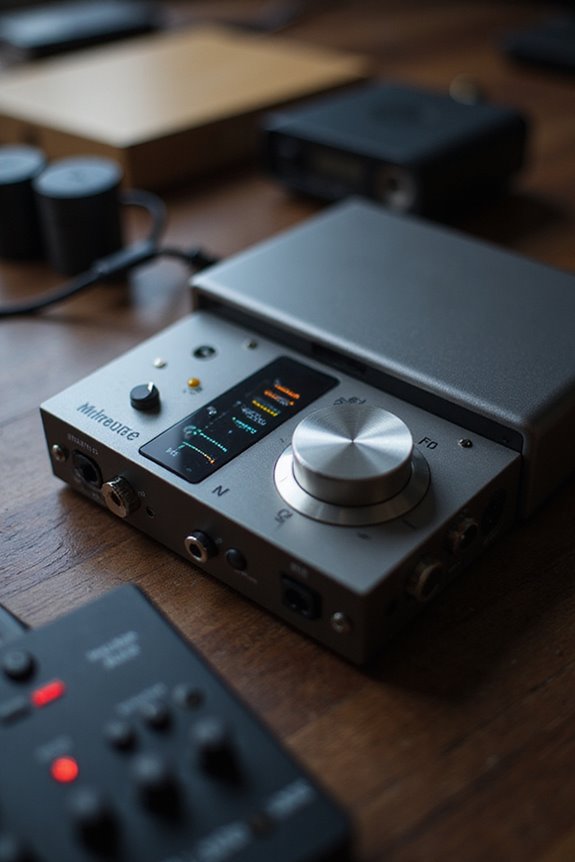
Adjusting microphone gain can feel like walking a tightrope, as we strive for that perfect balance between clarity and distortion. 🎧 Fortunately, we’ve got some solid methods to help us navigate this process!
1. Gain Knob Use****
Start by using the gain knob to adjust sensitivity; clockwise boosts input signal, while counterclockwise lowers it! Proper gain calibration prevents distortion and guarantees clarity.
2. Source Volume and Distance****
Next, consider your sound source: louder sources need higher gain, and distance increases this need.
3. Signal Monitoring****
While increasing gain, monitor your meters. Green means good, red means trouble!
4. Feedback Management****
In live settings, keep gain low to minimize feedback.
5. Software Controls****
Digital interfaces offer precise gain control, maximizing signal integrity. Let’s keep that audio crisp!
Recommended Products

Ample input capacity and hands-on control in a compact console that can handle a wide range of applications.

Creativity in motion - 7" Motorized high torque aluminum platters with magnetic acrylic discs, Build in Displays for Song info and Waveforms, OLED Pad Mode Displays, advanced FX and Stem Controls
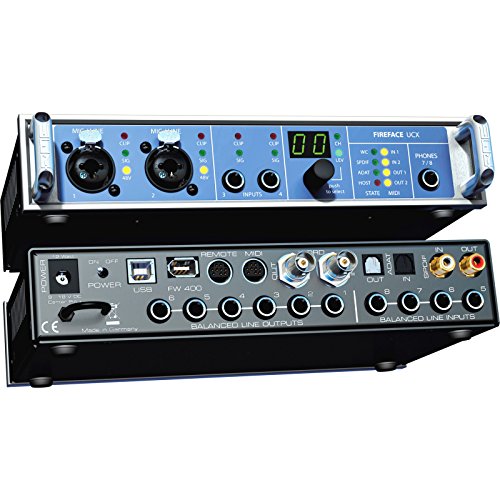
36 total channels of audio
Factors Affecting Optimal Gain Level
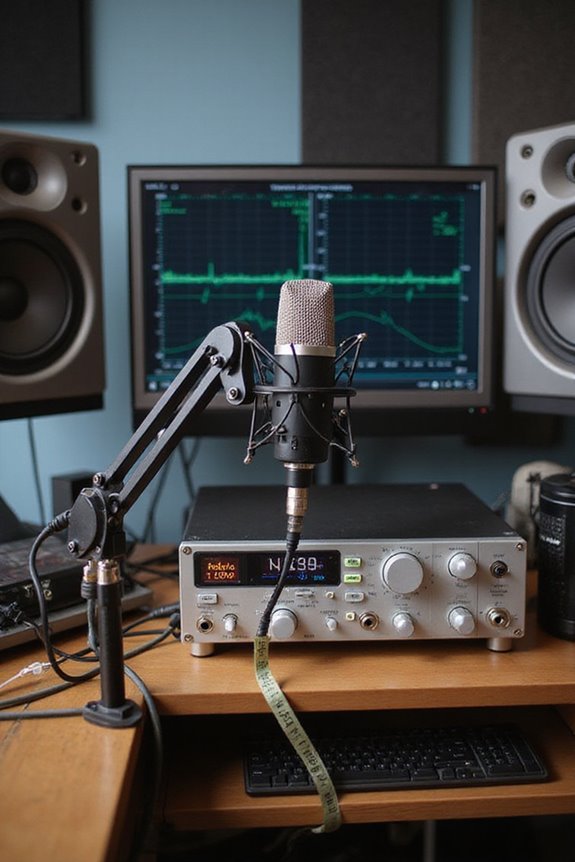
Achieving the right microphone gain level can feel a bit like playing a game of audio Jenga—one little adjustment can make everything tumble! 🎤 Various factors come into play, impacting how we set our gain for ideal sound quality.
- Ambient Noise: Higher background noise needs careful gain management to avoid capturing unwanted sounds.
- Mic Sensitivity: Dynamic microphones often require increased gain, while condensers provide more output, needing less adjustment.
- Sound Distance: How far away you are from the mic affects the level; closer means less gain and lower ambient noise.
- Equipment Quality: Better preamps allow for clearer gain settings without distortion.
Recommended Products

8 award-winning Midas PRO mic preamps and 8 Midas PRO outputs onboard

Class-leading AD-converter resolution with a dynamic range of 136 dB

Fully integrated audio production studio for streamers, podcasters, musicians and content creators
Technical Understanding of Microphone Gain
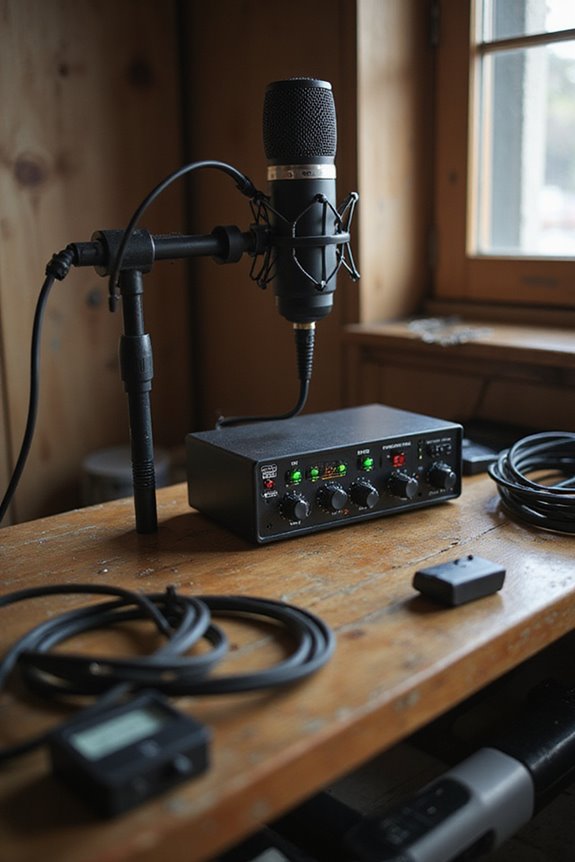
Understanding microphone gain is key to getting the best sound quality from your audio setup, and it’s all about elevating that low voltage signal to something usable! 🎶 We’re talking about a preamplifier’s job here, where gain settings whisk signals from their quiet beginnings to a level ready for mixers or recording devices. By grasping gain structure, we guarantee our microphone output matches the requirements of our gear, avoiding distortion and preserving signal integrity.
With typical gain ranges between 0 dB to +70 dB, it’s important to find that sweet spot! Remember, over-amplification can introduce unwanted noise, so let’s keep those levels in check. Finding the right gain setting not only boosts our audio but creates a professional sound we can all enjoy together! Additionally, selecting an audio interface that supports phantom power ensures compatibility with condenser microphones, enhancing your recording capabilities.
Practical Tips for Setting Microphone Gain
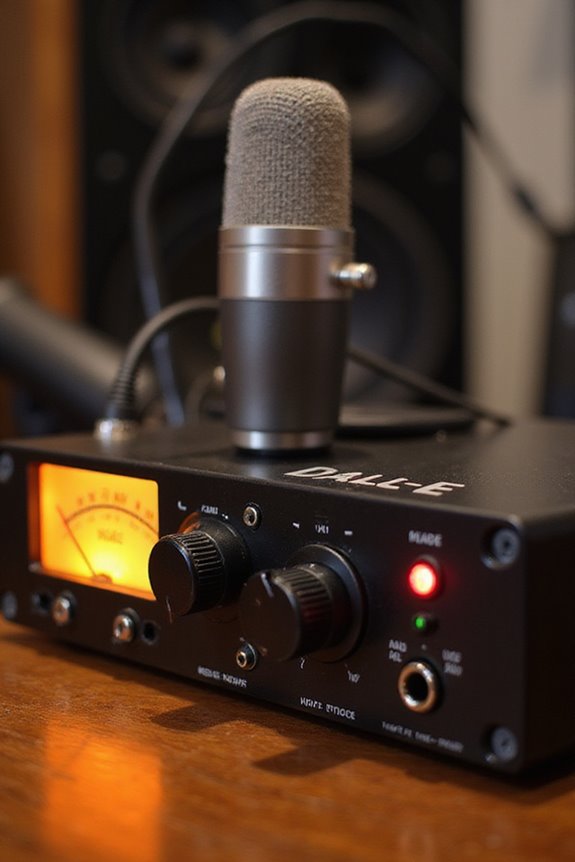
Finding the right microphone gain settings can feel like a balancing act, but don’t worry—we’ve got you covered! 🎤 Before diving in, let’s talk about some practical steps.
Start with Monitoring****
Always mute your monitors before plugging in the mic. Activate phantom power only after that. Headphones or isolated monitoring help us hear audio clarity during gain adjustments.
Adjusting Gain in Steps
As your performer speaks, start adjusting the gain gradually. Watch the level meters—aim for that green light! Keep it below red peaks to avoid distortion.
Use Metering Tools****
Leverage your mixer’s level meters and check both peak and average levels for effective gain staging. This keeps your sound buttery smooth without unnecessary noise. Remember, clarity is key! 📈 Additionally, consider using dedicated monitoring controls to enhance your recording experience and maintain optimal input levels.
Recommended Products


Best sounding assisted listening system on the market with true stereo equipped with two digital chips per transmitter and receiver

For Hybrid Production in Studio & Stage, 4 Console-Grade SuperAnalogue Mic Pres
Consequences of Improper Gain Settings
When we overlook proper gain settings, we’re inviting a host of audio issues that can ruin an otherwise stellar recording! 🚫 Imagine cranking up the microphone gain only to find your sound marred by distortion and clipping. This gain distortion not only makes it hard to understand what’s being said but can also lead to unwanted noise amplification, pulling in every little hum and buzz from the environment. Excessive gain can even stress our equipment, risking damage to our beloved gear! Let’s avoid the temptation to push levels too high. Instead, by keeping our gain within ideal ranges, we guarantee crystal-clear audio that’s a joy to listen to, while protecting our equipment for future adventures! 🎤✨ Additionally, ensuring compatibility with audio interfaces for XLR mics is crucial for achieving the best sound quality.
Frequently Asked Questions
How Do I Know if My Microphone Gain Is Set Correctly?
We can tell our microphone gain is set correctly by watching gain indicators, ensuring audio levels remain mostly green with occasional yellow. Test our recordings, listen closely, and adjust to avoid distortion or noise.
Can I Adjust Microphone Gain on My Smartphone?
Like trying to tune a fine instrument, we can’t directly tweak microphone gain in smartphone settings. Instead, we explore third-party apps for better audio quality, ensuring our recordings capture the sound we desire.
What’S the Best Gain Setting for Live Performances?
When setting gain for live sound, we should focus on keeping performance levels peaking between -6 to -10 dBFS. Let’s work together to guarantee clarity and avoid distortion for a great experience!
Do Different Microphones Require Different Gain Adjustments?
Absolutely, different microphones do require varied gain adjustments. For instance, dynamic microphones often need higher gain settings, while condenser microphones usually require less, enhancing our ability to capture sound finely in various environments together.
How Can I Avoid Background Noise When Setting Gain?
As we navigate the sea of sound, let’s embrace noise reduction techniques. By fine-tuning our gain settings, positioning microphones wisely, and fostering good environments, we can create a symphony free from unwanted background noise together.