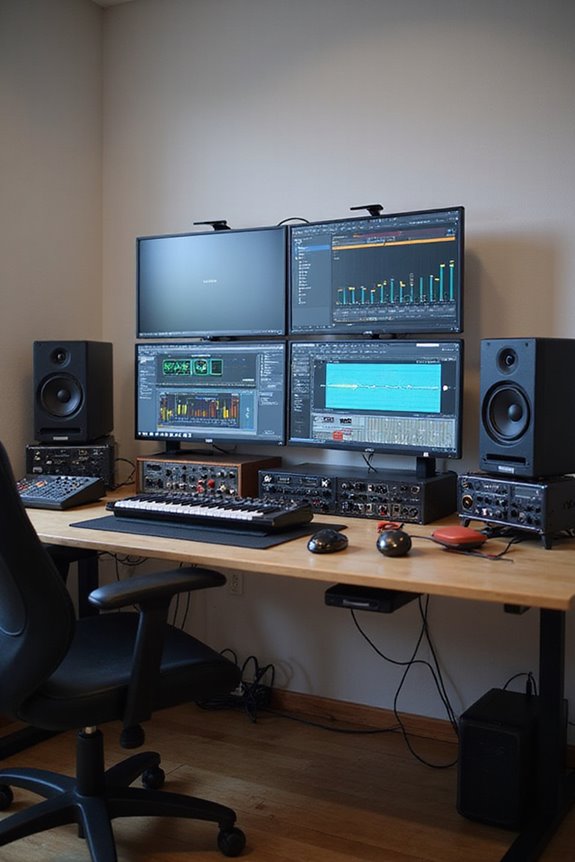
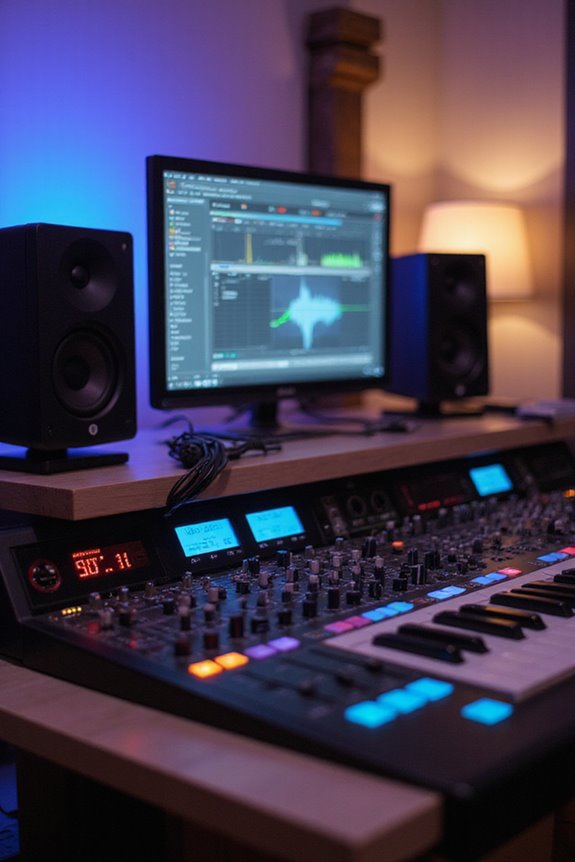
When you’re starting out, finding the right software can be a game-changer! For video editing, we recommend VideoPad or Movavi for their ease of use! If music’s your jam, GarageBand is fantastic for Mac users, while FL Studio is great for everyone! For photo editing, Adobe Lightroom shines for organization, and Canva rocks graphic design with drag-and-drop simplicity! Want to boost your writing? Try Google Docs or yWriter! Stick around to discover more fabulous tools! 🎉
Key Takeaways
- Video Editing: Software like VideoPad and Movavi offer user-friendly interfaces, ideal for beginners seeking essential editing tools without complexity.
- Music Production: GarageBand and FL Studio provide intuitive interfaces, making them excellent choices for beginners in music creation and recording.
- Photo Editing: Tools like Polarr and Adobe Lightroom are accessible for beginners, offering effective features for essential photo enhancements.
- Graphic Design: Canva and GIMP are top picks for beginner graphic designers, combining ease of use with powerful design capabilities.
- Writing and Productivity: Google Docs and yWriter facilitate beginner-friendly writing experiences, with features that support collaboration and structural organization.
Video Editing Software for Beginners
You may be interested



When it comes to diving into video editing, choosing the right software can feel like finding a needle in a haystack! 🎥 But don’t worry—we’ve got your back! For beginners, VideoPad is a fantastic option with its user-friendly interface and essential editing tools. Movavi Video Editor shines with drag-and-drop functionality and intuitive features, perfect for quick projects. If you’re into short-form content, CapCut offers a swift and engaging experience.
Canva’s web-based editing simplifies the process further, while Clipchamp caters specifically to Windows 11 users! To make the best choice, we recommend checking out beginner tutorials and digging into software comparisons to find what suits you best. Let’s explore the amazing world of video editing together!
Recommended Products

【For Side Hustles Ready for Real Production】BAI THE MIRROR is built for creators, Etsy sellers, custom apparel shops, and small business owners who are ready to move from occasional projects to stable commercial production. It supports hats, shirts, jackets, patches, uniforms, logos, and custom orders with a workflow designed for business growth.

Includes Brother BES BLUE Embroidery Software Included Free! - BES Blue has lots of Embroidery and Lettering Features such as On-Screen Typing, Sewing Order, Font Categories, Fills and Underlay, and more! Includes 800+ Embroidery Designs - There's a Design for Almost any Occasion with BES Blue! Also includes 199 Built-In Digitized Fonts - Add Beautiful Lettering to your Designs using Various BES Blue tools (Retail Value - $399.99)

❤️Two Year Ink Supply - With your printer purchase, you’ll receive a two-year supply of ink—5 bottles (250ml each) and 500g of powder! Get a new set every two months, and you only need to cover the shipping.
Music Production Software for Beginners
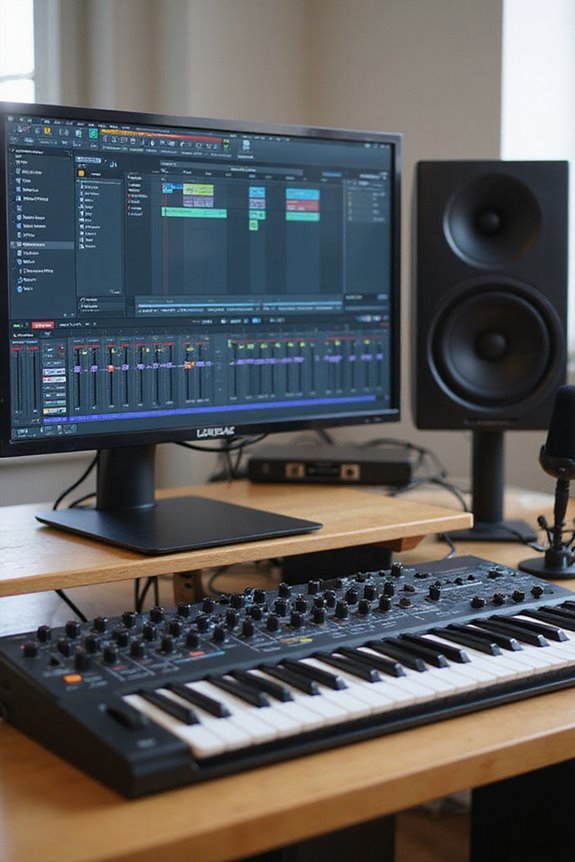
If you’re ready to step into the exciting world of music production, you’re in for a treat! 🎶 Choosing the right software can seem overwhelming, but we can make it simple.
Beginner-Friendly DAWs:
- GarageBand: Perfect for Mac users—free, user-friendly, supports 255 audio tracks, and offers tons of presets.
- FL Studio: Affordable with an intuitive interface, perfect for multi-track audio recording.
- Ableton Live: Great for seamless workflows, rich plugins, and electronic music.
- LMMS: Open-source and cost-free, similar to FL Studio—ideal for Windows/Linux users.
These tools support essential audio recording features and have large communities for help. So, whether you’re jamming or creating tracks, there’s a software out there for you! Let’s make some music! 🎵
Recommended Products

Korg’s Best Keyboard Actions- NAUTILUS AT 61 comes with a semi-weighted synth action with Aftertouch, and the NAUTILUS AT 88-key version offers a premium four-stage weighted hammer action with Aftertouch, for an ultra-realistic piano playing experience.

For high-end piano performance in a portable instrument, there’s no better choice than the Roland FP-90X.

The CFX Premium Grand Piano Voice recreates the power and tone of Yamaha's flagship CFX concert grand piano
Photo Editing Software for Beginners

Diving into photo editing can be a game-changer for anyone wanting to enhance their photography skills! 🎨 Whether you’re snapping pics on your smartphone or using a DSLR, the right software can help you elevate your images from ordinary to extraordinary.
Popular options include Polarr, which has an easy interface for beginners, and Adobe Lightroom, great for organizing your library with batch editing techniques. Paint.NET keeps things simple for absolute novices. For essential edits like color correction, inPixio is a solid choice!
As we explore software comparisons, remember that user-friendly tools and tutorials can boost your confidence. So let’s grab that software and start transforming our photos into stunning visuals! 📸✨
Recommended Products

❤️❤️❤️ 2 YEARS of FREE Ink & Powder Starting from 2025, Get 5 bottles of 250ml ink + 500g powder every 2 months — just cover shipping (US only). Save over $1000 on supplies

This Camera Bundle Items Includes: Nikon D850 DSLR Camera Import Model With 1 Year Exclusive Dealer Warranty, Nikon AF-S DX NIKKOR 18-140mm f/3.5-5.6G ED VR Lens, 420-800mm f/8 Manual Super HD Telephoto Lens, T-Mount Adapter for 420-800 Lens, 3pc Filter Lens Set: UV, PL And FLD, SanDisk Extreme PRO 128 GB Memory Card, Nikon EN-EL15c Lithium-Ion Battery (2280mAh), Nikon MH-25a Battery Charger, Spare Extra Replacement Battery.

Bundle Items Include: Nikon D3200 DSLR Camera with 18-55mm Lens + Nikon AF-S NIKKOR 200-500mm f/5.6E ED VR Lens + 128GB Memory Card + 72" Tripod + LED Light + 52mm Color Filter Kit + Camera Bag + 52mm UV Filter + Protective Memory Card Case + USB Card Reader + Hand Strap + Flexible Tripod + Lens Bag + Lens Cap Keeper + 95mm Filter Kit + Photo Editing Software + Cleaning Kit
Graphic Design Software for Beginners
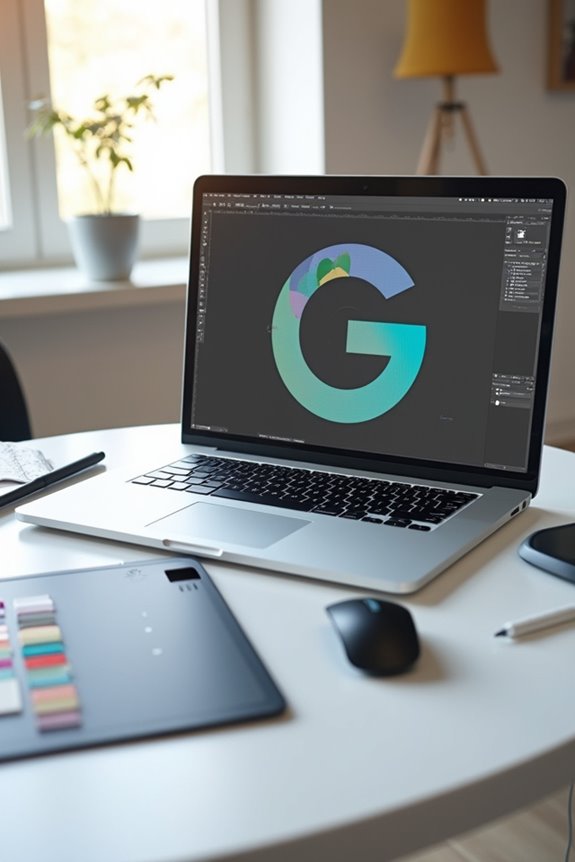
Whether you’re just starting your creative journey or looking to make eye-catching designs, choosing the right graphic design software can set you up for success! 🎨 There’s a treasure trove of options out there, catering to all skill levels and needs.
For beginners, we can start with Canva, known for its drag-and-drop user interface and millions of photos. GIMP and Inkscape are powerful, fully free design tools that offer long-term use. If you’re leaning towards digital painting, Krita shines with its natural painting experience!
Promeo and VistaCreate serve our social media heist, offering quick design features and templates. With these options, we can plunge into the world of design confidently and creatively! 🌟
Recommended Products

WHOLESALE BULK BUY: Our mega pallet of 5000 quad ruled composition notebooks is ideal for school districts, bulk buyers, and wholesale purchasing. Available in Black Marble covers, this bulk supply ensures that engineers, and professionals always have the notebooks they need for precise work.
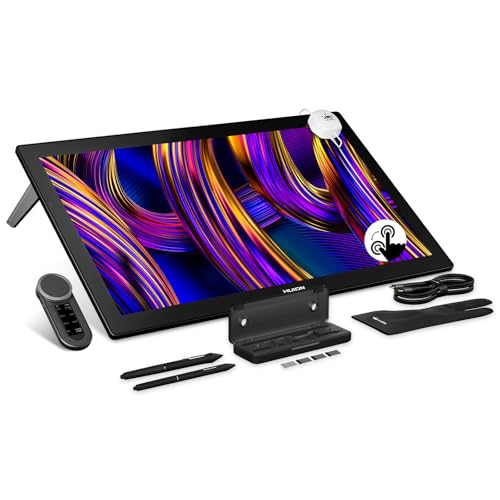
HUION's First 27-Inch 4K & 144Hz Display: The Kamvas Pro 27 (144Hz) art tablet combines a 4K UHD (3840x2160) screen with a 144Hz high refresh rate, ensuring exceptionally smooth and clear visuals that deliver the precision and immersion required for dynamic creative workflows. With a 140% increase in line display speed, every pen stroke is captured instantly and displayed without any lag

[Oversized Canvas] With a stunning 4K(3840x1260) display on an expansive 27-inch screen, Kamvas pro 27 brings every brushstroke, texture, and color gradient to life with breathtaking clarity. Without constant zooming and panning, you can stay focused on the big picture whether you're concepting characters, or editing high-res images.
Writing and Productivity Software for Beginners

As we venture into the domain of writing and productivity software, you’ll find a variety of tools that can ignite your creativity and help you stay organized! 📝 You don’t need to be a seasoned author to harness the power of these applications; the right choice can make all the difference.
For those seeking ease of use, Google Docs offers a stellar user interface with real-time collaboration. yWriter and FocusWriter provide friendly environments for beginners focusing on structure without fuss. If you’re looking for a depth of features, Microsoft Word is a classic choice, though it may come with a subscription. For tailored writing adventures, Reedsy Studio’s plotting tools create an enjoyable space to craft your next masterpiece. Each tool has its strengths, so let’s explore a feature comparison!
Recommended Products
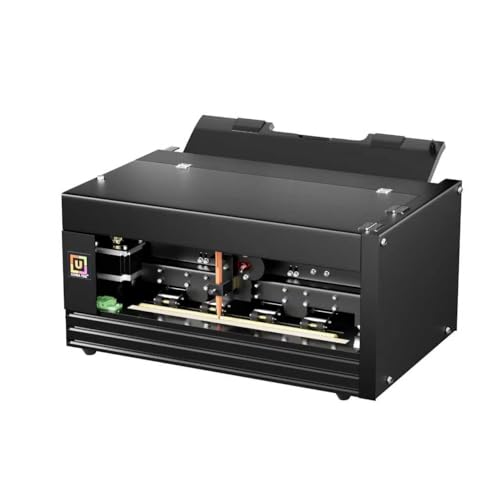
【Enhanced Control with API Integration】Unlock unprecedented control over the UUNA TEK iAuto automatic writing machine with our newly integrated API documentation. Seamlessly integrate our machine into your business operations, empowering your team with the flexibility to customize and automate tasks to suit your unique needs. Simplify workflows, boost productivity, and drive innovation with our comprehensive API support, designed to facilitate effortless second development for our valued business customers.

Next-gen, best-in-class laptop with the versatility of a studio and tablet, so you can type, touch, draw, write, work, and play more naturally

[Copilot+ AI PC with Snapdragon X Plus] Powered by Snapdragon X Plus with an AI-ready NPU for modern Copilot+ PC experiences, efficient multitasking, video meetings, document work, web browsing, streaming, and everyday productivity.
Coding and Development Software for Beginners
When we think about starting our coding journey, finding the right software can feel like looking for a needle in a haystack! But fear not, we’re here to help you navigate this exciting world!
Popular Beginner Coding Apps****
- SoloLearn offers foundational courses and interactive flashcards.
- Codecademy Go helps maintain your learning streak, though some features are limited.
- Mimo delivers bite-sized lessons in Python, JavaScript, and HTML—perfect for busy learners!
- SpriteBox: Code Hour focuses on game development for kids.
Code Editors
- Visual Studio Code is lightweight, customizable, and great for simple to complex projects.
- IntelliJ IDEA emphasizes productivity with excellent code assistance.
With these coding languages and learning resources, you’re well on your way! 🌟 Happy coding!
Choosing the Right Software for Your Needs
Choosing the right software can feel like a challenging task, especially with so many options out there! Let’s break it down together. First, consider the user interface. Opt for software with intuitive, point-and-click features, like Minitab or SPSS, which helps minimize your learning curve. Next, look at a cost analysis—are there free options like R or discounted versions of popular tools available for students? Combining functions, like using Excel for both spreadsheets and basic stats, can save you money! Also, check for built-in tutorials or online support to boost your confidence! With this approach, we can find software that fits our needs comfortably. Remember, learning can be fun when we choose the right tools! 📊✨
Frequently Asked Questions
What Are the System Requirements for These Software Programs?
When considering system compatibility, we’ve found that performance benchmarks matter greatly. Different programs have unique requirements, like RAM and storage. We should assess our hardware to guarantee peak performance for our chosen software.
Can I Use My Tablet or Smartphone With These Apps?
Absolutely, we can use these apps on our tablets and smartphones! With tablet compatibility and smartphone functionality, we’re empowered to edit videos and produce music wherever we go, enjoying creativity on the move together.
Are There Any Free Online Courses Available for Beginners?
A treasure trove of free resources awaits us! Let’s explore online platforms together, offering fantastic courses in video editing, audio production, and graphic design. We’ll learn, create, and grow as a community of beginners.
How Do I Choose the Best Software for My Specific Needs?
When choosing the best software for our specific needs, we should gather user reviews and perform a feature comparison. Prioritizing essential functionalities helps us make informed decisions that truly resonate with our goals.
What Are Common Beginner Mistakes to Avoid While Using These Software?
When diving into new software, we’ve all stumbled. Avoid common pitfalls like misunderstanding data structures and user errors in algorithms. Let’s focus on learning from these mistakes together, so we can thrive as a community.