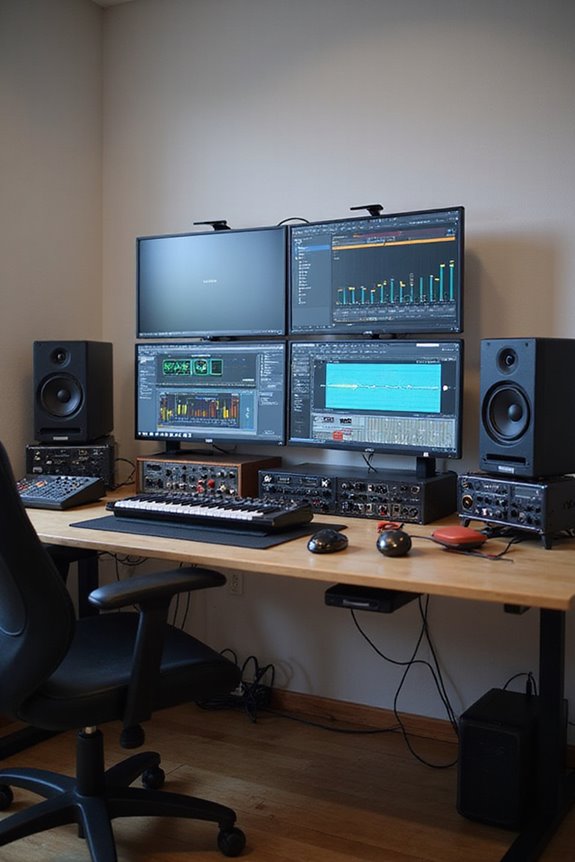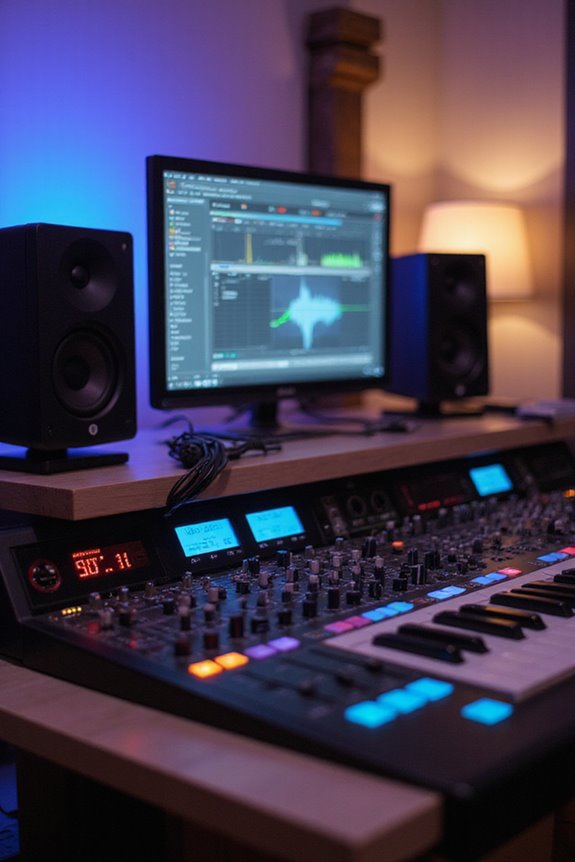

Latency in audio recording is the delay between capturing sound and hearing it during playback. It can disrupt your recording sessions, feeling like waiting for a friend who’s perpetually late! There are different types, like input and output latency, and round-trip latency. Causes usually involve driver efficiency, audio interfaces, and background tasks. To reduce latency, consider investing in quality hardware and tweaking your DAW settings. Stick around, because we’re about to explore more on managing latency effectively! 🎶
Key Takeaways
- Latency in audio recording is the time delay between audio signal input and its playback, affecting synchronization.
- It can be categorized into input, output, round-trip, touch, and warmup latency.
- Key factors causing latency include driver efficiency, audio interface hardware, and real-time processing delays.
- Measuring latency can be done using methods like an impulse signal test or a clapping test for accuracy.
- Reducing latency involves optimizing settings, updating drivers, and using high-speed connection components.
Definition of Latency in Audio Recording
You may be interested

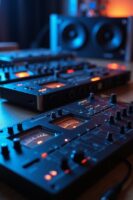
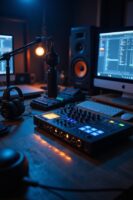
When we think about recording music, we might not immediately consider the term “latency,” but understanding it is super important! Latency refers to the time delay between when an audio input signal hits our recording system and when we hear it back through speakers or headphones. This delay can mess with our audio synchronization during real-time processing, making it tricky to keep everything in time.
For instance, a round-trip latency includes all the time taken for conversion and processing; anything over 10 milliseconds can be noticeable and disrupt our groove. By keeping an eye on latency, we can guarantee smoother recording sessions, preventing performers from feeling out of sync. Additionally, optimizing buffer size settings can significantly help in reducing latency, allowing for a more seamless recording experience. So, let’s keep that latency low and the creativity flowing!
Types of Audio Latency

Understanding the different types of audio latency is essential for anyone involved in music production or live performances. Let’s break it down!
Input Latency is the delay between your initial audio signal and when it’s captured, which can disrupt timing—especially for musicians! Output Latency is the wait you experience from signal processing to playback, affecting live sound quality.
Then we have Round-Trip Latency, the total time for a signal to travel through the system, incorporating both input and output latency.
Don’t forget about Touch Latency, a pesky delay in apps from screen interaction, and Warmup Latency, which hits you when firing up an audio pipeline!
Being aware of these factors helps us achieve solid audio synchronization. Additionally, using an audio interface with low latency under 10 ms can significantly enhance your recording experience. Let’s keep the music flowing!
Recommended Products

4K UltraHD Resolution - Experience incredible detail with 4X the resolution of 1080p Full HDTVs.

4K HDR PROCESSOR X1: See premium 4K pictures, rich with real-world detail and texture. Upscale everything you watch to near-4K with 4K X-Reality PRO.
Outstanding 4K Visuals, Mapped Perfectly to Your Space: X1 Pro's Triple Laser engine delivers 3,500 ANSI lumens, 1.07 billion colors, and 56,000:1 dynamic contrast; SpaceFlow auto-maps your wall's exact 3D shape and texture — fitted precisely to any surface for a truly cinematic image.
Causes of Latency in Audio Recording
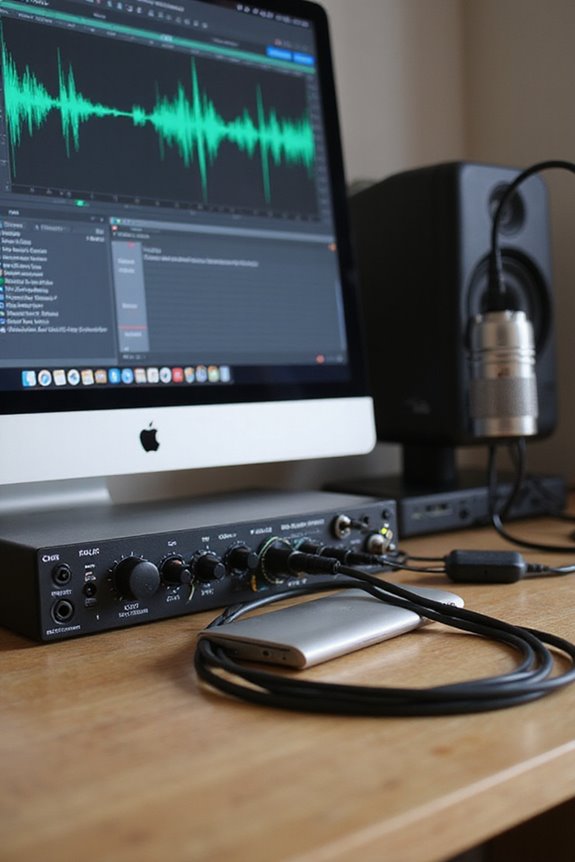
Next, driver efficiency is key; optimized drivers like ASIO can shave off milliseconds. Our audio interfaces also introduce delays through their internal hardware. Plus, processing delays from real-time effects, like EQ or reverb, can add up. Finally, if your system’s bogged down with background tasks or an outdated interface, it’ll only worsen the problem. Aim for balance, and we can considerably reduce latency for an enjoyable recording adventure! 🎶 Additionally, ensure your audio interface supports low latency performance to achieve real-time monitoring during recordings.
Recommended Products

13.2 CH A/V Receiver (150W + 150W 8ohms, 1kHz, 2ch, THD 0.9%)

Mix and record through AAX DSP plugins with rock-solid sub-1 ms latency monitoring

HIGH-PERFORMANCE AV RECEIVER - Enjoy 8K video & 3D audio via Denon AVR-X6800H HDMI receiver and Bluetooth Amplifier, get enveloped sound with Dolby Atmos, DTS:X, IMAX Enhanced & Auro 3D plus Dolby Surround, DTS Neural:X & Auro-Matic upmixer
Measurement of Latency
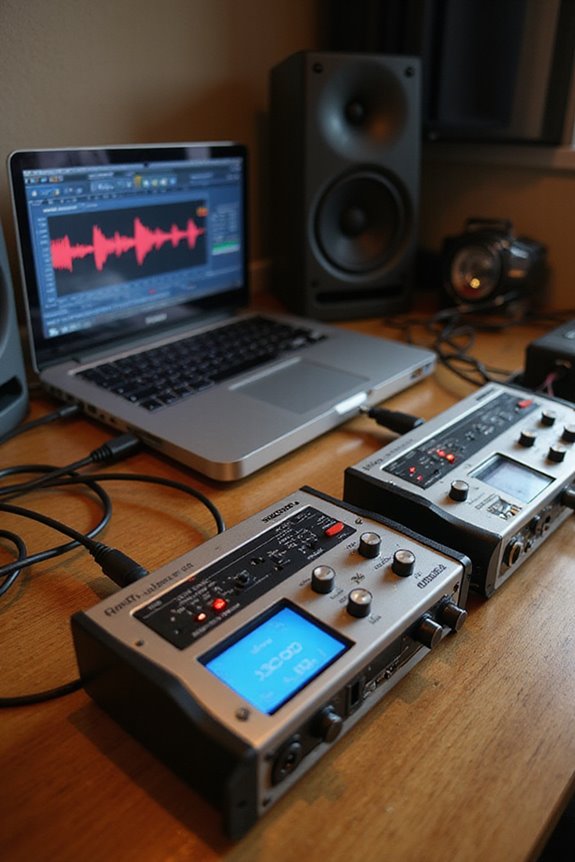
Measuring latency is key to guaranteeing that our audio recordings sound just right! By using various measurement techniques, we can pinpoint where delays occur. For instance, the impulse audio signal method allows us to send a prompt sound through our setup, capturing outputs to compare timing. The clapping test is another favorite – it’s simple and effective!
Calibration methods are vital too! We must make sure that our signal chains mirror each other’s conditions for reliable results. Employing tools like oscilloscopes and audio interfaces helps us achieve precise measurements. Whether we’re focused on round-trip latency or the nuanced differences of input and output latency, having the right setup means we’re on our way to that perfect sound! 🎶 Additionally, using ASIO-optimized drivers can significantly reduce latency and improve overall performance in audio recording setups.
Recommended Products
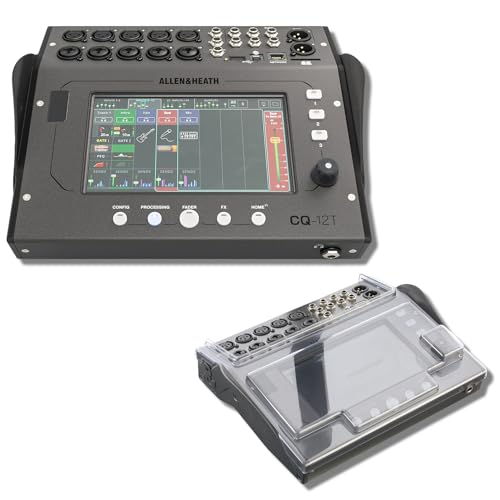
STUDIO PROTECTION DIGITAL CONSOLE — CQ-18T MIXER + PATENTED DECKSAVER DUST COVER: A desk-bound digital console needs more than the mixer alone — you need a cover that seals the touchscreen and controls from dust between sessions and absorbs drink spills at the desk. This bundle pairs the Allen & Heath CQ-18T digital mixer with the Decksaver DS-PC-CQ18T smoked polycarbonate cover cut specifically for the CQ-18T. Streamers, podcasters, home recording engineers — protect the touchscreen, start recording today.
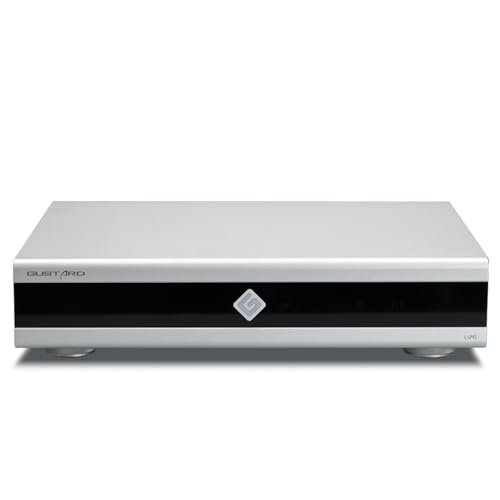
Gustard U26 is a professionally customized digital interface DDC. The Precision digital bridge for High-End Audio Systems. Support USB, 10MHz Clock input and IIS, IIS-G, AES, Optical, Coaxial and S/PDIF BNC Coaxial Output. Good partner for Gustard R30, X30, ect
Ten inputs, ten outputs, and eight VS PREAMPS
Impacts of Latency on Audio Recording and Production
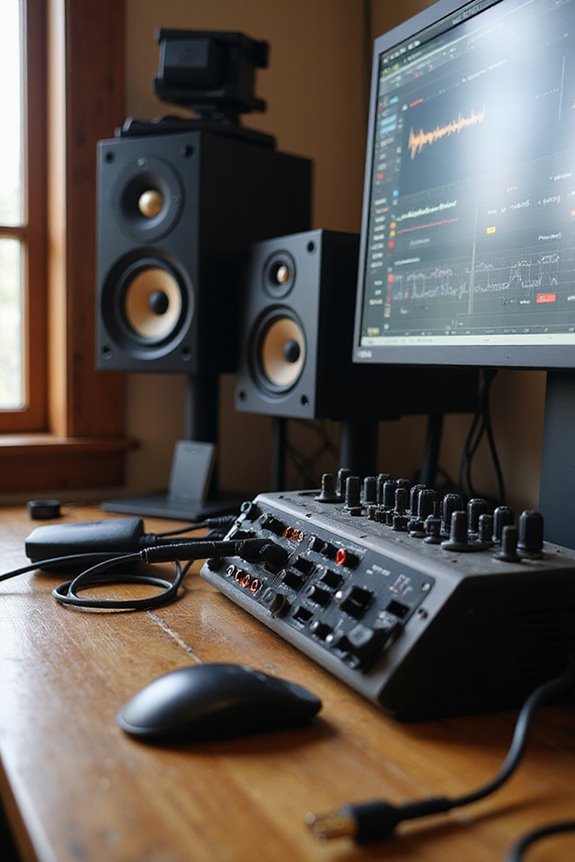
While we all love the creative process of making music, latency can throw a wrench in our plans! It often leads to musician frustration, as we struggle with timing inaccuracies that disrupt our groove. When layering tracks, those delayed audio signals can feel like we’re trying to dance to a beat the rest of the band can’t hear. High latency complicates our workflow, slowing down recording sessions and forcing us to work harder just to keep everything in sync. Plus, all those pesky adjustments for MIDI and microphone input can create creative limitations. The spontaneity we cherish? It can take a hit when we’re constantly battling delay! Remember, even our gear needs to keep up with our rhythm! 🎶 Additionally, selecting audio interfaces with low-latency monitoring features can significantly enhance the recording experience and help mitigate these timing issues.
Methods to Reduce Audio Latency
When it comes to reducing audio latency, we’ve got to tackle the problem from several angles! 🤔 First off, investing in high-speed and quality connection components can make a world of difference. Choosing cables like Thunderbolt or USB 3.0 guarantees faster data transfer. Plus, making good cable selection helps keep our signal path clean.
Don’t forget to keep those driver updates regular. Using ASIO drivers on Windows lets us bypass slower audio subsystems. It’s also wise to optimize our DAW settings—try a smaller buffer size for lower latency! Finally, if possible, upgrade to solid-state drives (SSDs) to speed up access times. With these simple changes, you can really enhance your recording experience! Additionally, consider using an audio interface with low-latency performance to minimize delays during tracking. Let’s keep those beats flowing!
Recommended Products

Thunderbolt connectivity for near-zero latency (1.1ms round trip @ 96kHz/32 buffer

[TOP-TIER AI & PROCESSING POWER] The ACEMAGIC M1A PRO+ is built with the AMD Ryzen AI Max+ 395 processor (16C/32T, Zen 5 architecture, 4nm FinFET process, 64MB L3 cache), with a base clock of 3.0GHz and boost clock up to 5.1GHz. Integrated with 2nd Gen XDNA 2 NPU, it delivers 50 TOPS dedicated AI performance and 126 TOPS combined NPU+GPU+CPU power, crushing AI generative tools, machine learning tasks, and heavy multitasking with ease for tech enthusiasts and professionals.

World’s first 1.0-inch type stacked Exmor RS imaging sensor, Flexible 4K and Full HD recordings (XAVC Long GOP at 100Mbps), HFR 120 fps Super Slow Motion (continuous), Clear Image Zoom (24x for HD, 18x for 4K)
Importance of Low Latency in Professional Environments
In a world where every millisecond counts, low latency in professional audio environments is absolutely vital! 🎶 Without it, musicians risk hearing delayed audio feedback, which can throw off their timing and pitch accuracy. It is understood that during recording sessions, real time monitoring is fundamental for nailing those performances. When latency exceeds 10 ms, things can get messy. Imagine trying to harmonize with yourself but hearing your own voice just a beat too late! That’s frustrating!
For scenarios like live broadcasting or in-ear monitoring, ultra-low latency guarantees that everything sounds tight and synchronized. By choosing high-quality audio interfaces and drivers, we can minimize processing delays. Let’s embrace low latency so we can keep the groove flowing smoothly!
Conclusion on Managing Latency in Audio Workflows
Achieving low latency in audio workflows isn’t just a technical goal; it’s a game-changer for anyone working with sound. By focusing on latency management, we can elevate our workflow efficiency and enhance our creative process! To start, using high-speed cables like Thunderbolt and optimizing our audio interfaces with direct monitoring systems can make a world of difference.
We should fine-tune our software settings too—smaller buffer sizes and ASIO drivers help reduce lag. Let’s also guarantee our systems pack enough power to handle the demands of modern audio processing. Remember, it’s all about balancing quality with speed! When we tackle latency effectively, we can bring our musical ideas to life without those pesky delays. Happy recording! 🎶
Frequently Asked Questions
How Does Latency Affect Live Performances?
Oh, latency in live sound? It’s like our worst friend showing up late, causing performance anxiety and wrecking timing. When we can’t sync, our connection falters, leaving us and our audience feeling disconnected and frustrated.
What Is the Ideal Latency for Recording Vocals?
For vocal recording, we should aim for latency settings under 10 milliseconds. This helps us sing in sync with our tracks, ensuring a smoother performance and greater confidence in our creative process together.
Can Latency Cause Feedback Issues in Recordings?
Isn’t it frustrating when recording clarity slips away? Yes, latency can indeed cause feedback loops, disrupting our precious sessions. By managing settings together, we can minimize such issues and guarantee a smoother recording experience for everyone.
How Do Different Microphone Types Impact Latency?
When considering how different microphone types impact latency, we see dynamic microphones generally offer lower delays, making them great for live settings. In contrast, condenser microphones may introduce slight latencies, prioritizing sound quality over speed.
Is There a Specific Software to Monitor Latency?
We believe finding the perfect software to monitor latency isn’t just important; it feels like a quest! Let’s explore latency plugins and monitoring systems together to guarantee our sound shines without irritating delays.