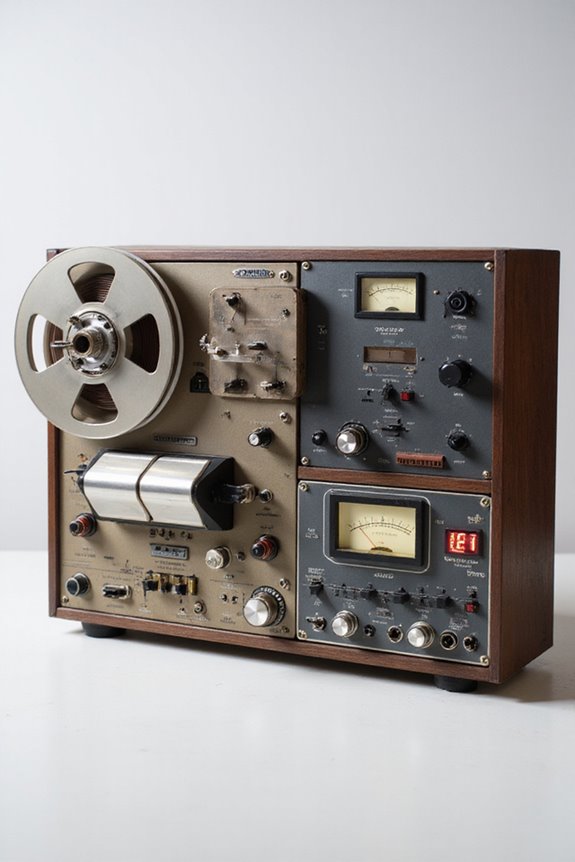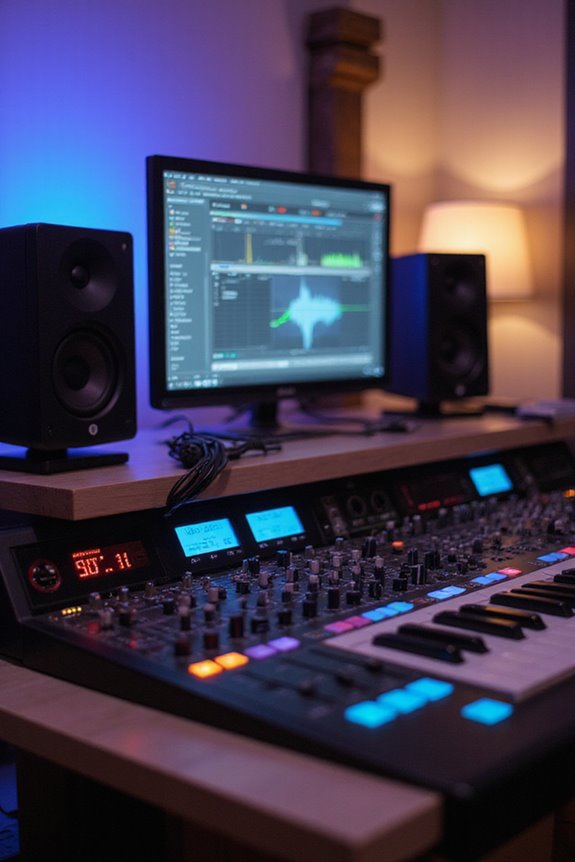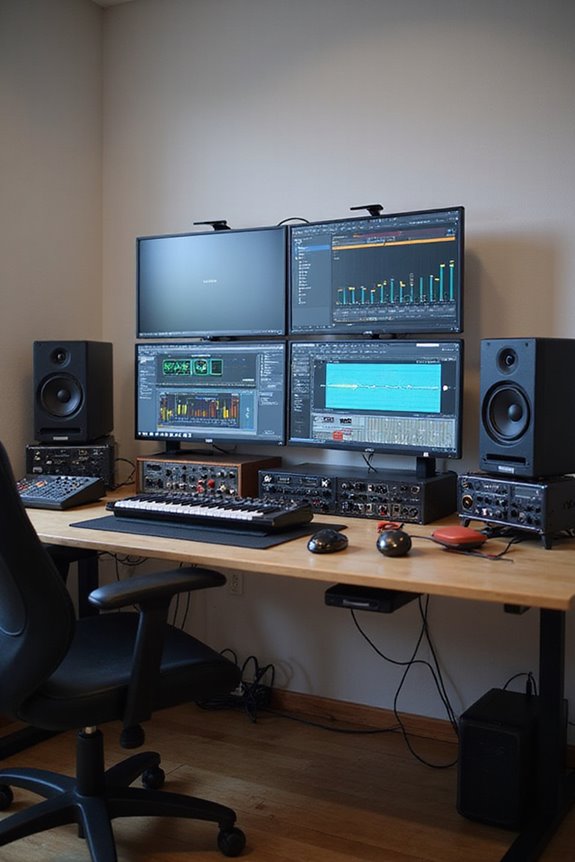

When it comes to the best DAW for beginners, we think GarageBand is a top choice! 🎶 It’s free for macOS users and offers an intuitive interface that’s easy to navigate. You can customize your workspace, manage recordings with a timeline layout, and use built-in tools and virtual instruments to spark creativity. Plus, it’s packed with keyboard shortcuts to speed up your workflow. If you stick with us, you’ll discover more software options soon!
Key Takeaways
- GarageBand is ideal for beginners due to its free access for macOS users and user-friendly, intuitive interface.
- FL Studio’s visual interface and organized Channel Rack make beat creation easy for novices.
- Reaper offers a 60-day free trial and affordable pricing, making it accessible for beginners.
- Ableton Live’s Session View allows real-time improvisation, suitable for beginners interested in live performance.
- Logic Pro, while more advanced, offers a 90-day trial, allowing beginners to explore its features before committing.
GarageBand: The User-Friendly Choice
You may be interested

When it comes to picking a digital audio workstation (DAW) for beginners, GarageBand often tops the list! 🎶 This user-friendly software is designed with you in mind, making music creation accessible and enjoyable.
With its intuitive interface, we can easily customize our workspace to fit our creative needs. The timeline layout helps us manage our audio recordings efficiently, with handy volume and pan controls right at our fingertips. Plus, thanks to quick access to keyboard shortcuts, like the Spacebar to start playback, we’re always in the zone! 🎧
Don’t forget about the powerful built-in tools and features! With virtual instruments and loops, we can dive straight into music-making, ensuring a smooth and exciting journey into our musical endeavors.
Recommended Products

USB-C Audio Interface with 8 Preamps

18 audio inputs and 20 audio outputs; Ten line outputs, MIDI I/O, S/PIDF I/O, and Word Clock Out
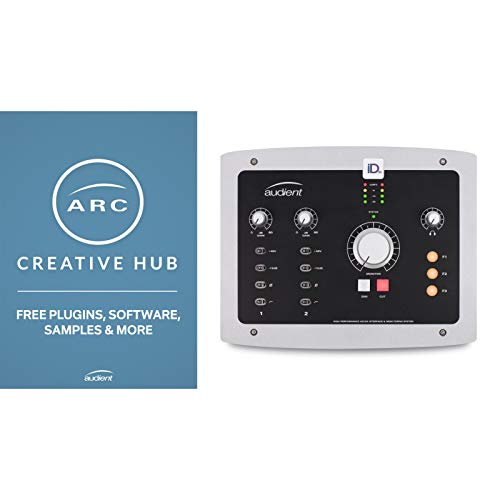
10-In, 14-out desktop interface
FL Studio: Ideal for Beat-Making
Immerse yourself in the world of beat-making with FL Studio, where creativity meets versatility! 🎵 With its clear, visual interface, this DAW makes it easy for us to start crafting our own beats right away. FL Studio features like the Channel Rack help us organize our instruments and create catchy patterns. The Piano Roll allows for intricate melodies, while the Playlist area lays out our song structure.
For beginner tips, we suggest starting with a lead instrument and adding drums, like kicks and snares. Utilizing the extensive sound library can spark our creative flair! Plus, with plenty of online tutorials, we’re never alone in this musical journey. Let’s sync our beats and amplify our creativity with FL Studio! 🎶
Recommended Products

61-Note Keybed, Velocity & Aftertouch : Includes Analog Lab Software


Bundle Includes: Novation FLkey 37 37-Key MIDI Keyboard Controller for FL Studio, 20 Signature Bundle (Boxed), KSP100 Keyboard Piano Style Sustain Pedal (Black), and 4-Port USB 3.0 Hub
Reaper: Versatile and Affordable
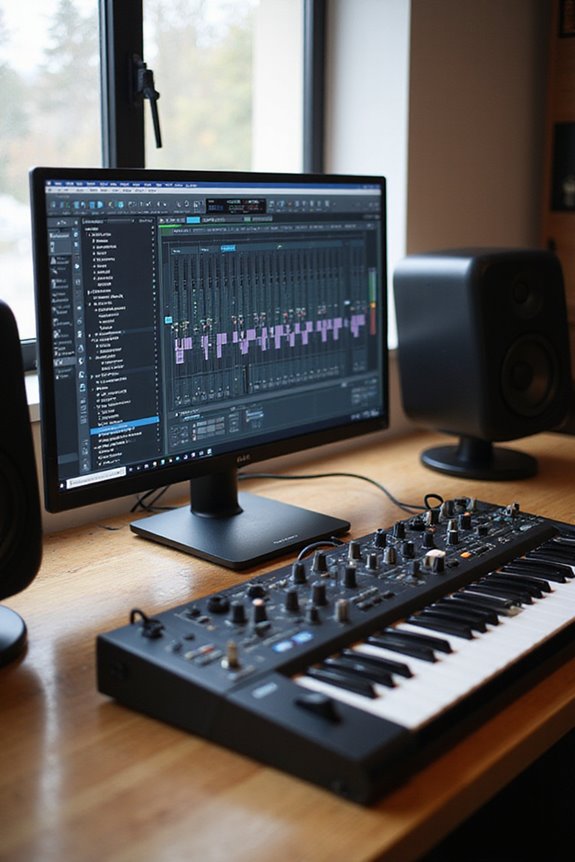
Reaper stands out as a fantastic choice for beginners who want a versatile and affordable digital audio workstation! 🎧 With its straightforward pricing structure and incredible capabilities, we can dive into music production without breaking the bank.
Reaper offers an affordable license with unlimited updates, plus a free 60-day trial! Its powerful Reaper customization allows us to tweak the interface to our liking, making it cozy and intuitive. Additionally, we can use thousands of Reaper plugins and extensions to enhance our projects.
It runs smoothly on Windows, MacOS, and Linux, accommodating all of us! Sure, its initial interface may seem complex, but it becomes second nature as we learn. With 24-bit/192kHz recording capabilities, Reaper ensures that our audio quality is professional as we unleash our creativity and start producing!
Recommended Products
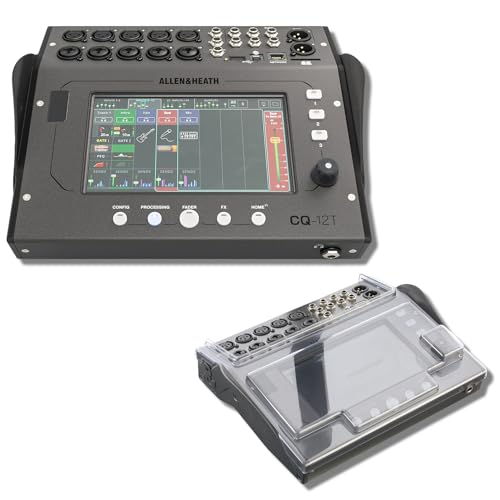
STUDIO PROTECTION DIGITAL CONSOLE — CQ-18T MIXER + PATENTED DECKSAVER DUST COVER: A desk-bound digital console needs more than the mixer alone — you need a cover that seals the touchscreen and controls from dust between sessions and absorbs drink spills at the desk. This bundle pairs the Allen & Heath CQ-18T digital mixer with the Decksaver DS-PC-CQ18T smoked polycarbonate cover cut specifically for the CQ-18T. Streamers, podcasters, home recording engineers — protect the touchscreen, start recording today.

Ultra-responsive semi weighted keyboard with after touch

Universal DAW Remote Control for Studio and Live applications
Ableton Live: Perfect for Performance
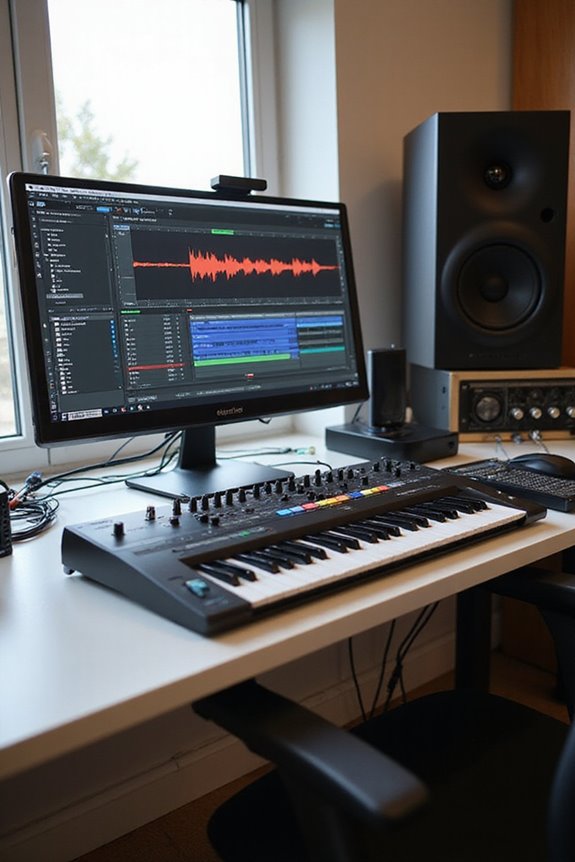
Ableton Live shines as a top contender for anyone looking to elevate their live performance game! 🎶 Designed with creativity and spontaneity in mind, its unique dual interface—Session View and Arrangement View—lets us flow seamlessly between improvisation and traditional recording.
In Session View, we can enjoy clip launching and trigger loops in real time without interruptions. This is perfect for us as live DJs and performers! With easy drag-and-drop functionality, we can remix on the fly.
Plus, we have built-in instruments, effects, and the option to integrate our favorite MIDI controllers. And let’s not forget the vast community for support! So, if you want to rock the stage, Ableton Live could be our ultimate companion!
Recommended Products

Flagship 88-note weighted-action synthesizer keyboard with thousands of electronic and acoustic sounds powered by Roland’s advanced ZEN-Core, V-Piano and SuperNATURAL technologies, with authentic acoustic grand sound and response
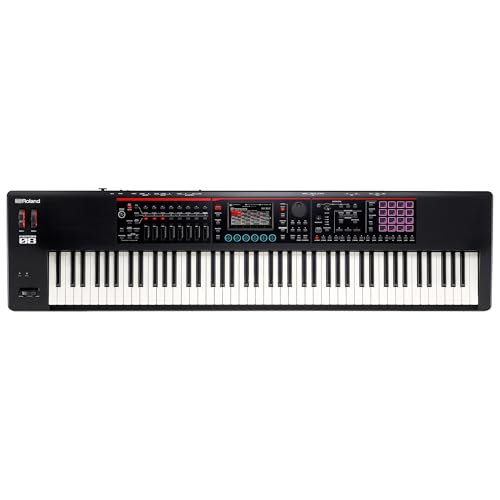
FANTOM-0 brings your creative world together, combining the sonic power and fluid workflow of the top-of-the-line FANTOM series in streamlined instruments that go everywhere your inspiration takes you.

Flagship 61-note synthesizer keyboard with thousands of electronic and acoustic sounds powered by Roland’s advanced ZEN-Core, V-Piano and SuperNATURAL technologies, with authentic acoustic grand sound and response
Logic Pro: Professional Features for Apple Users
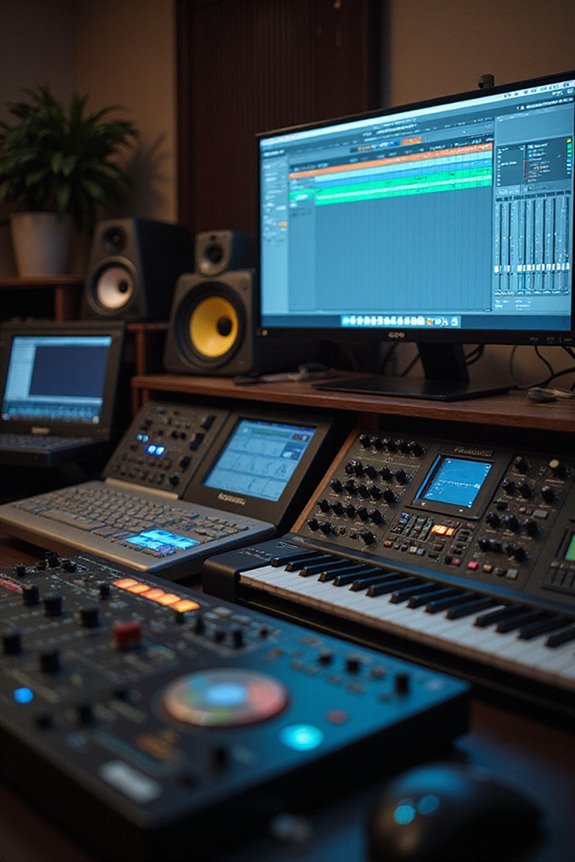
Logic Pro is an incredibly powerful DAW, especially for those who live in the Apple ecosystem! 🚀 It offers two distinct modes—Simplified and Complete—catering to different experience levels. For those just starting, the Simplified mode gives you a streamlined interface and features similar to GarageBand, making it comfortable to immerse yourself. As you progress, you can switch to Complete mode for advanced audio editing and mixing, with tools that let you fine-tune your tracks to perfection.
What we love most is Logic Pro’s seamless integration with Apple devices, allowing us to control everything remotely. With a solid collection of virtual instruments and loops, we can create stunning tracks in no time. Additionally, using high-quality audio interfaces can significantly enhance your recording experience and improve overall sound quality. So, let’s get started and access our musical potential!
Recommended Products

18 x 24 Thunderbolt 3 audio interface with class-leading 24-bit/192 KHz conversion

Portable, and flexible digital console for installed sound, mobile application, and recording with dual-core FLEX DSP Engine powering 286 simultaneous processors

Run UAD powered plug-ins via Thunderbolt 3 on modern Mac and Windows 10 systems (backwards compatible with Thunderbolt 1 and 2 devices)
PreSonus Studio One: Simplified Workflow
When it comes to a simplified workflow, PreSonus Studio One truly shines! 🎉 This DAW is designed with beginners in mind, making it easy for you to dive right in and start creating. With its drag and drop efficiency, you can import audio, MIDI, and effects without breaking a sweat. The clean song page offers intuitive track management, so you can focus on what matters—your music!
Using smart tools for audio event management, you’ll find editing is a breeze. Want to adjust volume or add fades? Just a few clicks! Plus, with personalized shortcut keys, repetitive tasks become history. Studio One is not just a DAW; it’s your creative partner, ready to help you make magic in no time! 🎶
Comparisons of Key Features
As we explore the wide world of digital audio workstations, it’s important to find the right fit for your needs. Let’s plunge into some DAW comparisons and their feature highlights!
GarageBand boasts a user-friendly interface and loads of tutorials, perfect for newcomers.
FL Studio is all about beat-making but can feel a bit crowded with options.
Reaper shines with its lightweight design, multitrack capabilities, and customization options, making it a favorite for those who want to grow.
Logic Pro offers professional tools, though it requires a steeper learning curve.
Finally, Tracktion Waveform Free gives essential functions without the cost, lowering barriers for everyone! Each option has something special, so pick one that vibes with you! 🎶
Budget Considerations for Beginners
Finding the right DAW on a budget can feel a bit intimidating, but it doesn’t have to be! There are plenty of affordable options out there. For instance, GarageBand is completely free for macOS users, while Reaper offers a long trial and a low-cost license around $60. If you’re feeling fancy, Logic Pro starts at $120, with a 90-day trial available—perfect for testing!
We should consider budgeting tools to help manage costs. DAWs like Reason let you choose between subscription or one-time payment options, while Reaper keeps it simple with a tiered system. Remember, investing in plugins and hardware can add up, so it’s wise to plan. Let’s keep our musical dreams alive without breaking the bank! 🎶
Recommendations Based on Music Genres
Steering through the world of Digital Audio Workstations (DAWs) is an exciting journey, especially when you’re influenced by the genre of music you love! For electronic music aficionados, we recommend FL Studio for its pattern-based workflow and built-in instruments. Hip hop lovers will appreciate Ableton Live’s session view and FL Studio’s powerful drum machines. Rock enthusiasts can opt for Logic Pro for professional audio recording.
If you’re diving into pop, GarageBand offers an easy start, while Studio One keeps your songwriting streamlined. Finally, for film scoring, Logic Pro excels with its MIDI capabilities. Remember, each DAW has unique features—our genre-specific recommendations can help you find the perfect fit! 🎵
Frequently Asked Questions
Can I Use Multiple DAWS Together in My Projects?
Like weaving threads into a tapestry, we can use multiple DAWs for project collaboration and integration. By blending their strengths, we embrace creativity, ensuring our sound reflects the vibrant community we belong to together.
What Hardware Do I Need to Run These DAWS?
To run our chosen DAWs effectively, we need to take into account their DAW compatibility and system requirements. We should invest in a solid CPU, sufficient RAM, and essential audio hardware for seamless music creation together.
Are There Any Free Resources for Learning These DAWS?
When we’re exploring free resources for learning DAWs, we’ve got online tutorials on platforms like YouTube and community forums where we can connect, share tips, and support each other through our music-making journeys.
How Do I Choose the Right DAW for My Music Style?
To choose the right DAW for our music style, let’s consider genre compatibility and our workflow preferences. Finding a platform that resonates with our creative process will make music production feel more natural and enjoyable together.
Can I Upgrade My DAW Later Without Losing My Projects?
Yes, we can upgrade our DAW later without losing projects. Most modern DAWs guarantee compatibility for project migration, so we can confidently shift while maintaining our work, allowing us to grow musically together!