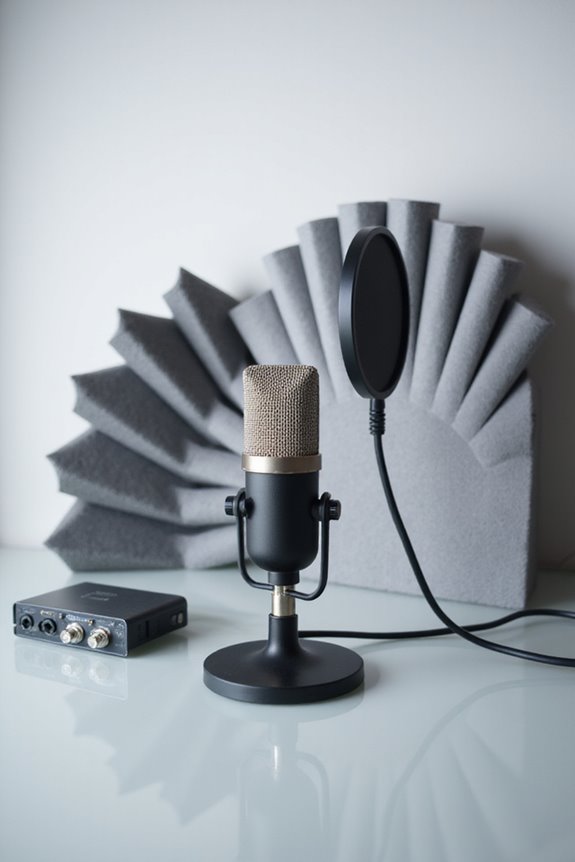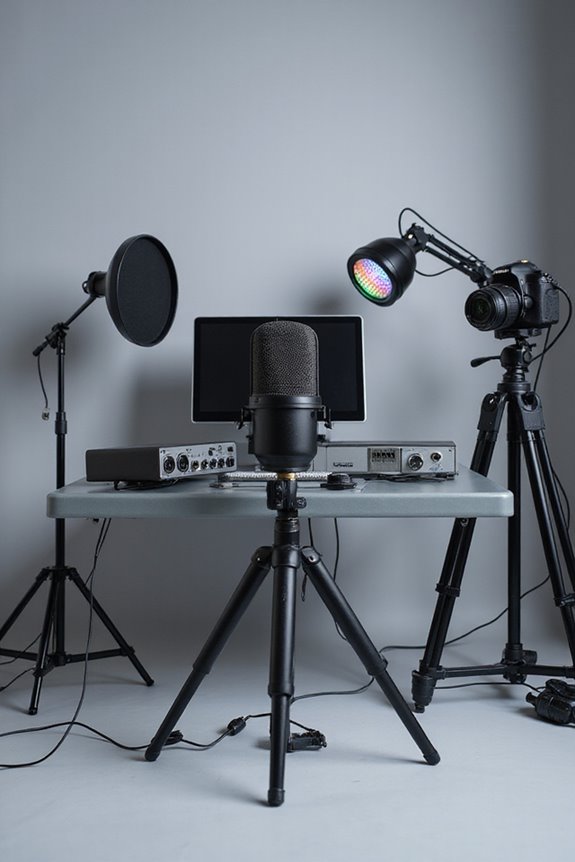

To reduce background noise in your recordings, we can start by choosing low-noise microphones, ideally directional types, to reject unwanted sounds. Using high-pass filters helps cut out low frequencies! Next, capture a noise print from a quiet section of your audio. Software like Adobe Audition or Audacity offers tools for noise reduction and spectral editing. Also, consider optimizing your recording environment; smaller, carpeted rooms work wonders! Stick around, and you’ll discover even more helpful tips! 🎧✨
Key Takeaways
- Choose a quiet recording environment with minimal reverberation, using materials like carpets and acoustic panels to absorb sound.
- Utilize directional microphones and low-noise preamps to effectively reject unwanted background sounds.
- Apply noise reduction techniques in audio software, selecting noise profiles and using features like noise gates and notch filters.
- Monitor audio live with headphones and adjust microphone gain to ensure optimal sound quality and minimize distortion.
- Consider post-processing strategies, such as equalization and spectral editing, to further enhance recordings and eliminate residual noise.
Understanding Background Noise
You may be interested


When it comes to recording audio, understanding background noise is essential—after all, it can make or break your project! 🎤 So, what exactly is background noise? It’s basically any sound that isn’t part of your main recording. Think about the noise characteristics: we’ve got broadband, narrowband, impulse, and irregular noise. Each comes with its own quirks! Environmental factors also play a role; for instance, that HVAC system hum or the occasional passing truck can sneak into your recordings. You’ll find that broadband noise creates a constant hiss, while irregular noise can surprise you with unexpected interruptions. Recognizing these types helps us manage them better, resulting in clearer, more professional audio. Additionally, using high-pass filters can significantly reduce unwanted low-frequency noise, enhancing overall sound clarity. Let’s plunge into capturing great sound!
Capturing Noise Prints for Effective Reduction
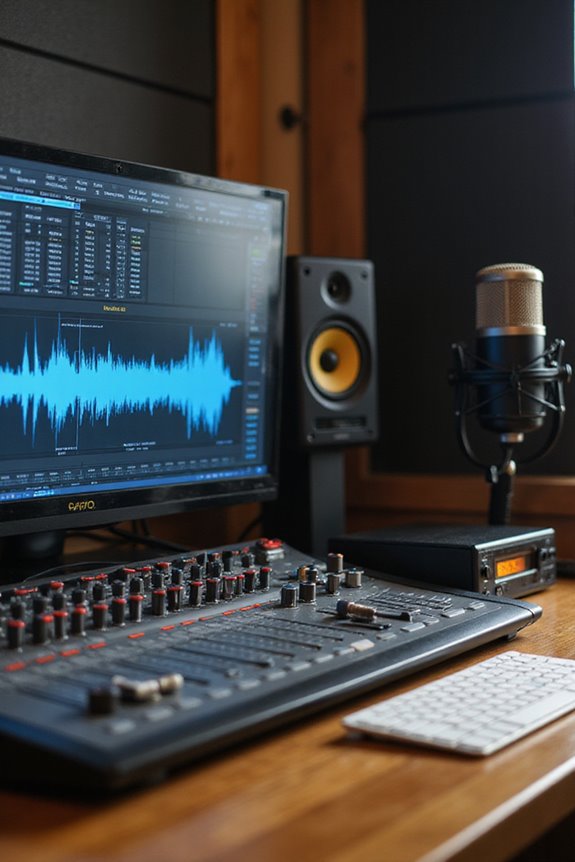
Capturing noise prints is vital for effective background noise reduction, and we often find ourselves needing to get it just right! 🎧 To start, we should select a segment from our recording that contains nothing but the pesky background noise—ideally at least half a second long. This process, known as noise sample selection, is key for creating a noise profile that truly represents the unwanted sound.
When choosing our noise section, let’s make sure it’s free from any desired audio signals. If we’ve got a short clip, we can always copy and paste to extend the duration! Once selected, we can use shortcuts like Shift + P in Adobe Audition for a smooth noise profile evaluation. With these steps, we’ll optimize our noise reduction journey!
Utilizing Noise Reduction Techniques in Software
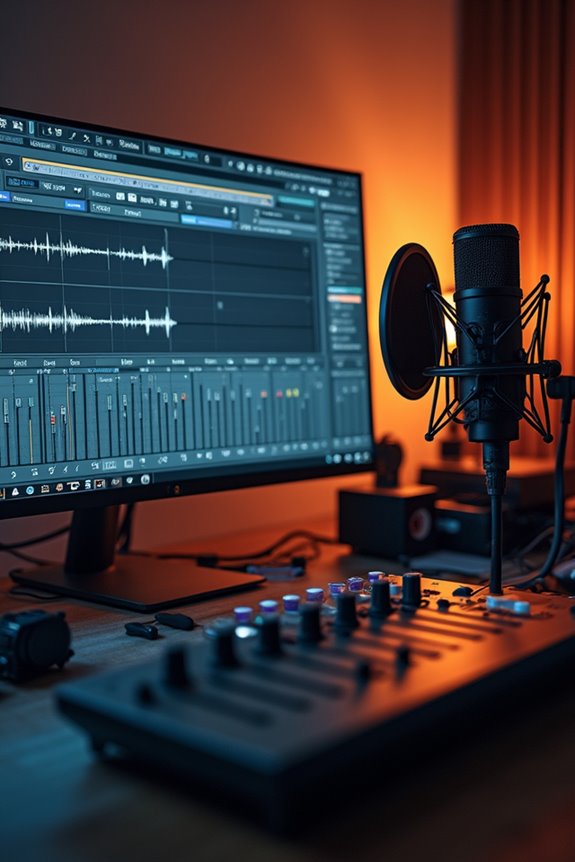
Utilizing noise reduction techniques in software can feel like a superhero mission for anyone dealing with background noise! 🎤 Even if we’re not audio engineers, we can tap into powerful tools designed to clean up our recordings.
AI-powered tools like LALAL.AI effortlessly remove noise while isolating vocals or instruments. Plus, it’s super user-friendly! For more control, we can explore software plugins to apply noise reduction effects that selectively target unwanted frequencies, improving our signal-to-noise ratio.
We might also find noise gates helpful; they maintain loud sounds while silencing quiet, pesky disturbances. Notch filters can target specific pesky hums too. With these techniques combined, we’ll create crisp, professional-sounding audio that will make us proud! Let’s release our inner audio superheroes! 🦸♂
Recommended Products

3-Pack includes: 3-Motorola RDU4160d Two-Way Radios, 3-2400 mAh Li-ion Rechargeable Battery, 3-Spring Loaded Belt Clips, 3-10 Hour Plug-in Chargers, 3-Antennas, 3-User's Guide

4-Pack includes 4-Motorola RDU4100 Two-Way Radios, 4 - 2400 mAh Li-ion Rechargeable Battery, 4 - 10 Hour Plug-In Charger, 4-Spring Loaded Belt Clip, 4-Antenna, 4-Speaker Mics HKLN4606

4-Pack includes: 4-Motorola RDU4160d Two-Way Radios, 4-2400 mAh Li-ion Rechargeable Battery, 4-Spring Loaded Belt Clips, 4-10 Hour Plug-in Chargers, 4-Antennas, 4-User's Guide
Hardware Considerations for Better Recordings
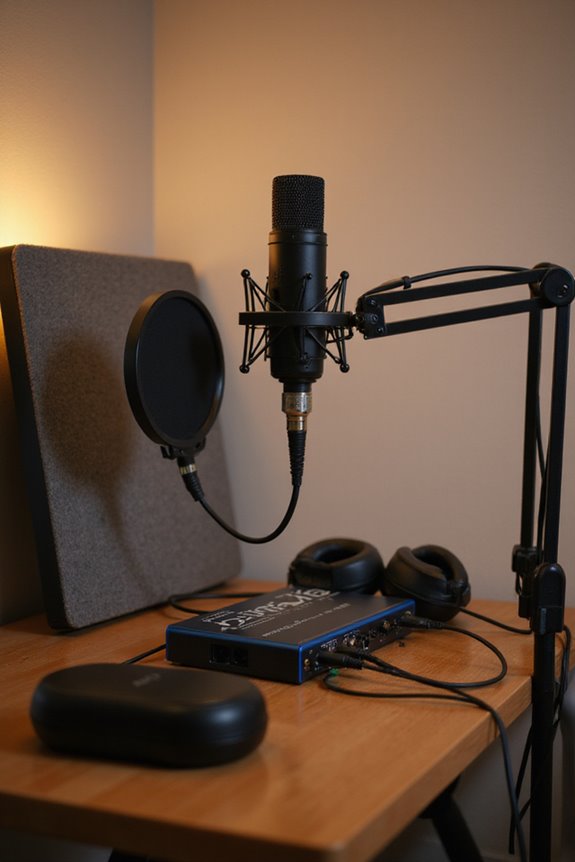
Microphone Selection
Opt for low-noise microphones, like directional types, which focus on our sound while rejecting background noise.
Preamp Quality
Choose preamps with low EIN, ideally under -126 dBA, to keep our signal clear!
Noise Suppression
Integrate hardware noise gates or real-time processors to silence unwanted sounds effectively.
Cable Management
Utilize balanced cables and keep them organized to minimize interference.
Power Conditioning
Don’t forget power conditioners and solid grounding techniques to eliminate hum! Additionally, investing in high-quality preamps helps capture detailed audio signals with minimal noise. Let’s gear up for success!
Optimizing the Recording Environment
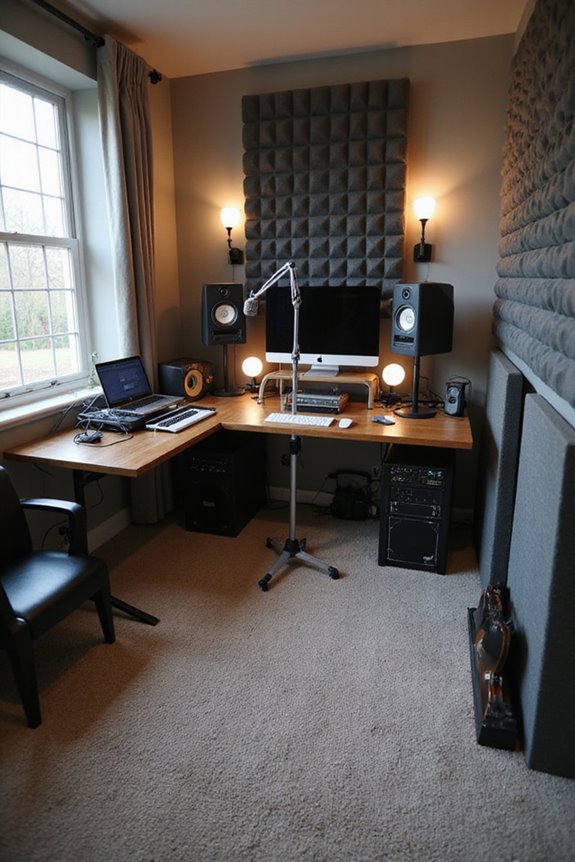
When it comes to optimizing our recording environment, the right space can truly make a world of difference! 🏠 By selecting a room that minimizes reverberation and echo, we can greatly enhance the quality of our audio.
Let’s consider the room layout: smaller, carpeted spaces with soft furnishings naturally absorb sound, cutting reflections! We should avoid rooms near outside noise sources like traffic or HVAC units. Using acoustic materials like panels and bass traps helps, too. Don’t overlook irregular-shaped rooms; they diffuse sound better and prevent standing waves. Additionally, incorporating studio monitor isolation pads can significantly reduce unwanted vibrations and enhance sound clarity.
Finally, keeping our space consistent guarantees we capture clear audio every time. With the right environment, we’re one step closer to achieving that perfect recording!
Real-Time Noise Reduction Strategies
Real-time noise reduction strategies can transform your recordings, allowing you to focus on what’s important—your voice! 🎤 Imagine capturing every word clearly while unwanted sounds fade into the background. Here’s how we can achieve that:
- Adaptive Algorithms: These smart systems continuously analyze noise and create “anti-noise” signals. They can reduce low-frequency noise by 20-30 dB!
- Noise Masking: Tools like Sound Devices NoiseAssist make it easy to lower background noise with one control, working like a charm between 3-6 dB.
- Advanced Techniques: Deep learning systems can isolate your voice from ambient noise, adapting to different sound environments dynamically. Additionally, using an audio interface with low latency ensures that your monitoring is as real-time as possible, enhancing your overall recording experience.
Handling Different Types of Noise
Handling different types of noise can feel like maneuvering through a complex maze, but we’re here to simplify it! 🎧 Understanding various noise sources we encounter helps us pick the right strategies.
First, narrowband noise, usually from specific electrical sources, can often be tackled with notch filters. Next, there’s impulse noise—those sharp sounds, like plosives or electrical crackles. Using pop filters during recording can save us some headache later!
Vibrational interference, like when footsteps rattle the mic, can be minimized with shock mounts or isolating furniture. Finally, we have that annoying electrical hum, usually from faulty cables. Shielded cables and proper grounding can help us dodge that! Additionally, considering an audio interface with mute switches can greatly enhance your ability to manage noise during recording sessions.
Let’s embrace these tips and enhance our audio quality together!
Best Practices for Noise Reduction
We’ve covered various types of noise and how to combat them effectively, now let’s focus on the best practices for noise reduction in your recordings! 🎙 To truly capture high-quality audio, we have to be strategic about how we approach our recording environment and process.
- Microphone Selection: Choose directional mics like cardioids to minimize unwanted noise, and keep them close to your source.
- Soundproofing Techniques: Use sound-absorbing materials such as carpets and acoustic panels to fight echo.
- Placement: Avoid putting mics near noise sources, and adjust your setup with a bit of trial and error for the perfect balance!
Additionally, selecting microphones with noise cancellation features can significantly enhance your recording quality. Let’s keep these practices in mind for clean, crisp recordings that truly shine!
Common Tools and Software for Noise Management
When it comes to managing background noise in your recordings, a wealth of tools and software options awaits! 🎧 These solutions can drastically enhance your audio quality, making them essential for anyone aiming for a professional sound.
Let’s explore some popular noise management tools. Audacity is a free, open-source choice—perfect for post-processing. For real-time needs, Krisp offers bidirectional noise removal for about $8 a month. Cleanvoice uses machine learning to tackle echo for $12.99 monthly, while Adobe Audition provides spectral editing for $20.99.
Don’t forget built-in features in Microsoft Teams or Zoom—great for online meetings! With various software comparisons available, we can find the perfect fit for our needs. Let’s get cracking! 📼
Recommended Products

Unleash your creativity with the Nikon Z8, a compact powerhouse that combines flagship technology in a lightweight designfperfect for photographers and videographers on the move

Two-way communication; unlock the power of two-way communication with our bidirectional tour guide headsets; The transmitter and receiver can talk to each other seamlessly

Record with 38 of the most sought-after microphones ever made
Monitoring and Adjusting Audio Quality During Recording
After we’ve explored the various tools and software available for noise management, it’s time to focus on what happens in the recording studio—monitoring and adjusting audio quality as we record! 🎤 Getting these elements right can make all the difference in how our final product sounds.
Utilizing live monitoring with headphones helps us catch unwanted background noise right away. Adjusting microphone gain based on live audio feedback guarantees we avoid distortion. We should test mic positions to find that sweet spot, ideally 6 to 12 inches from our mouths. Remember, using shock mounts and pop filters can keep those pesky mechanical noises at bay. With careful attention to our audio levels and environment, we’ll create a cleaner, more professional sound!
Frequently Asked Questions
Can I Use Smartphone Apps for Noise Reduction in Recordings?
Can you imagine our smartphones transforming into super silent recorders? With amazing app comparisons highlighting smartphone features, we can effortlessly reduce background noise in our recordings and elevate our audio quality together. Let’s explore!
How Do I Identify the Best Microphone for My Environment?
When we’re choosing the best microphone types for our recording environments, we should consider factors like ambient noise and proximity. Knowing what each microphone offers helps us create clearer, more professional-sounding recordings together.
What Is the Impact of Wind Noise on Recordings?
When we think about wind noise, we consider its disruptive nature, its impact on recording quality, and how it can mask our desired sounds. Together, we can explore ways to achieve clearer, more enriching audio experiences.
Is It Possible to Reduce Noise After a Recording Is Completed?
Yes, it’s definitely possible to reduce noise after a recording’s completed. By applying noise reduction techniques during post-processing, we can enhance audio clarity while balancing quality. It’s all about fine-tuning settings together for the best results.
How Does Room Size Affect Background Noise in Recordings?
In a symphony of sound, room dimensions play a vital role. We’ve noticed that larger spaces create longer sound reflections, while smaller areas can distort our recordings. Balancing these factors can help us achieve clarity together.