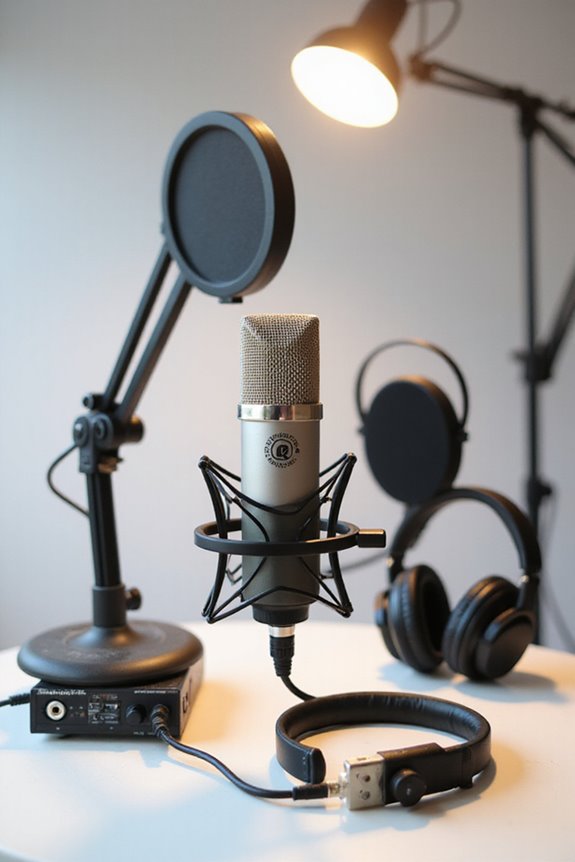

To set up a professional podcast studio in 2023, we need some essential gear! Let’s start with microphones like the Samson Q2U or Shure MV7+ for crisp, clear audio. Add comfortable headphones like Beyerdynamic DT 1770 Pro to monitor sound accurately. Don’t forget audio interfaces like Focusrite Scarlett 2i2 for smooth recordings and Mixer options like the RODECaster Pro II for live calls. Good cables and acoustic treatment enhance sound quality too! Stick around to discover more must-have tools! 🎙✨
Key Takeaways
- Use a dynamic microphone like the Rode PodMic for clear, broadcast-quality sound in various environments.
- Invest in over-ear closed-back headphones for sound isolation and accurate monitoring during recordings.
- Choose an audio interface such as the Focusrite Scarlett 2i2 for low-latency sound conversion from analog to digital.
- Utilize a mixing console like the Zoom PodTrak P4 for multi-track recording and individual volume adjustments for speakers.
- Incorporate high-quality cables and connectors to maintain signal integrity and prevent audio dropouts during production.
Essential Microphones for Podcasting
- Samson Q2U – Just $70, this versatile mic offers both USB and XLR connections!
- Rode Smartlav+ – For $53, it’s perfect for mobile recording with decent condenser quality.
- Rode PodMic – This dynamic mic delivers broadcast-quality sound, ideal for louder environments.
- Shure MV7+ – A trusted choice for about $250, it balances features and aesthetics beautifully.
- Blue Yeti X – For versatility, this USB mic is great for various setups!
You may be interested
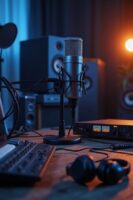
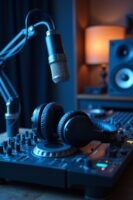
When choosing a microphone, consider its signal-to-noise ratio, as this is crucial for professional-quality recordings! Choose wisely, and enjoy enhanced audio quality in your podcasting journey!
Headphones for Accurate Sound Monitoring
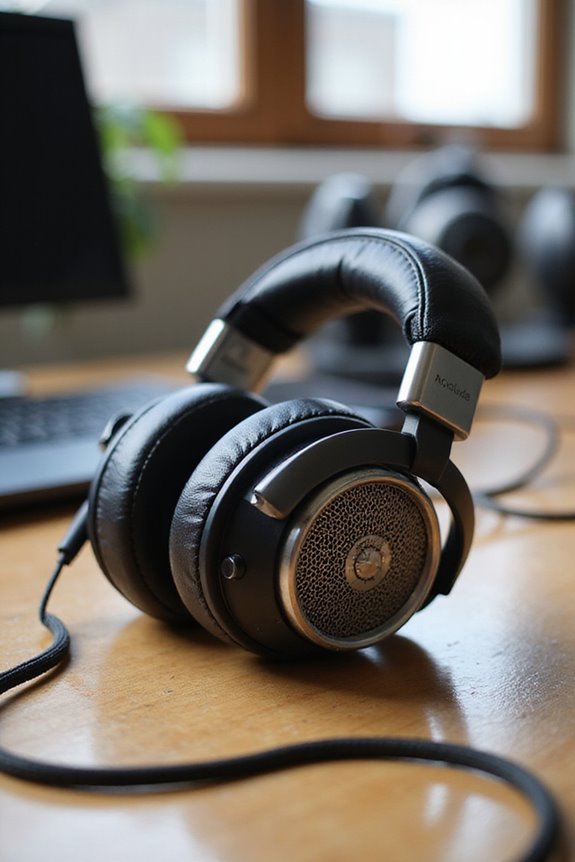
While we might be tempted to focus solely on microphones, let’s not forget that headphones play an essential role in podcasting, too! 🎧 After all, nothing ruins a great recording like missing muddled audio due to improper monitoring. We recommend over-ear closed-back headphones, like Beyerdynamic DT 1770 Pro or Shure SRH1540, for their incredible sound isolation. This design keeps ambient noise out—crucial for clear recordings!
Look for headphone brands that feature wide frequency response, like 5–40,000 Hz, and comfortable padding for those longer sessions. Plus, think wired connections to avoid latency! Lightweight options guarantee you don’t feel weighed down. Investing in good headphones lets you truly hear every nuance of your podcast—because all that hard work deserves to shine! Additionally, prioritizing effective noise isolation ensures that your recordings remain free of distracting background sounds.
Choosing the Right Mic Arms and Stands
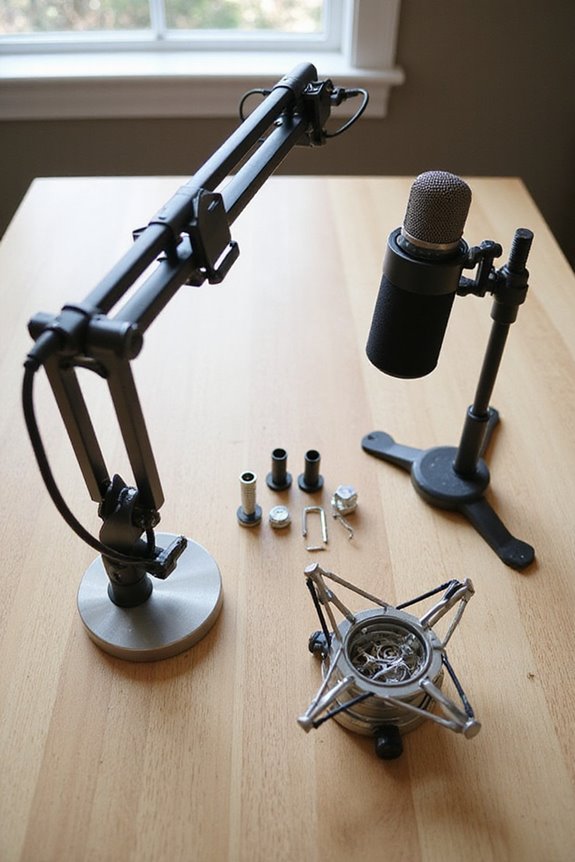
Choosing the right mic arms and stands is essential for nailing your podcast setup! 🎤 With so many options available, it can feel a bit overwhelming. Here’s the scoop:
Boom Arm Types
- Articulated Microphone Arms: These allow freedom of movement and height adjustments!
- Tripod Boom Stands: Great stability plus flexible mic placement—win-win!
Mic Stand Features
- Cable Management: Keep those pesky cables tidy!
- Noise-Dampening Elements: Rubber points minimize that annoying vibration.
When picking, think about your space and podcast style! Compact desktop stands are perfect for smaller setups, while durable, adjustable boom arms add versatility. Let’s guarantee those mics stay stable and your recordings sound fantastic! 🎙
Understanding Audio Interfaces and Mixers
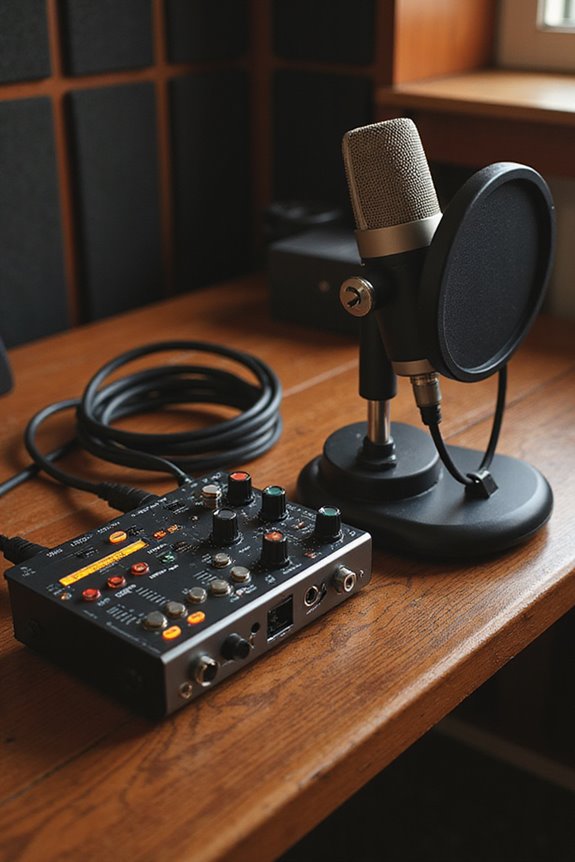
After getting those mic arms and stands sorted, let’s talk about the heart of your podcasting setup: audio interfaces and mixers! 🎧 Understanding these essential pieces of gear can make a world of difference in your recording quality.
Audio interfaces convert analog signals from your microphones into digital data for your computer. They often feature multiple inputs, like XLR and 1/4″ jacks, plus low latency (under 10 ms is great!) for smooth recordings. When you check out an audio interface comparison, you’ll find great options like the Focusrite Scarlett 2i2 and Universal Audio Apollo Twin X. Additionally, opting for an interface with ultra-low latency ensures a seamless live recording experience.
Mixers, on the other hand, give you tactile control, letting you adjust audio levels and effects on the fly. With the right mixer features, you can truly elevate your podcasting game!
Importance of Cables and Accessories
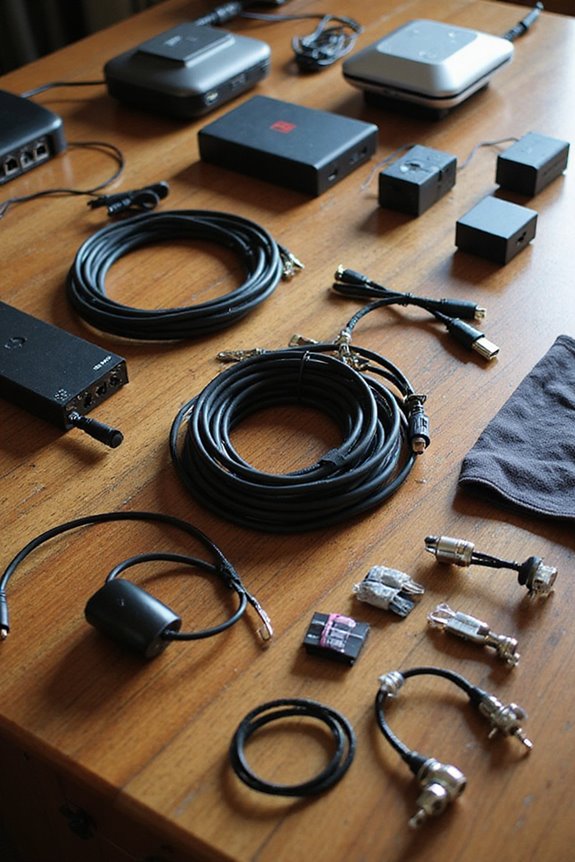
When setting up our podcast studio, it’s easy to overlook the importance of cables and accessories, but trust us, it’s a critical aspect! 😄 These unsung heroes of our audio setup can make or break our recording experience. Effective cable management keeps our space tidy and safe, so we should use velcro straps and adhesive mounts to avoid tangles and trips.
Let’s not forget about signal integrity! High-quality XLR cables, like Canare™, guarantee clean audio by reducing noise. Using sturdy connectors, such as Neutrik®, prevents frustrating disconnections. Regularly inspecting and replacing worn cables can save us from audio dropouts. Additionally, using high-quality connectors can prevent corrosion and enhance overall audio quality.
In short, well-organized cables mean better podcasting, so let’s give them the attention they deserve!
Recording and Editing Software Options
In our quest to create intriguing podcasts, selecting the right recording and editing software can feel like searching for a needle in a haystack! 😅 Luckily, there are plenty of remarkable options tailored to our diverse needs, whether we’re seasoned pros or just starting out.
Top Picks for Podcast Software:
- Zencastr: Studio-quality audio, AI-powered editing that removes noise and filler words.
- Riverside.fm: Local audio and video recording, cloud backup, supports multi-track editing.
- SquadCast: Easy remote interviews with high-quality recording and cloud storage.
- Cast: All-in-one solution for recording, editing, publishing, and analytics.
- DaVinci Resolve: Advanced editing with a powerful free version and extensive audio plugins.
With these tools, we can enhance our audio quality and streamline our editing processes! 🎧
Acoustic Treatment for Optimal Sound Quality
Achieving ideal sound quality for our podcasts is no small feat, but the right acoustic treatment can make a world of difference! 🎙 By investing in acoustic panels and sound absorption materials, we can greatly reduce echo and reverberation, creating a studio environment that elevates our audio quality.
Let’s explore acoustic panel types! We can choose eco-friendly options like recycled cellulose, ensuring we’re green while sounding good. Using soundproofing techniques—like Mass Loaded Vinyl—can block external noises. Also, don’t forget about diffusers! They scatter sound, keeping our recordings lively.
Positioning is key; targeting first reflection points and avoiding bare walls helps too. With a bit of planning, we’ll create an inviting space perfect for capturing those essential podcast moments!
Power Requirements for Microphones
How can we guarantee our microphones have all the power they need for peak performance? 🎤 Understanding power requirements is essential for any podcast setup. When using condenser microphones, we have to provide them with phantom power, usually +48V, from our audio interface. This power allows their internal electronics to work effectively! USB mics, on the other hand, come with their own built-in power—how convenient, right?
For dynamic mics, we’re in luck; they don’t need phantom power, which simplifies things. Just remember, if we’re using tube mics, their power requirements can be a bit higher. So, let’s make sure we have the right interface for proper power delivery and confirm microphone compatibility to keep our setups running smoothly! Additionally, choosing an interface with ultra-low noise preamps ensures clean audio reproduction for the best sound quality.
Multi-Track Recording for Enhanced Editing
When we plunge into multi-track recording, the possibilities for podcast enhancement open up considerably! 🎙 Instead of juggling a single audio track, multi-track setups let us record each microphone on its own track. This means we can enjoy multi-track benefits, like clear isolation of audio, making editing workflows smoother and more efficient.
With devices like the Zoom PodTrak P4, we can simultaneously record up to four independent tracks. This helps us adjust speaker volumes individually, fix background noise, and creatively mix sound effects. Plus, high-end options like the TASCAM Studio Bridge offer up to 24 tracks for more complex needs! Additionally, using interfaces with low-latency monitoring ensures real-time feedback, enhancing the overall recording experience. So, let’s embrace multi-track recording for uniquely tailored audio that truly resonates with our audience!
Live Call Integration Equipment for Interviews
Integrating live calls into our podcast interviews can be a game-changer, especially when we want to connect with guests from anywhere! 🎤 By using the right equipment, we can make these remote interviews sound as good as if the guests were sitting right next to us.
For smooth live call integration, all-in-one production consoles like the RODECaster Pro II—offering Bluetooth connectivity and VoIP integration—are essential. They let us mix multiple audio sources effortlessly! Additionally, a solid audio interface with low-latency drivers can enhance the syncing of our audio. Tools like Zoom or Skype work great for interview podcasting, allowing us to record high-quality calls. Don’t forget good headphones to monitor audio without bleed; after all, clarity is key! 🎧
Frequently Asked Questions
What’S the Average Budget for Setting up a Podcast Studio?
Oh, setting up a podcast studio on a shoestring? We thought we’d need a gold-plated mic! In reality, budget-friendly options exist for podcast studio essentials, with setups ranging $100 to $5,000, depending on ambition.
How Can I Improve My Podcast Audio Quality on a Tight Budget?
To improve our podcast audio quality on a tight budget, we should invest in budget microphones and employ soundproofing techniques like using blankets and cushions, creating a clearer, more professional sound without overspending.
What Are Some Common Mistakes to Avoid When Starting a Podcast?
We’ve all stumbled at podcasting’s start. To avoid common mistakes, let’s guarantee our content planning sharpens audience engagement. Focusing on a niche and delivering consistent, high-quality episodes can truly transform our podcasting journey together.
How Often Should I Replace My Podcast Equipment?
We should replace our podcast equipment based on its lifespan—typically every 3-5 years. Exploring upgrading options early guarantees quality sound and keeps us aligned with evolving technology, enhancing our podcasting journey and growth together.
Can I Podcast Using Only My Smartphone?
Absolutely, we can podcast using just our smartphones! Smartphone podcasting offers convenience for mobile recording, but we should consider using external mics for better sound quality and headphones to monitor our audio effectively.