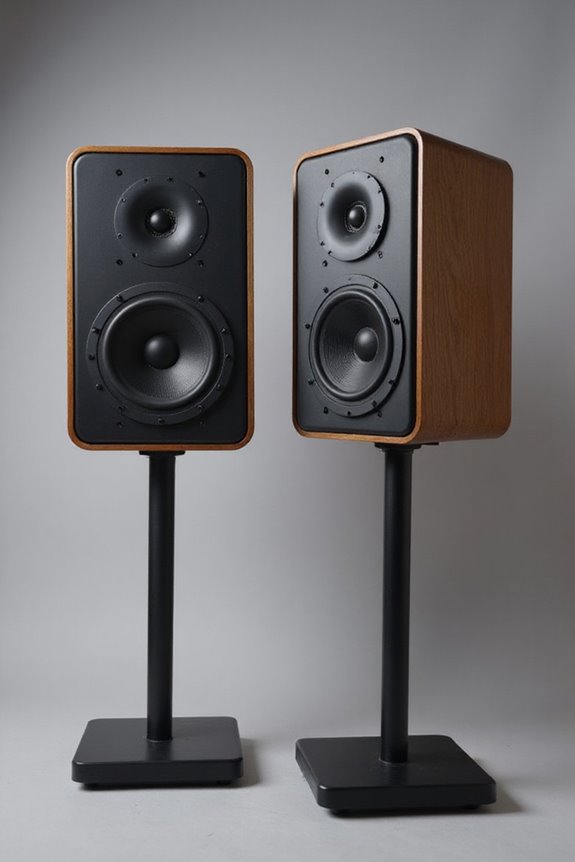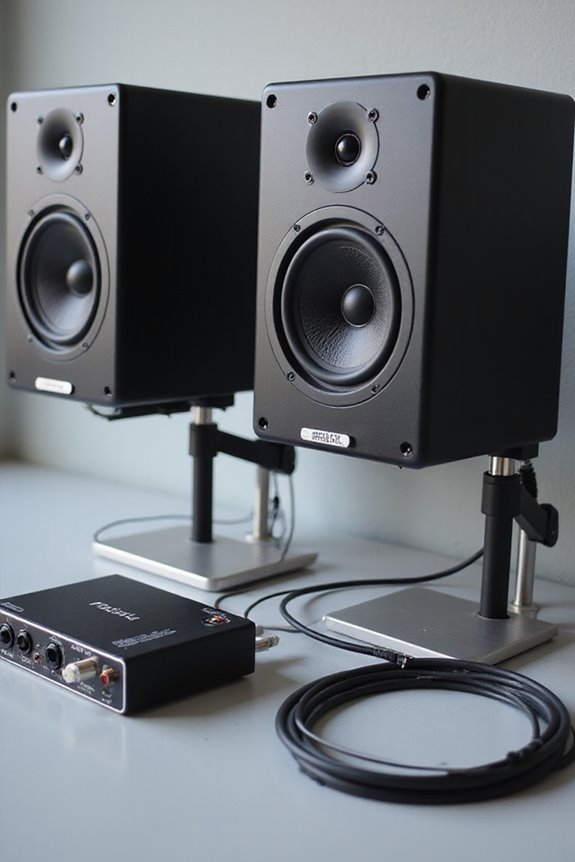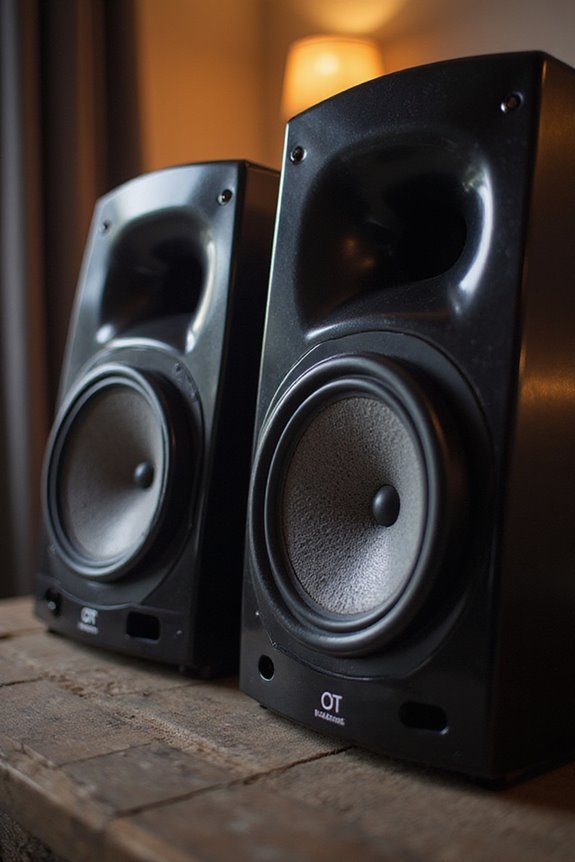

We can use studio monitors as computer speakers, and they deliver fantastic sound quality. 🎶 These specialized loudspeakers are designed for sound accuracy, unlike regular speakers that emphasize fun over fidelity. Connections are simple, often requiring a 3.5mm jack to RCA or balanced cables like TRS. However, we should be mindful of placement and bass response. They may take some setup to get just right, but you’ll be amazed at the difference! Looking for more tips?
Key Takeaways
- Yes, studio monitors can be used as computer speakers, providing superior audio accuracy and fidelity.
- They connect easily via 3.5mm jack, RCA, or balanced cables like XLR or TRS.
- Using an audio interface via USB enhances sound quality and minimizes noise.
- While they deliver excellent sound, placement is crucial to avoid room reflection issues.
- Studio monitors may lack volume controls and deep bass, complicating everyday use.
Definition and Purpose of Studio Monitors
You may be interested

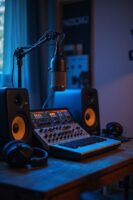
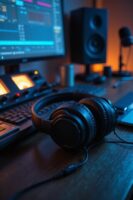
When we talk about studio monitors, we’re diving into the heart of professional audio! 🎧 Studio monitors are specialized loudspeakers crafted for environments like recording studios and broadcast rooms. Their main goal? Sound accuracy! They guarantee your audio is reproduced without any distortion, giving you true audio fidelity. This means we can balance tracks flawlessly and spot any pesky imperfections lurking in our mixes. Unlike regular speakers, studio monitors are optimized for near-field listening, so we can enjoy them up close, minimizing room interference. With robust build quality, they’re ready to take on high volumes and the hustle of studio life. Whether you’re mixing music or diving into game audio design, these monitors are an invaluable tool! Additionally, brands like ADAM Audio and PreSonus are recognized for their top-rated ribbon tweeter monitors, known for providing clearer highs compared to traditional dome tweeters.
Differences Between Studio Monitors and Regular Computer Speakers
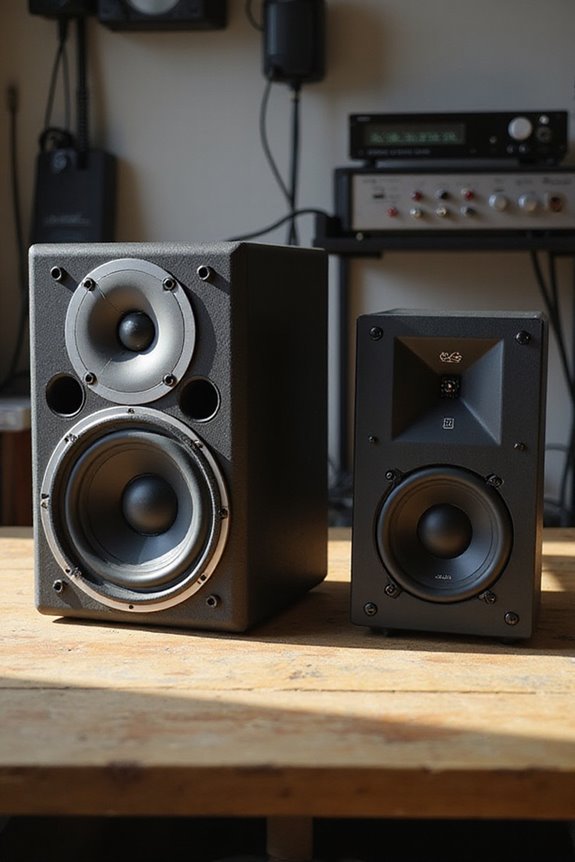
While it might seem like all speakers are created equal, the differences between studio monitors and regular computer speakers are quite striking! 🎶 Studio monitors are designed for audio professionals who need accuracy, allowing us to hear the true sound of our mixes without any embellishments. With a flat frequency response, they reveal audio flaws while regular speakers boost bass and treble for a more enjoyable experience. Studio monitors typically use two-way or three-way drivers, offering superior sound accuracy. In contrast, computer speakers usually feature fewer drivers and prioritize fun over fidelity. So, if you’re looking for precision in your music, studio monitors are your best bet, while regular speakers are perfect for gaming or movie nights! Additionally, studio monitors often provide excellent frequency response for a rich audio spectrum, making them ideal for critical listening.
Recommended Products

ASUS VivoBook Pro 16 OLED laptop comes with 16” 3.2K (3200 x 2000) OLED 16:10 aspect ratio with ultra-slim NanoEdge bezels
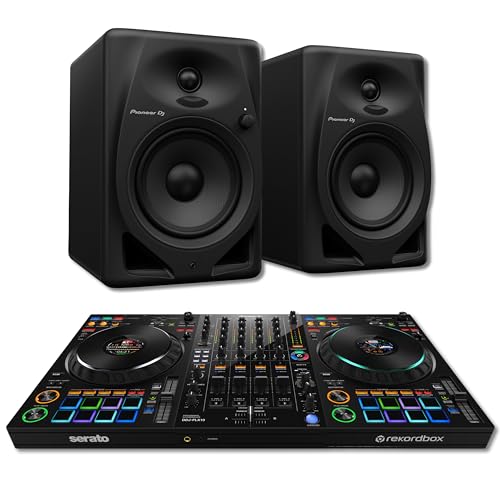
WHAT'S INCLUDED: Pioneer DDJ-FLX10 4-deck Rekordbox and Serato DJ Pro controller and Pioneer DM-50D powered nearfield desktop monitor speakers — a complete professional DJ studio setup with accurate reference monitoring from a matched-brand Pioneer signal chain.

3-way Powered Studio Monitor with 8" LF Driver
Using Studio Monitors as Computer Speakers: Compatibility and Setup
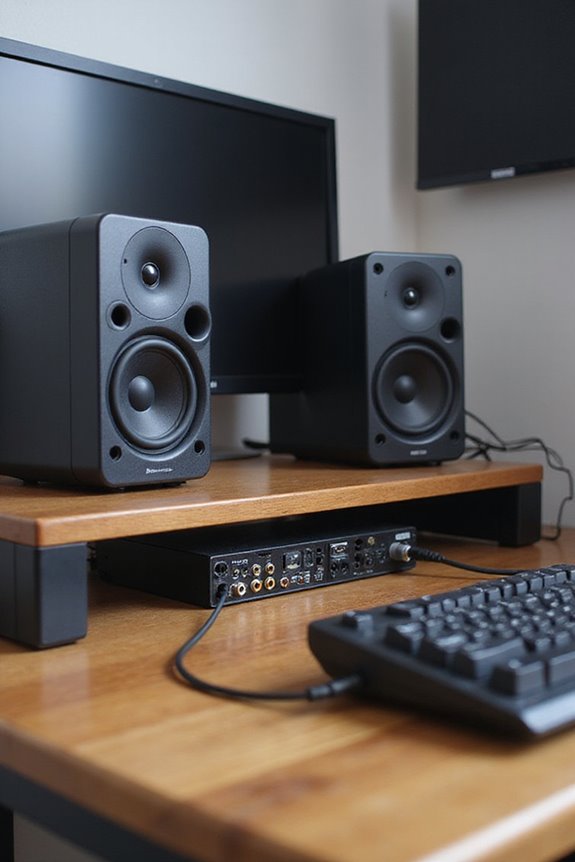
Ever wondered how to elevate your audio experience by using studio monitors as computer speakers? 🎧 Setting them up isn’t just about good sound; it’s about compatibility and getting the right gear in place!
To start, let’s talk connection methods. Connecting directly through a 3.5mm jack to RCA or TRS is common, but for best sound, we recommend using an audio interface via USB or balanced cables. For active monitors, balanced cables like XLR or TRS help minimize noise. Additionally, many studio monitors offer multiple input types to enhance device compatibility, making them versatile options for your setup.
Recommended Products

Bundle Includes: 2 x Adam Audio A7V Powered Two-Way Studio Monitor, 2 x FocusProAudio 25-Feet XLR Male to Female Microphone Cable, 2 x PX-TMXM2 1/4-Inch TRS to XLR Male to Male Balanced Cable (10-Feet), and Studio Monitor Isolation Pads for 8-Inch Speakers (Pair)

Bundle Includes: Adam Audio T10S 10-Inch Powered Studio Subwoofer, Adam Audio T7V 7-Inch Powered Studio Monitor (Pair), 2 x 25Ft XLR Cable Male to XLR Female Microphone Cable, and 2 x 1/4-Inch TRS to XLR Male to Male Balanced Cable (10-Feet)

INCLUDED - RODECaster Pro II, power adapter, USB-C cable, user manual, warranty, 2x TAP300 mics, 2x HA arms, 2x headphones, XLR TRS cables for a complete studio setup.
Advantages of Using Studio Monitors for Computer Audio
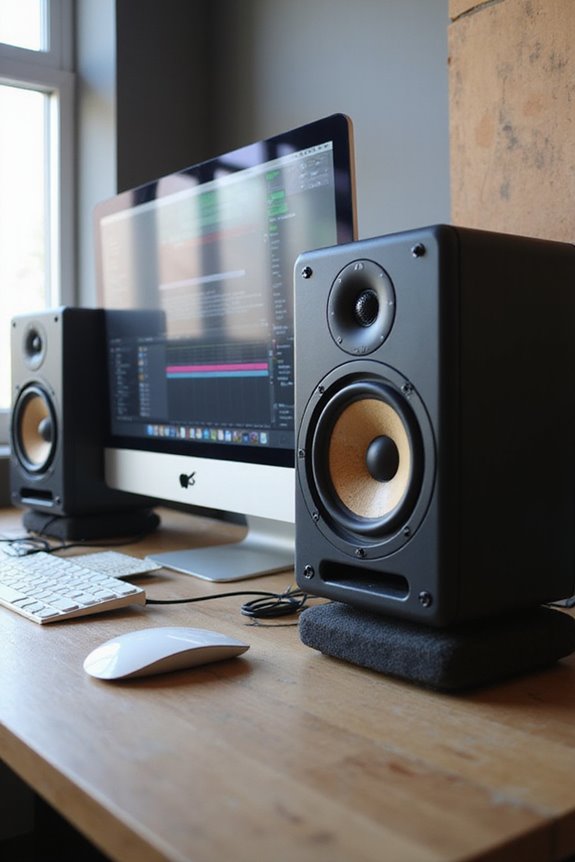
Using studio monitors as computer speakers not only improves audio quality but opens up a world of advantages that can elevate our listening experience. 🎶 With their designed accuracy, flat frequency response, and superior sound quality, studio monitors stand out from the usual consumer-grade speakers. Their sound clarity allows us to hear every detail in music or movies, enhancing our enjoyment like never before!
These monitors deliver outstanding audio fidelity, revealing the pure sound as it was recorded. Plus, the wider sweet spot means we can gather with friends and enjoy the same balanced audio quality. Built to last, studio monitors endure rigorous use, promising durability. Furthermore, selecting models with multiple connectivity options ensures seamless integration with our existing audio setups. So, whether for work or play, having these monitors is worth every penny!
Recommended Products
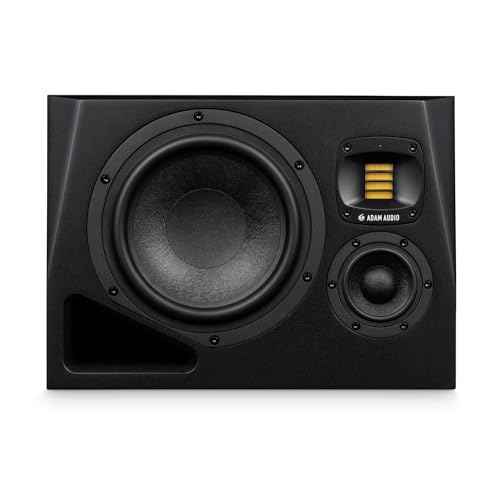
3-way Powered Studio Monitor with 8" LF Driver

This product is sourced from an authorized Soundcraft North American dealer and includes the official Soundcraft manufacturer’s warranty. The warranty is valid only for products purchased from authorized Soundcraft North American dealers within the United States.

EXCEPTIONAL SOUND PERFORMANCE - Savor the ultimate listening experience by pairing a fully loaded high fidelity turntable with endlessly versatile, room-filling 120-watt powered bookshelf speakers
Disadvantages and Limitations in Typical Computer Use
Though it’s tempting to jump on the studio monitor bandwagon, there are some disadvantages and limitations you might want to reflect on if you plan to use them for typical computer tasks.
Acoustic Treatment
We need to acknowledge that studio monitors require ideal placement to avoid *sound coloration* from room reflections. If placed near walls, they may emphasize bass excessively!
Low-Frequency Limitations
Most two-way monitors lack deep bass reproduction. This can leave us wanting more when enjoying movies or games.
Connectivity Challenges
Many monitors need special adapters or audio interfaces, complicating setup. Plus, they often lack volume controls for quick adjustments.
In short, while studio monitors excel in accuracy, they demand fine-tuning and careful setup for everyday use. So, let’s think twice before swapping those trusty computer speakers! 🎶 Additionally, audio interfaces with ADAT I/O can help expand your setup for more versatile recording options.
Recommended Products

17” (432mm) Wide x 15” (381mm) Depth. 1.2” (30mm) Thick. 25 lbs (11.3 kg) weight capacity.
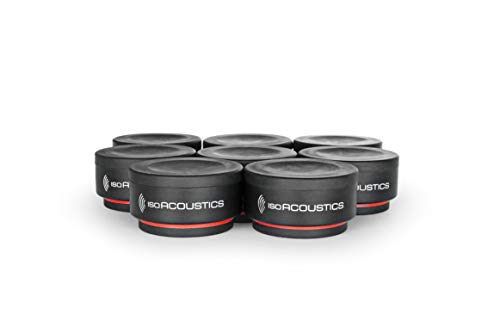
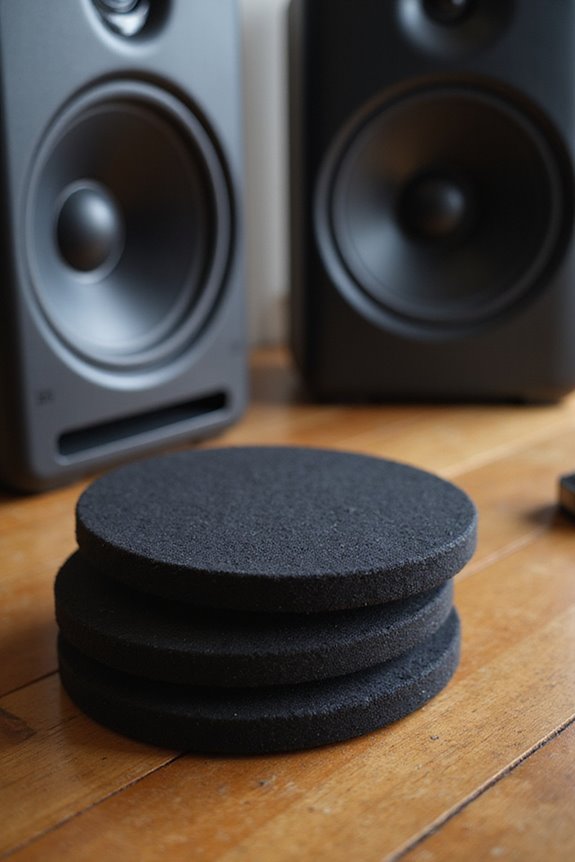
Weight capacity: 6 lbs (2.75 KG) per unit. It is recommended to use 3 or 4 units under each speaker. The total weight capacity is 18 lbs when using 3 units and 24 lbs when using 4 units.
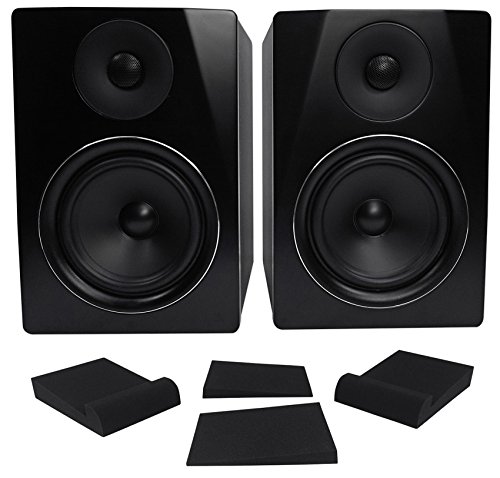
Package Includes: (1) Pair Rockville APM6B 6.5" 350W Peak / 175W RMS Active/Powered USB Studio Monitor Speakers; (1) Pair Rockville RRS190S Foam Studio Monitor Isolation Pads.
Frequently Asked Questions
Can Studio Monitors Be Used Wirelessly With a Computer?
We’ve found that studio monitors can be used wirelessly with a computer, though it’s important to contemplate potential audio quality issues. While wireless connectivity adds convenience, we should prioritize our sound integrity in professional setups.
Are Studio Monitors Suitable for Gaming and Movie Watching?
Imagine us diving into our favorite games or epic films, surrounded by crystal-clear sound. While studio monitors enrich our gaming experience and reveal cinematic audio details, they might lack the immersive impact we crave together.
What Size Studio Monitors Are Best for Small Rooms?
When considering monitor size for small rooms, we’ve found that 5-inch woofers work best. They balance bass response and room acoustics, ensuring clarity and preventing overwhelming vibrations, perfect for our cozy spaces. Let’s choose wisely together!
How Do I Choose the Right Studio Monitor for My Needs?
When choosing studio monitors, we should consider monitor specifications to guarantee they meet our audio quality needs. Let’s prioritize factors like room size and intended use to find the perfect fit together.
Can I Connect Studio Monitors to a Laptop Directly?
Yes, we can connect studio monitors directly to our laptops, but we need to verify studio monitor compatibility with laptop audio settings. Proper cables and adjustments will help us enjoy ideal sound quality without distortion or interference.