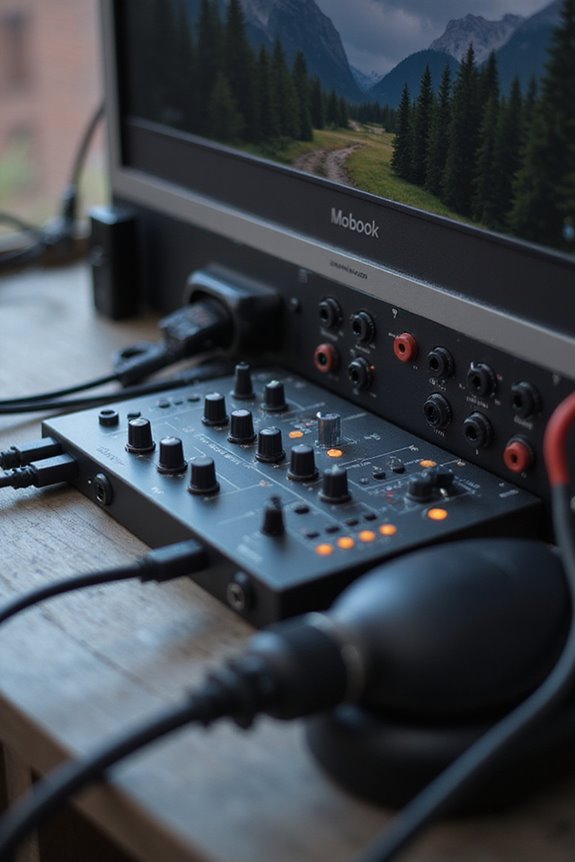
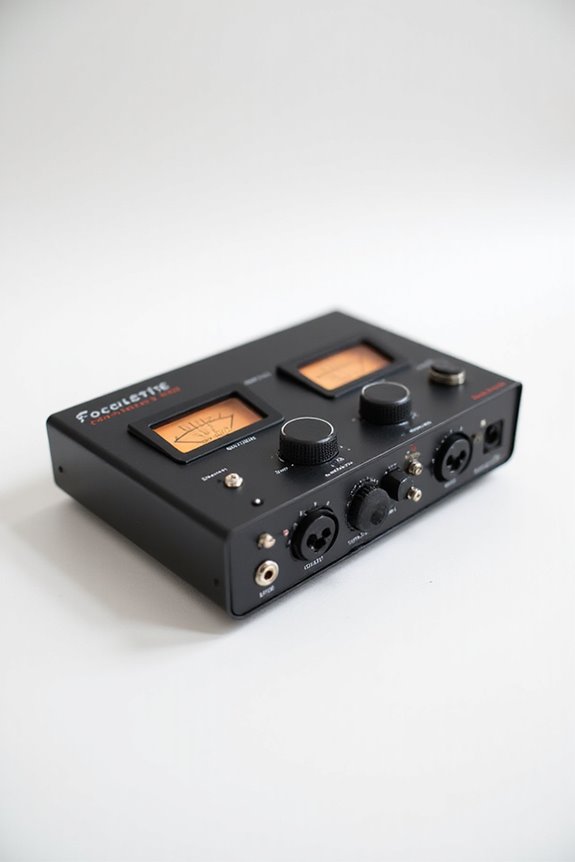
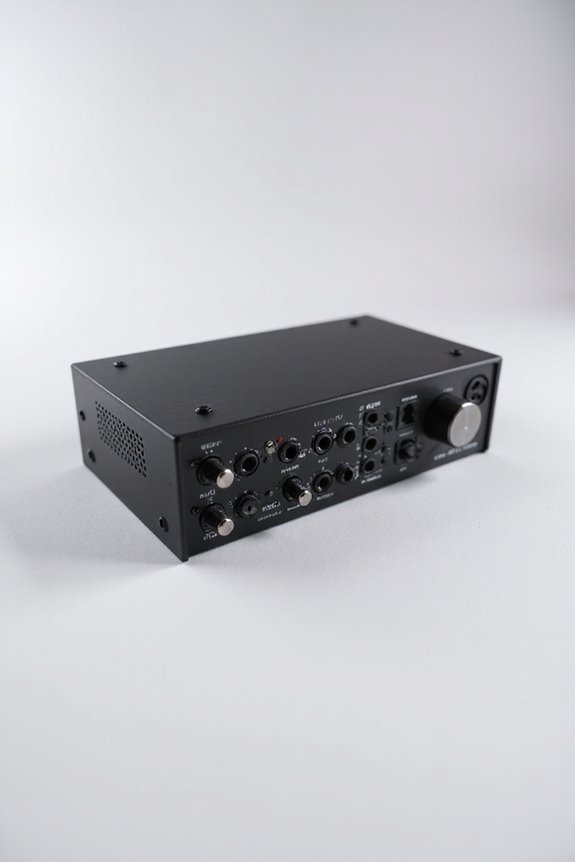
🎉 Audio interfaces can work without a computer, allowing us to mix and process audio wherever we are! Popular models like the Focusrite Scarlett and MOTU UltraLite mk5 let us route audio directly to monitors and headphones, keeping it simple. Plus, we enjoy latency-free monitoring with handy controls! However, some advanced features may be limited. If you’re curious about how to set things up, keep on exploring! 🤔🎧
Key Takeaways
- Yes, many audio interfaces operate in standalone mode, allowing use without a computer for live performances or field recordings.
- Standalone mode enables direct routing of inputs to outputs, facilitating latency-free monitoring with physical controls.
- Popular interfaces like Focusrite Scarlett series and MOTU models support standalone functionality for ease of use.
- While standalone operation simplifies setups, advanced processing features and connectivity options are limited without a computer.
- Proper configuration, including routing settings and internal clock setup, is essential before switching to standalone mode.
Understanding Standalone Mode in Audio Interfaces
You may be interested

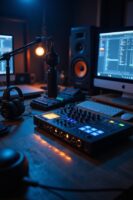
When we talk about audio interfaces, one key feature stands out—standalone mode! This nifty option lets our interfaces operate without a connected computer, offering us a world of standalone benefits. We can directly route analog inputs to outputs, like our monitors or headphones. How cool is that? Imagine a live performance or rehearsal without needing to boot up a computer—it’s a real game-changer!
Physical controls for gain, monitor, and headphone volume remain functional, which makes everything so much easier. Plus, we can pre-configure settings for instant recall, simplifying our setups! While standalone mode lacks advanced signal processing, it still provides a reliable way to expand our inputs and outputs. So, if you’re looking for convenience, this mode is definitely worth exploring! 🎶 Moreover, many modern audio interfaces are designed with high-resolution capabilities that enhance the overall sound quality even in standalone mode.
Recommended Products

A headphone-optimised version of the award-winning Uniti Atom music streaming system

👍 ES9039SPRO X 4 ▶️ Adopting 4 pieces of Ess flagship chip Es9039SPRO for decoding two pieces per channel to form a fuly balanced architecture, completely independenf power supRly, independent grounding, to obtain the best perterance.

Customizable color LCD on jog display screens are located in the CENTRE of each jog wheel, reveal only the information you need whether that’s BPM, waveform, playback position or Hot cue, loop points
Popular Audio Interfaces With Standalone Functionality
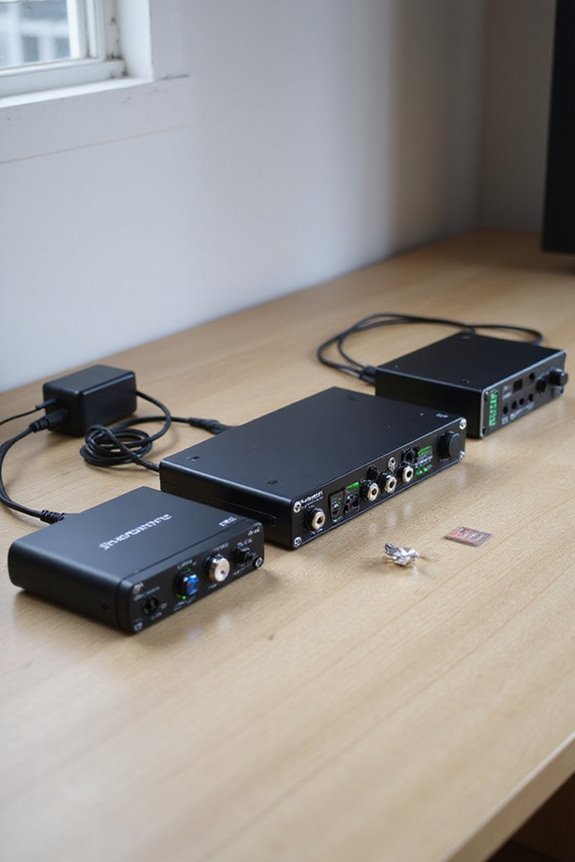
If you’re seeking an audio interface that operates seamlessly without a computer, you’re in luck! Popular choices include several Focusrite models, like the Scarlett 4th Generation series, which features 16i16, 18i16, and 18i20. The Clarett range and older Scarlett versions also shine with standalone capabilities!
On the other hand, MOTU interfaces like the AudioExpress and UltraLite mk5 let you route audio and MIDI signals effortlessly without a computer! Plus, the MOTU M4 acts as a basic mixer, offering versatility for live performances.
And let’s not forget iConnectivity’s AUDIO4c—tailored for cross-platform compatibility. With all these fantastic options, we’ve got a world of creativity ready for you, all without needing a computer! 🎶 Additionally, many of these interfaces support various input types to accommodate different recording setups.
Recommended Products

Standalone: Leave your laptop at home. The built-in Intel processor, 8GB of RAM, 256GB SSD hard drive, and WiFi support enable this to be a fully standalone instrument. Ableton Live Intro software is included.

The Most Powerful MPC to Date, Now in a Vintage-Inspired Colorway - Produce, record, mix and perform with no computer required; fully standalone, MPC Live III Retro features an 8-core processor, expanded 8GB RAM, and MPC3 OS for ultra-fast workflow and pro-grade sound design

Unparalleled software integration with next-generation NKS technology ensures a direct and immersive connection to Kontakt and partner instruments, effects, and sounds
Practical Applications of Standalone Audio Interfaces
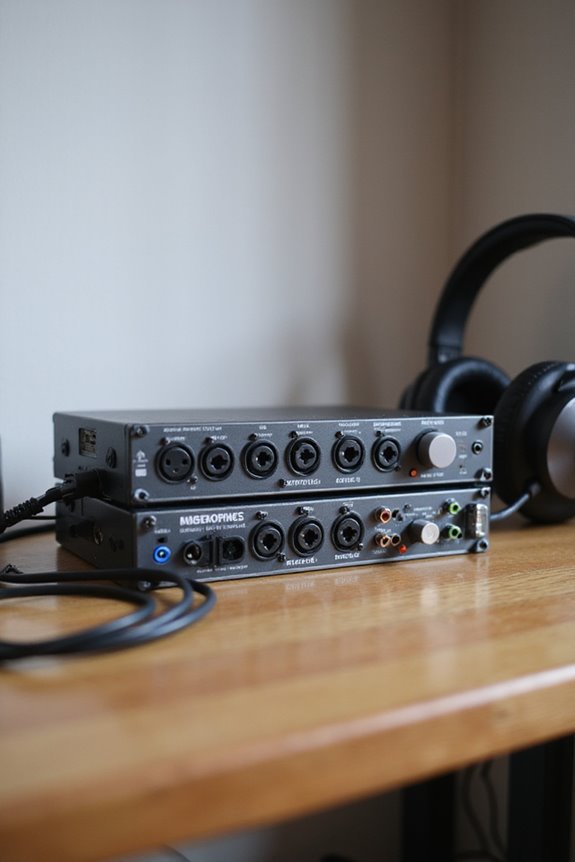
Standalone audio interfaces are not just versatile—they’re game-changers for a multitude of scenarios! 🎤 For live performances, they let us mix and process sound without a computer, ensuring latency-free monitoring. We can quickly adjust audio levels with tactile controls, making real-time tweaks a breeze.
In the domain of field recording, these interfaces shine, too! By pairing with battery power, we can record directly to storage, capturing high-resolution audio anywhere. They support multiple inputs simultaneously—great for interviews or ambient sounds in remote spots. Plus, there’s no computer needed, simplifying our setup and keeping failure points at bay. Many portable interfaces also feature high-quality audio capture, which enhances the overall production value of our recordings.
Recommended Products

Battery resistance, dc and ac voltage, dc and ac current, ripple voltage, frequency and battery temperature
【Nationwide Walkie Talkie】Cellular POC ptt-walkie talkies technology for seamless unlimited range coverage.The 4g lte SIM card is pre-inserted for you.Just unbox,power on, and enjoy crystal clear instant rapid communication across California to New York,cities, states,and countries.Connectivity relies on robust nationwide cellular towers for reliable coverage.FCC ID: 2BK59-M12
![HIDevolution [2025] ASUS ROG Flow Z13 GZ302EA 13.4" WQXGA 180Hz Touch, 3.2 GHz Ryzen Al Max+ 395, 128GB LPDDR5X RAM, 1 TB PCIe SSD, Windows 11 Pro](https://m.media-amazon.com/images/I/419HVvISqyL._SL500_.jpg)
AMD Ryzen Al Max+ 395 16 Core - 32 Thread Processor, 3.0 GHz (Max Turbo Frequency 5.1 GHz), 80 MB Smart Cache
Limitations of Operating Audio Interfaces Without a Computer
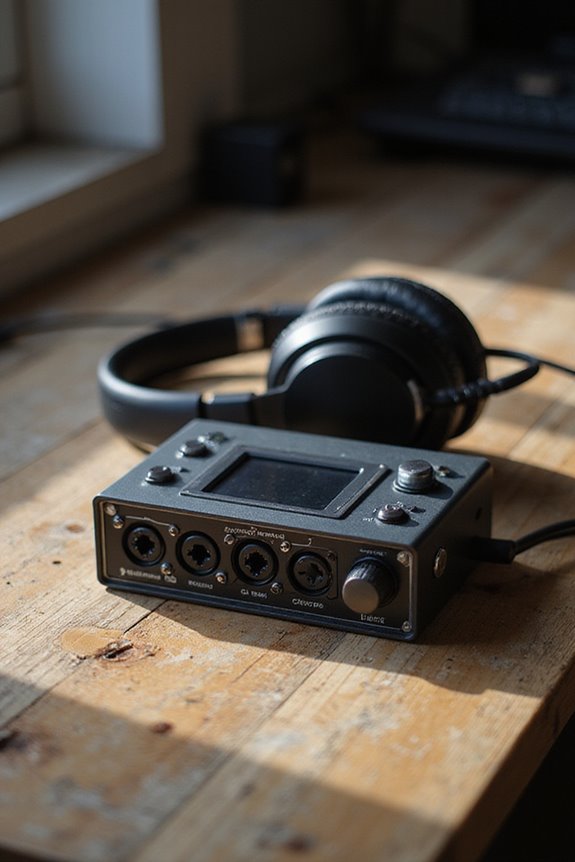
Even though we love the idea of using audio interfaces without a computer, there are some roadblocks we can’t ignore! 🎛 These devices often rely on firmware and software dependencies that can limit their functionality in standalone mode. For example, if your interface needs firmware updates, you won’t be able to enhance its features without connecting to a computer. Also, many hardware controls restrict access to advanced settings, which means you miss out on detailed sound shaping. Plus, without a computer, connectivity features like USB and MIDI remain dormant, limiting your setup. Finally, latency management is tricky since we don’t have DAW-based options; you might not get that perfect recording experience! Additionally, many interfaces are designed with plug-and-play functionality that requires a computer for optimal performance. So, let’s tread carefully!
Steps to Set Up Standalone Mode for Your Audio Interface
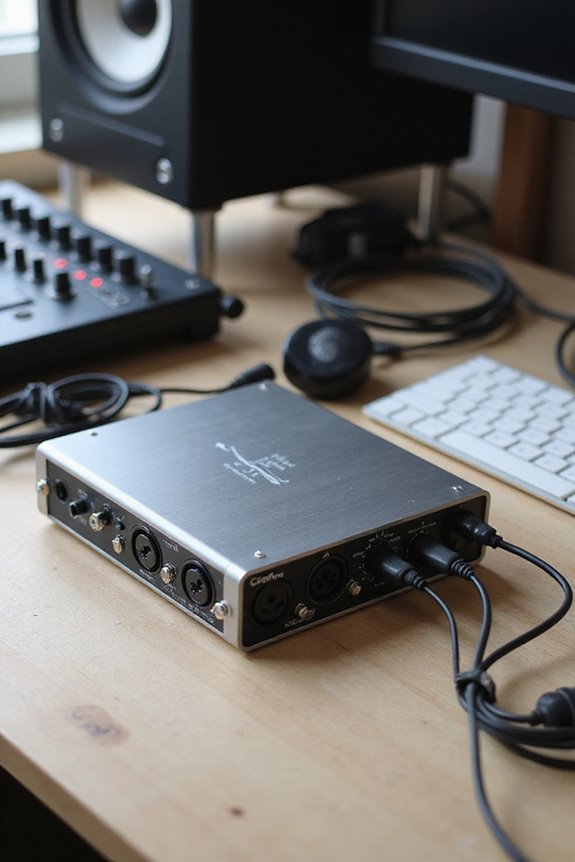
Setting up your audio interface for standalone mode doesn’t have to feel like a puzzle without all the pieces! First, we need to install the control software that corresponds to our interface—updating it guarantees we get all the latest goodies. Next, let’s adjust our routing settings and clock configurations. We’ll set the clock source to “Internal” for independence from our computer and configure audio routing as needed!
Once our settings look good, we can save them to internal memory—don’t forget to disconnect the USB afterward! Now we’re ready to activate standalone mode. Finally, it’s time to test and optimize by sending audio through the configured paths. With everything set, we’re good to create without a computer! 🎶
Recommended Products

A complete standalone DVD Duplicator with a 128mb buffer speed and the latest 24X burners.
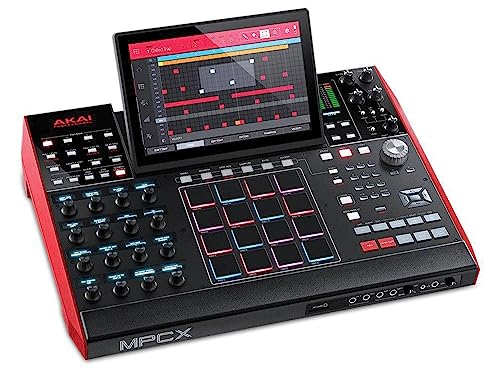
Beat Maker Essential – Standalone flagship MPC, sampler, drum machine and MIDI controller (for the included MPC Software – Mac / PC) with the powerful MultiCore System

STANDALONE POWERHOUSE: No computer required with MPC3 OS, Gen 2 8-core processor with 4x the processing power, 16GB RAM for running multiple plugins simultaneously, and 256GB internal SSD storage for projects, samples, and presets
Key Features of Standalone Mode in Audio Interfaces
When you’re ready to explore standalone mode in your audio interface, you’ll discover a range of exciting features! First, let’s talk about user-friendly physical controls that let us adjust input gain and headphone levels instantly. This setup gives us standalone advantages, like real-time monitoring and quick access to preset configurations!
We can record and playback with ease, independent of a computer—perfect for live performance or troubleshooting. However, we should note some standalone drawbacks, such as limited integration with software. Not all interfaces offer this mode, so we’ll need models with dedicated hardware like the RME UFX II or Focusrite Scarlett. Additionally, interfaces that support 48V phantom power enable greater flexibility with microphone options. It’s a powerful option that can simplify our setups and still deliver high-quality results!
Choosing the Right Audio Interface for Standalone Use
How do you choose the perfect audio interface for standalone use? First, consider the audio interface types—make sure it supports standalone mode! Look for features like built-in CPUs and dedicated controls for easy operation without a computer. You’ll want plenty of connectivity options, such as XLR, TRS, and MIDI ports, to integrate seamlessly with your gear.
Next, check the power requirements; some models need external power or batteries, while others can run on phantom power. Popular options like Focusrite’s Scarlett series and Universal Audio’s Apollo interfaces have great standalone features. Additionally, models that offer zero-latency monitoring ensure real-time audio feedback for a smoother recording experience. Finally, don’t forget to read up on manufacturer tutorials and firmware updates—those will help you get started smoothly! Happy recording!
Recommended Products

All In One: Music Streamer,DAP,DAC,Preamp all in DMP-A8, Each one of these jobs, it's up to the task. It will be a great component to your audio system. Easy control via 6" large LCD color touchscreen and Exclusive mobile APP for Android/IOS mobile phones and tablets.

12-output Live Perfmance Audio/MIDI Interface with 24-bit/96kHz AD/DA

Next-Gen Multi-Track Looping Workstation - The ultimate standalone looper with 7" multi-touch display, 360° RGB loop ring, professional 32-bit audio and custom DSP by HeadRush to shape your sound
Frequently Asked Questions
Can All Audio Interfaces Function in Standalone Mode?
Not all audio interfaces can soar in standalone mode; it really depends on their types and standalone capabilities. Let’s explore together the models that do allow us that freedom and creative flexibility!
How Does Standalone Mode Affect Sound Quality?
When we explore how standalone mode affects sound quality, we often notice audio quality improvements due to its direct signal paths. These standalone advantages help us achieve a more authentic and fuller sound experience together.
Is External Power Always Needed for Standalone Operation?
In the world of music gear, we’re always searching for flexibility. For standalone operation, external power sources are typically essential, though some devices offer limited battery operation, letting us create without cords tethering us down.
Can I Use Effects While in Standalone Mode?
While using standalone capabilities, our options for effects processing are often limited. We can handle basic mixing, but for deeper effects, we’ll likely need to connect to our computer ahead of time.
How Do I Troubleshoot Issues in Standalone Mode?
When troubleshooting issues in standalone mode, we can start with some practical tips. Common issues often arise from connections, permissions, or signal routing. Let’s explore these areas to help us find effective solutions together.