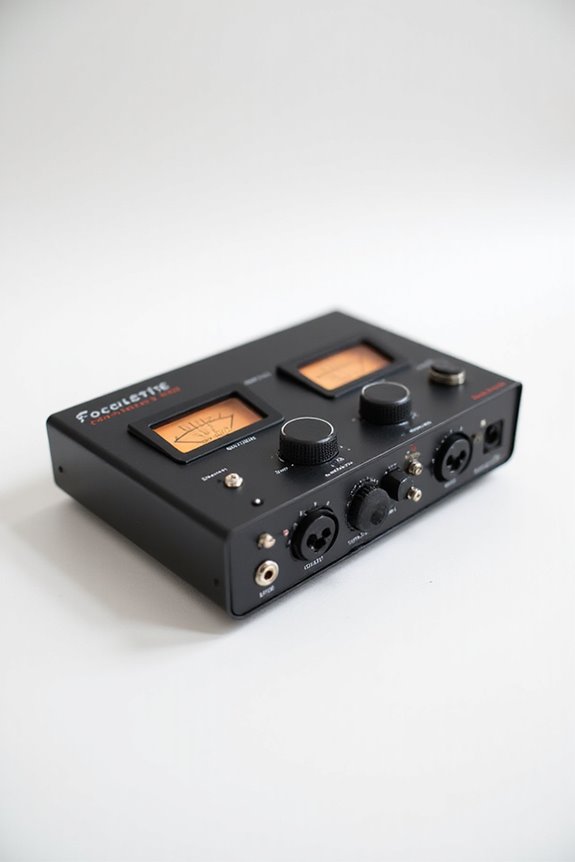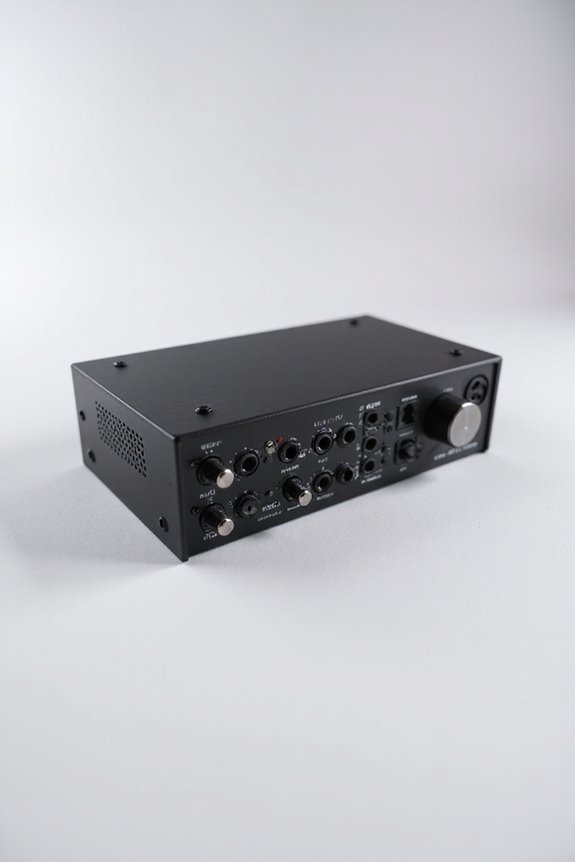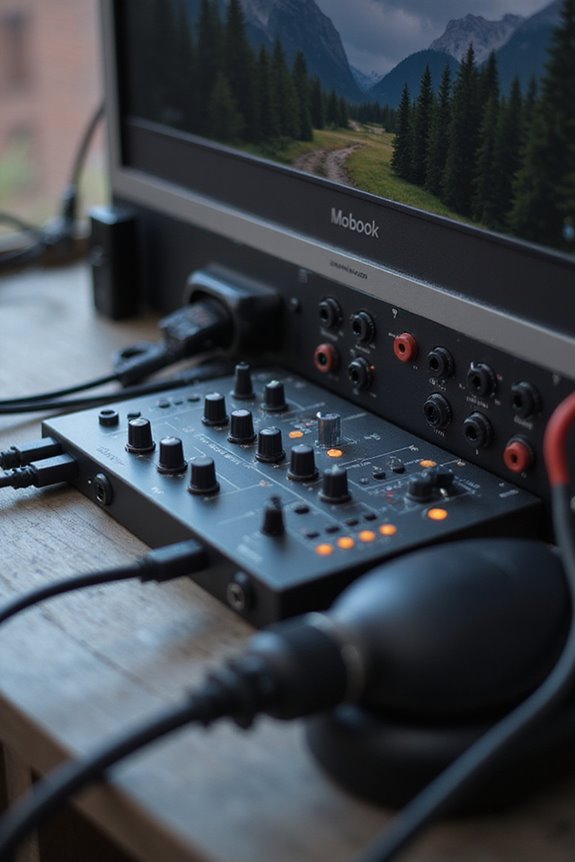

If you’re searching for the best audio interface for your MacBook, we have you taken care of! Look for models like the Focusrite Scarlett 2i2 or the Universal Audio Apollo Twin X, both offering 24-bit/192kHz recording quality for crisp sound. These connect easily via USB-C or Thunderbolt, ensuring low latency. Don’t forget about software bundles that can boost your creativity! 🎵 Want to find the perfect match for your setup? Keep going for deeper insights!
Key Takeaways
- Look for USB-C or Thunderbolt connections for seamless compatibility with modern MacBooks and lower latency performance.
- Opt for interfaces like Focusrite Scarlett 2i2 or Universal Audio Apollo Twin X for high-quality 24-bit/192kHz recording capabilities.
- Consider your setup needs: smaller options like Audient iD4 MkII for simple recordings or Scarlett 18i20 for larger setups.
- Assess software bundles included with interfaces; tools like Pro Tools or Ableton Live Lite enhance your recording experience.
- Budget wisely: entry-level options exist under $100, while high-end models may exceed $1000, depending on features and specifications.
Compatibility With Macos and Connection Types
You may be interested



When we’re selecting an audio interface for our MacBook, what should we keep in mind about compatibility? First, let’s focus on connection types—USB-C is our best friend! Most modern MacBooks only have this as a connection option, so we want an interface that supports it. Plus, Thunderbolt offers even lower latency, perfect for pro setups!
Now, regarding driver updates, we should guarantee our interface has native macOS support. This reduces the hassle of installing extra drivers and keeps compatibility seamless. Also, it’s essential to pick interfaces that support both Intel and Apple silicon chips to future-proof our choice. Additionally, look for models that offer zero-latency monitoring, as this feature significantly enhances the recording experience. Keeping these factors in mind will make our audio adventures smoother and more enjoyable🎶!
Recommended Products

Apple M1 Pro or M1 Max chip for a massive leap in CPU, GPU, and machine learning performance
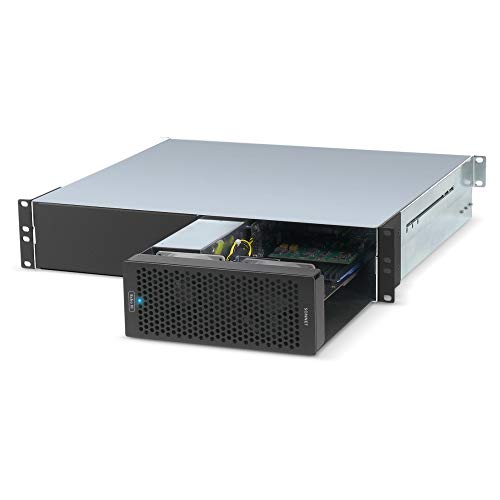
Adds Connectivity & Capabilities: Connects up to three high-performance non-GPU PCIe cards to your computer lacking expansion slots via a Thunderbolt 3 cable.

USB-C Audio Interface with 8 Preamps
Popular Audio Interfaces for MacBooks
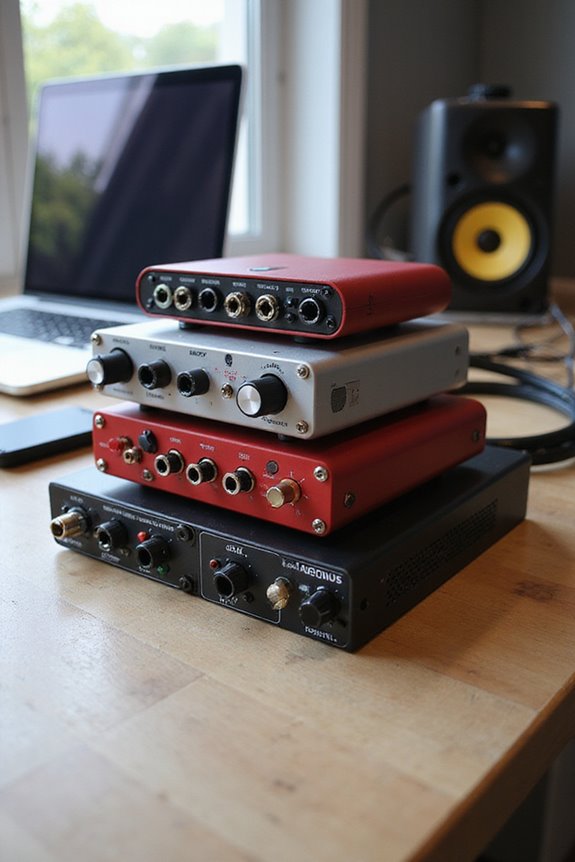
Finding the right audio interface for your MacBook can be a game-changer! Let’s explore some popular options that cater to our diverse needs.
Scarlett Series
The Focusrite Scarlett 2i2 is a favorite, offering 24-bit/192kHz resolution and plug-and-play ease. For larger setups, the Scarlett 18i20 provides eight inputs and ten outputs!
Audient Interfaces
The Audient iD4 MkII is great for simple recordings, while the iD48 caters to pro needs, delivering low latency and superb sound quality!
Apollo Quality
Universal Audio’s Apollo Twin X shines with its 24-bit/192kHz recording and near-zero latency.
Arturia Features
The AudioFuse 16Rig holds great routing options for hybrid setups.
Behringer Options
If you’re on a budget, the Behringer UMC22 offers essential features for beginners! Additionally, consider the importance of high-resolution support when selecting an interface to ensure optimal sound quality for your projects.
Embrace your audio journey!
Recommended Products
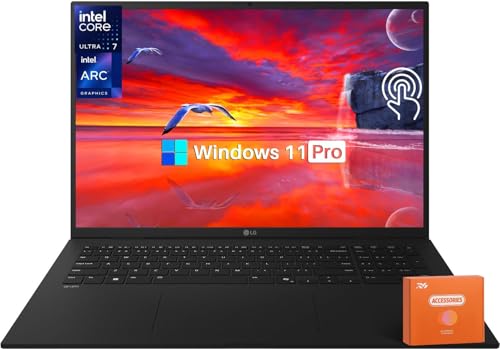
Next-Gen Performance: Powered by Intel Core Ultra 7 258V processor with built-in NPU for AI acceleration, 32 GB LPDDR5X RAM, and Intel Arc graphics to handle creative projects and multitasking with ease
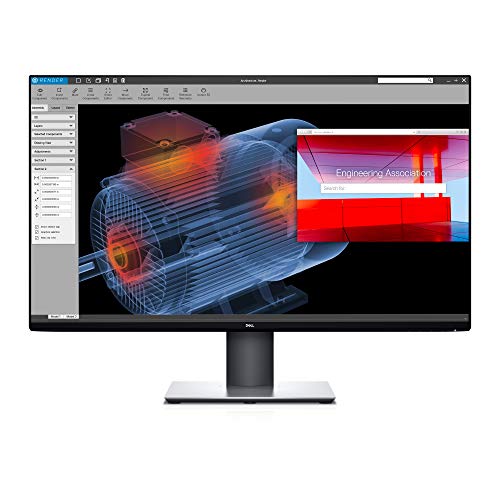
Experience four times more detail than Full HD with 3840x2160 Ultra HD 4K resolution.

Look for two numbers: 3200 lumens Color Brightness for more accurate, vivid color3200 lumens White Brightness for well-lit rooms
Key Features and Specifications
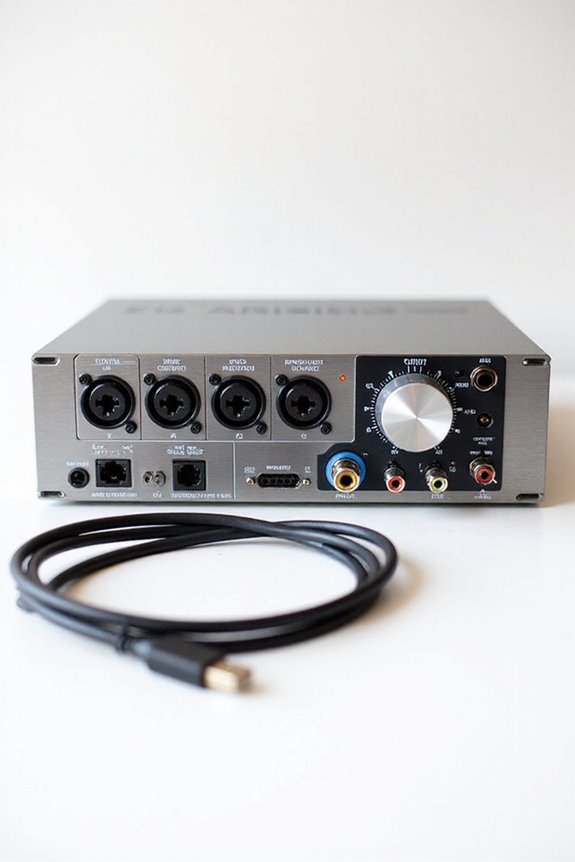
Resolution and Bit Depth
Aim for at least 24-bit/192kHz for professional audio fidelity. Higher bit depths mean more headroom and less noise! Additionally, consider audio quality when selecting your interface as it significantly impacts your recordings.
Inputs and Outputs
Most models have 2 inputs and 2 outputs, while high-end options can support up to 10 outputs. MIDI options can expand your creative control.
Connection Options
USB-C and Thunderbolt 3 are your best friends here! They offer varying latency, so pick wisely.
Getting familiar with these specs not only helps your sound quality but also empowers you as a creative. Let’s make some magic happen!
Recommended Products

PERFECT FOR LIVE & STUDIO - The Fireface UCX is a highly integrated pro audio solution in an ultra-compact format for studio and live recordings. It continues RME's long tradition of designing compact high-end interfaces, packing into a half-rack size unit what usually would be spread out over two or three 19 inch panels. In doing this the Fireface UCX marks a new packing record: 300 electronic components more than inside the already well-stocked Fireface UC!

32-bit float recording + dual A/D converters: 133 dB wide analog dynamic range for capturing audio across a wide range of levels.

AUDIOPHILE-GRADE SOUND: Hand-built cabinets with custom 5.5" woofers and 1" silk dome tweeters deliver exceptional clarity and detail across the entire frequency spectrum (50Hz-22kHz)
Software Bundles and User Experience
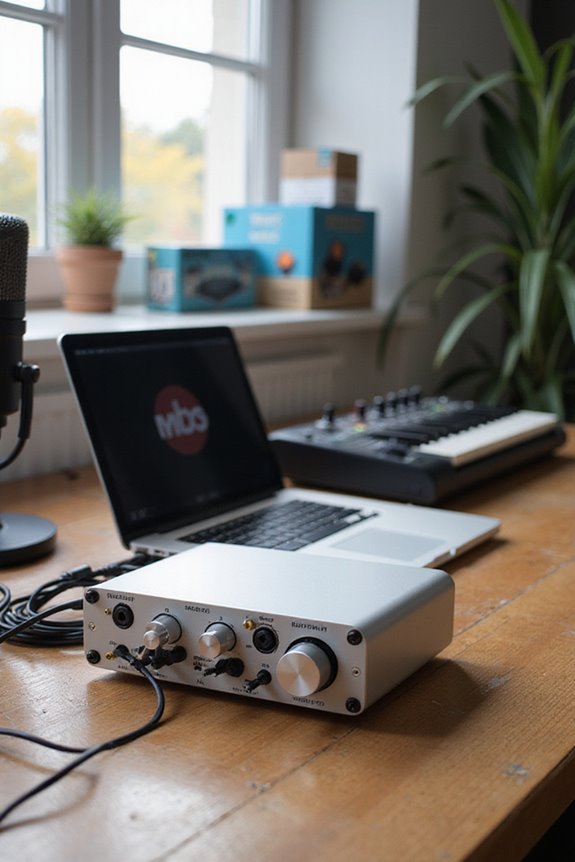
How important are software bundles when choosing an audio interface for your MacBook? They’re vital! A great software selection enhances user satisfaction, providing tools right out of the box. For example, with the Focusrite Scarlett series, you’ll get three months of Avid® Pro Tools® and Ableton Live Lite, plus Hitmaker Expansion for added creativity. If you’re leaning towards Universal Audio, the Apollo Twin X offers exclusive plugins for vintage effects and high-quality vocals—perfect for that pro sound! Additionally, some audio interfaces come with software bundles valued over $1000 in software that can significantly enhance your recording experience.
Budget interfaces may keep things simple with essential recording software, making it easier to jump in! 🎵 Overall, these bundles cater to various production needs, from beginners to advanced users, ensuring everyone finds their groove. Let’s choose wisely!
Use Case Recommendations
For recording musicians and home studios, go for interfaces like the Focusrite Scarlett 2i2, which offers high-resolution recording at 24-bit/192kHz. Need more inputs? The Scarlett 18i20 has you covered with 8 inputs—perfect for multi-mic setups! If you’re into guitar recording, the IK Multimedia AXE I/O shines with its dedicated instrument-level inputs for superior audio quality. Podcasters and streamers will appreciate the M-Audio M-Track Solo, known for its simple operation and real-time effects. Additionally, consider the importance of latency performance, as it should ideally be under 10ms for optimal recording.
Recommended Products

18 audio inputs and 20 audio outputs; Ten line outputs, MIDI I/O, S/PIDF I/O, and Word Clock Out

Captures 16 mic and line inputs to your computer with clear sound quality and advanced features to manage big sessions

1-channel USB-C Audio Interface with 1 Vintage-style Preamp; Mic
Price Range and Value
When choosing an audio interface, we can’t overlook the importance of price range and value! 🎤 Depending on your needs, you’ll find options across three main categories: entry-level, mid-range, and high-end premium interfaces.
Entry-Level Budget (Under $100)
For less than $100, we can grab solid options like the Behringer UMC22 or M-Audio M-Track Solo, perfect for beginners.
Mid-Range Value ($100–$400)
In the mid-range, the Audient EVO 4 shines with Smart Gain and superb audio quality.
High-End Premium (Above $1000)
If you need top-tier performance, the RME Fireface UFX III has everything!
When browsing, be sure to look at user reviews—they can be a goldmine for insights! Additionally, prioritize 24-bit/192kHz recording quality for superior sound fidelity when selecting an interface. Happy hunting!
Recommended Products

Classic ISA mic preamp design featuring Lundahl LL1538 input transformer

For Recording Studios and Touring

24-bit/192kHz USB Audio/MIDI Interface with 4 Mic/Instrument Preamps
Frequently Asked Questions
How Do I Install Updates for My Audio Interface on Macos?
To install firmware updates and drivers for our audio interface on macOS, let’s start by visiting the manufacturer’s site, downloading the appropriate files, and following the installation prompts carefully. We’ll keep our setup updated together!
Can I Use Multiple Audio Interfaces Simultaneously With My Macbook?
While we’ve got the excitement of multiple audio interfaces, we should remember macbook audio setup’s intricacies. Yes, we can use them simultaneously, but audio interface compatibility is key to avoid frustrating glitches and sync issues.
What Is Round-Trip Latency and Why Is It Important?
Round-trip latency is key to our audio quality; if it’s too high, we struggle with timing. Adjusting buffer size helps balance performance, ensuring we stay in sync during our recordings and live performances.
Are There Any Troubleshooting Tips for Audio Interface Issues on Macos?
Struggling with audio interface issues? We’ve all been there. Let’s check USB connections and guarantee driver compatibility. A few tweaks in preferences can often get us back on track without hassle. You’re not alone in this!
How Do I Choose the Right Audio Interface for My Music Genre?
When we’re choosing the right audio interface, we need to contemplate audio interface types and genre-specific features that best suit our music. Collaborating on this will help us find the perfect fit for our creative needs!