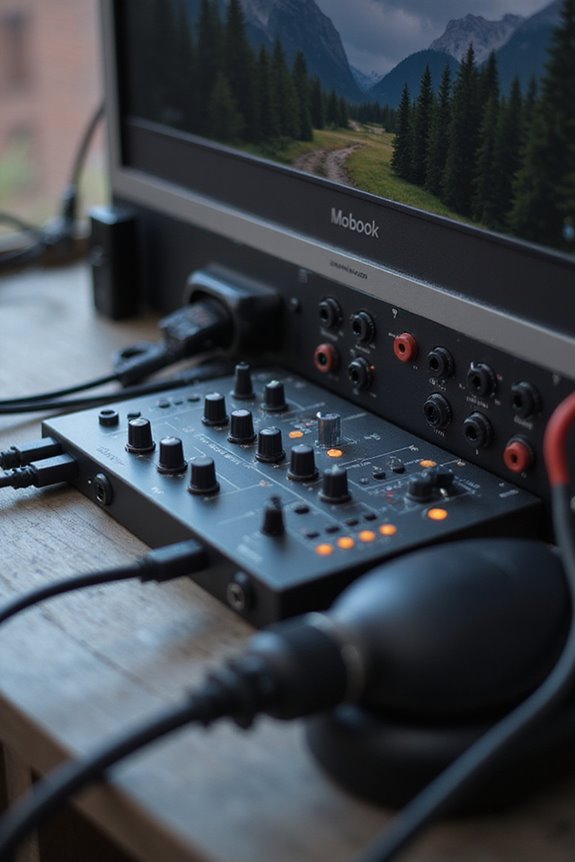
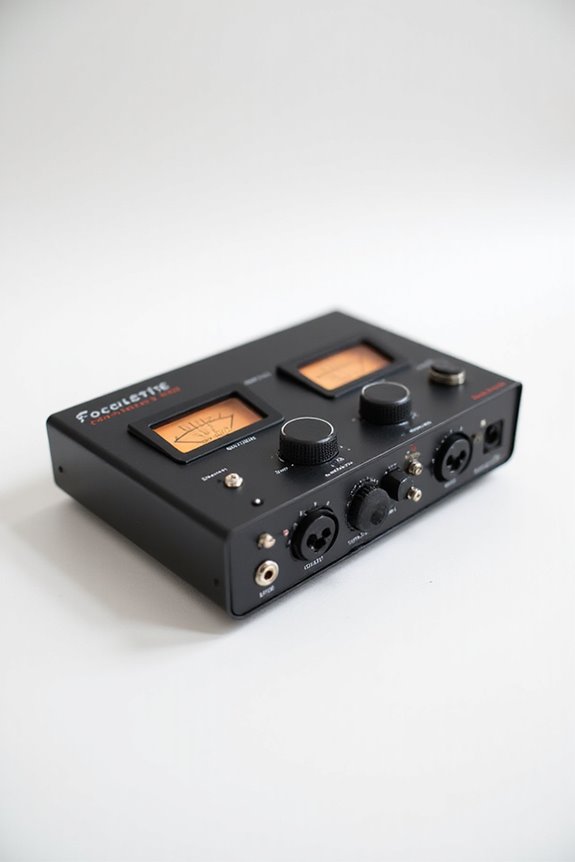
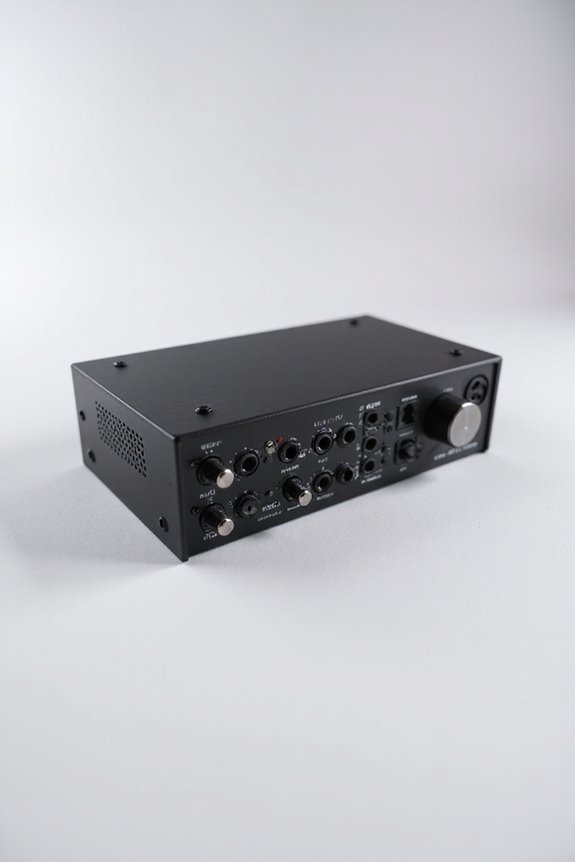
An audio interface is your best buddy for connecting analog audio gear, like mics and instruments, to your computer or DAW! 🎤 It converts those signals into high-quality digital sounds, ensuring clarity and fidelity. With features like built-in preamps, multiple inputs/outputs, and high-resolution capabilities, you’re set for stellar recordings! Plus, it supports connections like USB and Thunderbolt for flexibility. Curious about what else it can do? Let’s explore its various uses together!
Key Takeaways
- An audio interface connects analog audio sources to computers, converting signals for recording and playback.
- It offers multiple inputs and outputs, enhancing sound quality for music production.
- Built-in preamps and low-latency monitoring ensure clear sound with minimal delay.
- High-resolution recording up to 24-bit, 192 kHz captures every audio detail accurately.
- Common connectivity options include USB, Thunderbolt, and digital I/O ports for diverse setups.
Definition and Function of Audio Interfaces
You may be interested


An audio interface is like the translator between your favorite instruments and your computer’s digital world! 🎶 It’s an essential hardware device that connects analog audio sources—like microphones and guitars—directly to your computer or digital audio workstation (DAW). Understanding the audio interface basics allows us to grasp its importance in music production.
This powerful tool converts analog signals into digital data for seamless computer processing, and vice versa for playback! Think of it as the modern soundcard—only cooler and more capable! An audio interface gives us multiple inputs and outputs while ensuring sound quality is first-rate. With features like built-in preamps and low-latency monitoring, it’s an indispensable part of our audio journey. Additionally, high-resolution capabilities such as 24-bit, up to 192 kHz ensure superior sound quality for our recordings. Let’s embrace these audio adventures together!
Core Components of an Audio Interface
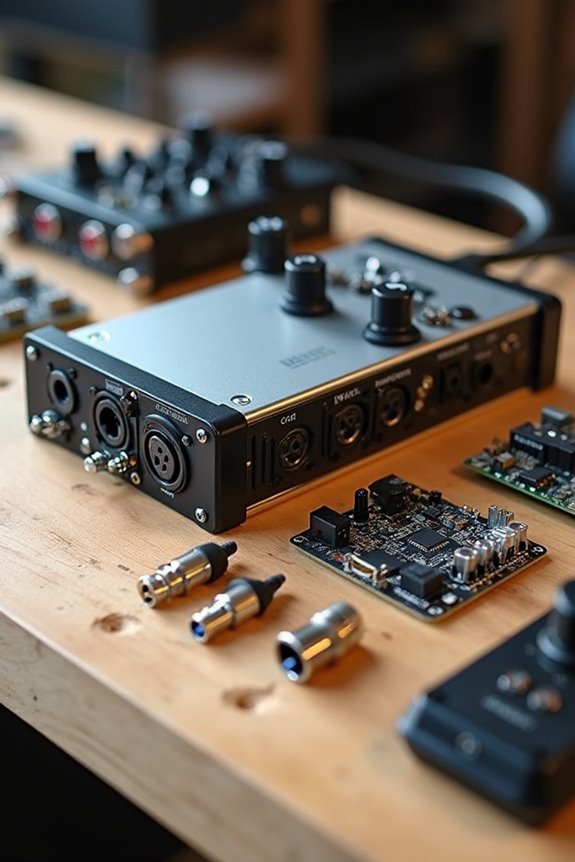
As we explore the inner workings of audio interfaces, it’s important to know what makes these devices tick! One key component is the preamps. These come in various types and are essential for boosting your microphone’s signal, ensuring clarity and minimal noise. For those just starting, affordable interfaces often have solid preamps that do the job well.
Another standout feature is DSP capabilities. This little magic chip allows for adding effects like reverb or compression without straining your computer. It keeps everything running smoothly, especially during live recording. Higher-end interfaces typically offer these features, enabling you to monitor levels easily. So, when choosing an audio interface, consider the quality of preamps and DSP for stellar sound experiences! 🎶 Additionally, look for interfaces with high-resolution recording to capture every detail of your sound.
Recommended Products

Produce with a special edition of UA's elite-class Apollo x16 interface, including a premium suite of award-winning UAD plug-ins worth over $2,400

Inputs and Outputs Explained
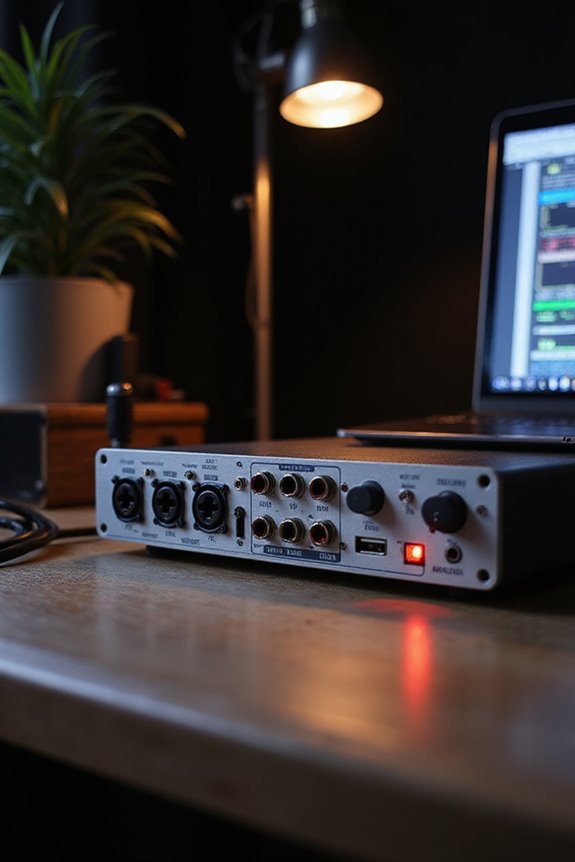
When diving into the world of audio interfaces, understanding inputs and outputs is essential! 🎤 These connections serve as the backbone of your setup, enabling all the microphone types—from dynamic to condenser—to shine. XLR inputs often require phantom power, while combo XLR/TRS jacks bridge both mics and instruments.
Hi-Z inputs guarantee your electric guitars plug in easily without extra gear. For monitoring, headphone outputs give you a private listening experience, often with adjustable volume controls. Let’s not forget about the main outputs—balanced TRS or XLR connections—that deliver a clean, final mixed signal for accurate playback. Digital I/O ports like ADAT expand your capabilities for multi-instrument setups. Additionally, understanding DSP processing capabilities can significantly enhance your recording quality by reducing CPU load. So, let’s explore these options and tailor our sound journey together!
Recommended Products

PROFESSIONAL-GRADE AD/DA CONVERTER: The Amari Reference-Grade AD/DA Converter delivers unmatched 24-bit, 384 kHz conversion for premium audio quality. Ideal for critical listening, mastering, and archiving, this AD/DA converter studio audio device ensures pristine sound reproduction for audiophiles and professionals alike.

High input capacity and fader count makes this powerful console ideal for larger applications.

12-channel Microphone Preamplifier
Connectivity and Compatibility Options
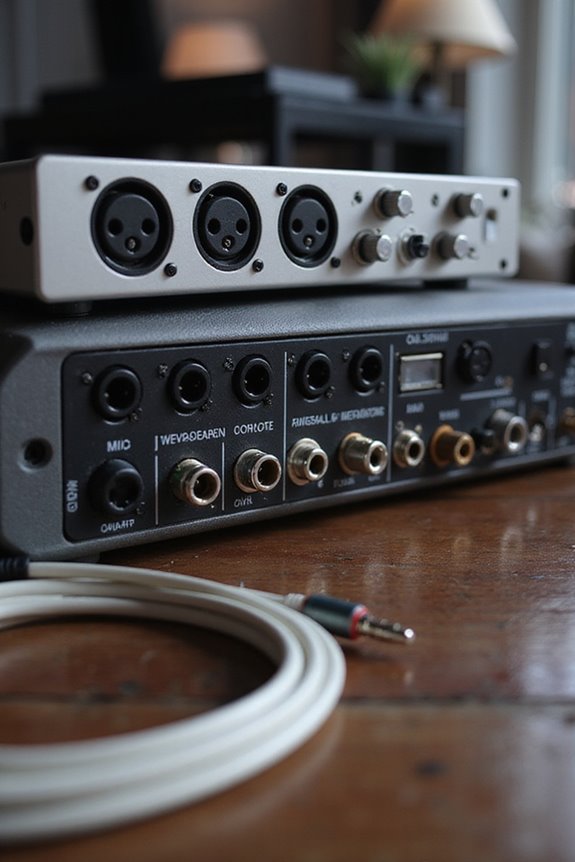
While diving into the sea of connectivity and compatibility options for audio interfaces, you might feel a bit overwhelmed. Don’t worry; we’re in this together! Let’s consider some common connection types. USB reigns supreme for most of us, providing easy compatibility with computers. For those aiming higher, Thunderbolt 3 offers lightning-fast speeds and low latency. PCIe cards are for the high-end crowd, while Ethernet options like Dante cater to complex setups.
Don’t forget about driver software! Some interfaces require proprietary drivers to access their full potential, while class-compliant ones are often plug-and-play. Regular driver updates guarantee we’re all riding the compatibility wave smoothly! 🌊 Keep these factors in mind to select an audio interface built for you! Additionally, ensure your chosen interface is compatible with macOS versions, especially for users with Apple Silicon Macs.
Recommended Products

94-in/94-out USB 3.0 Audio Interface

DSP Effects - macOS/Windows/Linux/iPad
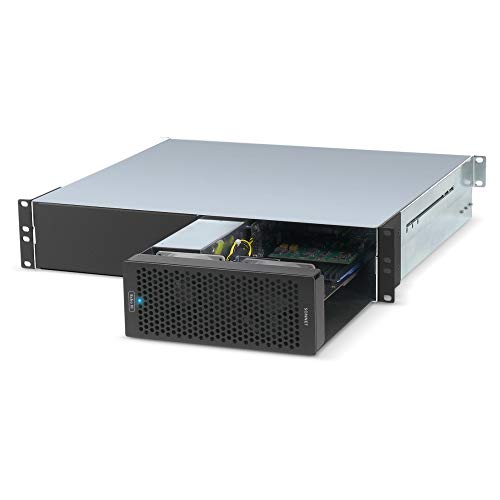
Adds Connectivity & Capabilities: Connects up to three high-performance non-GPU PCIe cards to your computer lacking expansion slots via a Thunderbolt 3 cable.
Factors Affecting Audio Quality
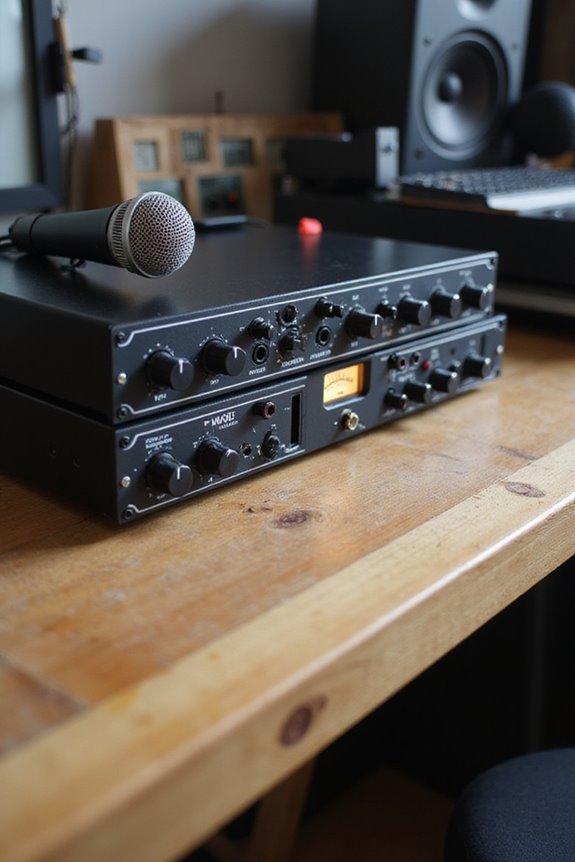
Understanding the factors that affect audio quality can feel a bit like unraveling a tangled ball of string, but we’re here to make it easier for you! 🎶 Several key elements play an essential role in guaranteeing your recordings sound crystal clear.
Dynamic Range
A high dynamic range, like 120dB or better, means more room to capture detail without noise.
Preamp Performance
Quality mic preamps reduce unwanted noise, vital for mics like the Shure SM7B.
Conversion Accuracy
Top-tier analog-to-digital converters guarantee your signals retain fidelity during recording and playback.
Build Durability
A sturdy interface with quality components guards against unwanted interference.
Noise Reduction
Effective shielding and advanced designs help minimize electrical noise.
When we combine these factors, we create a vibrant audio experience! 🌟 Additionally, features like onboard DSP can enhance real-time effects processing, further elevating your audio quality.
Use Cases and Benefits of Audio Interfaces
An audio interface isn’t just a fancy gadget; it’s a game changer for anyone serious about sound! 🎤 Whether you’re a budding musician, a passionate podcaster, or a sound designer, using an audio interface can dramatically elevate your recording experience.
Here are some awesome benefits you’ll love:
Recommended Products

Accompaniment Styles add a "backing band" when you play or perform for dynamic and professional results. Customize and personalize your music while maintaining control over chord changes and arrangements.

48 Input Channels, 36 Total Busses, PAFL Bus, 12 Stereo Mix (Aux or Group) + Main

Flagship 88-note weighted-action synthesizer keyboard with thousands of electronic and acoustic sounds powered by Roland’s advanced ZEN-Core, V-Piano and SuperNATURAL technologies, with authentic acoustic grand sound and response
Expanded Connectivity
- Multiple input types like XLR and instrument jacks let us record various sources.
- Simultaneous multi-microphone recording is perfect for interview-style podcasting.
Enhanced Sound Quality
– Superior A/D conversion guarantees crystal-clear audio, vital for live streaming.
Broader Use Cases
– Ideal for capturing high-quality vocals, engaging in sound design, or managing multiple sessions effortlessly. Additionally, many audio interfaces offer low latency performance, ensuring real-time monitoring without frustrating delays.
In short, we’re stepping up our audio game, connecting with audiences, and creating soundscapes that resonate!
Frequently Asked Questions
Can I Use an Audio Interface Without a Computer?
Yes, we can definitely use standalone devices for mobile recording without a computer. It’s a fantastic way to mix and capture audio on the go, allowing us to simplify our setup during live performances.
What’s the Difference Between USB and Thunderbolt Audio Interfaces?
When we compare USB advantages to Thunderbolt speed, we see that USB offers great compatibility and affordability, while Thunderbolt provides faster transfer rates, reducing latency—ideal for complex setups. It’s about what best fits our needs!
How Do I Choose the Right Audio Interface for My Needs?
When choosing the right audio interface, we should prioritize audio quality and examine different connectivity options. Let’s consider our specific needs and budget to find an interface that feels just right for us.
What Are Some Popular Brands of Audio Interfaces?
When exploring popular audio interface brands, we can focus on features like preamp quality and connectivity. Comparing brands like Focusrite and Universal Audio helps us find the best fit for our creative journeys together.
Do Audio Interfaces Require Specific Drivers to Function?
Think of drivers as the right key to activate our audio interface’s full potential. We’ve gotta guarantee driver compatibility during the installation process, so we all enjoy smooth performance and superior sound together.