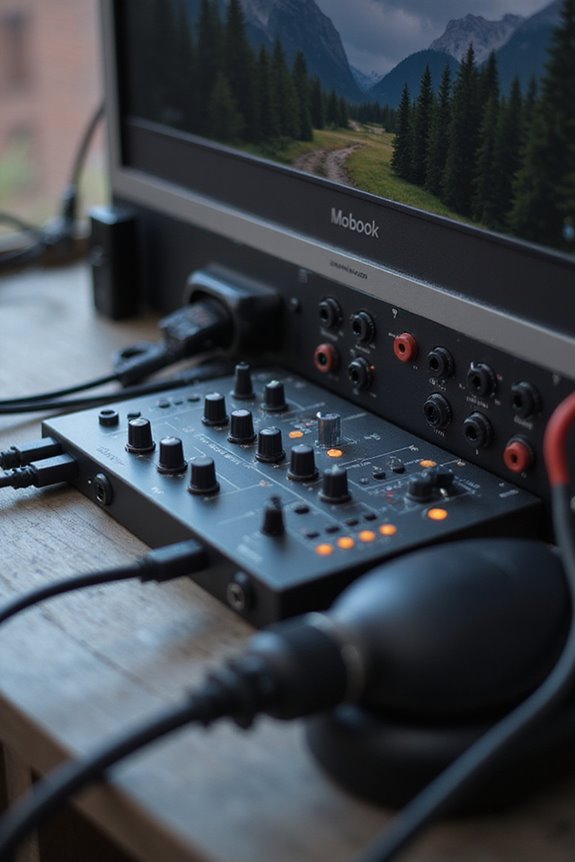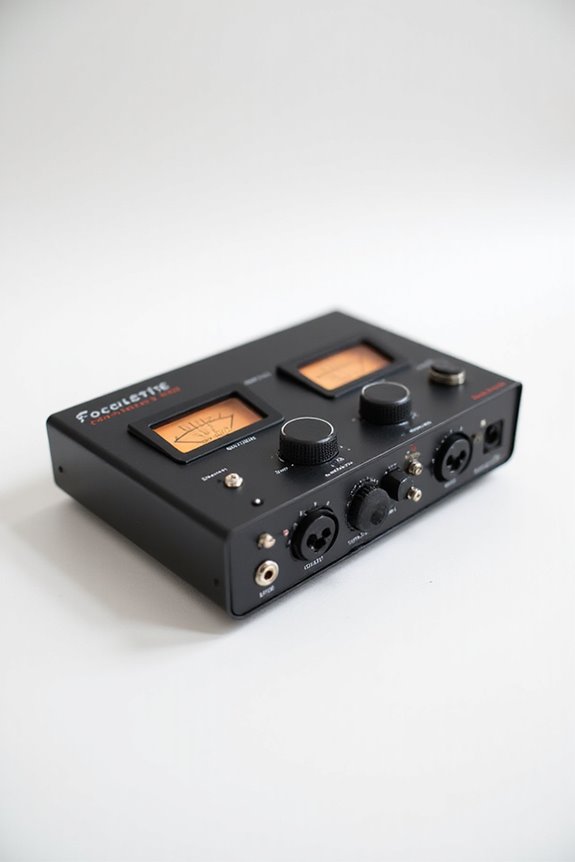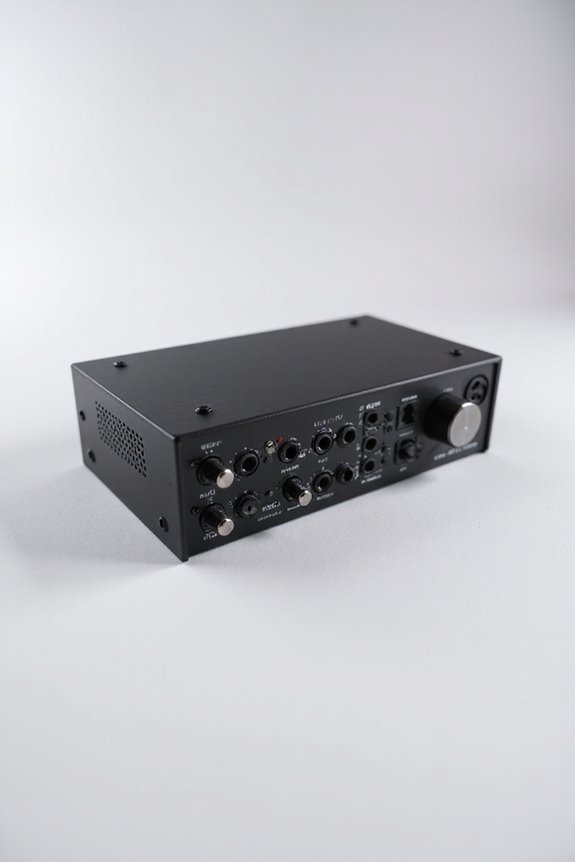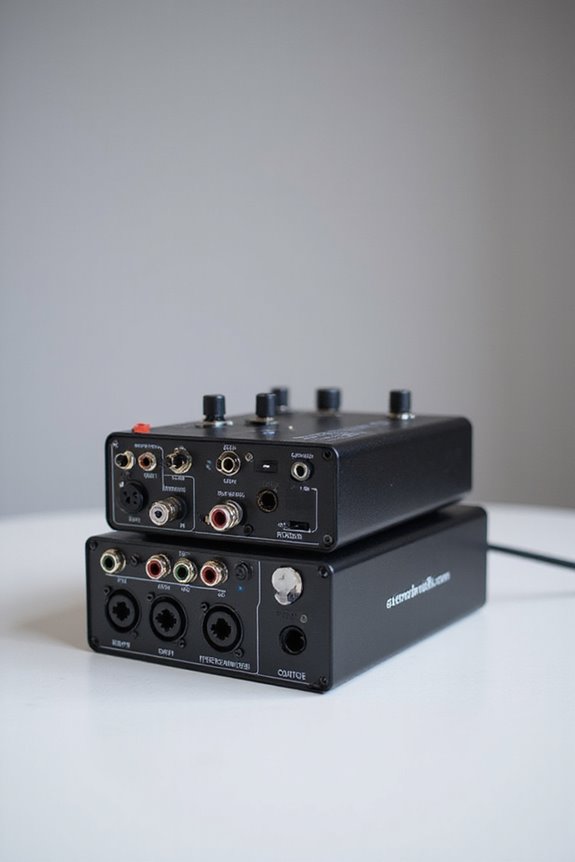

When picking an audio interface for your Linux studio, compatibility is key! 🎤 We recommend USB Class Compliant devices like the Behringer U-Phoria UMC22 or Focusrite Scarlett Solo for solid performance. Aim for low latency—around 5-10ms works best for recording. Look for interfaces with XLR/TRS combo jacks for flexibility and keep an eye on software support. With options tailored to different budgets, you’ll find something that suits your needs! Let’s explore more! 🎶
Key Takeaways
- Choose USB Audio Class Compliant devices, like Class 1.1 or 2.0, for easy compatibility with Linux systems.
- Behringer U-Phoria UMC22 and Focusrite Scarlett Solo are excellent options for budget-conscious and performance-oriented users, respectively.
- Consider interfaces with XLR/TRS combo jacks and Hi-Z inputs for diverse input capabilities and connectable instruments.
- Latency testing is essential; aim for 5-10ms for recording sessions for optimal performance without compromising CPU load.
- Regularly monitor ALSA updates and test interfaces on your specific Linux setup to ensure ongoing compatibility and stability.
Key Considerations for Choosing an Audio Interface for Linux
You may be interested

When it comes to choosing the right audio interface for your Linux studio setup, what should we really be looking for? 🎛 First and foremost, we want compatibility! We should opt for devices that are USB Audio Class Compliant (Class 1.1 or 2.0). This means plug-and-play support without extra drivers—what’s not to love? Devices with switchable modes are a bonus, giving us flexibility for cross-platform use. Also, let’s talk USB version; USB 2.0 interfaces tend to offer more stable support than their flashy USB 3.0 cousins. Testing is key, so always check hardware on your specific Linux setup first. A little preparation now can save us headaches later! Additionally, look for interfaces that provide low latency performance, as this is essential for real-time monitoring during recordings. Happy hunting, team!
Recommended Products

DuoPre XLR Microphone preamps, including 48V Phantom power for condenser microphones and up to 69dB of gain. Each preamp uses two gain stages to provide a full and accurate sound across the entire gain range with enough power for even the most gain hungry mics.

The 88-note, GHS weighted action is heavier in the low keys and lighter in the high keys, just like an acoustic piano

USB-C Audio Interface with 8 Preamps
Recommended Audio Interfaces for Different Budgets
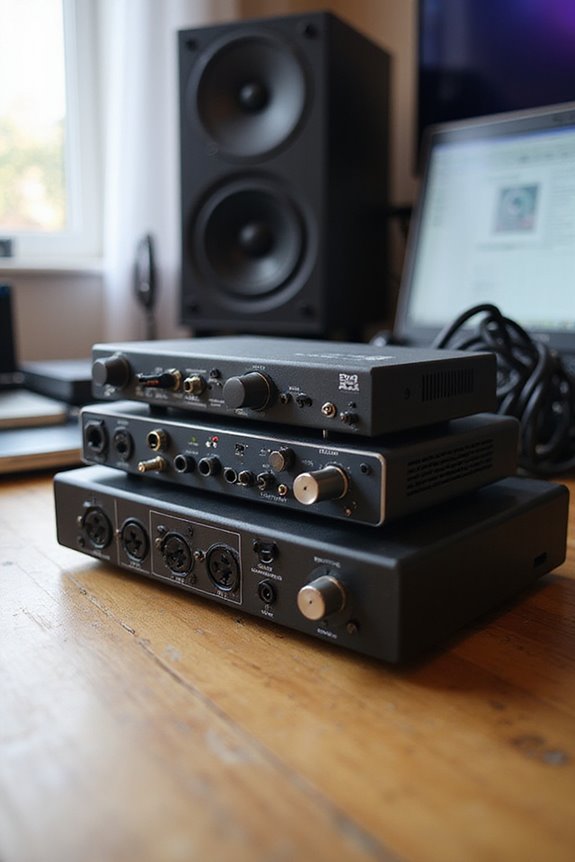
When exploring budget options, we’ve got some standout audio interfaces! The Behringer U-Phoria UMC22 offers 24-bit/48kHz resolution with 2 inputs and outputs; it’s known for its great Linux compatibility at just under $100. For a little more, the Focusrite Scarlett Solo boasts 24-bit/192kHz quality and a latency of about 5.8 ms. If you want something compact, check out the Arturia Minifuse 1, which also offers 192kHz but without MIDI support. Finally, the Presonus Studio 24c gives us MIDI options, making it perfect for diverse setups with a robust feature set at a low price. With these options, we can enhance our creative projects without breaking the bank! 🎶✨ Additionally, each interface maintains low latency performance for optimal recording, ensuring a seamless creative process.
Recommended Products

OFFICIAL NDI CAMERA: While other cameras merely claim "NDI compatibility," this NewTek-officially certified NDI camera delivers verifiable performance – maintaining stable 4K streaming even on congested church networks, with seamless integration into OBS, vMix, and ProPresenter systems. Official certification means rigorously tested reliability, ensuring your live stream meets broadcast-grade stability so no crucial moment is ever interrupted.

【 FoMaKo K600NW 4K 60FPS NDI PTZ Camera, Support NDI HX3 4K 60fps Video output 】.White color. 20x Optical zoom. 3-Channels 4K video output, HDMI/NDI support 4K at 60fps,USB Support 4KP30, and 3G-SDI support 1080P at 60fps. Uncompressed Ultra High Definition Video, PoE supported. Made for Church Worship Live Services Live studio, Events.

Dual-Channel HDMI Capture – PCIe capture card with two independent HDMI inputs for simultaneous capture of two HD video sources.
Understanding Latency and Performance in Linux Setups
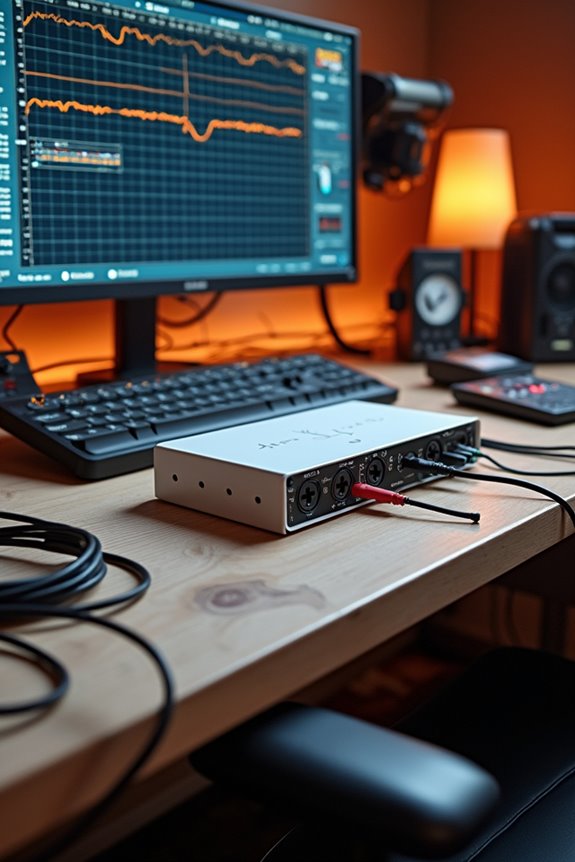
Latency in Linux audio setups can feel like a slippery slope, but don’t worry—we’ve got your back! Understanding latency means diving into round-trip measurements; here, we connect our audio interface’s output to its input. We recommend using effective latency measurement techniques, like JACK’s jack_iodelay, for precise testing.
Buffer size optimization plays a significant role; smaller buffers reduce latency but increase CPU load. Aim for 5-10ms for recording and below 5ms for live performance. Keep an eye on those settings! This way, we can minimize glitches and get the most from our hardware. Remember, testing regularly helps us spot bottlenecks, ensuring smooth sailing through our Linux audio adventures! 🎧
Recommended Products
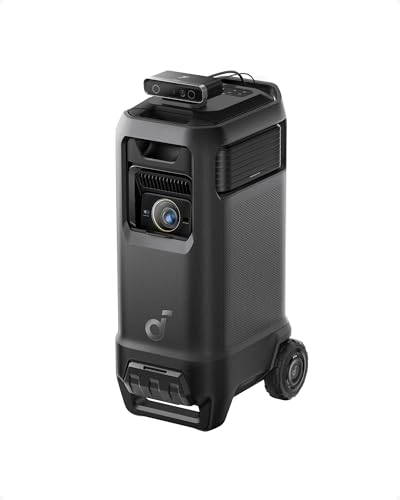
Outstanding 4K Visuals, Mapped Perfectly to Your Space: X1 Pro's Triple Laser engine delivers 3,500 ANSI lumens, 1.07 billion colors, and 56,000:1 dynamic contrast; SpaceFlow auto-maps your wall's exact 3D shape and texture — fitted precisely to any surface for a truly cinematic image.

[TOP-TIER AI & PROCESSING POWER] The ACEMAGIC M1A PRO+ is built with the AMD Ryzen AI Max+ 395 processor (16C/32T, Zen 5 architecture, 4nm FinFET process, 64MB L3 cache), with a base clock of 3.0GHz and boost clock up to 5.1GHz. Integrated with 2nd Gen XDNA 2 NPU, it delivers 50 TOPS dedicated AI performance and 126 TOPS combined NPU+GPU+CPU power, crushing AI generative tools, machine learning tasks, and heavy multitasking with ease for tech enthusiasts and professionals.

IMMERSIVE VISUAL EXPERIENCE: The 16 inch 2.5K IPS display delivers vivid visuals and infinite contrast with a 240Hz refresh rate, making fast-paced games and movies look incredibly smooth and vibrant.
Expandability and Input/Output Options
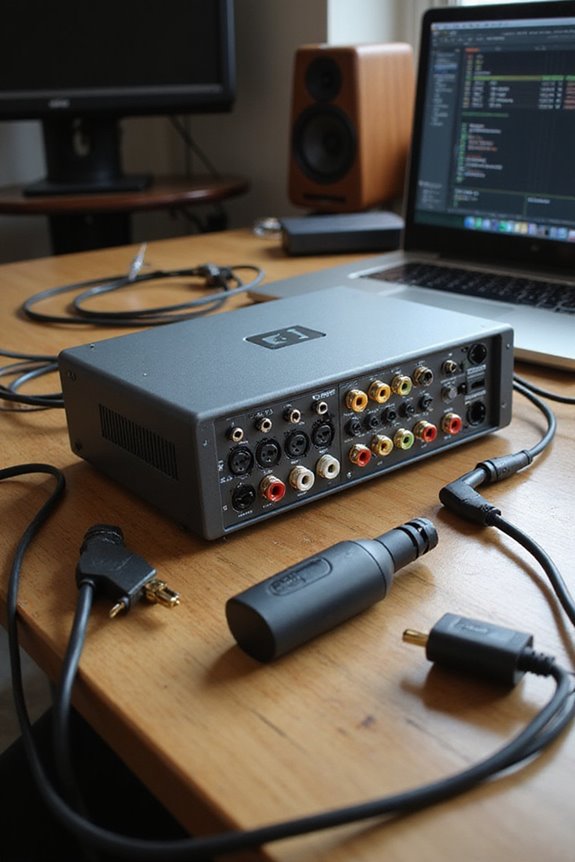
Expanding our audio interface options can really take our Linux studio setups to new heights! 🎉 By considering both the number and type of inputs and outputs, we can craft a more tailored recording experience that perfectly fits our needs.
Recommended Products

Mix and record through AAX DSP plugins with rock-solid sub-1 ms latency monitoring

PROFESSIONAL-GRADE AD/DA CONVERTER: The Amari Reference-Grade AD/DA Converter delivers unmatched 24-bit, 384 kHz conversion for premium audio quality. Ideal for critical listening, mastering, and archiving, this AD/DA converter studio audio device ensures pristine sound reproduction for audiophiles and professionals alike.

High input capacity and fader count makes this powerful console ideal for larger applications.
Input Versatility
Look for interfaces featuring XLR and TRS combo jacks, plus specialized inputs like Hi-Z for instruments. Digital inputs, such as ADAT, add expansion capability for those budding projects! Additionally, ensure that the interface offers multiple sampling rates to accommodate various recording scenarios.
Output Flexibility
Multiple balanced outputs help route audio to monitors or mixers seamlessly. Headphone jacks often offer independent controls, ensuring everyone’s rocking their own mix!
Software Support and Driver Compatibility on Linux
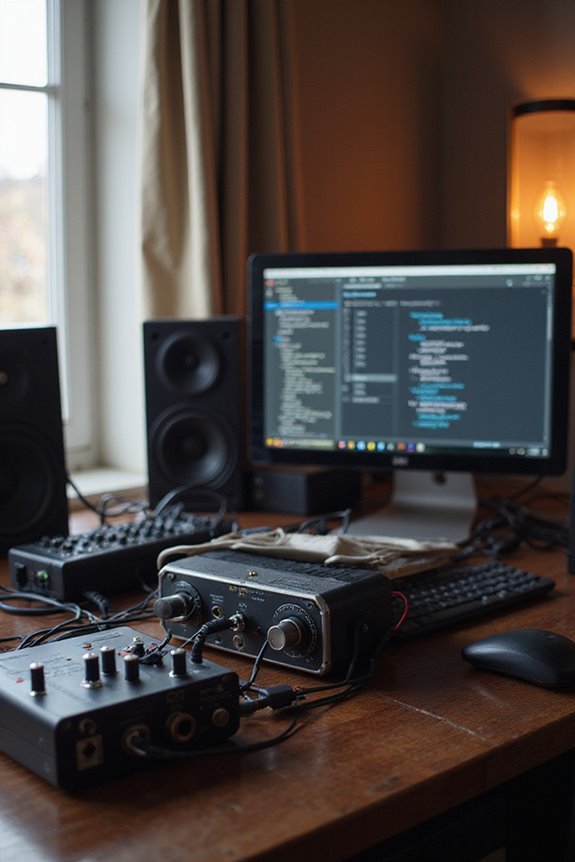
However, we can run into software limitations; advanced features might be locked away behind proprietary control software, leaving us with the hardware front panel as our trusty fallback. Let’s not forget the importance of driver maintenance; keeping an eye on ALSA updates helps guarantee our setups remain stable.
Recommended Products

13.3 Inch IPS FHD Display: The all-in-one switcher with an integrated 13.3 inch FHD IPS screen and solid metal case. You can clearly PVW, PGM with audio bar, multiviewer, clock and menu setting on the screen.
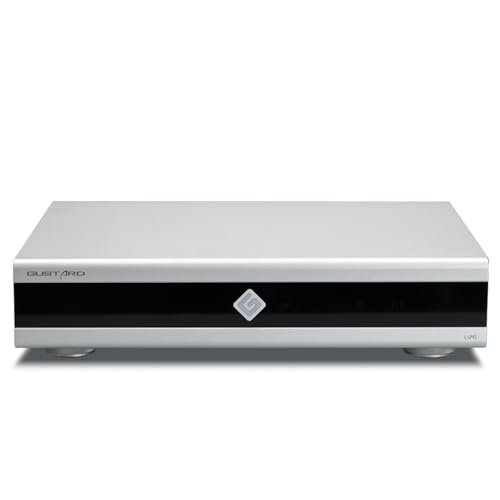
Gustard U26 is a professionally customized digital interface DDC. The Precision digital bridge for High-End Audio Systems. Support USB, 10MHz Clock input and IIS, IIS-G, AES, Optical, Coaxial and S/PDIF BNC Coaxial Output. Good partner for Gustard R30, X30, ect

【Advanced Gaming PC】Powered by the AMD Ryzen 7 8845HS processor with 8 C/ 16T, up to 5.1GHz, and featuring a 16MB L3 cache. This powerful CPU excels in gaming, video editing, and multitasking. With its 35-54W TDP range, it ensures efficient power consumption without compromising on performance. NPU (AI Engine) Only in 8845HS Improved over 8745HS (No NPU) – Dedicated Neural Processing Unit for faster AI workloads (Windows Studio Effects, Copilot+, local AI tasks).
Frequently Asked Questions
Can I Use an Audio Interface Wirelessly With Linux?
We can definitely use wireless audio interfaces with Linux, but we should check their compatibility first. Many work well, especially with Pipewire, but some might need a bit more testing for smooth performance.
Do I Need Specific Cables for My Linux Audio Interface?
When considering our Linux audio interface, we do need to focus on cable types for ideal connection quality. Choosing the right cables, like USB-C and balanced TRS, helps us achieve the best audio experience together.
What Microphones Are Best for Linux Audio Interfaces?
When we explore audio worlds, we find dynamic microphones capturing raw energy and condenser microphones revealing delicate nuances. Together, they create a vibrant tapestry, inviting every Linux user to craft their own unique sound.
Can I Use Multiple Audio Interfaces Simultaneously on Linux?
Absolutely, we can use multiple audio interfaces simultaneously on Linux! By managing audio routing properly and ensuring interface compatibility, we expand our creative possibilities, uniting different devices to enhance our music production experience.
How Do I Troubleshoot Audio Interface Issues on Linux?
Are we all frustrated by audio interface issues on Linux? Let’s explore troubleshooting—checking our audio settings and ensuring driver compatibility can make a huge difference in getting everything working harmoniously together.