
Latency in audio interfaces is the delay between when sound enters and when you hear it. We’re talking milliseconds here! High latency can mess up recordings and live performances. Factors like audio drivers, buffer size, and connection type all play a role. For great results, we recommend using ASIO drivers and keeping buffer sizes between 32-128 samples. Getting this right means smoother audio and more enjoyable sessions. Stick around to learn how to minimize latency even further! 🎧
Key Takeaways
- Latency in audio interfaces refers to the delay between audio input and output, measured in milliseconds.
- It includes both input latency (from microphone to processing) and output latency (from processing to headphones).
- High latency can cause issues like echoes or dissonance during real-time audio processing.
- Optimizing audio drivers and buffer sizes helps reduce latency for better performance in recording and live settings.
- Ideal buffer sizes for minimal latency typically range between 32-128 samples, balancing responsiveness with CPU load.
Understanding Latency in Audio Processing
You may be interested
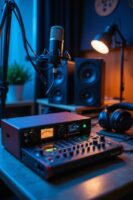
Understanding latency in audio processing can feel a bit like steering through a minefield—it’s tricky, but crucial for any audio enthusiast! 😊 So, let’s break it down together.
Latency refers to that sneaky delay between an audio signal entering the system and when we actually hear it. It’s measured in milliseconds. Important elements include audio input latency and output latency. Both are essential in maintaining the audio signal flow. In real-time processing, if latency is too high, we might hear echoes or dissonance. This can throw us off in live performances or during recordings. Achieving low latency under 10 ms is vital for seamless recording experiences.
Factors Influencing Latency
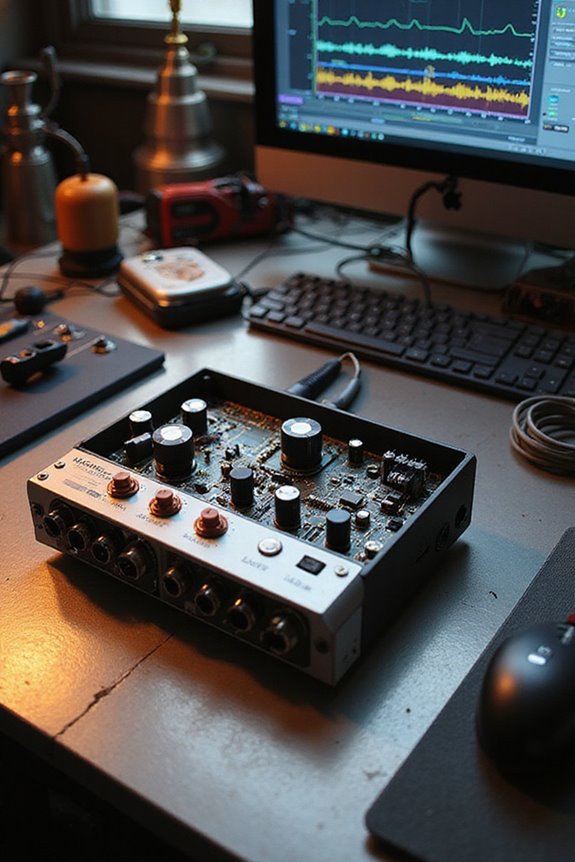
While exploring the world of audio interfaces, we might stumble upon several key factors influencing latency that can really impact our experience. 🕵♂ For instance, audio driver and interface compatibility act like the glue in our audio setup. Driver optimization is essential; using high-quality drivers like ASIO or Core Audio can reduce latency considerably.
Buffer management also plays an important role. Smaller buffer sizes mean lower latency but higher CPU load, so we need to find that perfect balance. Plus, connection types matter! Thunderbolt and USB-C usually outperform older USB connections in speed.
Lastly, adjusting the sample rate affects processing times; higher rates can lower latency, but they require our systems to keep up. Additionally, look for audio interfaces with low latency performance around 2 ms for real-time monitoring during recordings. Happy audio crafting!
Recommended Products
Outstanding 4K Visuals, Mapped Perfectly to Your Space: X1 Pro's Triple Laser engine delivers 3,500 ANSI lumens, 1.07 billion colors, and 56,000:1 dynamic contrast; SpaceFlow auto-maps your wall's exact 3D shape and texture — fitted precisely to any surface for a truly cinematic image.

Dominate Games & Crush Productivity: Powered by AMD Ryzen 9 8940HX processor(16-core, 32-thread, Up to 5.3 GHz), ASUS ROG Strix G16 delivers beastly performance for both hardcore gaming and demanding creative work. Whether you're pushing high frame rates in the latest AAA titles or rendering 4K video, this gaming laptop handles it all with ease. You'll experience ultra-low latency and smooth online gaming without lag. It's a true desktop level gaming laptop for gamers, streamers, and video editors alike
Elite Gaming Power: AMD Ryzen 7 7445HS Hexa-Core Processor (up to 4.7GHz) and NVIDIA GeForce RTX 4050 (6GB GDDR6) deliver ultra-smooth FPS for AAA games and creative work
Calculating Latency: A Practical Approach
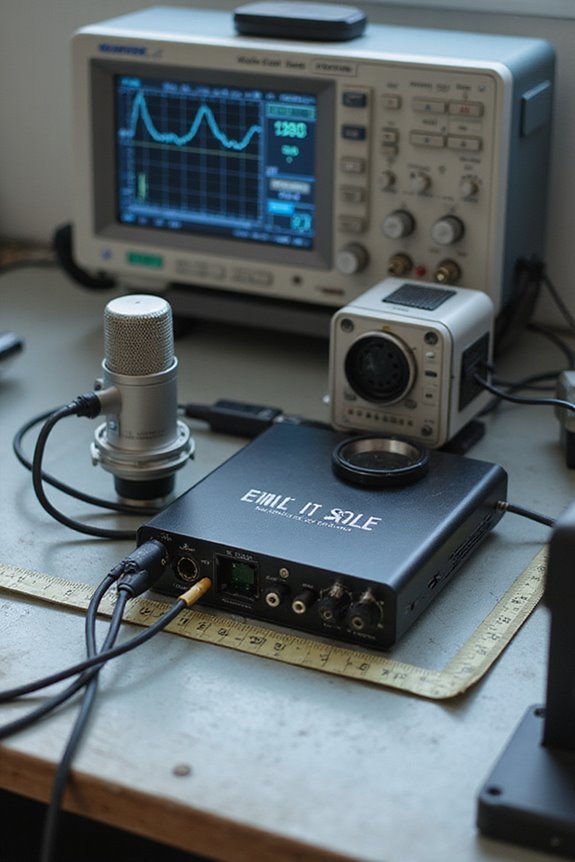
When it comes to calculating latency, knowing the basics can make a world of difference! 👩🎤 Latency isn’t just a number; it plays a crucial role in our audio experience. To calculate latency, we use the formula: latency (seconds) = buffer size (samples) ÷ sample rate (Hz). For instance, with a buffer size of 64 at a 48,000 Hz sample rate, our round-trip latency would be approximately 2.6 ms. Higher sample rates decrease latency but can strain our CPU. It’s like choosing between being quick or efficient! Keeping buffer sizes between 32-128 samples is ideal during recording for minimal latency. Additionally, using ASIO-optimized drivers can significantly help in reducing latency for a smoother audio experience. Let’s embrace these calculations for a better audio journey together!
Recommended Products

4K UltraHD Resolution - Experience incredible detail with 4X the resolution of 1080p Full HDTVs.

4K HDR PROCESSOR X1: See premium 4K pictures, rich with real-world detail and texture. Upscale everything you watch to near-4K with 4K X-Reality PRO.

13.2 CH A/V Receiver (150W + 150W 8ohms, 1kHz, 2ch, THD 0.9%)
Types of Latency and Measurement Techniques
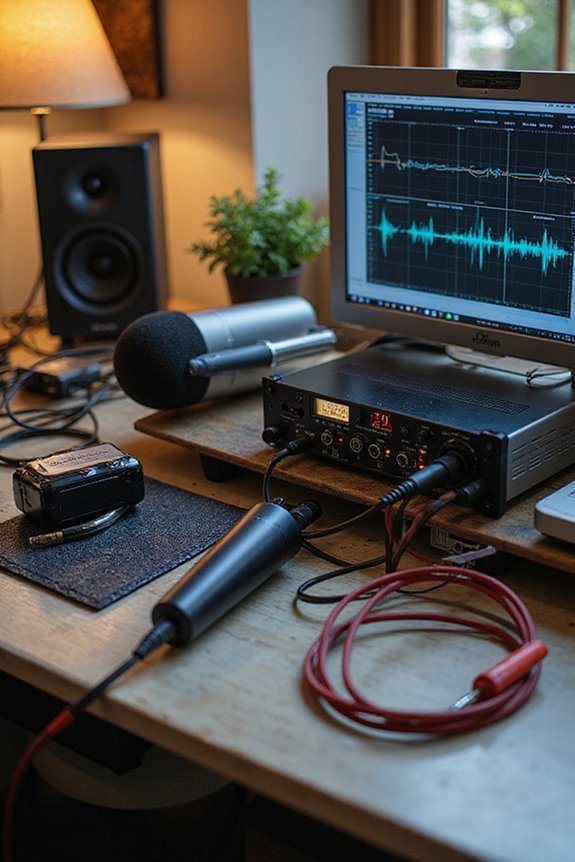
Latency might sound like a techy buzzword, but it’s one of the key players in our audio world! 🎧 There are several types of latency we need to be aware of when using audio interfaces, and each one can impact your experience differently.
Input Latency refers to the time from your microphone signal hitting the interface to processing it. Output Latency is the delay from your processed audio leaving your computer to your headphones. Roundtrip Latency combines both input and Output Latency. Driver Latency reflects how efficient your audio driver is. Connection Latency varies with connection types like USB or Thunderbolt.
For accurate performance insights, latency testing tools help measure end-to-end latency accurately, isolating aspects like hardware latency and buffer sizes. Additionally, understanding the importance of 24-bit/192kHz recording quality can significantly enhance your audio performance and reduce the perceived latency in your workflow. Let’s explore this together!
Strategies for Minimizing Latency in Audio Interfaces
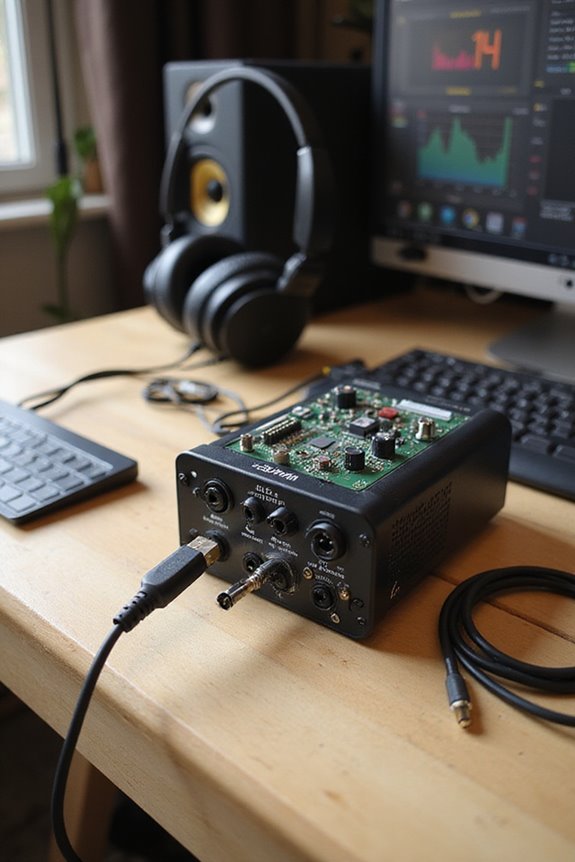
To minimize latency in audio interfaces, we can adopt several effective strategies that really make a change! First, let’s explore buffer optimization. Lowering the buffer size to 64-256 samples boosts responsiveness, but keep an eye on CPU load to avoid glitches. Pair this with a higher sample rate, like 48 kHz, for snappier audio processing.
Next up, direct monitoring! This nifty feature lets us hear input signals without software delays, keeping our performances tight and in time. Look for interfaces with a direct monitoring switch.
Lastly, let’s not forget our audio drivers—using ASIO on Windows or Core Audio on macOS can greatly enhance performance. Additionally, selecting an interface with high audio quality can further improve our recordings. By implementing these strategies, we can truly elevate our audio experience!
Recommended Products
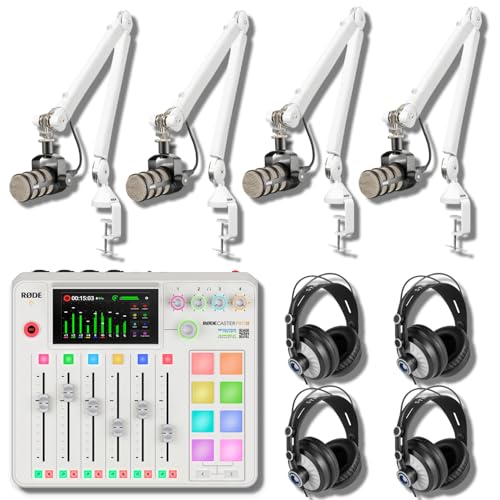
BROADCAST 4-HOST PODCAST STUDIO IN ONE COLOR-MATCHED BOX — CONSOLE, FOUR MICS, FOUR BOOM ARMS, FOUR HEADPHONES, FOUR CABLES, ONE MEMORY CARD: The Rode RODECaster Pro II (White) 9-channel production console pairs with 4 Rode PodMic dynamic mics, 4 Rode PSA1+ White boom arms, 4 StreamEye Cans50 headphones, 4 ten-foot balanced XLR cables, and a 32GB microSDHC card. Four channel strips with APHEX DSP. Four high-power headphone outputs.

INCLUDED - RODECaster Pro II, 4 PodMics, 4 Headphones, 4 Mic Stands, 4 XLR Cables, USB-C cables, power adapter, and 32GB microSD card for a complete studio setup.

BROADCAST 4-HOST PODCAST STUDIO IN ONE BOX — CONSOLE, FOUR MICS, FOUR BOOM ARMS, FOUR HEADPHONES: Running a 4-host podcast needs more than a console alone — you need matching mics for every host, a way to position each mic off the desk, closed-back monitoring per host, and the cables to wire it. This bundle pairs the Rode RODECaster Pro II 9-channel console with 4 Zoom ZDM-1 Podcast Mic Packs and 4 StreamEye BOOMARM1 desktop boom arms. Multi-host podcasters, panel-show producers, live-stream roundtable hosts, and broadcast interview shows — plug in and start recording today.
Frequently Asked Questions
How Does Latency Affect Live Music Performances?
Latency can considerably affect our live performance, shaping the musician experience. When delays become noticeable, it disrupts our timing and cohesion, making it challenging to create that magical connection with each other and the audience.
Can Latency Cause Timing Issues in Recordings?
When we’re crafting our musical tapestry, latency can unravel the threads, causing timing issues that disrupt recording precision and timing synchronization. Together, we can seek solutions to weave our performances seamlessly into harmony.
What Equipment Can Reduce Audio Latency?
To reduce audio latency, we should focus on buffer size optimization and choose audio interface types that support direct monitoring. By doing this, we can guarantee a smoother, more connected experience in our recordings.
Does MIDI Data Also Experience Latency?
Absolutely, MIDI latency does affect our performances. By prioritizing MIDI optimization and using efficient setups, we can minimize delays, ensuring our creativity flows seamlessly without the hiccups that latency can introduce. Let’s embrace this challenge together!
How Do Different DAWS Handle Latency Differently?
It’s easy to think all DAWs handle latency the same, but they use unique DAW optimization techniques and latency compensation methods. This affects our recording experience, making some workflows smoother and more efficient.