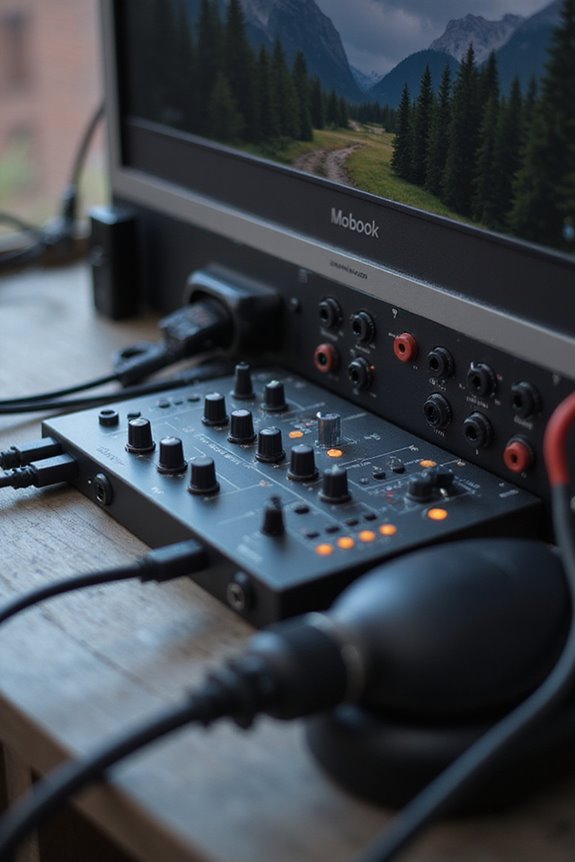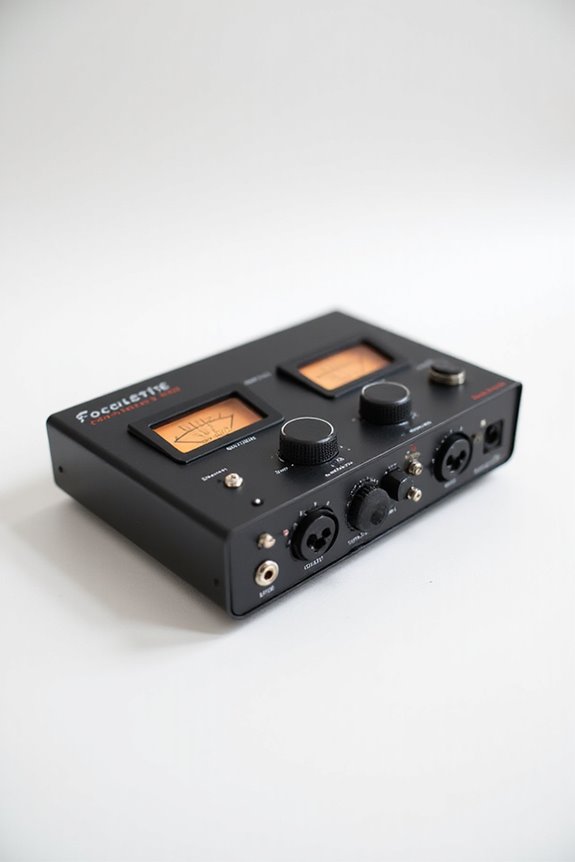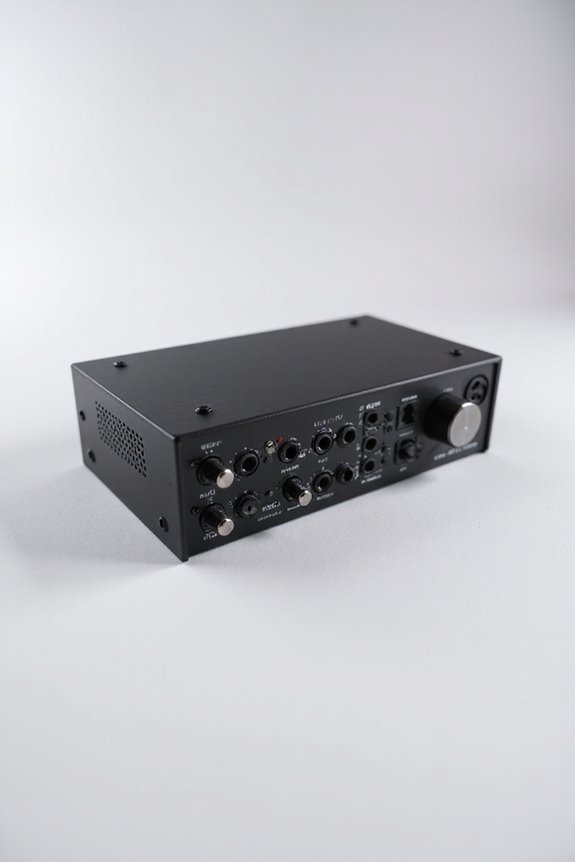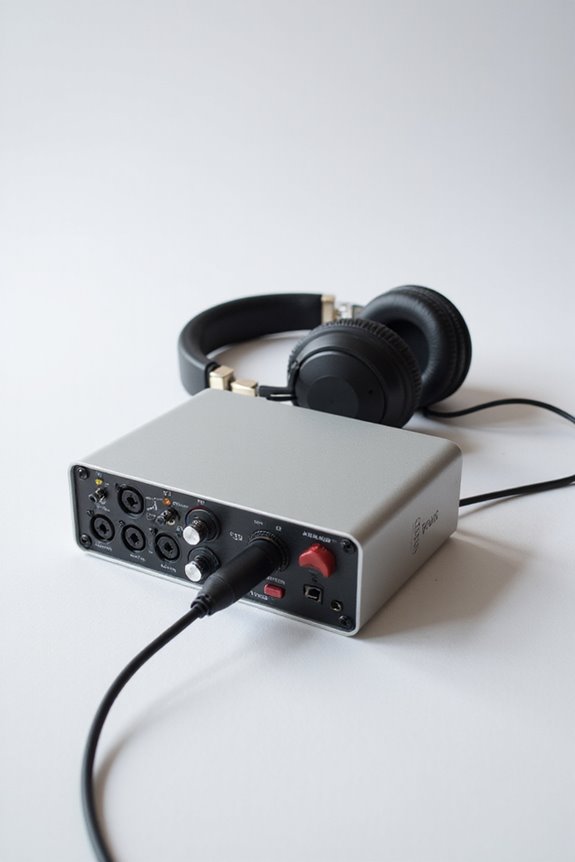

To connect headphones to your audio interface, let’s start with the basics! Locate the headphone output, usually marked as “Phones” or “Headphone Out” on the front panel. This is typically a 1/4-inch TRS jack. If your headphones have a 3.5mm plug, grab a handy adapter! For high-quality sound, using a dedicated headphone amplifier can also enhance your experience. Sound straightforward? It’s important to check compatibility and troubleshoot any issues! Keep going to learn more tips and tricks! 🎧
Key Takeaways
- Locate the headphone output on the audio interface, usually labeled “Phones” or “Headphone Out” on the front panel.
- Use a 1/4-inch TRS jack for connections; if needed, utilize a 1/4-inch adapter for 3.5mm plugs.
- Connect your headphones directly for a clean stereo signal and monitor audio effectively.
- Consider using a headphone amplifier for high-impedance headphones to enhance audio fidelity and volume.
- Ensure your audio interface is powered and check headphone compatibility before troubleshooting connection issues.
Identifying Headphone Jack Types
You may be interested


When you’re connecting headphones to an audio interface, have you ever wondered what jack types you’re dealing with? 🎧 Understanding these connections is vital to ensuring a great audio experience.
We typically see various headphone types, each with specific jack compatibility. First off, there’s the 3.5mm jack, the most common, found on almost every smartphone. Then, we have the larger 6.35mm jack, perfect for pro audio gear, providing robust connections. Don’t forget about the USB Type-C, a modern marvel that combines audio with data!
Knowing the difference between mono TS and stereo TRS connectors is also important. Mixing these up might lead to audio hiccups. Additionally, being aware of gain control is crucial, as it helps adjust the input sensitivity for optimal audio performance. So, let’s get familiar with these jack types to keep our audio clear and crisp!
Locating the Headphone Output on Audio Interface
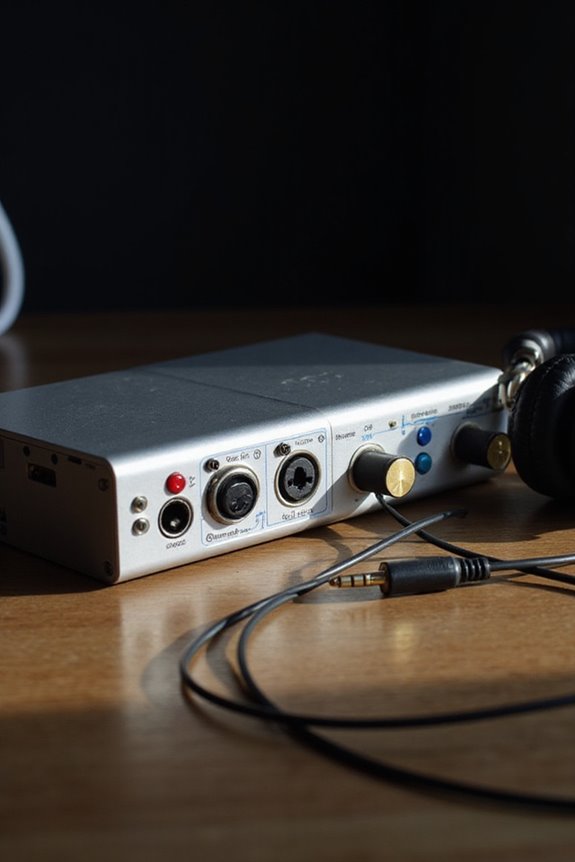
Finding the headphone output on your audio interface is like discovering a treasure map—it leads you directly to your next listening adventure! 🗺 Typically, the headphone jack can be found right on the front panel, making it super convenient for quick access during recording or mixing sessions. Look for labels like “Phones” or “Headphone Out,” which indicate its location and enhance output accessibility.
We should note that most headphone outputs are a 1/4-inch (6.35mm) TRS jack, but some may require an adapter if you’re using 1/8-inch (3.5mm) plugs. Having multiple outputs on the front, often with dedicated volume control, keeps our setup user-friendly and neat—perfect for live monitoring! Additionally, it’s important to choose an interface with zero latency monitoring to avoid audio delays during your sessions. Let’s enjoy the music!
Recommended Products

For Recording Studios and Touring

SMART HYBRID HAMMER ACTION KEYS: The Smart Hybrid Hammer Action keys with the spruce sides and subtly textured surfaces deliver a dynamic and natural response just like a well-regulated concert grand, by replicating the hammer behavior of each of the 88 individual piano keys.

SMART HYBRID HAMMER ACTION KEYS: The Smart Hybrid Hammer Action Keyboard offers highly expressive playing from soft to forceful touch.The 88-Key Digital Scaling technology controls volume individually for each key in response to how hard it is played, with the touch weight varying along the length of the keyboard, like a grand piano.
Connecting Headphones Directly to Interface
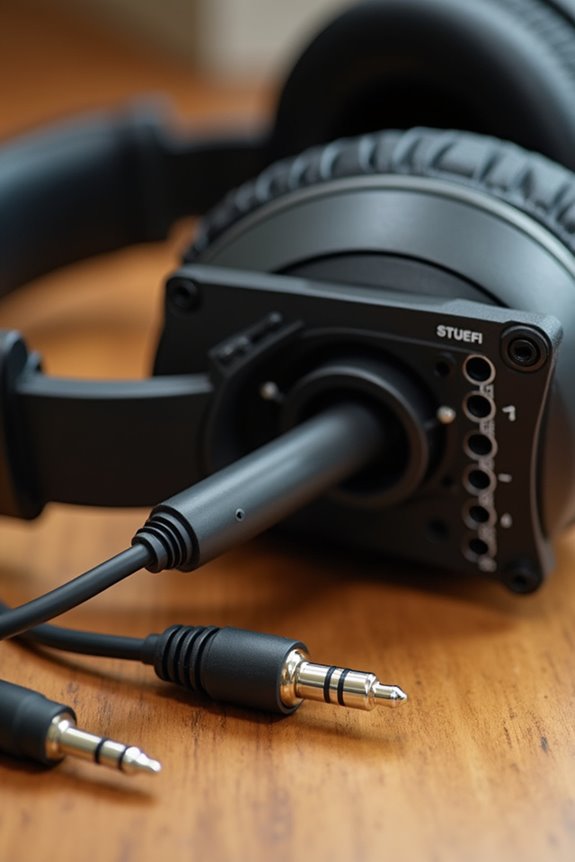
Connecting your headphones directly to an audio interface is a breeze once you know the ropes! 🎧 Most audio interfaces come equipped with a dedicated headphone output, usually a 1/4-inch (6.35 mm) TRS jack, making it easy to plug in and enjoy. For those of us with 3.5 mm plugs, don’t forget to grab a 1/4-inch adapter! This direct connection offers a clean stereo signal ideal for monitoring. However, let’s keep an eye on cable quality—using high-quality cables can minimize noise and guarantee clarity. Adjust that volume knob carefully! Some interfaces might not pack enough power for every headphone. With the right setup, we’ll experience seamless sound, minus any hitches along the way! 🎶 Additionally, focusing on low latency performance ensures that you can monitor your audio without any noticeable delay, enhancing the overall recording experience.
Recommended Products


Converts one set of Aircraft radio headset jacks into two
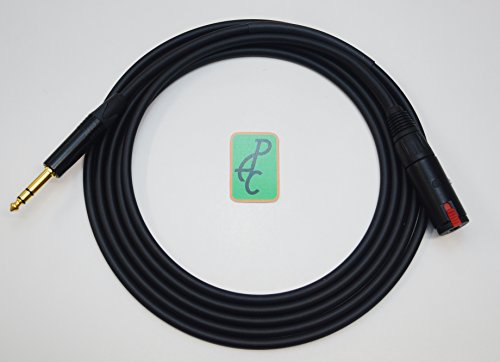
Mogami NEGLEX Quad Cable No. W2534 has become popular around the world as the standard for high quality digital and analog recording. The cable has also become popular for use with unbalanced equipment, such as high quality pre-amp, amp inputs and tape decks. Miniature Quad Superflexible Microphone Cable Originally designed for BANTAM patch-cords, this cable has become popular where a small diameter Quad mic cable is required.
Using a Headphone Amplifier With Audio Interface
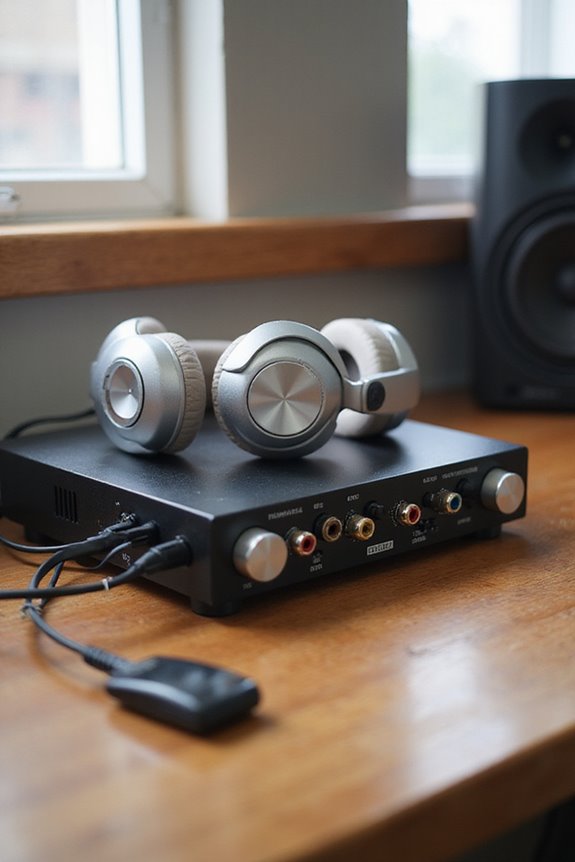
Using a headphone amplifier with your audio interface can greatly enhance your listening experience! 🎉 While most interfaces include a headphone output, they might not always provide sufficient power for high-impedance headphones. So, how do we connect them?
- Connecting to Headphone Output: Use a TRS to male RCA cable from the headphone output to your headphone amplifier. This boosts volume and keeps audio quality intact, assuming your output is clean.
- Balanced Line Outputs: For peak audio fidelity, connect two TRS cables from the balanced outputs of your interface to a balanced headphone amp. Additionally, ensure you choose interfaces with low latency performance to maintain synchronization between audio playback and monitoring.
Recommended Products

A headphone-optimised version of the award-winning Uniti Atom music streaming system

EXTRAORDINARY MUSICALITY FOR YOUR COLLECTION - The most musical sound for all your digital music: Your CDs and SACDs, your digital files, and multiple streaming services built-in.

CAREFULLY-SELECTED PARTS, EXCLUSIVELY DESIGNED FOR HI-FI APPLICATIONS: From MUSE op-amps in the analog section - which fundamentally determines the amplifier’s sound quality - to ladder-resistor type volume controls, our engineers have carefully chosen all key components from ‘made for hi-fi’ ranges, wherever possible.
Setting Audio Interface as Default Sound Device
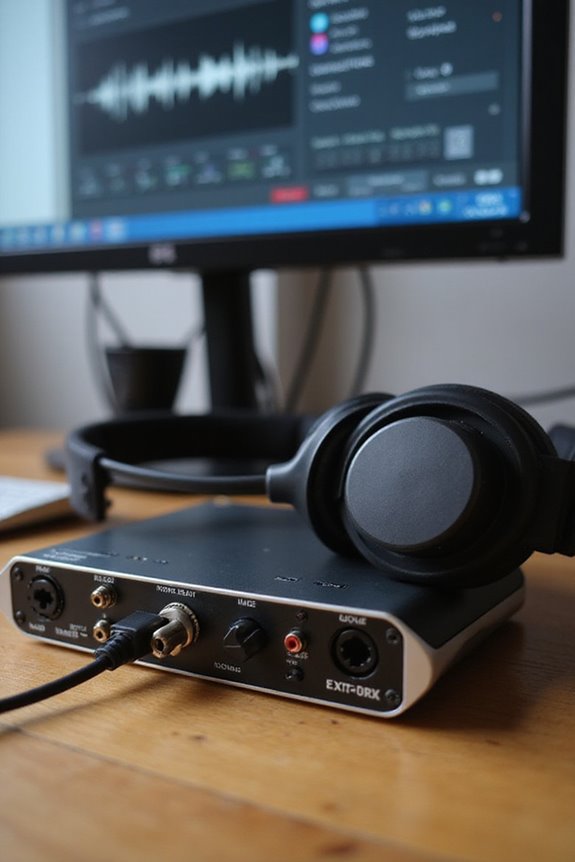
Setting your audio interface as the default sound device can greatly enhance your overall audio experience! 🎧 If you want all system sounds to come through your high-quality interface, it’s an easy process. First, let’s access the audio settings: right-click the Speaker icon on your taskbar and select “Sound settings.” Go to the Playback tab and look for your audio interface, typically listed by its brand or model name, like Scarlett. If it’s not there, verify your drivers are installed! Once you’ve found it, right-click and choose “Set as Default Device.” We can even set it as the “Default Communications Device” for apps like Zoom. Additionally, using a high-resolution recording capability (24-bit/192kHz) ensures that you achieve superior sound quality in your audio production. Finally, click “Apply” and “OK” to save changes. Enjoy the crisp sound!
Additional Tips for Optimal Connection and Use
With your audio interface set as the default sound device, it’s time to enhance how we connect our headphones for the best audio experience! 🎉 Proper connections can make a huge difference in sound quality and comfort, so let’s explore some helpful tips.
Recommended Products

Mix and record through AAX DSP plugins with rock-solid sub-1 ms latency monitoring
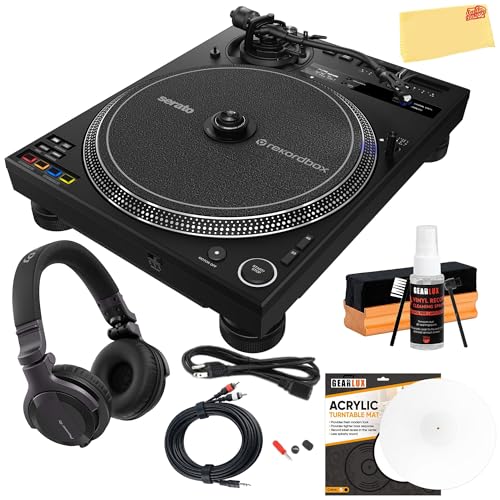
SKIP-FREE DVS PLAYBACK: The Pioneer DJ turntable uses a special DVS control system without a tone arm, along with the Magvel Clamp, ensuring smooth, skip-free performance during digital vinyl mode, even when scratching heavily

Next-gen 28 x 32 USB3 audio interface — Builds on 22 years of proven success as an industry-leading audio interface brand.
Use Amplifiers Wisely
Consider adding an external headphone amplifier if you’re using high-impedance headphones. This boosts volume without overstraining your interface.
Choose the Right Cables
Use balanced TRS cables for cleaner signals! If you’re splitting signals, keep cable lengths short and avoid running audio cables near power sources for ideal cable management.
Impedance Matching
Always match your headphones’ impedance with the output capabilities of your interface. This helps prevent distortion and guarantees you get the best sound quality. Additionally, be aware that low latency under 10 ms is crucial for a seamless recording experience. Happy listening!
Troubleshooting Common Connection Issues
When you’re diving into your audio projects, we can encounter some pesky connection issues that might trip us up! 🎧 Don’t worry; troubleshooting is often easier than it sounds. First, let’s verify our audio interface is powered on and connected directly to a USB port—no hubs! Check our headphone compatibility; if it’s still not working, we might want to inspect the headphone jack for damage. A high-quality cable is essential; if it looks dodgy, replacing it could save us hassle. Also, let’s not forget to update our drivers to prevent conflicts. If all else fails, testing our headphones on another device can help pinpoint the problem. Remember, audio success is just a cable length away!
Recommended Products

Unlock New AI Experiences - The Ultra 9-185H processor unlocks new AI possibilities for work, collaboration, creation, and play. Enjoy high-performance, low-power processing for longer periods on the go
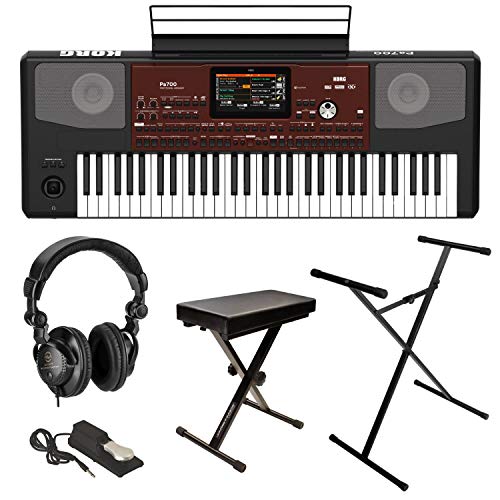
INCLUDED - Korg Pa700 Keyboard, AC Power Cable, Music Stand, Manual, Warranty, Stand/Bench Pack, Sustain Pedal, Headphones, Microfiber Cloth for a complete setup.

Fully integrated audio production studio for podcasters, streamers, musicians and content creators
Frequently Asked Questions
Can I Use Wireless Headphones With My Audio Interface?
Yes, we can use wireless headphones with our audio interface, but we should consider potential latency issues. Finding the right Bluetooth transmitter guarantees wireless compatibility and maintains sound quality for our listening and recording experiences.
What Headphone Impedance Is Best for Audio Interfaces?
When we explore headphone impedance, it’s essential to take into account headphone sensitivity and impedance matching. For ideal listening, we recommend headphones with at least eight times the interface’s output impedance, ensuring harmonious sound for our creative endeavors together.
Can I Connect Multiple Headphones to One Output?
Sure, we can connect multiple headphones to one output using headphone adapters for efficient audio distribution. It’s a great way to share our listening experiences, but we should consider quality and volume control limitations too.
Does the Length of the Headphone Cable Matter?
Does cable length matter? Absolutely! We find that longer cables can impact sound quality due to resistance and interference. Plus, durability decreases with length, making shorter cables a smarter choice for our listening experiences.
How Do I Clean Headphone Jacks for Better Connection?
We can’t deny cleaning jacks feels intimidating, but effective cleaning techniques make all the difference. By practicing proper jack maintenance, we guarantee great sound quality and prolong our headphones’ lifespan. Let’s tackle it together!