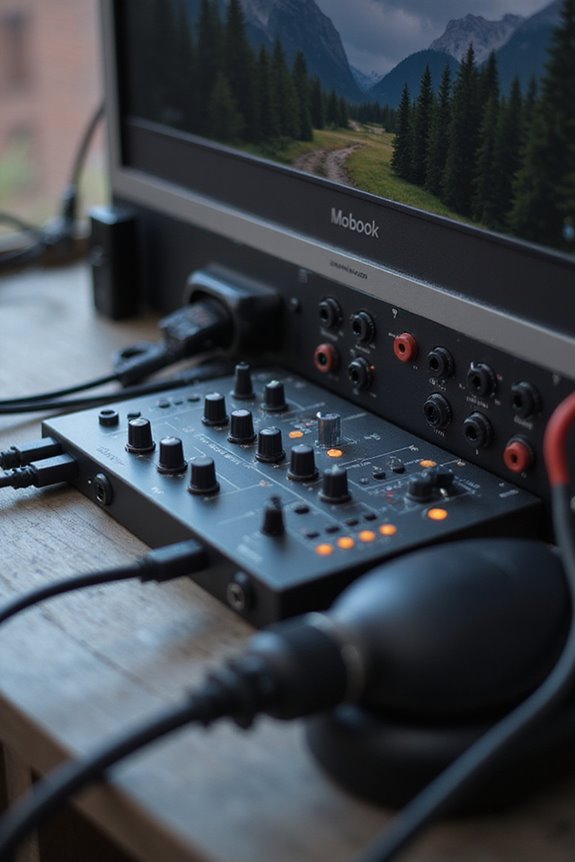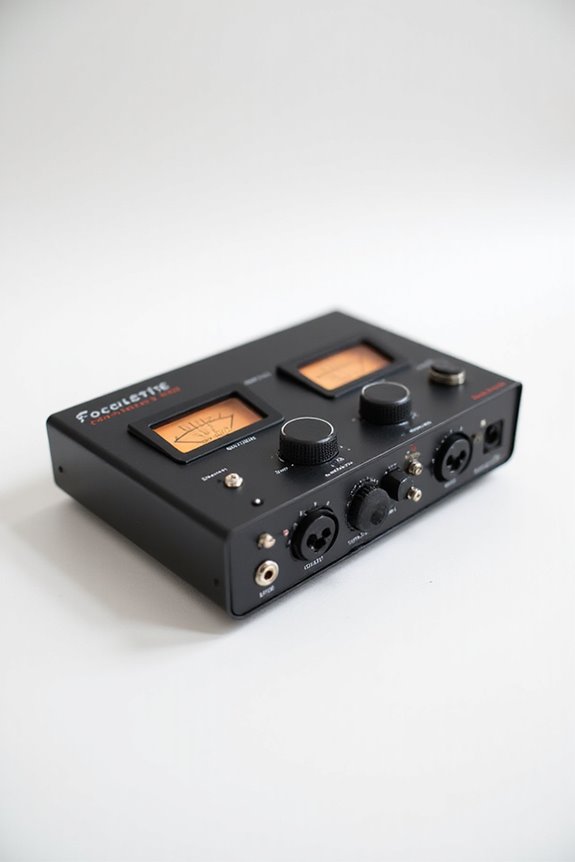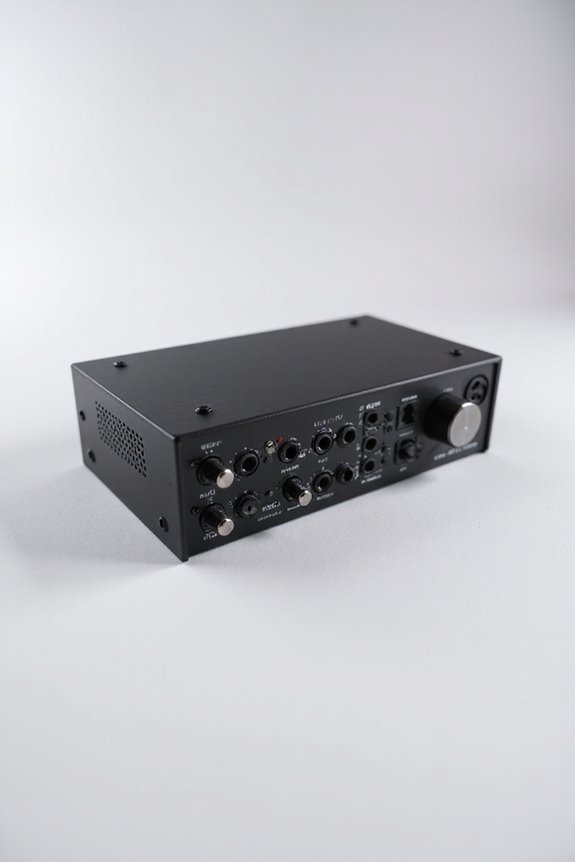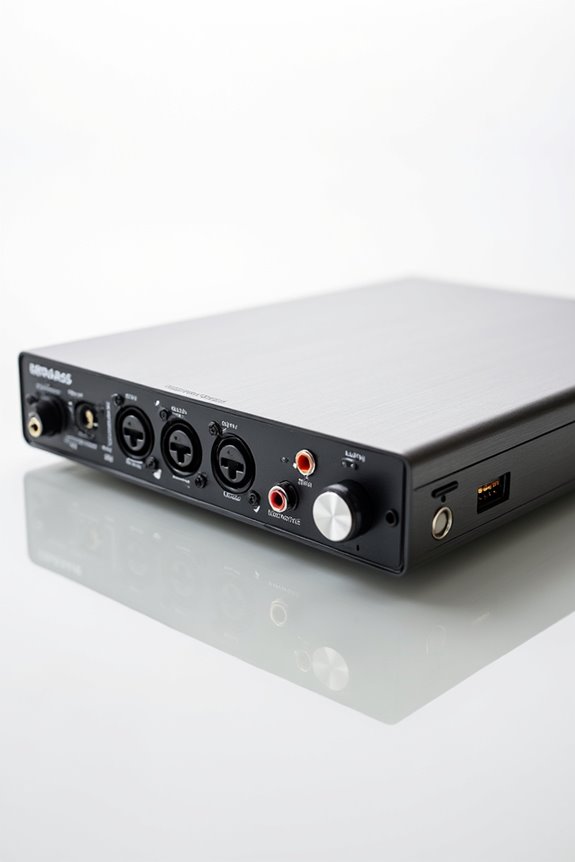

To reduce latency with your audio interface, we should look at a few key factors! First, consider investing in a low-latency audio interface, ideally with a Thunderbolt connection. Next, optimize your drivers and use ASIO for best performance. Adjust your buffer size: smaller sizes like 64 samples work during recording, while larger sizes are better for mixing. Finally, enable direct monitoring for instant feedback—no echo! Stick around, and we’ll explore even more savvy tips for a stellar audio experience!
Key Takeaways
- Select an audio interface with optimized drivers, such as native ASIO, to minimize latency effectively.
- Use smaller buffer sizes (e.g., 64 or 128 samples) for recording to achieve lower latency, but be mindful of CPU load.
- Activate direct monitoring to route audio directly to headphones, reducing latency and avoiding delay during recordings.
- Invest in Thunderbolt interfaces, which offer significantly reduced latency compared to USB interfaces for real-time performance.
- Regularly update your audio interface firmware and DAW software to ensure maximum driver compatibility and performance.
Selecting the Right Audio Interface
You may be interested

When you’re on the hunt for the right audio interface, it’s vital to take into account a few key factors that can make or break your recording experience. 🎤 First off, think about connectivity—do you want to go the USB route or explore the speedier Thunderbolt options? With various interface types available, higher bandwidth connections often offer lower latency, which is fundamental for recording.
Next, channel configurations matter too; a simpler 2 in/2 out setup typically performs better latency-wise than more extensive setups. Don’t forget the build materials; an aluminum chassis can enhance durability! Finally, check for driver compatibility and DSP capabilities—these features can greatly impact your sound quality and monitoring experience. Additionally, investing in a Thunderbolt interface can significantly reduce latency due to its lower latency rates compared to traditional USB interfaces. So, let’s find that perfect match!
Recommended Products

Thunderbolt connectivity for near-zero latency (1.1ms round trip @ 96kHz/32 buffer

Hear next generation audio conversion with the widest dynamic range and lowest distortion of any Apollo

Hear next generation audio conversion with the widest dynamic range and lowest distortion of any Apollo
Understanding Audio Driver Optimization
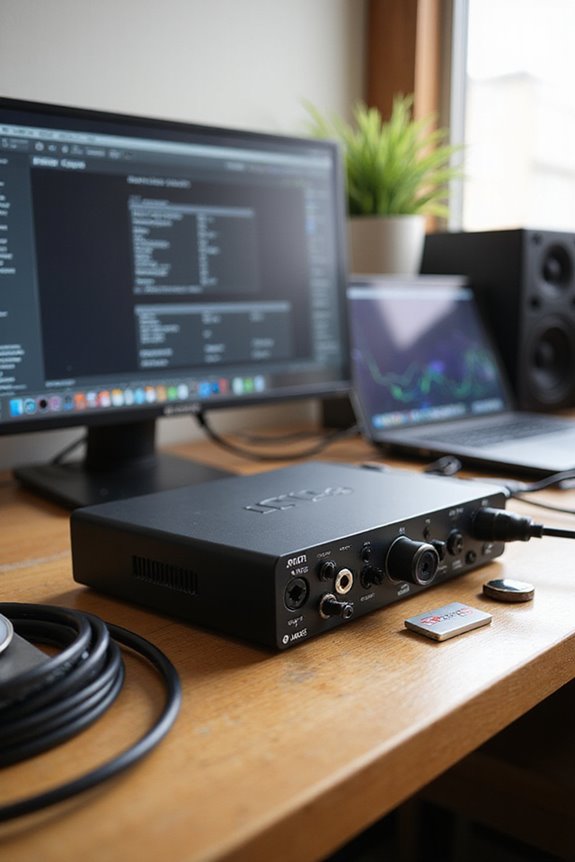
Finding the right audio interface is just the start of achieving low-latency performance in your recordings. Once we’ve selected our interface, let’s explore understanding audio driver optimization! Using optimized drivers not only fosters better driver compatibility but also greatly reduces audio latency. Native ASIO drivers are our best friends here, as they’re specifically designed for our hardware, ensuring minimal lag. Remember to keep your firmware updated, especially on macOS, where CoreAudio shines! Also, leveraging Direct Monitoring helps us bypass any round-trip latency, giving us that instant feedback we crave. Keeping our drivers updated patches bugs and enhances performance, so we stay in sync with our creative flow. Additionally, choosing interfaces with low latency under 10 ms can significantly enhance the recording experience. Let’s get recording without the hiccups!
Adjusting Buffer Size for Better Performance
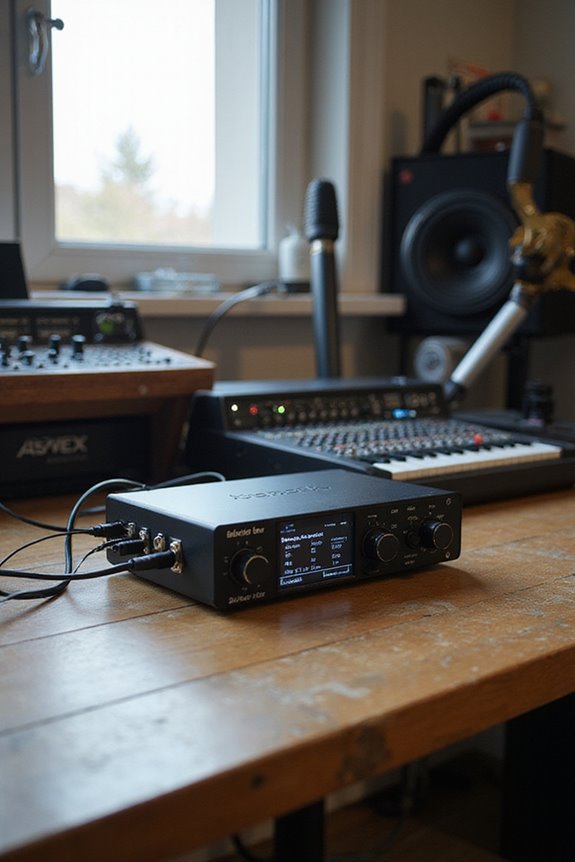
Adjusting buffer size is a key step in ensuring the smooth performance of your audio interface, especially during recording sessions. Choosing the right buffer size involves understanding latency trade-offs. A smaller buffer (like 64 samples) means lower latency, perfect for live recordings, but it demands more from your CPU. On the flip side, larger buffer sizes (like 256 samples) ease CPU load, allowing you to use more plugins, but increase latency.
We recommend starting at 128 samples, monitoring for any audio glitches, and adjusting as needed. Keep in mind your specific tasks; lower buffers for recording, higher for mixing! 🎧 With a bit of testing, we can balance performance and stability like pros! Additionally, be sure to utilize direct monitoring features if supported to reduce perceived delay during recordings. Let’s explore optimizing that buffer size!
Recommended Products

Gustard U26 is a professionally customized digital interface DDC. The Precision digital bridge for High-End Audio Systems. Support USB, 10MHz Clock input and IIS, IIS-G, AES, Optical, Coaxial and S/PDIF BNC Coaxial Output. Good partner for Gustard R30, X30, ect

Equipped with a customized USB Audio solution, it features an ARM Cortex-M7 core processor (IMXRT1011 chip). This delivers powerful processing capabilities and low-latency response for audio data processing, ensuring real-time and stable transmission of high-sample-rate signals
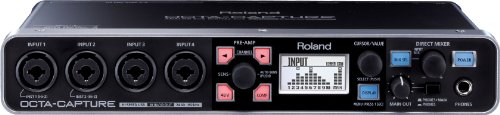
Ten inputs, ten outputs, and eight VS PREAMPS
Choosing the Optimal Sample Rate
However, keep in mind, running at those higher rates might cause our CPU to sweat a bit. It’s all about finding balance in our recording scenarios. So, let’s aim for an ideal rate that meets our needs without overloading our systems. Additionally, a latency performance should ideally be under 10ms for optimal recording. Happy recording!
Recommended Products

QD-MINI LED: TCL's QD-Mini LED combines the merits of QLED and OLED technologies, transforming the traditional backlight into lighting that is close to pixel-level precision.
Outstanding 4K Visuals, Mapped Perfectly to Your Space: X1 Pro's Triple Laser engine delivers 3,500 ANSI lumens, 1.07 billion colors, and 56,000:1 dynamic contrast; SpaceFlow auto-maps your wall's exact 3D shape and texture — fitted precisely to any surface for a truly cinematic image.

4K HDR PROCESSOR X1: See premium 4K pictures, rich with real-world detail and texture. Upscale everything you watch to near-4K with 4K X-Reality PRO.
System and Software Optimization Techniques
Next, adjusting buffer size is essential—lower settings lead to quicker response times, so try 64-256 samples for recording. We want to balance that with system performance by closing unnecessary background apps and prioritizing our DAW in the settings. Remember, optimizing software settings can make a massive difference! This combination can lead us to smoother recordings and a happier workflow! Additionally, using an audio interface with low latency performance can significantly enhance your recording experience.
Utilizing Direct Monitoring Features
Have you ever wondered how to achieve near-instant audio feedback when recording? By utilizing direct monitoring features, we can access amazing direct monitoring benefits! This technique routes our audio signal straight from the input to our headphones, skipping the DAW processing. As a result, we enjoy monitoring latency down to just a few milliseconds—barely perceptible, perfect for sensitive recordings like vocals and drums.
To activate it, simply use the hardware switch on our interface or adjust settings in the software. Just remember to disable DAW software monitoring to avoid that awkward echo. With the right setup, we can effectively implement latency reduction techniques, allowing us to record and monitor simultaneously without added delays. Getting that sweet feedback has never been easier! 🎶 Additionally, choosing an audio interface with low latency performance ensures a smoother recording experience overall.
Recommended Products

[2TX & 1RX Solution] - Cosmo C2 enables transmission between two transmitters and one receiver. This setup reduces the number of devices and cables needed, lessens wireless interference, and guarantees better synchronization of video feeds, all of which add to a more productive workflow.

Designed for maximum versatility making it perfect for live sound, home recording, content creation, and live streaming.

ipad/android tablet controlled 18-input digital mixer for studio and live application
Employing External Monitoring Solutions
When tackling latency, utilizing external monitoring solutions can be a game-changer! 🎧 By integrating equipment like external mixing desks, we’re able to monitor our audio without the pesky delays that often come with digital setups. External mixing lets us route our signal away from the DAW, allowing for near-zero latency. This means we can mix live inputs in real-time without digital lag.
Analog summing is another awesome method! By sending our DAW outputs to an analog summing mixer, we combine them smoothly with live inputs. We hear everything without those annoying latency artifacts! Just remember to disable DAW monitoring to avoid redundancy. So, let’s embrace these tools to enhance our audio experience and keep the groove flowing! 🎶
Reducing DAW Processing Load
To effectively tackle latency issues, reducing the DAW processing load is an essential step we can’t overlook! One key strategy we can use is plugin management. By opting for latency-friendly plugins during tracking and utilizing “Smart Disable” features, we ease CPU demands. Track freezing or bouncing heavy tracks into audio files also helps with CPU balancing.
Let’s talk resource allocation—minimizing background applications improves performance monitoring and makes CPU prioritization simpler. Plus, consolidating effects and audio tracks can really streamline our workflow!
We should regularly check our plugin selection and consider effect consolidation, ensuring we’re not piling on too much processing. With these steps, we can create a smoother, more enjoyable music-making experience. Let’s rock that sweet sound! 🎶
Upgrading Your Hardware for Enhanced Performance
Upgrading your hardware can feel like a game-changer when it comes to enhancing audio performance! 🎧 While we’ve covered how to reduce software load, the right audio interface can dramatically cut down latency and improve sound quality.
When choosing interface brands, look for ones that consistently meet high-performance benchmarks—like having roundtrip latency under 10 milliseconds. Upgrading from built-in soundcards to professional models guarantees a significant drop in latency. Plus, interfaces with dedicated DSP and Thunderbolt connectivity offer the best results!
Smaller buffer sizes and higher sample rates play a critical role in balancing responsiveness and stability. So, let’s make those audio dreams a reality by investing in quality hardware for an experience that’ll make your productions shine! 🎶
Recommended Products

Blazing-Fast Performance Beast: Powered by AI-enhanced Intel Core Ultra 9 275HX(24 cores, 24 threads), this gaming laptop delivers desktop-level gaming performance and seamless multitasking. The integrated NPU (up to 13 TOPS) offloads tasks like background removal and audio optimization for smoother streaming and gameplay, while Intel Application Optimization boosts frame rates on classic titles. Get up to 5.4GHz turbo speed—no compromise, no stutter

16 x 22 Thunderbolt 3 audio interface with class-leading 24-bit/192 KHz conversion

128x128 channels (24-bit/192kHz) with ultra-low round-trip latency with an optional paid upgrade to 256x256
Frequently Asked Questions
What Is the Ideal CPU Performance for Low-Latency Audio Processing?
Did you know that low buffer sizes around 32 samples can greatly enhance our CPU optimization techniques? Together, we can explore ideal CPU performance for low-latency audio, balancing power and buffer sizes for smooth processing.
Can Power-Saving Settings Affect Audio Interface Latency?
Absolutely, we’ve all experienced how power-saving effects can disrupt our audio interface optimization. By tweaking our power settings, we can greatly improve performance, ensuring our creative sessions remain fluid and free from latency interruptions.
How Does the Choice of DAW Influence Latency?
When we explore how our DAW choice impacts latency, we should consider optimization techniques like buffer size adjustments. Finding the right balance can enhance our recording experience, making it smoother and more enjoyable together.
Are There Any Plugins That Can Help With Latency Issues?
When we tackle latency issues, thoughtful plugin selection is essential. There’re zero-latency plugins designed for effective latency reduction, promoting seamless performance. Let’s explore these options together to elevate our audio experience without frustrating delays.
What Common Mistakes Cause Increased Latency in Audio Production?
We’ve all felt the sting of increased latency in production. Common culprits include oversized buffer sizes and neglected driver updates. Let’s team up to tackle these issues and streamline our audio experience together!