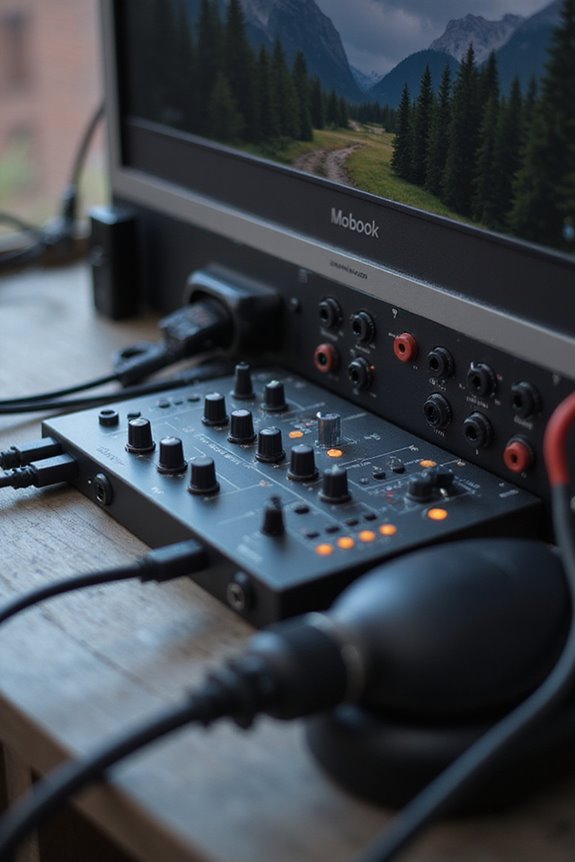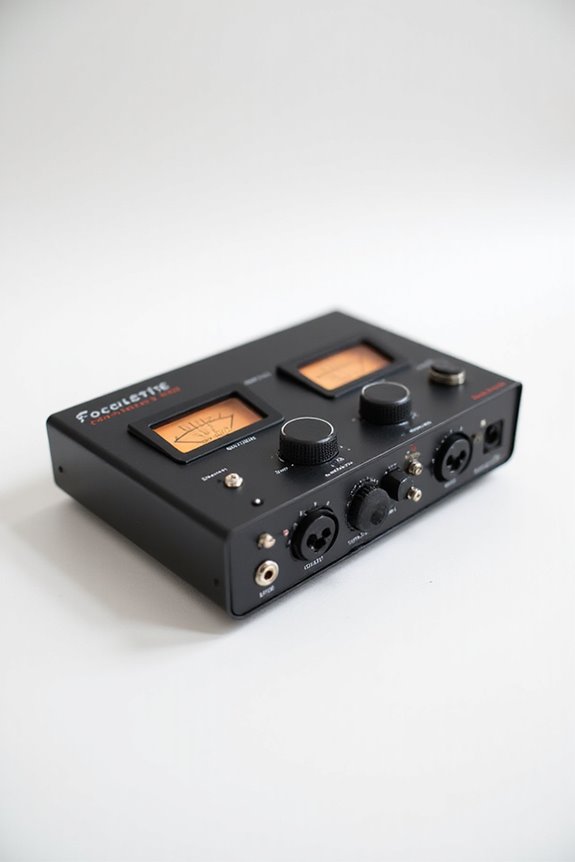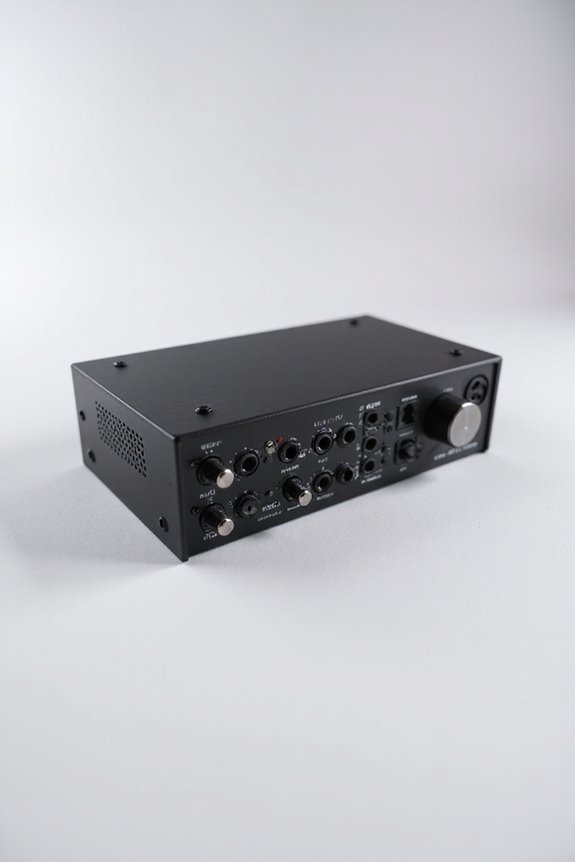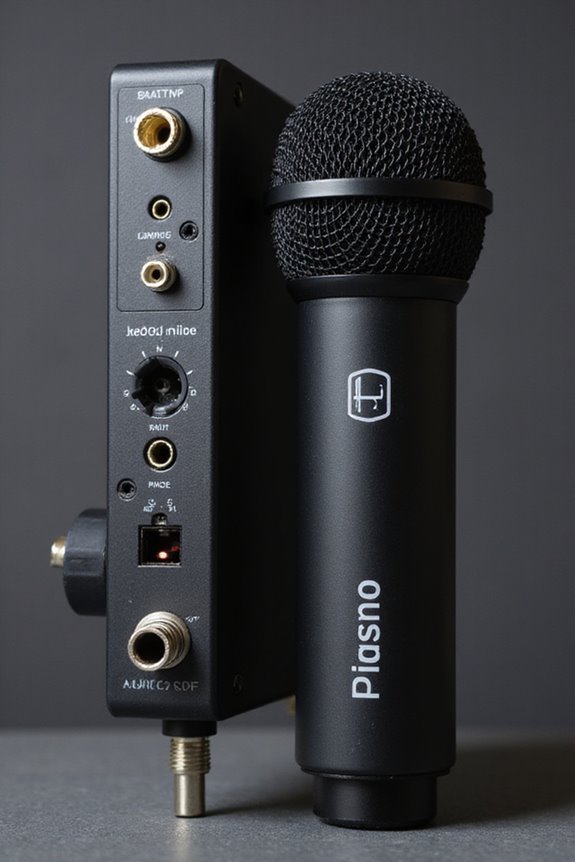

Using an audio interface instead of a USB microphone is a game-changer for us! 🎤 With superior sound quality, we get higher bit depth (24-bit) and sampling rates (up to 192 kHz) for crystal-clear recordings. Additionally, interfaces support multiple inputs, ensuring we can record various sources at once. Plus, there’s low latency for real-time monitoring! ✅ If you’re serious about audio quality and flexibility, investing in an interface is like upgrading from a bicycle to a sports car! 🚗 Stick with us to explore what gear is right for you!
Key Takeaways
- Audio interfaces support higher sound quality with 24-bit depth and up to 192 kHz sampling rates for superior recordings compared to USB mics.
- They allow for modular upgrades, enabling microphone improvements over time without needing a complete replacement.
- Interfaces provide near-zero latency for monitoring, ensuring real-time feedback during recordings, unlike USB mics that often introduce delays.
- Enhanced flexibility and compatibility with various instruments and microphones make interfaces ideal for diverse recording scenarios and setups.
- Audio interfaces generally offer longer durability and repair options, proving more cost-effective in the long run than frequently replacing USB mics.
Cost-Effectiveness in the Long Run
You may be interested
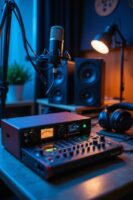

When we’re considering cost-effectiveness in the long run, it’s essential to examine not just the initial price tag but also what we’re truly getting for our investment. 🎤 While USB microphones might tempt you with their lower upfront cost, they can sometimes leave you high and dry when it comes to upgrading down the line.
Though the initial investment in an audio interface seems higher, it’s worth noting that they offer long-term savings. With interfaces, you can upgrade microphones without starting over! They also tend to have longer durability and allow for easy replacement of individual parts. Plus, many come bundled with valuable software. Additionally, investing in an audio interface can greatly enhance your latency performance during recordings, ensuring a more professional sound. So, investing in an audio interface might save you money and time in the years to come!
Superior Sound Quality and Fidelity
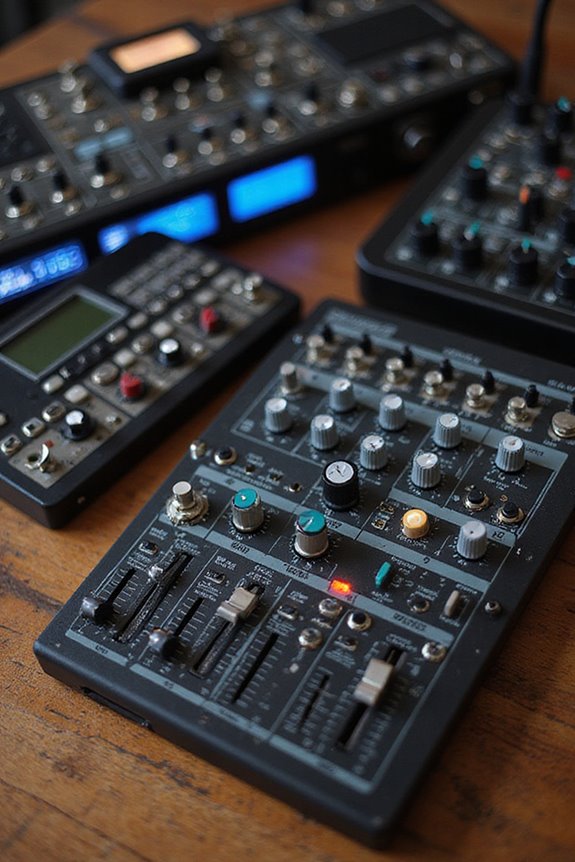
Audio quality can often make or break your recording experience! 🎶 If you’re seeking superior sound fidelity, audio interfaces stand out as the clear winners in this arena. Here’s why:
- Higher Bit Depth and Sampling Rates: Audio interfaces usually support 24-bit depth and sample rates up to 192 kHz, while USB microphones often max out at 16-bit and 48 kHz. This gives us a greater dynamic range, preserving audio detail and reducing distortion.
- Better Preamplifiers and ADCs: Interfaces feature dedicated preamps that drive professional mics efficiently, offering clearer signals and less noise.
- Noise Reduction: With balanced XLR cables, the interference is minimized, ensuring cleaner recordings.
Ultimately, these features lead to recordings that not only sound great but also capture the nuances we love! 🎧 Additionally, many audio interfaces, such as the Universal Audio Volt 176, provide professional sound quality with classic preamps, making them ideal for serious vocal production.
Recommended Products

Classic ISA mic preamp design featuring Lundahl LL1538 input transformer

For Recording Studios and Touring

24-bit/192kHz USB Audio/MIDI Interface with 4 Mic/Instrument Preamps
Enhanced Flexibility and Expandability
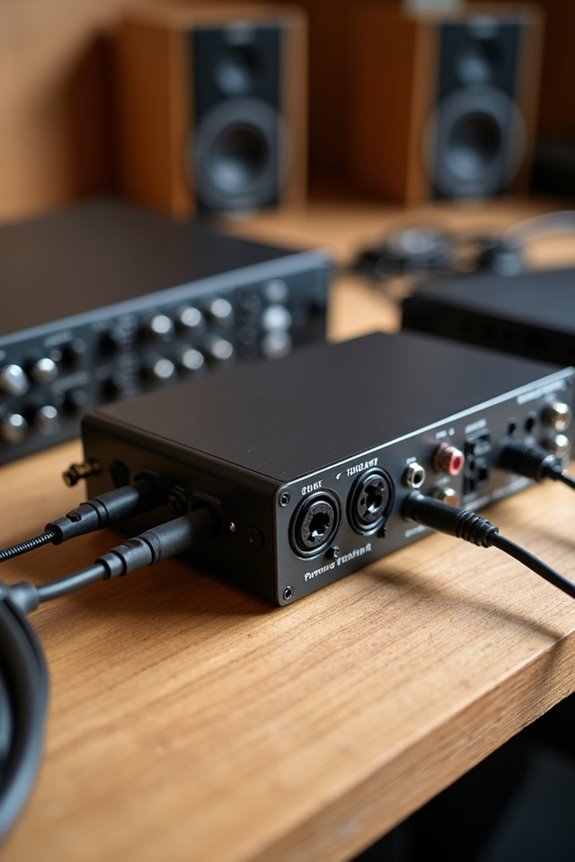
While we all crave high-quality audio, having the flexibility to expand our setups is equally important! 🎤 With audio interfaces, we’re not limited to just one microphone — in fact, most interfaces offer multi-input recording capabilities, allowing us to capture vocals, instruments, and more, all at the same time. This input versatility means we can easily adapt to different recording situations.
Additionally, modular upgrades are a game changer! We can swap out microphones or even preamps based on our needs, keeping our gear fresh and relevant. Plus, with longer cable lengths available for XLR connections, we have the freedom to position our mics perfectly. So, whether you’re recording a band or experimenting with sounds, audio interfaces give us the ultimate flexibility! 🌟 Furthermore, the ability to utilize features like zero-latency monitoring ensures we can hear real-time feedback, enhancing our recording accuracy and experience.
Recommended Products

4K full-frame sensor w/ 15+ stop dynamic range and high sensitivity

A headphone-optimised version of the award-winning Uniti Atom music streaming system

12-channel Microphone Preamplifier
User-Friendly Setup and Usability
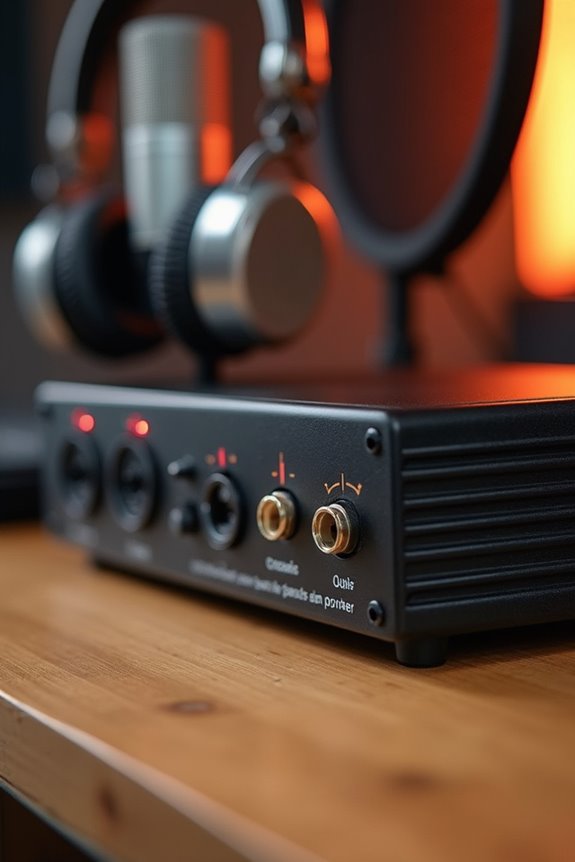
Setting up your recording gear can sometimes feel like trying to solve a Rubik’s cube blindfolded! When we explore user-friendly setup and usability, USB microphones shine brightly. They’re plug-and-play, meaning all you need is one USB connection to get started. We can simply connect them to our computer without worrying about complex drivers or configurations.
In contrast, audio interfaces come with setup challenges that can trip us up—like connecting multiple cables and configuring inputs. While they offer more control, they require extra knowledge and investment in time. For those of us who want a seamless user experience, USB mics can make recording feel like a breeze. Additionally, many audio interfaces, such as the Focusrite Vocaster One, provide advanced features that enhance sound quality, which might be worth the learning curve. So, if you’re keen to keep it simple, a USB mic could be the way to go!
Monitoring Capabilities and Latency Issues
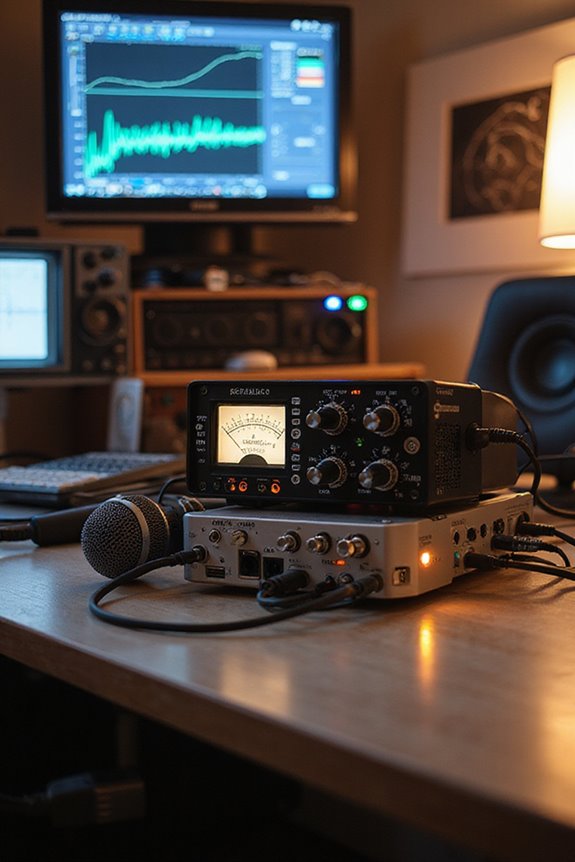
Upgrading from a simple plug-and-play setup to more sophisticated gear brings us to the exciting territory of monitoring capabilities and latency issues. When we use audio interfaces, we experience incredible monitoring flexibility. With near-zero latency, we can hear our input signals instantly, giving us confidence during recordings! USB microphones, on the other hand, often rely on software monitoring, which can introduce delays—yikes!
Audio interfaces usually come with dedicated headphone outputs and customizable settings, allowing us to tailor our monitoring experience. Plus, optimized drivers guarantee that latency management is first-rate, preventing any distracting echoes. Low round-trip latency ensures that you can achieve perfect sound, making an audio interface the best choice for serious recording needs. So, if you want precise control over your audio setup, an audio interface is definitely the way to go!
Professional Recording Quality Standards
When we think about achieving professional recording quality, it’s not just about fancy gear—although that can help! 🎧 We need to focus on specific standards that elevate our audio productions. Let’s break it down:
Recording Standards
We typically aim for a 48kHz sample rate and 24-bit depth. This combo enhances clarity while reducing noise. Higher fidelity? Some top-tier projects even go for 96kHz! Low latency performance is also crucial for real-time recording needs, ideally under 10ms.
Audio File Formats
WAV and AIFF are our go-tos for uncompressed audio—no compromising here! MP3 might work for distribution, but it shouldn’t be the first choice for quality.
Optimal Levels
Always record between -12dB and -6dB to avoid nasty clipping. Trust us, your tracks will thank you later! By understanding these standards, we can truly elevate our sound!
Multi-Track Recording Advantages
While we often think of recording as a straightforward process, diving into multi-track recording reveals a world of flexibility and creativity! 🎶 With the ability to capture each instrument and vocal separately, we can mix and edit with precision, ensuring every element shines.
The multitrack benefits are clear. We can individually process tracks with unique effects, fixing mistakes without re-recording everything. Plus, overdubbing lets us add fresh layers after initial sessions! Capturing multiple channels reduces noise, improving clarity and sound quality. It’s like giving a voice to each part in our creative ensemble!
With better workflow options and low-latency monitoring, we all get to collaborate seamlessly, making music magic happen! So, let’s explore these advantages together and elevate our recordings! ✨
Recommended Products
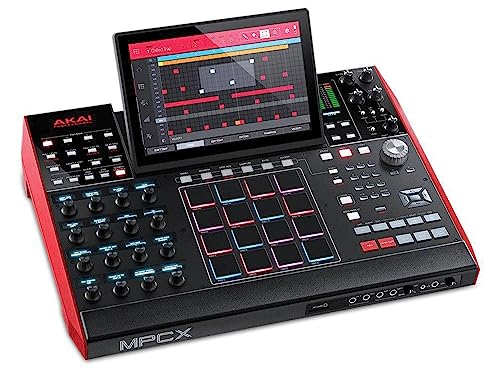
Beat Maker Essential – Standalone flagship MPC, sampler, drum machine and MIDI controller (for the included MPC Software – Mac / PC) with the powerful MultiCore System

The color touch screen allows you to easily see the state of Voice and Style assignments and quickly access and adjust a wealth of features and settings

Flagship 88-note weighted-action synthesizer keyboard with thousands of electronic and acoustic sounds powered by Roland’s advanced ZEN-Core, V-Piano and SuperNATURAL technologies, with authentic acoustic grand sound and response
Compatibility With Various Equipment
Recording multitracks is just the beginning of exploring our audio journey! 🎤 Now, let’s talk compatibility and how it matters for our setups. When it comes to equipment integration, audio interfaces shine. They support various input types like XLR, TRS jacks, and instrument inputs, allowing us to connect a range of professional gear. Unlike USB mics limited to computers, interfaces can also link to mixers, MIDI devices, and studio monitors, expanding our options considerably! This versatility means we can easily swap or upgrade gear as needed, ensuring excellent device compatibility. Plus, using XLR connections helps reject interference, enhancing our signal quality. So, whether you’re recording a podcast or a full band, an audio interface has you covered!
Recommended Products

48 Input Channels, 36 Total Busses, PAFL Bus, 12 Stereo Mix (Aux or Group) + Main

PROFESSIONAL-GRADE AD/DA CONVERTER: The Amari Reference-Grade AD/DA Converter delivers unmatched 24-bit, 384 kHz conversion for premium audio quality. Ideal for critical listening, mastering, and archiving, this AD/DA converter studio audio device ensures pristine sound reproduction for audiophiles and professionals alike.
Future-Proofing Your Audio Setup
To guarantee we’re ready for whatever the audio future holds, it’s essential to think about how we can make our setups adaptable! 📈 Unlike USB microphones, which can feel like a one-stop shop with their all-in-one design, audio interfaces offer modularity that lets us evolve our gear without starting from scratch.
With interfaces, we can easily swap out microphones or expand our setup to accommodate various future audio standards. They support modular upgrades, flexible input options, and higher-quality sound that USB mics can’t compete with. Plus, dedicated interfaces often receive longer-term software updates, keeping them relevant through new technology shifts. So, as our audio needs grow, we’ll be ready for anything the future throws our way! 🎤
Selecting the Right Gear for Your Needs
When it comes to selecting the right gear for your needs, understanding your audio requirements is key! 🎧 Whether you’re a budding podcaster, a dedicated musician, or just looking to spice up your home studio, the choice between a USB microphone and an audio interface can make a world of difference.
First, let’s talk about gear compatibility. USB mics work well for simple setups, while audio interfaces offer greater versatility, supporting various instruments. Now, let’s consider budget considerations: USB mics are often more affordable, but investing in an audio interface adds longevity to your gear.
Recommended Products

13.2 CH A/V Receiver (150W + 150W 8ohms, 1kHz, 2ch, THD 0.9%)

94-in/94-out USB 3.0 Audio Interface

The ultimate, most versatile incarnation of the Bus Compressor ever
Frequently Asked Questions
Can I Use a USB Microphone With an Audio Interface?
Did you know that over 75% of new streamers prefer USB microphones for their simplicity? However, USB microphone limitations prevent multi-channel recording, while audio interface advantages offer flexibility and higher quality. Let’s explore options together!
What Types of Microphones Are Compatible With Audio Interfaces?
When we explore microphones compatible with audio interfaces, dynamic microphones and condenser microphones stand out. Both types, with their unique strengths, enhance our recordings, allowing us to capture every nuance together in our creative endeavors.
Do Audio Interfaces Work With Different Operating Systems?
When we imagine a harmonious symphony, we understand audio interface compatibility and operating system support create the perfect blend. Let’s explore how these devices work seamlessly across macOS and Windows, bringing our creativity to life together.
How Long Do Audio Interfaces Typically Last?
Audio interfaces typically last about 5 to 10 years, depending on durability and factors like usage environment. By maintaining quality components and careful handling, we can extend their longevity together, ensuring smooth audio experiences.
Can I Use My Audio Interface for Live Performances?
We’ve all been there, scrambling like rockstars before a gig! Yes, we can absolutely use our audio interface for live performances; it enhances live sound and elevates our performance setup, making everything sound amazing together.