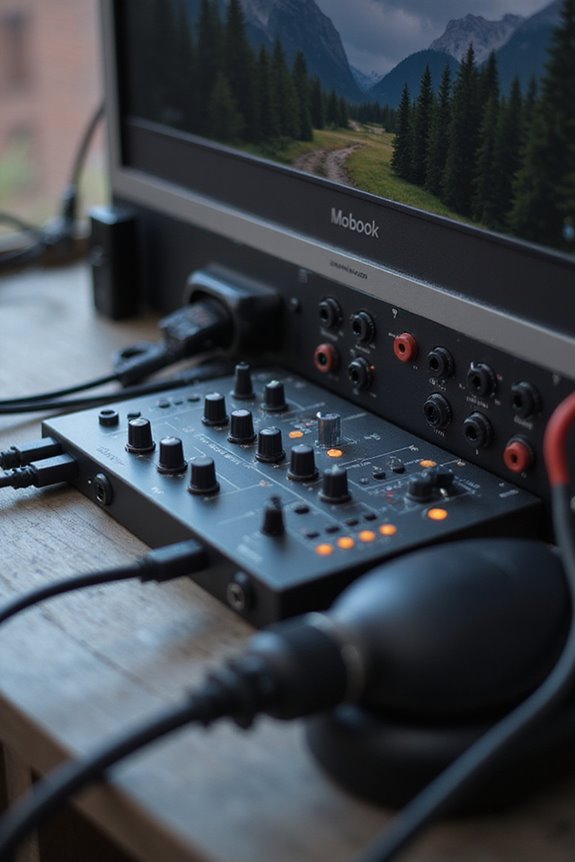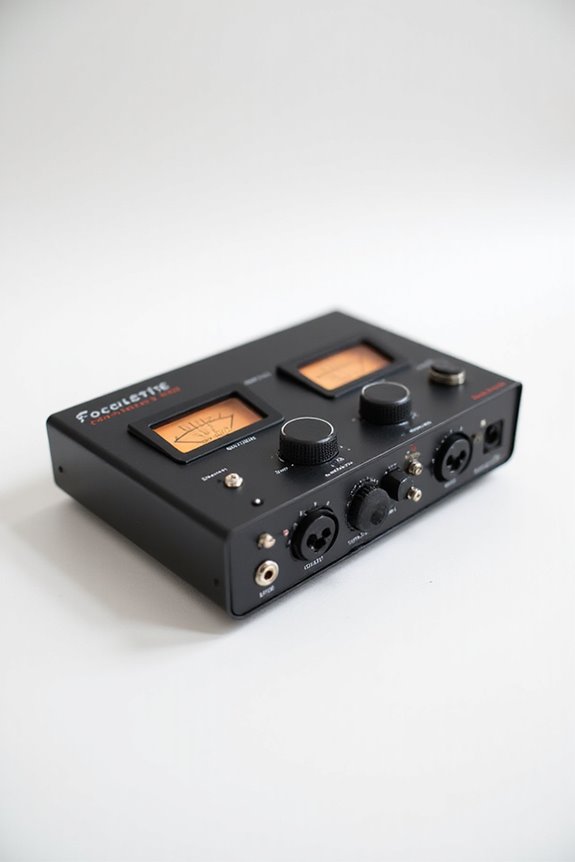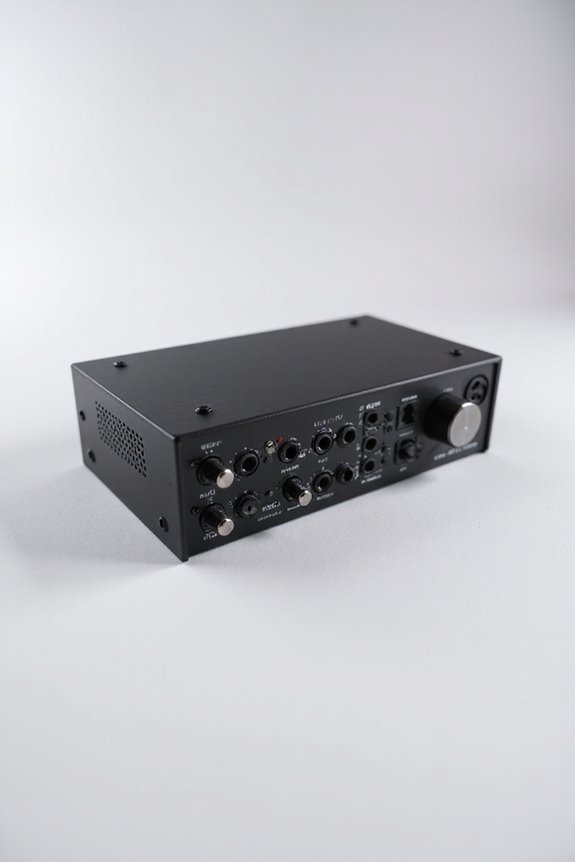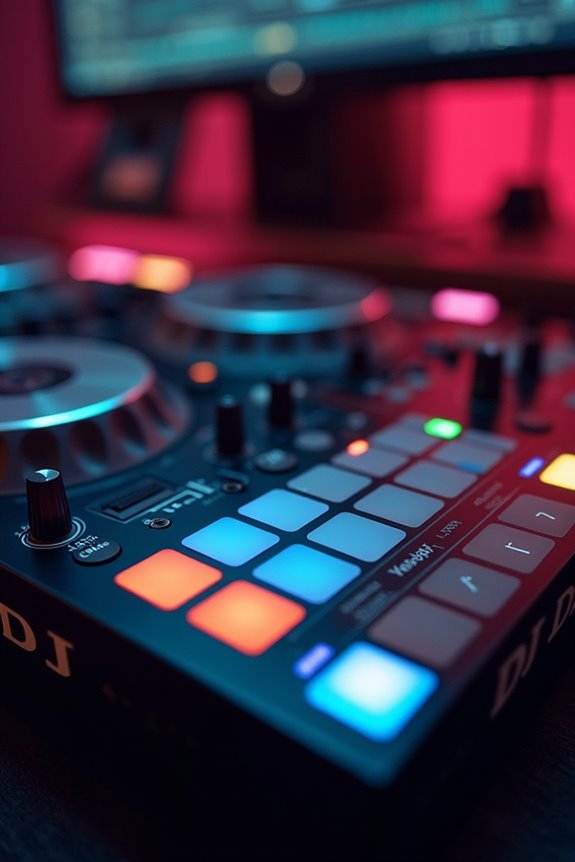

If we want to elevate our DJing game, an audio interface is a must! 🎧 It offers improved sound quality and low-latency monitoring, letting us cue tracks seamlessly. We should look for at least 4 mono outputs for flexibility and guarantee high signal-to-noise ratios (at least 112 dB) for clarity. Plus, don’t forget 24-bit depth for dynamic range! With the right interface, like the MOTU M6, you’ll experience pristine sound quality and smooth shifts! Want to know more details?
Key Takeaways
- An audio interface enhances sound quality with higher bit rates and sample rates, critical for professional DJing.
- Low-latency monitoring allows for real-time cueing, essential for seamless transitions between tracks.
- Multiple input options enable connectivity with microphones, instruments, and controllers, expanding your DJ setup.
- Balanced outputs from dedicated interfaces reduce noise and interference, maintaining signal integrity.
- Interfaces provide features like independent volume control, improving overall mixing and performance experience.
Purpose of an Audio Interface for DJing
You may be interested


Here are the top audio interface benefits:
- Improved Audio Quality: Higher bit rates and sample rates lead to clearer, richer sound.
- Low-Latency Monitoring: This means real-time cueing for seamless mixing.
- Hands-On Control: Adjust input levels without digging through software.
With multiple input options, we can connect microphones, instruments, and controllers all at once! This flexibility not only enhances our setups but also makes us look like total pros behind the decks. Additionally, many audio interfaces offer phantom power availability to support condenser microphones, further elevating our sound quality. Let’s embrace the audio magic together!
Audio Output Channels Required

Using an audio interface with multi-channel outputs gives us flexibility. It’s ideal to have a minimum of 4 mono outputs (that’s 2 stereo pairs) for effective routing. This lets us send our main mix to the speakers while simultaneously pre-listening to tracks through our headphones. Plus, some controllers offer independent volume control for Master and Booth outputs, making our gigs even smoother! Additionally, interfaces like the MOTU M6 ensure exceptional audio quality and ultra-low latency, enhancing your overall DJing experience.
With the right setup, you’ll keep the crowd dancing seamlessly!
Recommended Products

VERSATILE DJ PERFORMANCES -Standalone 4-deck playback for versatile DJ performances. Mix and match different media sources to match your playing style.

STUNNINGLY CLEAR SOUND QUALITY - The DJM-A9 has been upgraded with stunningly clear sound quality, giving you the edge when it comes to taking your performances to the next level.

Classic ISA mic preamp design featuring Lundahl LL1538 input transformer
Impact on Sound Quality
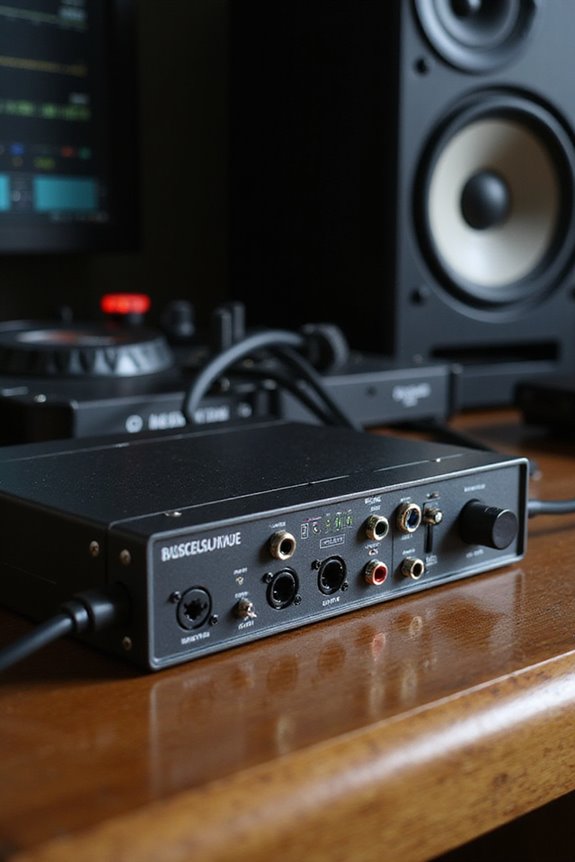
When it comes to sound quality, the choice of audio interface can make a world of difference! 🎶 While many might overlook this aspect, we recognize that the right converters and circuitry play an essential role in our DJ setups. With higher-end interfaces, we get improved digital-to-analog conversion, resulting in sound clarity and audio fidelity that really shines through.
Dedicated audio interfaces greatly reduce noise and interference from our computers. They deliver cleaner signals and lower noise floors, which enhances our mixes. Plus, with options for balanced outputs, we maintain signal integrity seamlessly. In live settings, these interfaces help us minimize latency, ensuring our beats sync perfectly. Remember, great sound is the bridge between our passion and our audience! Moreover, interfaces like the MOTU M6 offer ultra-low round-trip latency, ensuring that every beat is perfectly timed.
Recommended Products

Customizable color LCD on jog display screens are located in the CENTRE of each jog wheel, reveal only the information you need whether that’s BPM, waveform, playback position or Hot cue, loop points

Eight Clarett Mic Pres - lots of gain, low noise and distortion, extra headroom for instruments - 'Air' effect switches in an analog model of the classic transformer-based Focusrite ISA mic pre - dedicated phantom power, phase reverse, and high pass filters on every channel

Record with 38 of the most sought-after microphones ever made
Use Cases for Audio Interfaces in DJing
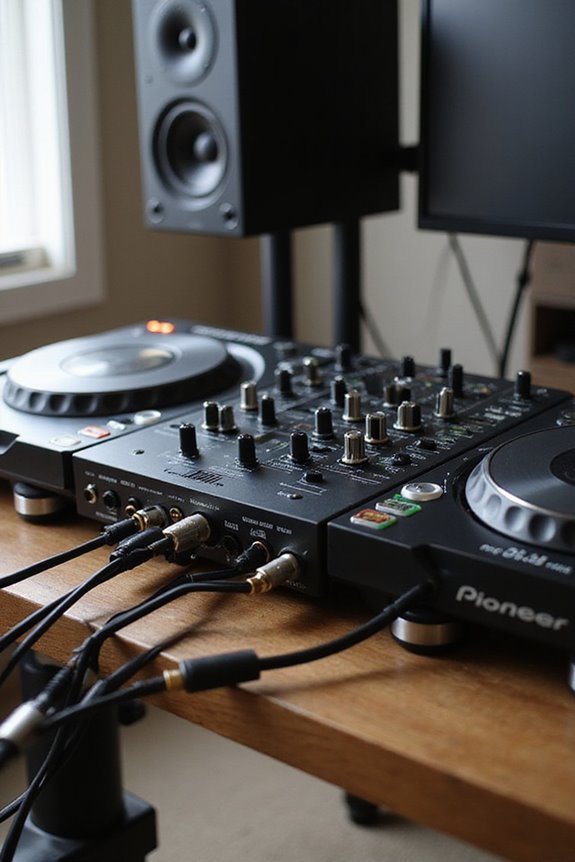
After exploring how sound quality hinges on our choice of audio interfaces, it’s time to look at how they can enhance our DJing experience in tangible ways! 🎧 From cueing to improved connectivity, the use cases for audio interfaces are packed with benefits.
1. Cueing Like a Pro: Multiple outputs let us preview tracks without mixing them together. We can hear what’s coming next while our audience enjoys the current track!
2. Enhanced Connectivity: With XLR and line inputs, we can connect microphones and instruments easily.
3. Recording and Streaming: Interfaces enable multi-channel recording, making our mixes sound fantastic for online broadcasts.
4. Signal Control: Precise volume adjustments and real-time monitoring reduce delays, ensuring seamless shifts between tracks.
These audio interface benefits ultimately lead to ideal sound routing for our creative DJ journeys! Additionally, selecting interfaces with zero latency monitoring ensures that we can interact with our audience without any audio delays.
DJ Controllers and Audio Interface Integration
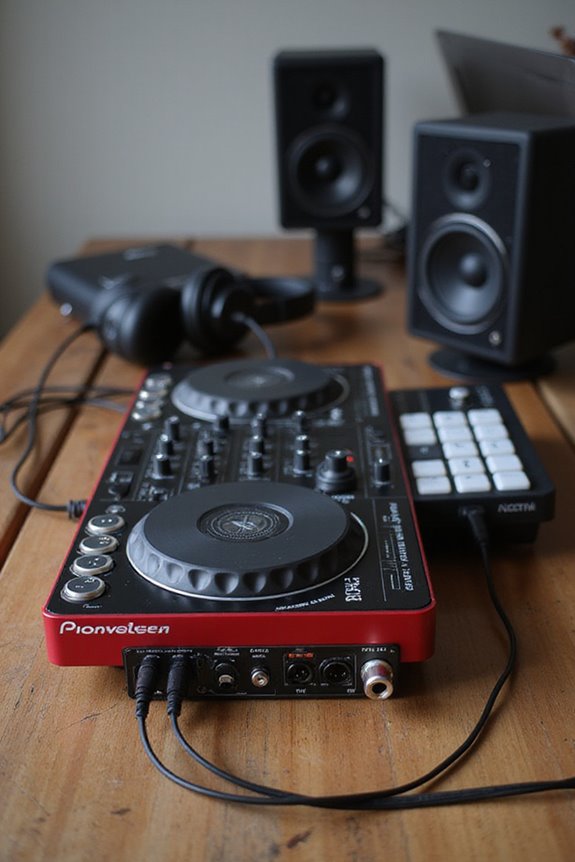
Integrating DJ controllers with audio interfaces can elevate our setups considerably! 🎶 While many of us love the convenience of built-in audio interfaces, there’s nothing wrong with considering an external interface for more complex configurations.
These controllers typically come with great controller features, offering master, booth, and headphone outputs for flexible audio routing. But when we want to separate audio channels, an external interface shines! With multiple outputs, we can send unique mixes or booth signals with independent controls. Just remember, using balanced cables helps maintain sound quality—nobody wants a signal drop on the dance floor! Additionally, low latency performance is crucial for ensuring real-time audio feedback during live sets.
Ultimately, whether we stick with built-in options or explore external devices, the right setup enhances our DJ experience. Let’s get creative and mix it up!
Recommended Products

Compact broadcast mixer with 4 mic/line channels, 4 Dual Source stereo channels and 2 Telco channels

8 channel high-performance PureDrive mic preamps
Technical Specifications to Consider
Understanding the technical specifications of audio interfaces is essential for any DJ looking to elevate their sound quality! 🎶 You wouldn’t leap onto a dance floor without checking the sound system, right?
Sample Rate Matters
Common sample rates like 44.1 kHz, 48 kHz, and even 96 kHz are key for crisp sound.
Signal-to-Noise Ratio
A high signal-to-noise ratio, such as 112 dB in the Pioneer INTERFACE 2, means clearer sound without annoying background noise.
Bit Depth and Distortion****
Aim for 24-bit depth for dynamic range, ensuring minimal distortion (keep THD below 0.01%). Additionally, look for audio interfaces with low latency under 10 ms to enhance your mixing experience and provide seamless feedback.
Recommended Products

World’s first 1.0-inch type stacked Exmor RS imaging sensor, Flexible 4K and Full HD recordings (XAVC Long GOP at 100Mbps), HFR 120 fps Super Slow Motion (continuous), Clear Image Zoom (24x for HD, 18x for 4K)

24-bit/192kHz USB Audio/MIDI Interface with 4 Mic/Instrument Preamps
Choosing the Right Audio Interface for Your Setup
When we’re diving into the world of DJing, picking the right audio interface can feel a bit intimidating, but, trust us, it’s a game changer! 🎧 🕺 A good audio interface not only enhances sound quality but also provides the features you need for seamless mixing.
First, focus on interface brands known for quality, like Numark. Look for at least four outputs—two for headphones and two for speakers. Next, keep budget considerations in mind; affordable options like the Numark DJ|IO 2 offer fantastic quality without breaking the bank! 🎉 Finally, consider if you need extra inputs for mics or other devices. With thoughtful choices, you’ll be ready to rock your DJ setup in no time!
Recommended Products

NEXT-GEN MIXING POWER: 38-in/24-out, 96kHz digital mixer with advanced XCVI processing for pristine audio and ultra-low latency performance

12-channel Microphone Preamplifier
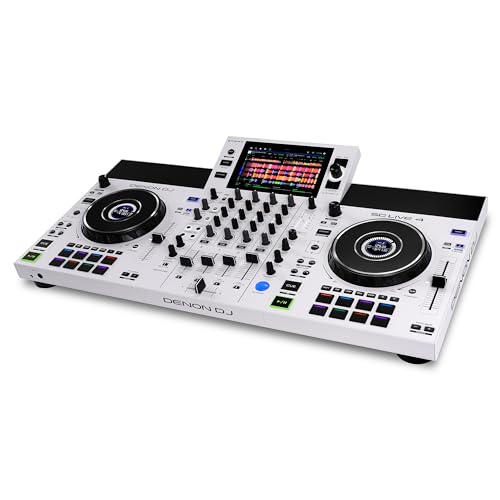
Laptop-Free with Engine DJ OS - Standalone DJ System with 4 Channel Mixer, 7-inch Screen, featuring onboard Stems, Wi-Fi and Bluetooth streaming; import tracks via SD slot and 2 USB ins
Frequently Asked Questions
Can I Use an Audio Interface With Any DJ Software?
Absolutely, we can use an audio interface with any DJ software, as long as it supports audio software compatibility. We’ve got to check features to guarantee peak performance and seamless integration for our setups.
How Does an Audio Interface Improve Live DJ Performances?
When we use an audio interface, we notice a significant boost in sound quality and performance reliability during our live sets. It enhances our overall experience, ensuring every beat hits just right for our audience.
What Brands Are Best Known for DJ Audio Interfaces?
When we think about the best brands for DJ audio interfaces, names like Pioneer DJ, Focusrite Scarlett, Native Instruments, and RME Audio immediately come to mind, each offering unique features that elevate our shared DJ experience.
Is There an Alternative to Using an Audio Interface?
Sure, we can explore alternatives like USB mixers and DJ controllers with built-in soundcards for mobile setups. They often provide a solid solution without needing a dedicated audio interface, keeping our options versatile and accessible.
How Do I Set up an Audio Interface for DJING?
To set up our audio interface for DJing, we’ll prioritize audio routing to guarantee seamless shifts. By adjusting settings, we can enhance sound quality, creating an unforgettable atmosphere together for everyone to enjoy!