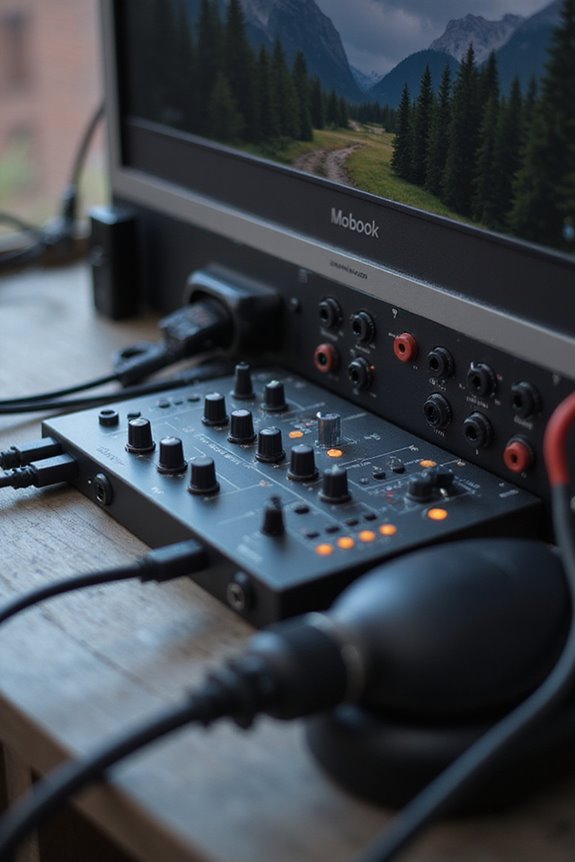
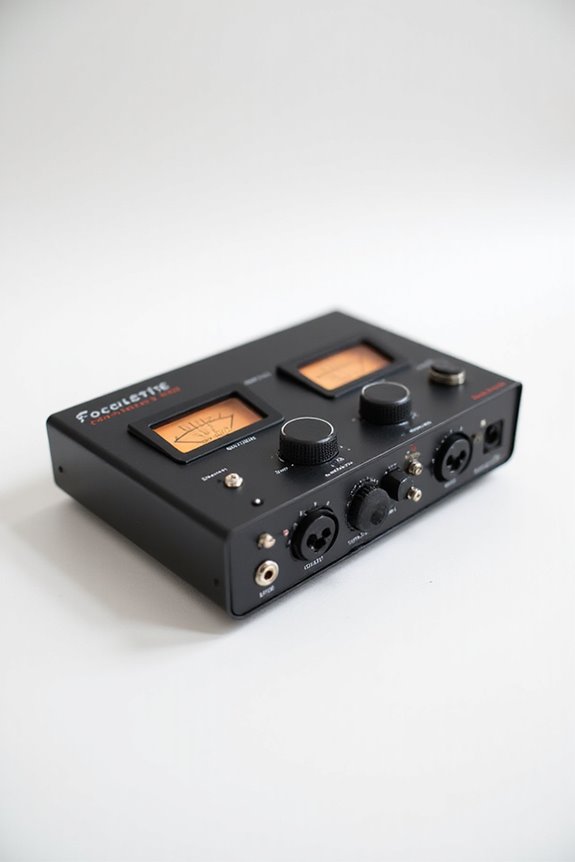
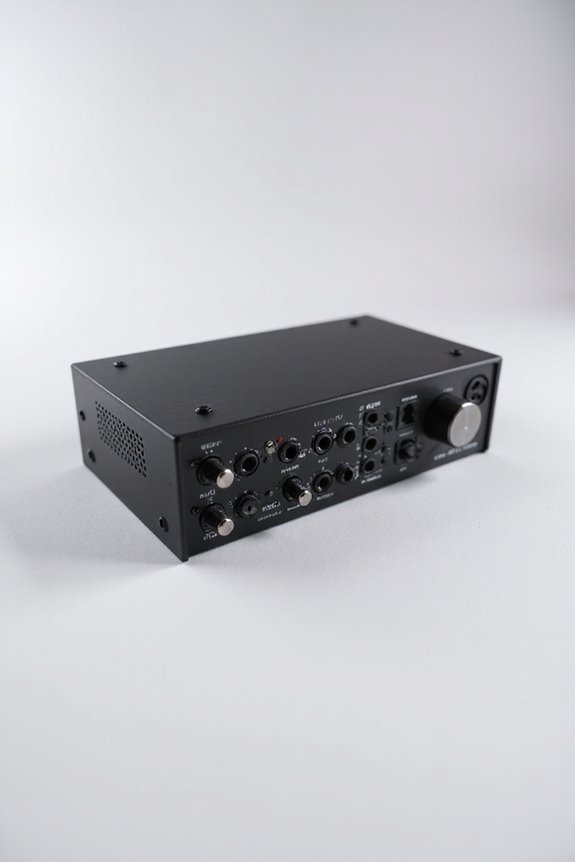
If you’re starting in audio production, the Focusrite Scarlett Solo is a fantastic choice! It’s super user-friendly and offers excellent sound quality with its high-quality preamps. For something budget-friendly, check out the Behringer U-Phoria UM2—great for beginners and under $50! With simple USB connectivity and essential input/output options, you can’t go wrong. We’ve got more tips on picking the perfect interface for your needs, so stick around for the scoop! 🎤✨
Key Takeaways
- Look for USB connectivity for easy setup, as it combines data and power in one cable.
- Consider beginner-friendly models like the Focusrite Scarlett Solo or PreSonus AudioBox USB.
- Opt for interfaces with 1-2 inputs, which are sufficient for solo musicians starting out.
- Ensure reliable mic preamps for sound clarity, such as those found in Focusrite and SSL products.
- Choose devices with good customer support and setup resources for a smoother learning experience.
Understanding the Importance of Audio Interfaces for Beginners
You may be interested


When stepping into the world of audio production, an audio interface is like a trusty sidekick that helps you tackle the complexities of sound. Let’s explore the audio interface benefits for beginners! First off, it connects your mics and instruments to your computer, transforming low-level signals into usable audio. With built-in preamps, it guarantees clarity and reduces noise, a must for any one of us getting started.
We gain access to advanced features like MIDI connections and monitoring options, making our setup versatile. Plus, clean sound is key! An audio interface enhances our recording quality, giving us a professional edge without breaking the bank. So, whether we’re strumming guitars or recording vocals, an audio interface is essential for our creative journey! 🎶 Additionally, many beginner-friendly interfaces offer plug-and-play functionality, simplifying the setup process for new users.
Budget-Friendly Options for Newcomers
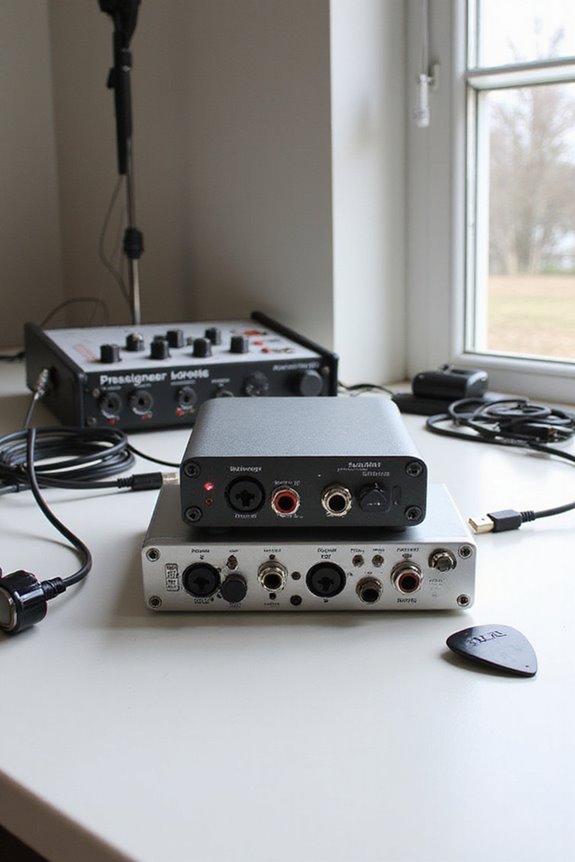
Finding the right audio interface on a budget doesn’t have to be an intimidating task! We’ve got some fantastic budget interface recommendations to kickstart your recording journey.
For under $50, the Behringer U-Phoria UM2 is perfect, offering both XLR and jack inputs to record mic and instrument simultaneously. M-Audio’s M-Track Solo is another reliable choice!
If you can stretch between $50 and $150, give PreSonus AudioBox USB 96 a try—its solid build and quality are favorites among beginners! Additionally, look for interfaces that support low-latency performance to enhance your recording experience.
Recommended Products

Perfect for when you’re on a budget and looking for your family’s first piano, the affordable RP107 delivers authentic tone and playability thanks to the acclaimed sound engine and keyboard action found in higher-end Roland pianos.

The 88-note, GHS weighted action is heavier in the low keys and lighter in the high keys, just like an acoustic piano

Bright — ideal for a variety of lighting conditions, the projector has 2,500 lumens of equal color and white brightness (1).
The Easiest Interfaces to Set Up
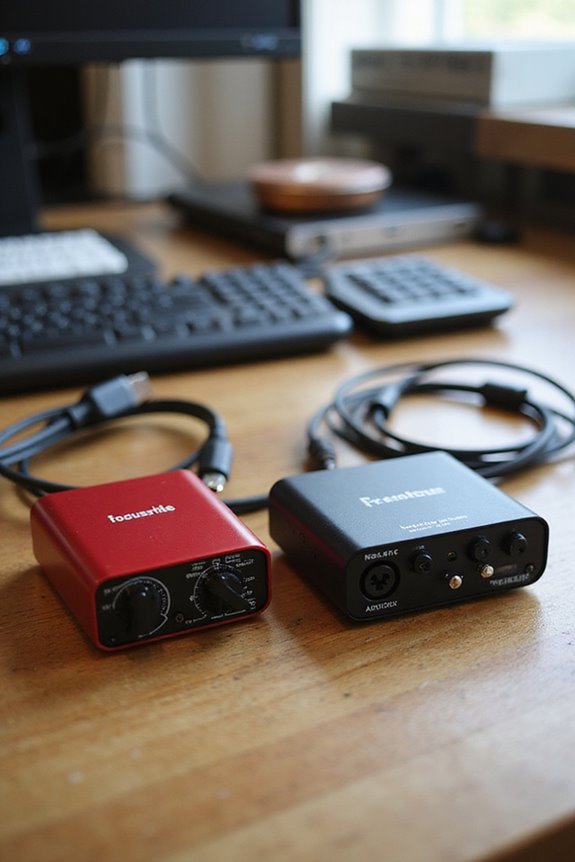
As we gear up for your recording journey, choosing an audio interface with a simple setup can save you time and frustration. Look for user-friendly interfaces that connect via USB, providing both data and power with just one cable—now that’s plug and play simplicity! For beginners, interfaces like the Focusrite Scarlett Solo or PreSonus AudioBox USB are excellent choices. They often have indicator lights to show proper power and allow for easy device recognition in your DAW, especially on MacOS. Plus, you’ll want interfaces with straightforward controls—adjusting input gains and output levels should be a breeze! Remember, simplicity is your friend, making your focus all about the music, not the setup! 🎶 Additionally, consider options with low latency performance to enhance real-time monitoring while recording.
Recommended Products

Ultra High Definition 4K (3840x2160) FOUR TIMES the resolution of 1080P! 32 Channel 6K 12MP NVR 4K Security Camera System with (32) H.265+ 4K (8MP) @20FPS Weatherproof 2.8mm Wide Angle PoE IP Dome Cameras (Built-in Microphone)

Ultra High Definition 4K (3840x2160)FOUR TIMES the resolution of 1080P! 32 Channel 6K 12MP NVR with (32) H.265+ 4K (8MP) @20FPS Weatherproof 2.8mm Wide Angle Microphone Audio & Video PoE IP Bullet Cameras

Ultra HD 4K / 8MP 8 Channel NVR with (4) Bullet 2-Way Audio and (4) Dome 1-Way Audio H.265 HD 2160P 4K POE IP Camera Built-In Microphone Audio Recording
Input and Output Choices for Versatile Use
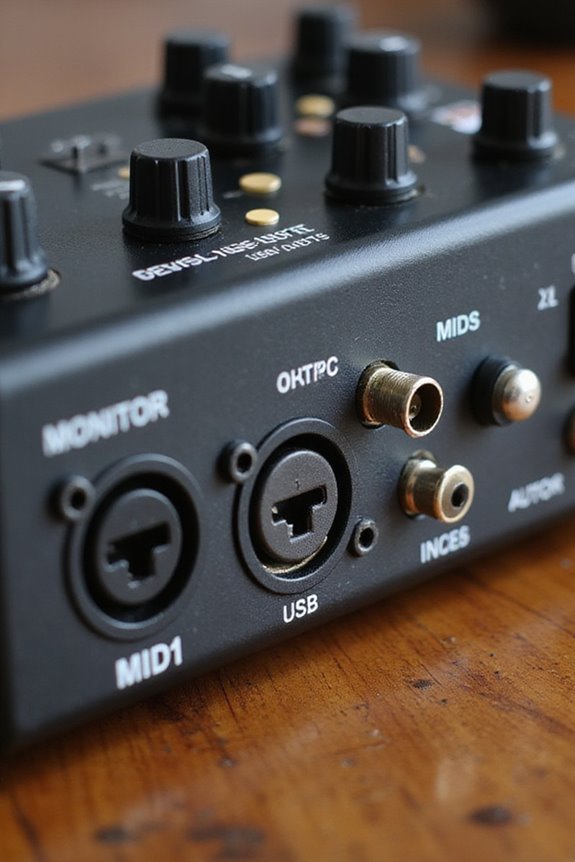
Choosing the right inputs and outputs for your audio interface can feel a bit like assembling a tasty sandwich—you want just the right ingredients to make it delicious! 🎤 With the right combination, you can capture everything from soft vocals to booming bass guitar.
Let’s talk about input versatility. You’ll want mic level inputs for microphones, instrument level inputs for guitars, and line level inputs for mixers. Balanced inputs provide noise rejection, which is essential in a professional setup.
Now, onto output options! Balanced outputs like TRS or XLR connect safely to studio monitors, while multiple headphone outputs let everyone join the fun. Ultimately, the right mix of inputs and outputs helps you create enchanting audio experiences! 🎶 Additionally, consider selecting interfaces that support phantom power to ensure compatibility with condenser microphones for enhanced recording quality.
Recommended Products

【TRIPLE LASER】Experience richer, more lifelike color with Pure Triple Laser. With an ultra-wide color range and smooth, accurate tones, everything you watch looks more realistic and consistently true on screen.

SOUND ENGINE DESIGN: The Roland Keyboard features four independent sound engines, including acoustic piano, electric piano, organ, and ZEN-core synthesizer engines, delivering a wide range of versatile tones ideal for professional stage performance

Mix and record through AAX DSP plugins with rock-solid sub-1 ms latency monitoring
Sound Quality Considerations for Beginners

When we think about creating high-quality sound recordings, the audio interface plays a starring role! 🎧 It’s more than just a device; it’s the bridge between your instruments, microphones, and the digital domain. For beginners like us, sound fidelity is vital. We want an interface with a good dynamic range and a low noise floor to guarantee recording clarity and distortion reduction. Look for devices featuring high-quality preamps that offer transparency, like the Focusrite Scarlett 2i2. Also, consider the analog converters, as they capture sound waves accurately. A reliable headphone output is essential for monitoring accuracy without latency issues, making it easier to refine our tracks. Additionally, ensure that your interface supports low latency performance to enhance real-time recording experiences. Let’s create beautiful music together!
Portability and Build Quality in Audio Interfaces
Portability and build quality in audio interfaces are essential aspects for us, especially as beginners enthusiastic to plunge into the world of music production! 🎤 We want devices that can easily travel with us, fitting our creative journeys, whether it’s in a home studio or a park bench. With portability advantages like USB bus-powered options, we get to skip bulky power supplies! Compact models, such as the Arturia MiniFuse 1, help keep things tidy. Plus, a sturdy build guarantees our gear can handle the bumps along the road, safeguarding our investment. Interfaces like the Focusrite Scarlett 2i2 feature robust materials, protecting us from accidental drops. Together, we can effortlessly blend creativity and reliability on our music-making adventures! 🎶 It’s also beneficial to choose interfaces that offer zero-latency monitoring, ensuring real-time audio feedback during recordings.
Exploring Additional Features for Specific Use Cases
As we weigh our options for an audio interface, exploring additional features can really help us tailor our setup to specific needs. For instance, if we want to utilize the DSP advantages, look for interfaces that offer onboard processing. This lets us apply effects in real-time without straining our computer’s CPU—perfect for recording! Plus, many come with features like MIDI integration, enabling us to connect keyboards or drum machines effortlessly.
Also, interfaces with multiple inputs let us record vocals and instruments simultaneously. And let’s not forget about those handy dedicated knobs for direct monitoring, giving us better control. So, let’s explore these features and discover what fits our creative journey! 🎶
Recommended Products

Produce with a special edition of UA's elite-class Apollo x16 interface, including a premium suite of award-winning UAD plug-ins worth over $2,400

Hear next generation audio conversion with the widest dynamic range and lowest distortion of any Apollo

Portable, and flexible digital console for installed sound, mobile application, and recording with dual-core FLEX DSP Engine powering 286 simultaneous processors
Software Compatibility and User Experience
Choosing an audio interface isn’t just about the hardware; it’s also vital to take into account how well it plays with your favorite software. 🤔 After all, we want a seamless experience when creating music!
Let’s talk driver support. Interfaces should work well with major DAWs like Ableton Live and Logic Pro, minimizing latency performance, which is essential for real-time recording. Look for low-latency solutions—like Focusrite’s Scarlett 2i2 or Audient’s iD4—that keep you in the groove! Physical controls should feel intuitive, too, making adjustments easy.
We also need to check operating system compatibility. Don’t get caught out with updates! So, before you explore, double-check the specs to avoid headaches later. Your music journey shouldn’t have roadblocks! 🎶
Comparing Popular Models: Pros and Cons
When it comes to finding the right audio interface, weighing the options available can make all the difference. Let’s explore some interface comparisons!
Focusrite Scarlett 2i2: Known for sturdy build and clean preamp performance, it’s a top beginner choice.
Audient iD4 MkII: Offers outstanding preamps with minimal noise, professional quality without breaking the bank!
Behringer UMC22: Budget-friendly but has limitations in durability and features, perfect if simplicity’s your jam.
RME Babyface Pro FS: A premium powerhouse for serious users, but pricey!
SSL 2+: Affordable with robust preamp performance and analog warmth, great for creative workflows!
Each model has its pros and cons, tailored to different needs—finding your fit is what it’s all about! 🎶
Recommended Products

100MP Main Camera - DJI Mavic 4 Pro’s 100MP Hasselblad camera with 6K/60fps HDR video captures stunning drone footage with vivid detail.

MULTIFUNCTION DISPLAY: 12-inch high-definition IPS touch screen with extreme viewing angles, even viewable through polarized lenses

148 Effect Types + Kaos FX
Making the Right Choice for Your Needs
Finding the perfect audio interface can feel like hunting for a needle in a haystack! 🎵 With so many options out there, it’s essential to pinpoint what you truly need for your recording journey.
First, consider the number of inputs and outputs. If you’re a solo musician, 1-2 inputs will suit you just fine. Next, let’s chat about interface features—look for decent mic preamps and USB connections for easy setup! Compatibility with your favorite DAW is a must, too.
Don’t forget about beginner resources; many interfaces come with setup guides or tutorials, making your first steps smoother. So, focus on what truly matters, and soon you’ll be crafting music effortlessly! 🎶
Frequently Asked Questions
What Is the Difference Between USB and Thunderbolt Audio Interfaces?
When considering USB and Thunderbolt audio interfaces, we find USB advantages like affordability and compatibility appealing. However, Thunderbolt’s speed offers superior performance for demanding tasks, making it essential to choose based on our specific recording needs.
Can I Use an Audio Interface With a Laptop?
Absolutely, we can use an audio interface with our laptops if they meet compatibility requirements. Let’s explore interface features and guarantee our laptops have the necessary specs for smooth performance and effective audio production together.
How Do I Maintain My Audio Interface?
To maintain our audio interface’s performance, let’s focus on regular care, like cleaning with a gentle cloth, applying updates, and ensuring proper connections. This way, we optimize its functionality for our creative projects together.
Are There Any Wireless Audio Interfaces Available?
It’s ironic that with all this wireless technology, finding reliable wireless audio interfaces can feel like searching for a unicorn. While they simplify things, we must weigh convenience against potential audio quality issues we may encounter.
Do I Need an Audio Interface for Gaming?
Do we need an audio interface for gaming? While it enhances our audio quality and gaming performance, casual gamers might find integrated mics sufficient. It really depends on the level of commitment we’re seeking.