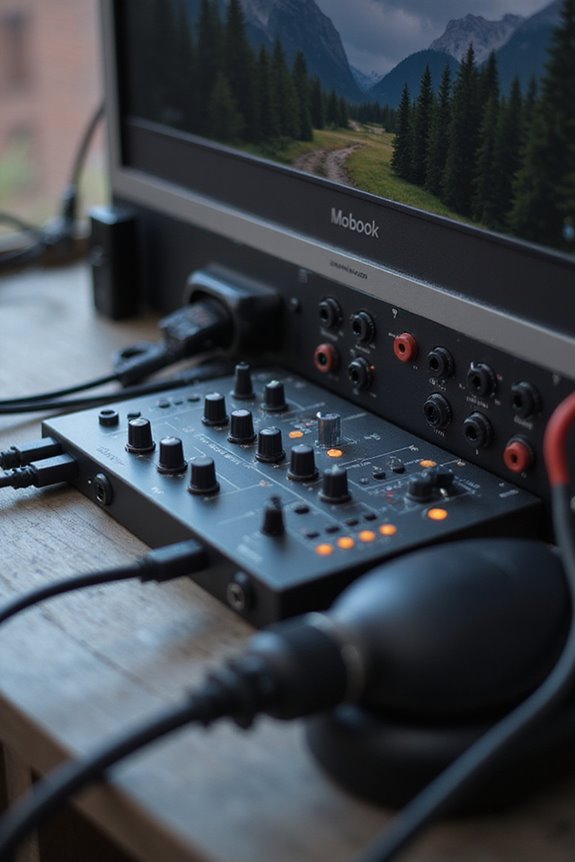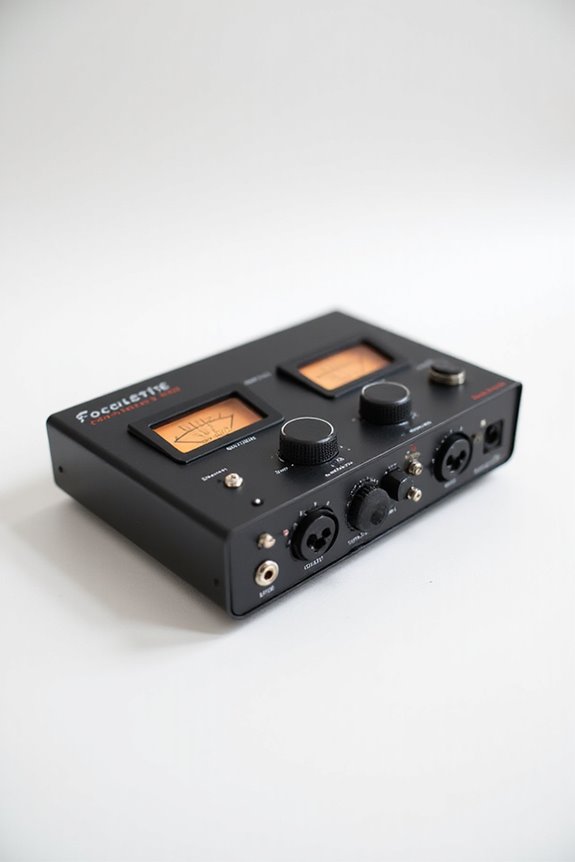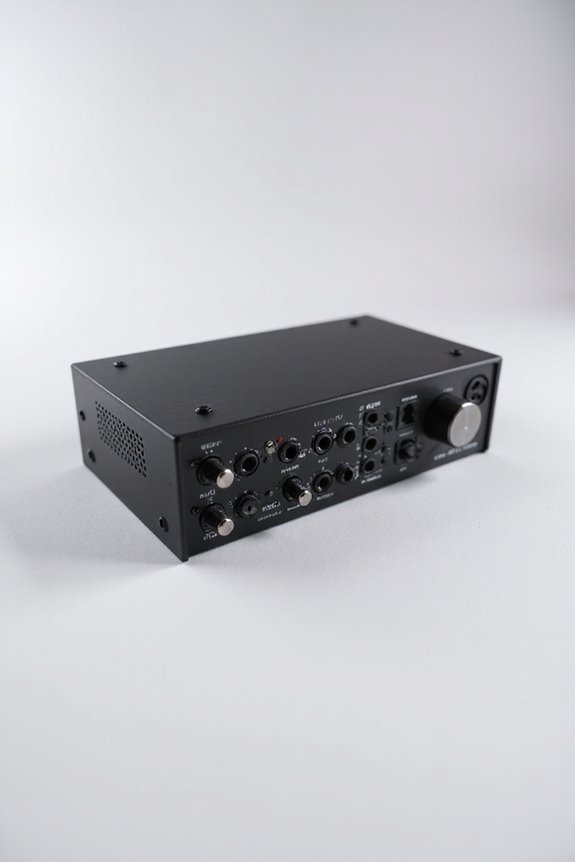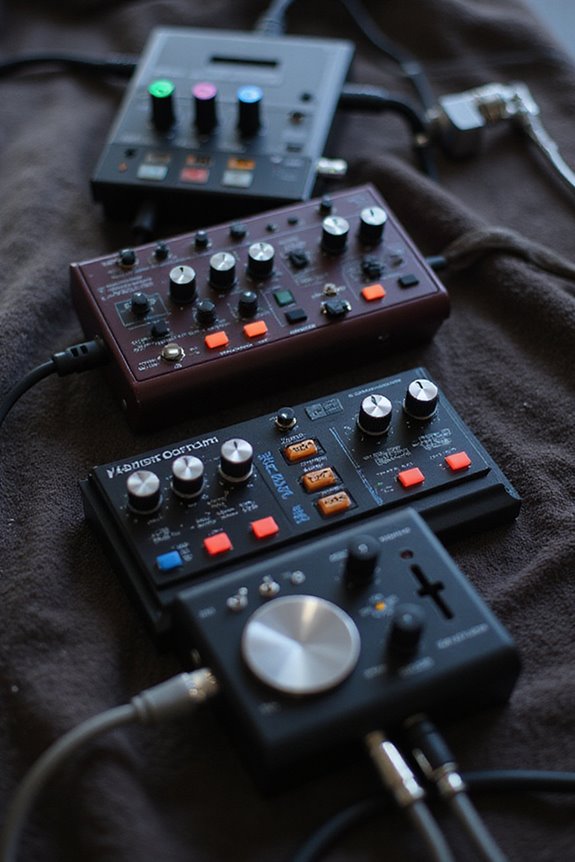

Absolutely, we can daisy chain audio interfaces! This setup allows us to connect multiple devices in series, enhancing our audio production while minimizing cable clutter. Just verify all interfaces share the same sample rate and have a reliable clock master for sync. A steady power supply and the latest drivers are also key! 🎤✨ It’s a great way to capture entire drum kits or provide custom headphone mixes. Stick around, and we’ll uncover more on this exciting topic!
Key Takeaways
- Yes, you can daisy chain audio interfaces to expand inputs and outputs while reducing cable clutter.
- Ensure all interfaces operate at the same sample rate for synchronization and optimal performance.
- A clock master is necessary to maintain sync and prevent audio dropouts among devices.
- Use updated drivers and ASIO for Windows or create an aggregate device on macOS for seamless integration.
- Be aware of routing complexities and maintain proper I/O mapping to ensure coherent mixes.
Understanding Daisy Chaining Basics
You may be interested



Daisy chaining audio interfaces might sound like a complex techie term, but it’s really about simplifying our lives! By connecting multiple devices in series, we’re able to streamline our audio setups while minimizing cable clutter. One of the biggest daisy chaining advantages is that it allows us to expand our inputs and outputs without crowding a central unit. We create a smooth signal flow, where audio passes seamlessly from one device to the next. Imagine this: you can position inputs closer to instruments! Just remember, while it’s efficient, we must keep an eye on potential latency. With the right setup, we can enjoy flexibility and clarity, making our audio experiences richer. Additionally, using interfaces with multiple ADAT inputs can greatly enhance your recording capacity. Let’s dive deeper!
Technical Requirements for Daisy Chaining
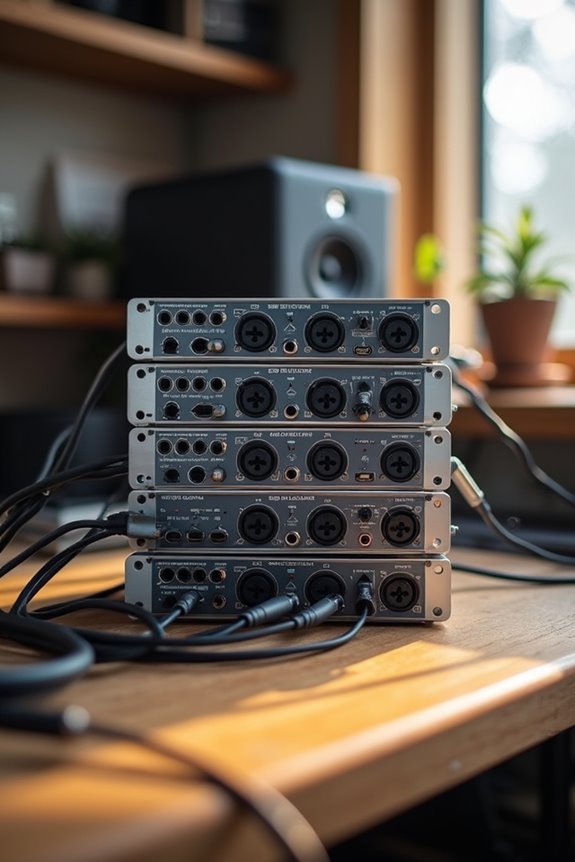
When we think about getting the most out of our daisy chaining setup, understanding the technical requirements is where the magic happens! First, all audio interfaces must operate at the same sample rates to keep everything aligned and glitch-free. One key player in this chain is the clock master that guarantees everyone stays in sync, avoiding those pesky dropouts.
Next, let’s talk about power stability. All devices need a steady power supply, as any interruption can send your entire setup back to square one. Finally, we should confirm interface compatibility—keeping firmware up to date is essential to prevent connectivity issues. Additionally, ensure that all interfaces support 48V phantom power to maximize microphone performance. By following these guidelines, we’ll create a smooth and reliable audio experience together!
Recommended Products

For Recording Studios and Touring

FLAGSHIP SOUND QUALITY: Get the sound of Symphony Mk ii right on your desk with our legendary A/D and D/A conversion that delivers ultra-low distortion and provides a transparent window into the sonic landscape of your mix and recordings.

Next-gen 28 x 32 USB3 audio interface — Builds on 22 years of proven success as an industry-leading audio interface brand.
Configuring Drivers and Operating Systems
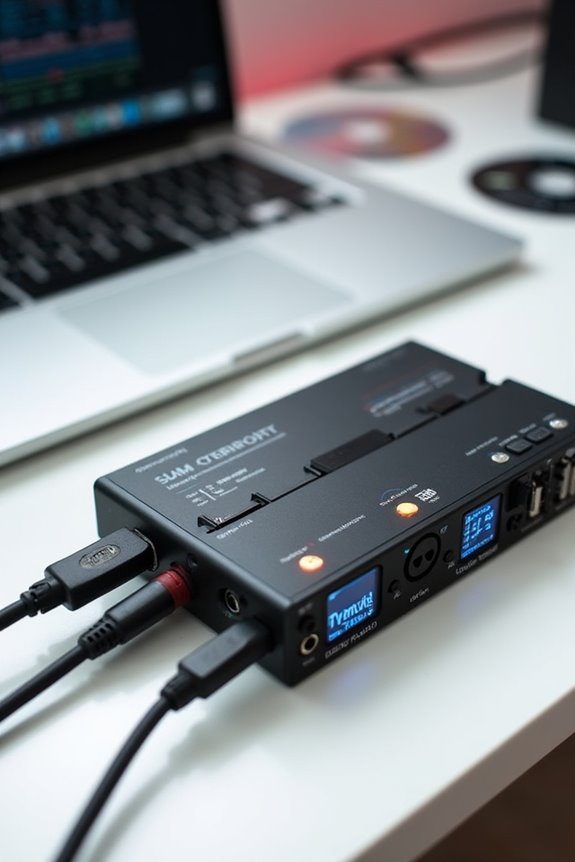
Getting the drivers and operating systems configured is essential for our daisy-chaining setup, so we can enjoy seamless audio performance! First, let’s verify our driver updates are current. For Windows users, ASIO drivers are our friends, allowing us to combine channels effortlessly. On macOS, we can create an aggregate device through Audio MIDI Setup, which makes life a lot easier.
Next, let’s check our audio settings. All our interfaces must share the same sample rate, or we’ll face some unpleasant sync issues. If channels don’t appear in the correct order, don’t worry—we can manage that in our DAW! Sometimes, a quick restart of our DAW or computer is necessary. Additionally, ensuring that our interfaces are compatible with Pro Tools will further streamline our workflow. Together, we’ll get this audio system humming beautifully!
Recommended Products
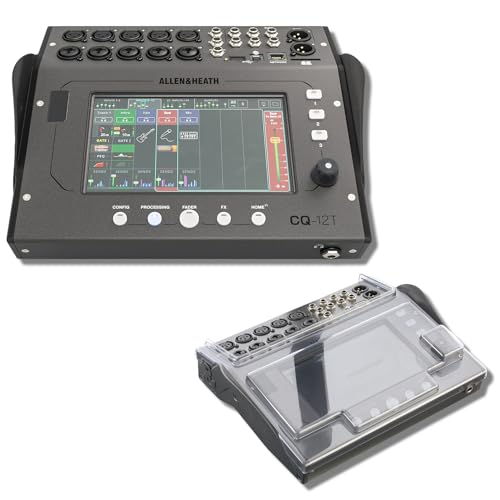
STUDIO PROTECTION DIGITAL CONSOLE — CQ-18T MIXER + PATENTED DECKSAVER DUST COVER: A desk-bound digital console needs more than the mixer alone — you need a cover that seals the touchscreen and controls from dust between sessions and absorbs drink spills at the desk. This bundle pairs the Allen & Heath CQ-18T digital mixer with the Decksaver DS-PC-CQ18T smoked polycarbonate cover cut specifically for the CQ-18T. Streamers, podcasters, home recording engineers — protect the touchscreen, start recording today.
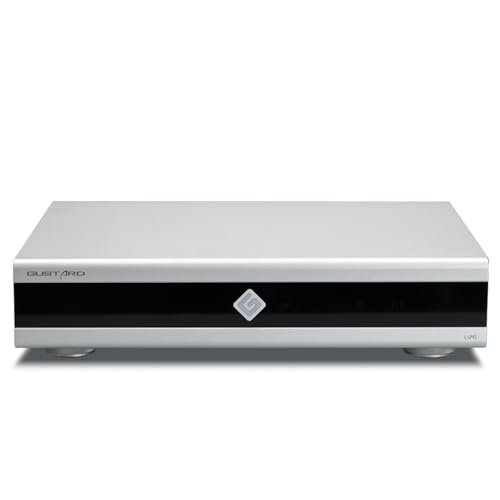
Gustard U26 is a professionally customized digital interface DDC. The Precision digital bridge for High-End Audio Systems. Support USB, 10MHz Clock input and IIS, IIS-G, AES, Optical, Coaxial and S/PDIF BNC Coaxial Output. Good partner for Gustard R30, X30, ect

PREMIUM DESKTOP AUDIO INTERFACE: AudioFuse Studio gives you world-class preamps, incredible connectivity, a versatile feature set, hands on control and a host of clever design features. Transform your musical ideas into pro-sounding recordings and connect every aspect of your studio with the ultimate desktop audio interface: 8 analog inputs + digital I/O, 4 DiscretePRO preamps, Bluetooth receiver, 8 channels I/O over ADAT and a premium creative software bundle included.
Channel Routing and Aggregation Challenges
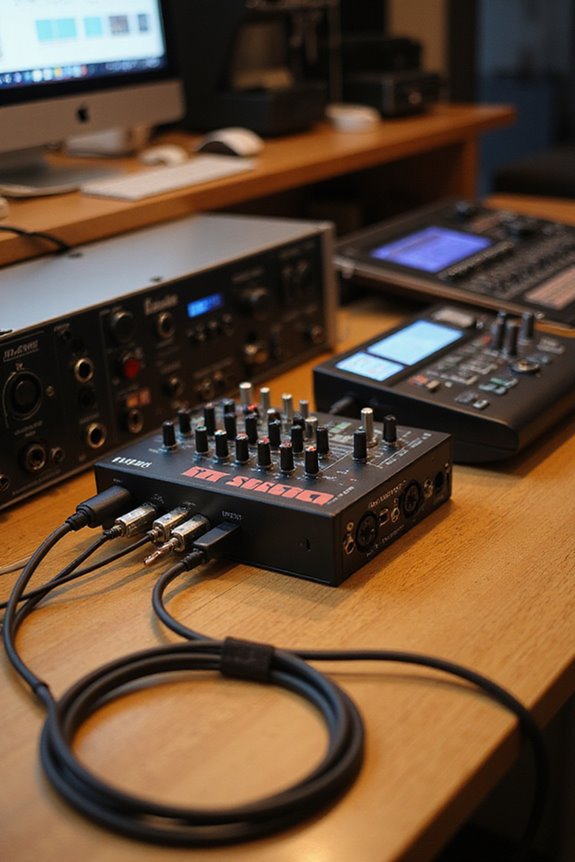
Maneuvering channel routing and aggregation can feel like twisting through a maze, especially when you’re dealing with multiple audio interfaces. It’s essential to maintain channel visibility, so you don’t lose track of inputs scattered across devices. The routing complexity can be a headache, with interfaces appearing separately in your DAW unless you use an aggregate driver. To simplify things, we recommend familiarizing yourself with each device’s I/O mapping so channel numbers don’t feel like a guessing game! Just think of it as organizing a chaotic library! 🤔 If we manage proper clock synchronization and utilize software control panels, we can create coherent mixes and avoid issues like audio dropouts. Additionally, ASIO drivers can significantly enhance performance, ensuring low-latency operation across all interfaces. Let’s embrace the challenge together!
Practical Applications in Audio Production
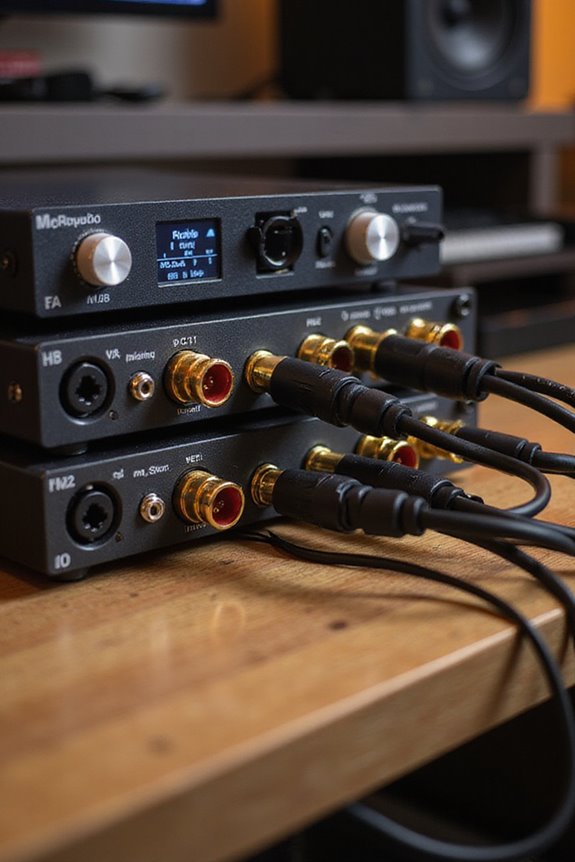
In audio production, there’s a lot you can do with daisy chaining multiple interfaces! By combining our trusty devices, we can scale up to handle live recordings and create robust multi-channel setups. Imagine capturing the entire drum kit with over 10 mics—each interface can add specific inputs, giving us the flexibility we thrive on!
Moreover, we can offer performers custom headphone mixes by expanding our outputs. It’s a game-changer! Some brands, like MOTU, provide excellent support for syncing interfaces, which helps avoid timing issues or glitches. With the right software and configurations, we can aggregate multiple inputs effortlessly. Additionally, maintaining low-latency monitoring ensures real-time feedback is available for all performers, enhancing the recording experience. So, let’s take our recordings to the next level—together we can make magic happen!
Frequently Asked Questions
Can I Daisy Chain Interfaces From Different Manufacturers?
While we’d love to daisy chain different interfaces, we often face interoperability challenges and compatibility issues. It can work if they handle separate tasks, but syncing them perfectly is usually tricky.
What Happens if I Exceed the Bandwidth Limits?
When we’ve pushed our setup too far—like during a live session—bandwidth limitations can ruin our audio quality. Let’s keep track of our devices to avoid dropouts and maintain that perfect sound we’re all aiming for.
How Does Daisy Chaining Affect Latency?
When we daisy chain, we need to take into account latency impact on audio synchronization. More interfaces increase processing times, potentially causing delays that affect our recordings. It’s essential to strike a balance for best performance together.
Can I Use USB Interfaces in a Daisy Chain?
Unfortunately, we can’t daisy chain USB interfaces due to USB compatibility issues. Instead, we can use them simultaneously, though we should watch for potential latency and manage interface performance through suitable software for the best results.
Is Daisy Chaining Suitable for Live Sound Applications?
Oh, sure! Let’s just daisy chain our audio interfaces for live sound, cause who doesn’t love a good audio quality mystery? But seriously, we need careful syncing to avoid chaos—let’s stick together as a team!