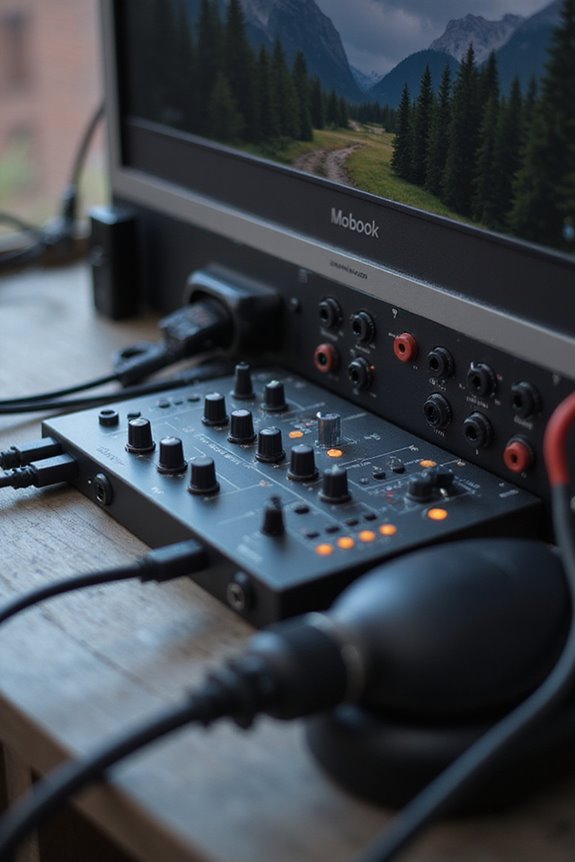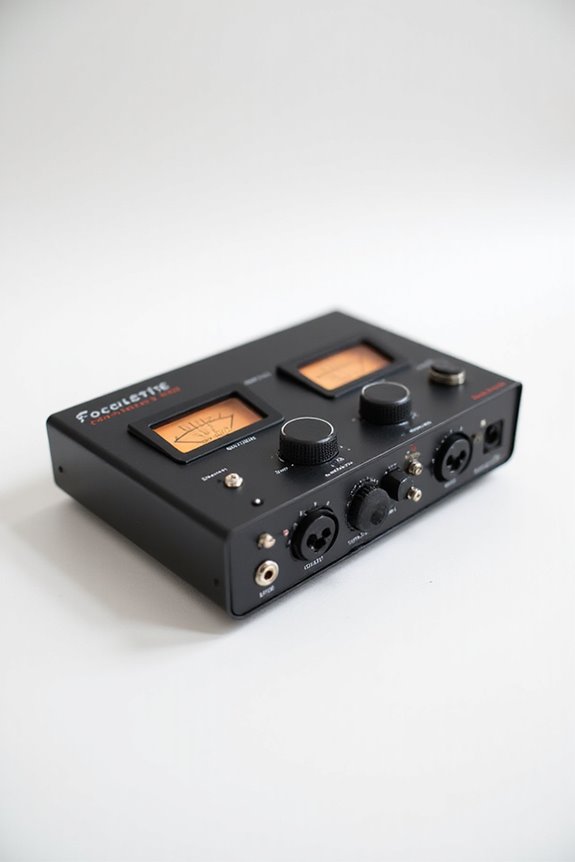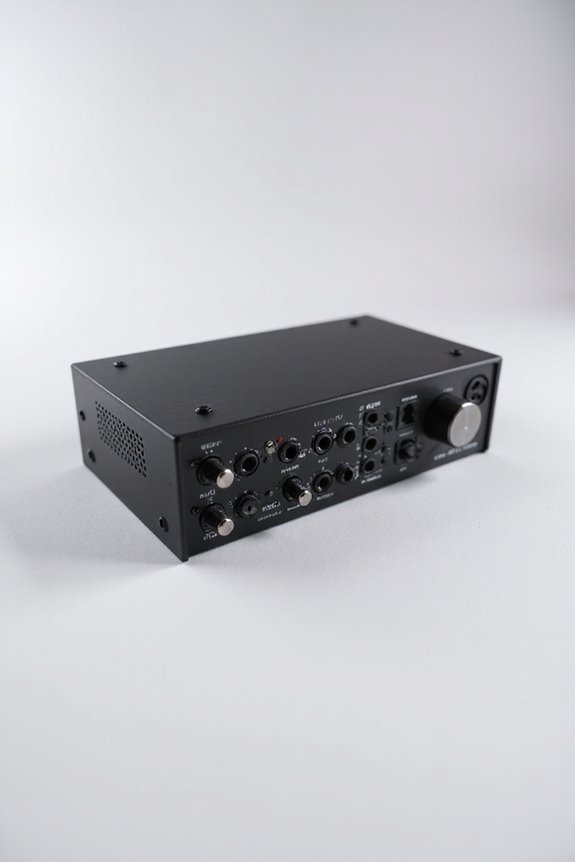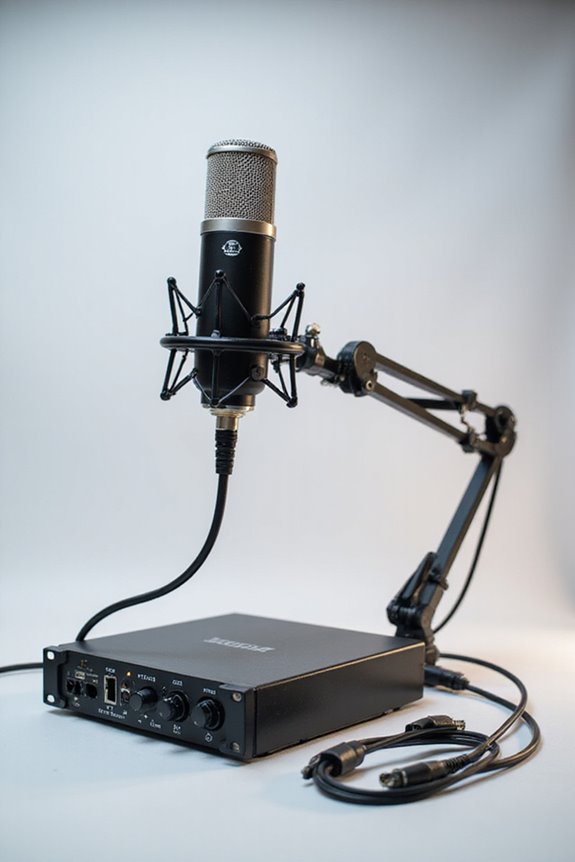

Upgrading our recording studio hardware can make a world of difference! First, let’s boost our audio interface for better conversion quality—look for at least 44.1 kHz to 192 kHz. Next, we should choose mics wisely: dynamic for loud sounds, large-diaphragm condensers for vocals. Don’t forget quality studio monitors for accurate sound! We can also enhance our computer with a quad-core CPU and SSDs for faster processing. Interested in optimizing our signal chain with external preamps? Let’s keep going! 🎶
Key Takeaways
- Upgrade your audio interface for improved conversion quality, low latency, and multiple input/output options including ADAT and quarter-inch jacks.
- Invest in quality microphones suited to specific applications, ensuring high signal-to-noise ratios and proper polar patterns for optimal recording.
- Enhance your monitoring setup with high-quality studio monitors, positioned correctly with isolation pads for accurate sound reproduction and minimal distortion.
- Boost your computer’s performance by upgrading to at least a quad-core CPU, 16GB of RAM, and fast NVMe SSDs for efficient processing and storage.
- Optimize your signal chain with external preamps to enhance gain and clarity while ensuring proper routing between devices for improved track quality.
Upgrade Audio Interface
You may be interested

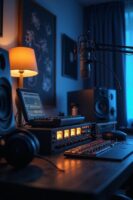
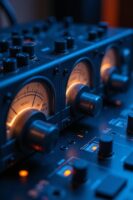
Upgrading your audio interface can truly revolutionize your recording experience! 🎤 Whether you’re capturing vocals, instruments, or a full band, having the right interface is essential. Let’s talk about some key interface features that’ll transform your setup.
First off, we need to reconsider conversion quality. High-end interfaces boast advanced converters that deliver superb audio clarity at high sample rates (44.1 kHz to 192 kHz). This means your recordings will sound more detailed and authentic!
Next, look for interfaces with multiple inputs and outputs, like ADAT connections for significant expansion. And don’t forget about those quarter-inch jacks for other gear! With the right interface, syncing devices becomes a breeze, and we can capture our music’s true essence together. Low round-trip latency enhances real-time monitoring, making it easier to achieve the perfect take. Ready to take the leap?
Recommended Products

Pulse 16 MX AD/DA converter

PREMIUM DESKTOP AUDIO INTERFACE: AudioFuse Studio gives you world-class preamps, incredible connectivity, a versatile feature set, hands on control and a host of clever design features. Transform your musical ideas into pro-sounding recordings and connect every aspect of your studio with the ultimate desktop audio interface: 8 analog inputs + digital I/O, 4 DiscretePRO preamps, Bluetooth receiver, 8 channels I/O over ADAT and a premium creative software bundle included.

with Femtosecond Clock Headphone Output
Improve Microphones and Accessories
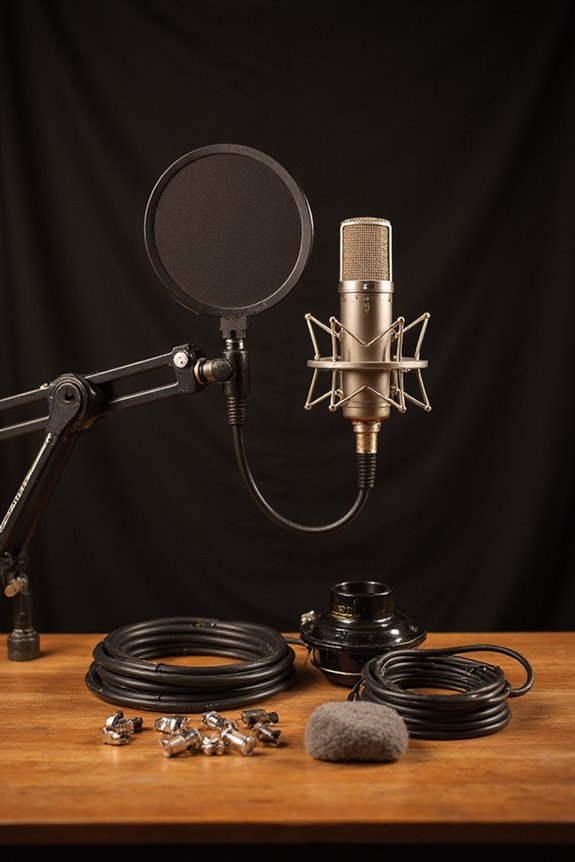
When we think about enhancing our studio’s sound, microphones and accessories play a vital role! 🎤 The right mic can elevate your recordings from flat to fantastic, ensuring you capture every nuance of your performance.
Microphone Selection
Choosing the perfect mic involves considering the application. Dynamic mics, like the Shure SM7B, are great for loud sounds, while large-diaphragm condensers, such as the Neumann TLM 102, excel at capturing vocals.
Polar Patterns
Understanding polar patterns is essential. Use cardioid mics for isolating sound, omni for ambient capture, and figure-8 for bi-directional sources.
Accessories Matter
Invest in sturdy stands, shock mounts, and quality XLR cables. These upgrades can make a world of difference, so let’s capture those sound vibes like pros! 🎶 Additionally, ensure your setup includes high signal-to-noise ratio microphones to effectively isolate harmonies and enhance overall sound clarity.
Recommended Products

Demo Multi-Patt Lg Diaph Tube Mic

Custom-wound Manley output transformer for that big MANLEY sound!

Matched Pair Studio Grade Professional Large Diaphragm Vocal and Instrument Condenser Microphone with Rugged Aluminum Carrying Case. XLR Connector. Astounding sound quality for lead vocals and solo instruments
Enhance Monitoring Equipment
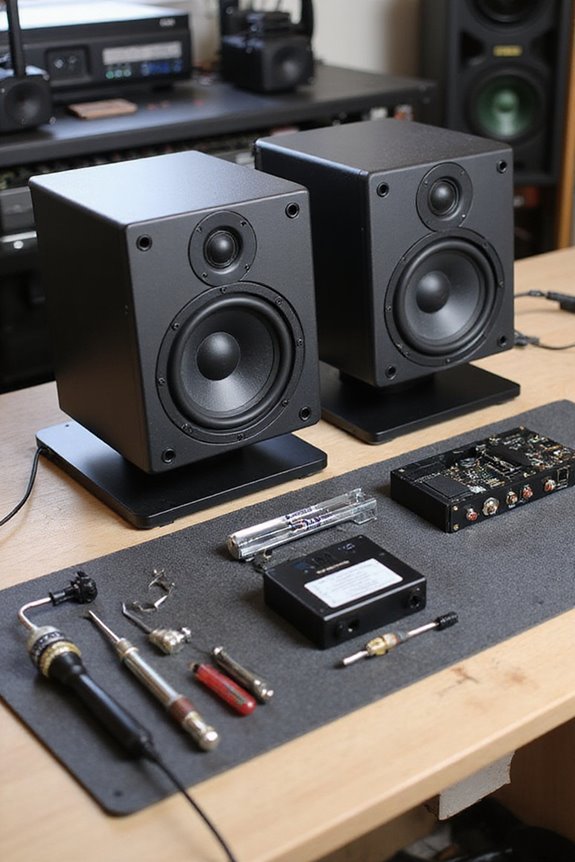
To make the most of our sound experience, enhancing our monitoring equipment is key! 🎧 Good monitoring is like having a crystal-clear window into our mix, allowing us to catch every detail and nuance.
First, let’s invest in high-quality studio monitors. Brands like Adam Audio, Focal, and Genelec are great for accurate sound reproduction. When it comes to monitor types, active models often shine!
Next, let’s think about placement strategies. Position those monitors at ear level, angled towards us. Using isolation pads can also help minimize distortion. Additionally, choosing monitors with flat frequency response ensures that we hear the true sound of our mix, making it easier to make informed decisions during production.
Lastly, if we’re juggling multiple monitors, a dedicated monitor controller can be our best friend! It allows seamless switching, which helps us find the perfect sound. Happy mixing!
Recommended Products

17” (432mm) Wide x 15” (381mm) Depth. 1.2” (30mm) Thick. 25 lbs (11.3 kg) weight capacity.
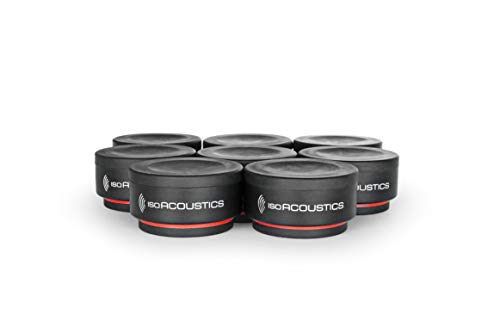
Weight capacity: 6 lbs (2.75 KG) per unit. It is recommended to use 3 or 4 units under each speaker. The total weight capacity is 18 lbs when using 3 units and 24 lbs when using 4 units.
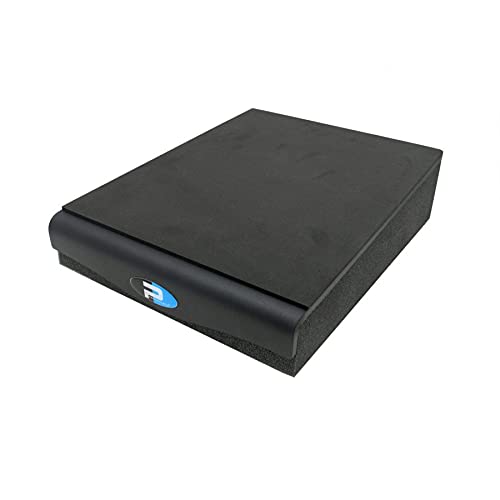
Angled Monitor Isolation Pad with 5% Downfiring Angle
Boost Computer and Storage Capacity
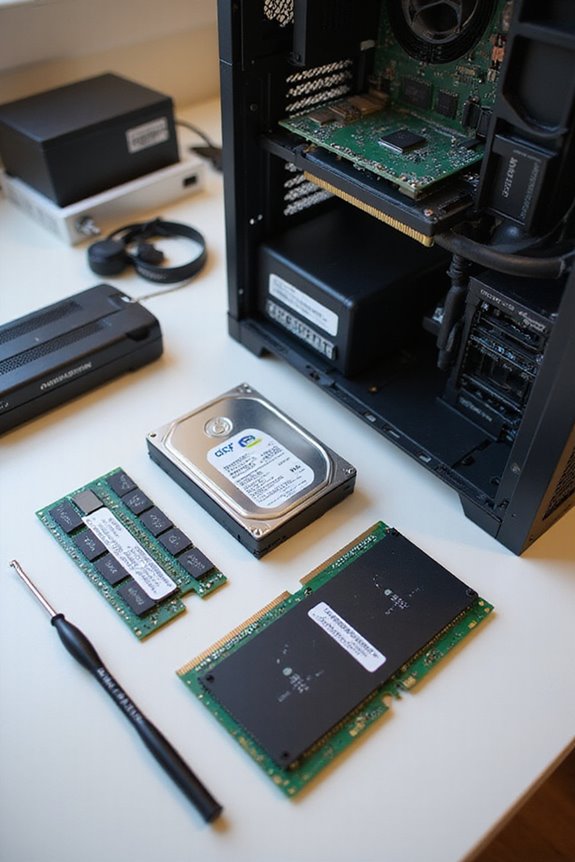
In our quest for a high-quality recording studio, boosting computer and storage capacity can make all the difference! 🎛 While we might think of hardware upgrades as challenging, embracing the right technical enhancements can transform our workflow and elevate creativity.
CPU Upgrade
Let’s consider a quad-core CPU with a clock speed of at least 2.4 GHz. For more intensive tasks, high-end options like the AMD Ryzen 9 or Intel Core i9 are golden!
RAM Expansion
A minimum of 16GB RAM is recommended, but we should aim for 64GB for those hefty sample libraries and plugins.
Storage Solutions
Fast NVMe SSDs are our best friends for DAW software, while big SATA SSDs can house our libraries. Additionally, having low latency performance is essential for ensuring smooth real-time recording during our sessions. Let’s supercharge our setups!
Recommended Products
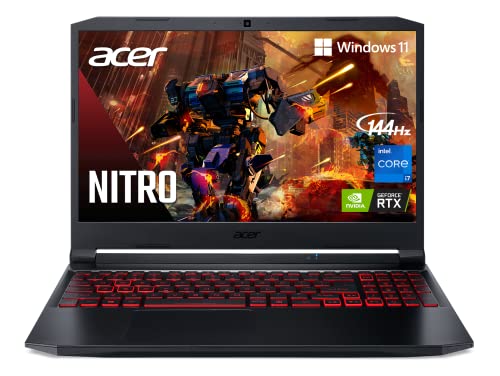
Dominate the Game: With the 11th Gen Intel Core i7-11800H processor, your Nitro 5 is packed with incredible power for all your games.Voltage:4.8 volts.Processor Speed 2.30 GHz
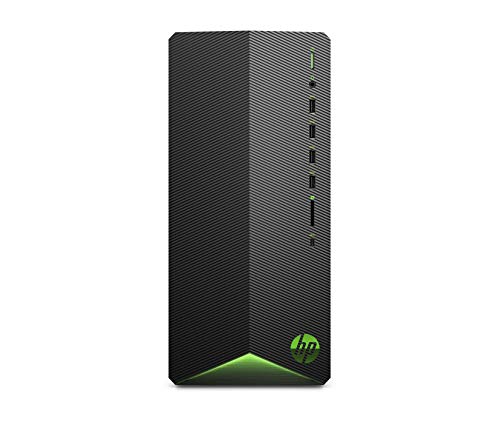
Realistic graphics: nvidia(r) geforce(r) GTX 1650 (4GB GDDR5 dedicated memory); get all the power you need for fast, smooth, and efficient performance with the new NVIDIA Turing architecture)
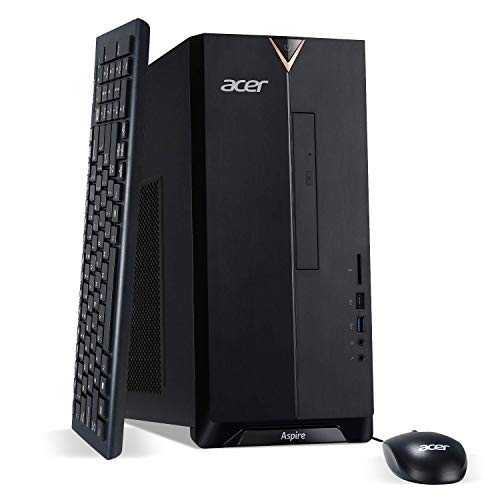
10th Generation Intel Core i5-10400 6-Core Processor (Up to 4.3GHz)
Optimize Signal Chain With External Preamps
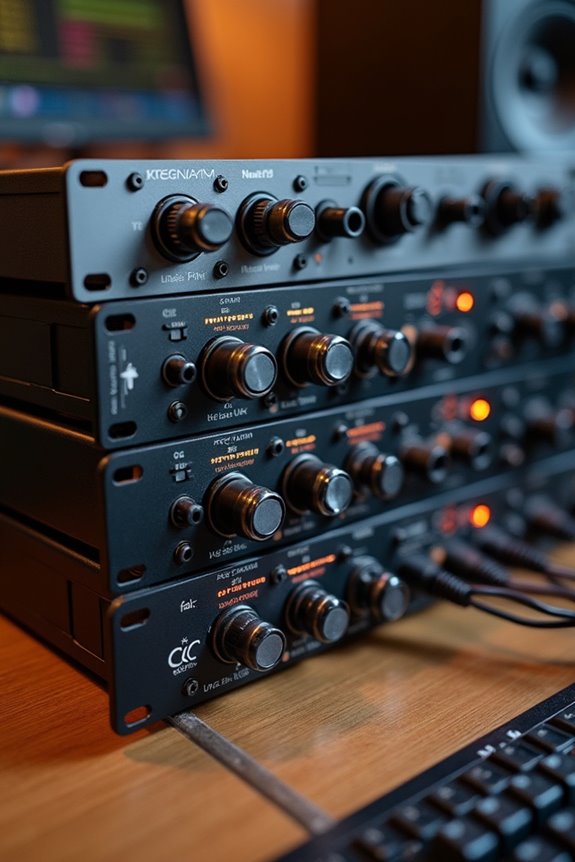
How can we truly elevate our recordings? One game-changing way is by optimizing our signal chain with external preamps! These beauties offer up to 60dB of clean gain, greatly improving signal integrity and reducing noise. By placing an analog preamp right after the microphone, we guarantee tonal shaping happens early in the process, setting us up for dynamic processing and EQ without distortion.
It’s essential to use the right inputs—mic for preamps and line for everything else—to avoid unwanted noise! 🎚 And don’t forget proper routing; this can be the difference between a ho-hum track and one that sparkles with clarity. Additionally, using Thunderbolt interfaces can further enhance your recording setup by providing low latency and high-quality audio conversion. Let’s embrace the magic of external preamps and take our recordings to new heights!
Recommended Products

Twin-Finity Tone-Blending Mic/Line Preamp & Hi-Z Instrument DI

High-resolution 96kHz / 24-bit multi-track recording to Mac/PC via USB plus direct to SD card stereo recording and playback
Frequently Asked Questions
How Can I Determine the Right Studio Monitor Size for My Room?
To determine the right studio monitor size for our room, we should consider monitor placement and room acoustics. Smaller monitors fit snug spaces, while larger ones shine in bigger environments, enhancing our listening experience together.
What Is the Difference Between Dynamic and Condenser Microphones?
When we talk about dynamic versus condenser microphones, we realize sensitivity and recording environments matter. Condensers capture subtle details in controlled spaces, while dynamics thrive in louder settings—it’s about finding what works best for us together.
How Often Should I Upgrade My Studio Hardware?
Isn’t it amusing how we often think we should upgrade constantly? In reality, we should focus on hardware lifespan, selectively upgrading at strategic intervals. Quality gear means less frequent upgrades, benefiting our collective creativity.
Can I Use Wireless Microphones for Studio Recordings?
Absolutely, we can use wireless microphones for studio recordings! Their wireless advantages allow for movement and cleaner setups, but we should also consider recording quality and potential interference to guarantee our sound remains excellent.
What Maintenance Is Needed for Studio Monitors and Microphones?
As we cherish our sound sanctuary, we must prioritize monitor calibration and precise microphone placement. Let’s keep our gear dust-free and guarantee our creative space thrives, so together we can capture the perfect audio masterpiece.