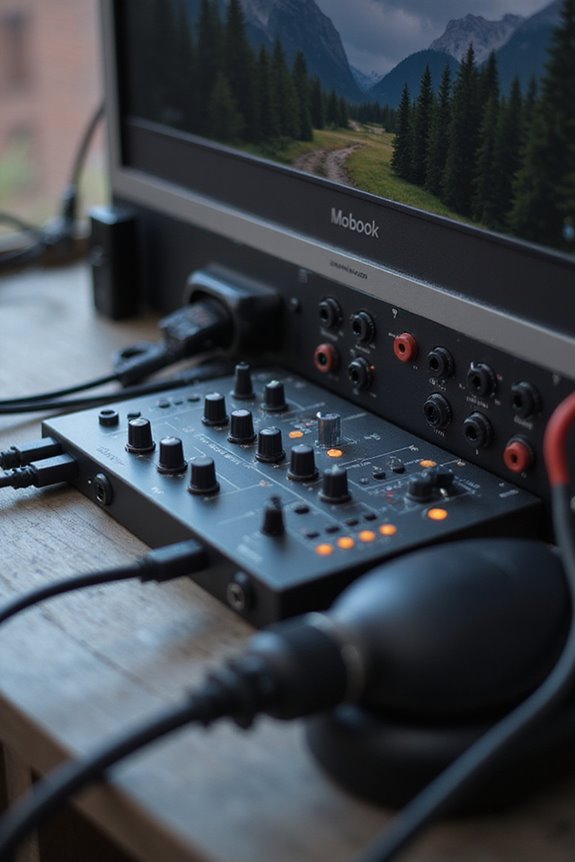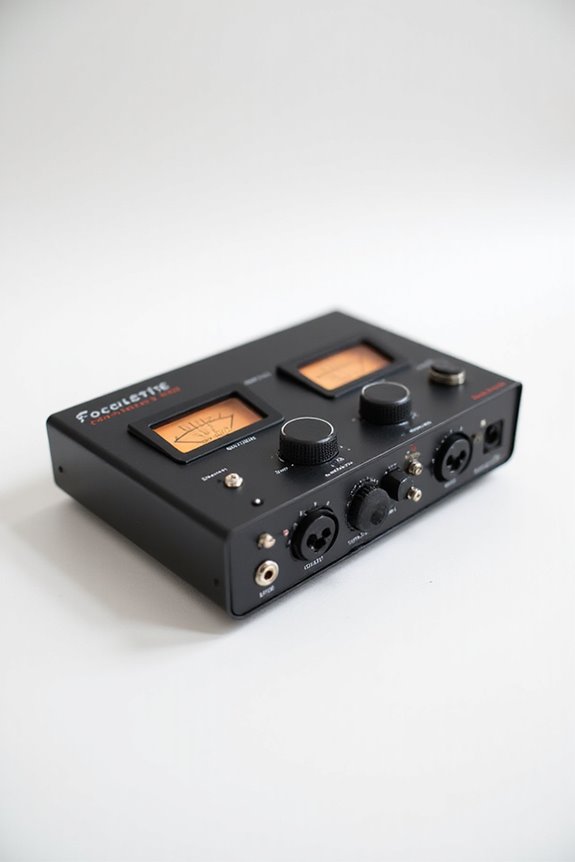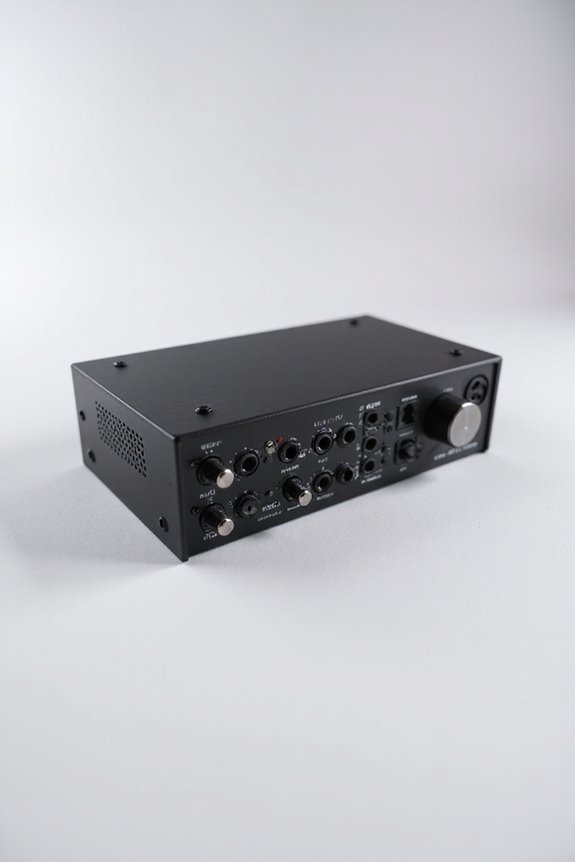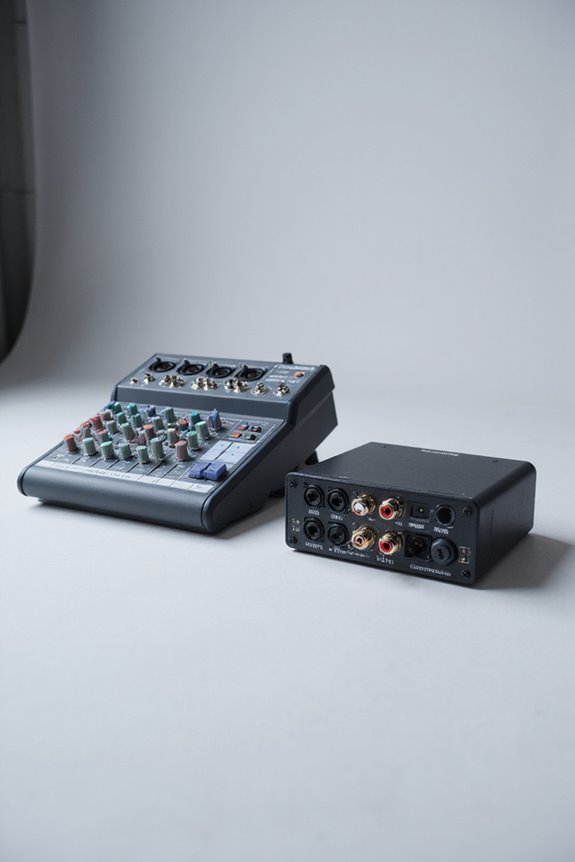

When we’re comparing a mixer and an audio interface, we’re really looking at two different but complementary tools! A mixer blends multiple audio signals in real-time—perfect for live gigs! On the other hand, an audio interface converts those signals into digital data for your computer 🎵. Mixers offer hands-on control, while interfaces focus on capturing high-quality sounds. Many mixers even come with built-in interfaces! Stick around to uncover more details about each device’s features and uses!
Key Takeaways
- A mixer blends multiple audio signals in real-time, while an audio interface captures high-quality input signals for recording.
- Mixers allow for hands-on control with faders and EQ, whereas audio interfaces focus on streamlined signal conversion and compact design.
- Mixers excel in routing audio to various outputs; audio interfaces primarily convert analog signals into digital data for DAWs.
- Some mixers have built-in audio interfaces, enabling simultaneous mixing and recording, combining functionalities of both tools.
- Choosing between a mixer and an audio interface depends on your needs for live performance versus studio recording quality.
Understanding Audio Interfaces
You may be interested

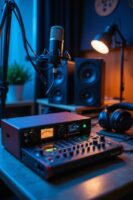

When we plunge into the world of audio interfaces, it’s clear that understanding their core functions is fundamental to enhancing our music production experience! 🎶 An audio interface is fundamentally the bridge connecting our microphones, instruments, and computers, transforming analog signals into digital data that Digital Audio Workstations (DAWs) can work with.
So, what are the key audio interface types? We’ve got USB, Thunderbolt, and more—each catering to different needs. The magic happens with digital conversion, as they convert analog signals into digital ones, and back again for playback! For those of us recording multiple sources, quality matters. The preamp and converter quality can make or break our sound. Let’s embrace this technology and let our creativity flow!
Recommended Products

48 Input Channels, 36 Total Busses, PAFL Bus, 12 Stereo Mix (Aux or Group) + Main

96kHz XCVI FPGA core, less than 0.7ms Latency with all processing enabled

Exploring Mixers
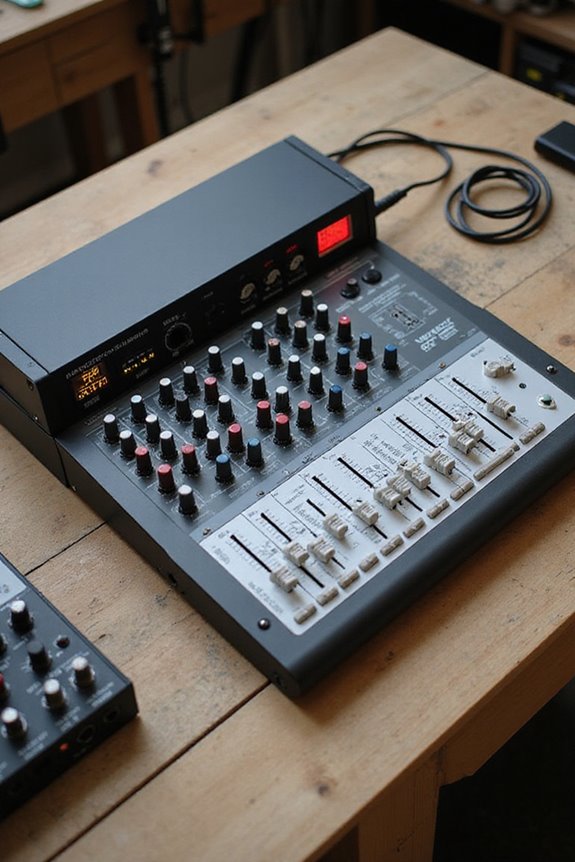
Exploring mixers opens up a whole new layer of audio manipulation that complements our understanding of audio interfaces! 🎤 While audio interfaces handle conversions and connections, mixers take center stage by blending multiple audio signals into a harmonious output. So, what are mixer types? From compact DJ mixers to large studio consoles, each serves a different purpose.
We handle signals from microphones and instruments through input channels, utilizing volume control and equalization for precise signal processing. With features like faders and aux channels, we get total control. Whether for a live gig or recording session, mixers have our back. Plus, they even come with built-in effects! Who doesn’t love a little reverb now and then? 😊
Recommended Products

STUNNINGLY CLEAR SOUND QUALITY - The DJM-A9 has been upgraded with stunningly clear sound quality, giving you the edge when it comes to taking your performances to the next level.

Customizable color LCD on jog display screens are located in the CENTRE of each jog wheel, reveal only the information you need whether that’s BPM, waveform, playback position or Hot cue, loop points

Key Functional Differences
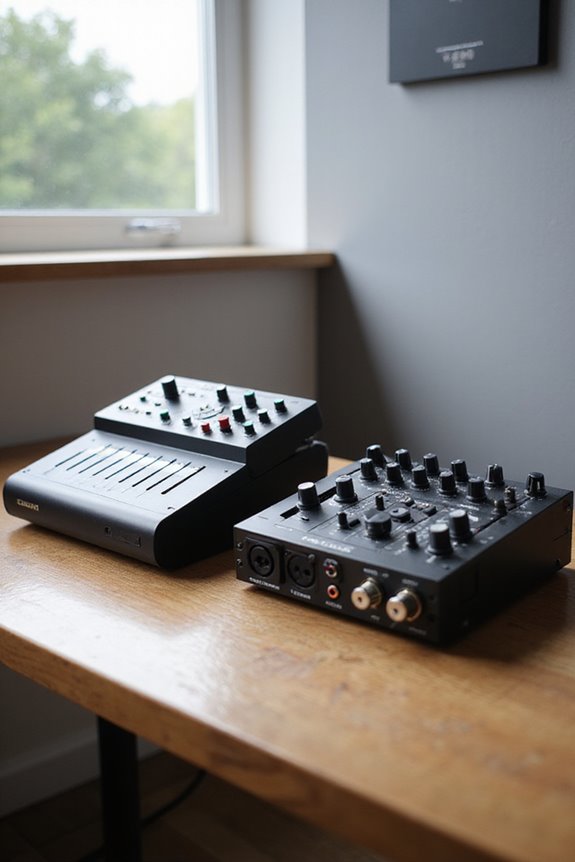
While you might think mixers and audio interfaces serve the same purpose, they actually have some key functional differences that can make or break your audio setup! 🎧 Fundamentally, mixers allow us to blend multiple audio signals in real time, offering control over volume, EQ, and effects for each channel. On the flip side, audio interfaces focus on converting analog signals into digital data, prioritizing high-quality input capture over live mixing.
Mixers excel in routing audio to various outputs, perfect for live situations, while audio interface features usually shine in studio environments. Plus, some mixers with built-in interfaces enable simultaneous mixing and recording! So, understanding these mixer functions and audio interface features helps you choose the right tool for your needs.
Recommended Products
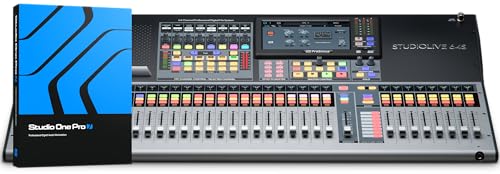
The most powerful and flexible digital console available for installed sound, touring, and recording with quad-core FLEX DSP Engine powering 526 simultaneous processors
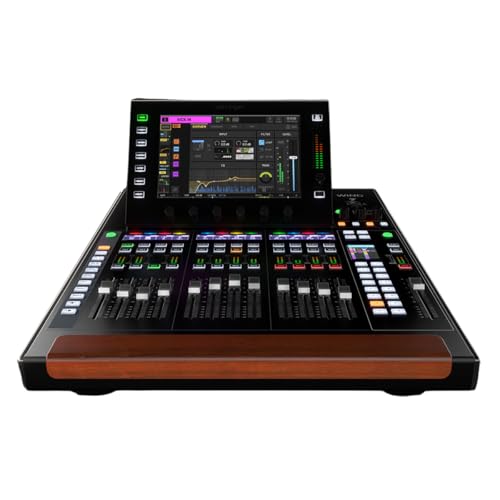
48-stereo-channel Digital Mixer with Touchscreen

HDMI Encoder & DP Decoder - Effortlessly manage multiple video sources.
Design and Usability Features
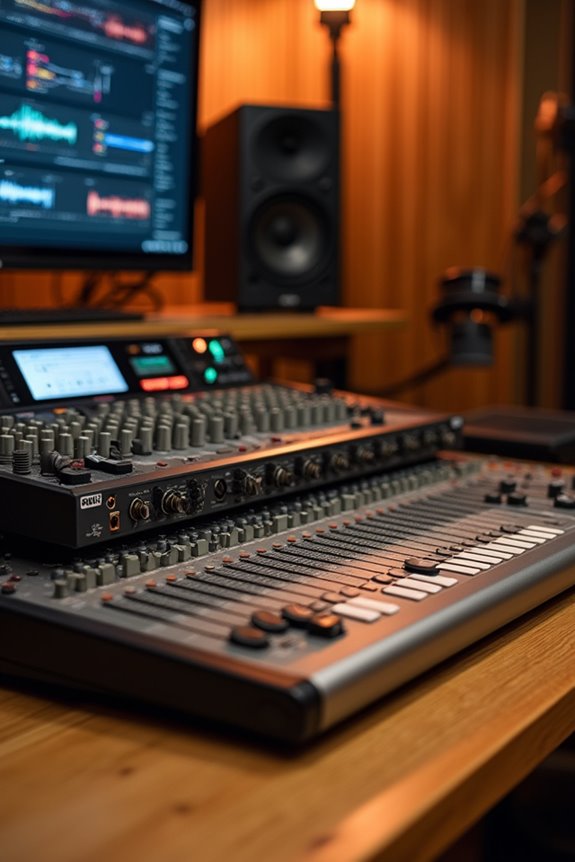
Understanding the design and usability features of mixers and audio interfaces can help us make sound choices for our audio setups. Mixers usually boast extensive control panels—think faders, knobs, and buttons—allowing for hands-on audio manipulation, ideal for live sessions. Their design elements emphasize real-time adjustments, while audio interfaces focus on compactness and streamlined signal conversion. With fewer physical controls, interfaces integrate seamlessly with software.
Mixers often include built-in effects and EQ, enhancing usability without needing plugins. For recording pros, audio interfaces excel at high-quality signal preservation, providing studio-quality recordings that are essential for professional sound. Both tools serve unique purposes! By recognizing these usability factors, we can select the right gear to fit our sonic vision. Whether you’re mixing live or recording at home, there’s a perfect match out there!
Recommended Products

REAL 4K UHD (3840 x 2160) - Real 4K has a resolution of 3840 x 2160–4x greater than FHD for incredible detail that brings movies, shows, and games to life.

Experience true-to-life colors thanks to the 3LCD, 3-chip technology

A headphone-optimised version of the award-winning Uniti Atom music streaming system
Connectivity and Signal Routing
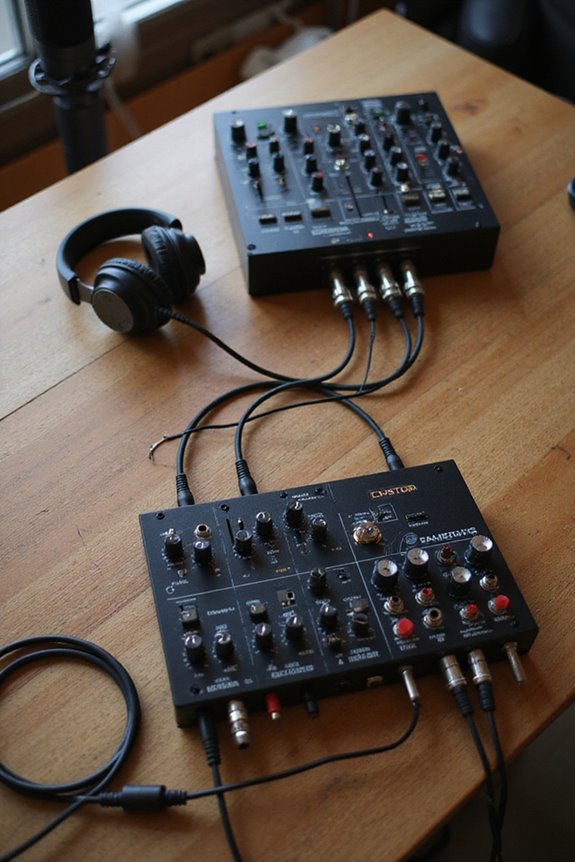
When it comes to connecting your audio gear, knowing the different types of inputs and outputs is essential! Both mixers and audio interfaces offer unique connectivity options. While audio interfaces typically provide XLR and 1/4″ TRS inputs for clear digital conversion, mixers throw in RCA and even aux inputs for versatility with various analog sources.
Mixers shine in signal flexibility, able to route multiple inputs to different outputs, perfect for live settings. Conversely, audio interfaces focus on sending digital signals to your computer. Don’t forget, some mixers come equipped with built-in audio interfaces, allowing you to mix while recording simultaneously! Additionally, high-resolution A-D conversion support in audio interfaces ensures pristine sound quality during recording. So, whether it’s live performance or studio work, understanding these options can enhance your audio experience!
Recommended Products

Mix and record through AAX DSP plugins with rock-solid sub-1 ms latency monitoring

4K full-frame sensor w/ 15+ stop dynamic range and high sensitivity

PROFESSIONAL-GRADE AD/DA CONVERTER: The Amari Reference-Grade AD/DA Converter delivers unmatched 24-bit, 384 kHz conversion for premium audio quality. Ideal for critical listening, mastering, and archiving, this AD/DA converter studio audio device ensures pristine sound reproduction for audiophiles and professionals alike.
Target Users and Use Cases
As we consider the different needs of audio enthusiasts, it’s clear that target users and their respective use cases play a significant role in choosing between mixers and audio interfaces. For home studio musicians, audio interfaces simplify setup and excel in multi-channel recording, focusing on clarity and ease of use. 🎶 But for live performance, mixers shine! They provide hands-on control for blending multiple audio sources and adjusting effects in real-time. Whether you’re a broadcaster needing high-fidelity voice capture or a podcaster mixing multiple speakers, you’ll find the right fit here. With each option tailored to specific needs, it’s about what suits your creative journey best! Let’s explore how these tools can elevate your sound together! Additionally, beginners often benefit from plug-and-play functionality that removes technical barriers and enhances their recording experience.
Audio Quality and Features
In the world of audio production, clarity and detail are king! 🎤 So, when we immerse ourselves in audio quality and features, we’re really looking at how mixers and audio interfaces stand out in their own domains.
Audio interfaces excel in sound fidelity, converting analog signals into digital with high accuracy and low noise, making them perfect for recording. On the other hand, mixers are great at blending multiple audio sources but don’t inherently enhance sound quality beyond that cool EQ adjustment. While some mixers come with built-in interfaces for basic audio conversion, remember—they often limit the number of tracks you can record simultaneously. Additionally, audio interfaces typically provide low-latency performance, which is crucial for real-time monitoring during recordings. In the end, choosing the right tool depends on your specific audio needs! Let’s find the best setup for you!
Size and Portability Considerations
Size and portability are key factors to evaluate when choosing between a mixer and an audio interface. 🥳 While mixers can be the heavyweight champions of live sound setups, with their extensive faders, knobs, and connectors, they often take up quite a bit of real estate in our studios. The larger mixer dimensions make them ideal for dedicated spaces, but less so for tight corners. On the flip side, audio interfaces are light and compact, making them easy to transport. Their interface weight is suitable for backpack travel, while some small models, like the Focusrite 2i2, fit neatly on our desks. If you’re after convenience and mobility, these tiny titans might just be the way to go! 🎧 Additionally, many modern audio interfaces offer high-quality audio capture capabilities, ensuring professional results even in portable setups.
Frequently Asked Questions
Can You Use an Audio Interface With a Mixer?
When we think about creating our audio masterpiece, we can definitely use an audio interface with our mixer. This mixer compatibility enhances our audio routing, allowing us to shape our sound just the way we envision.
Do Audio Interfaces Require External Power Sources?
When considering audio interfaces, we’ve found that many don’t require external power sources, relying instead on USB power supplies. However, understanding device compatibility matters, especially for those using equipment with higher power demands like phantom power.
What Brands Are Most Recommended for Audio Interfaces?
When considering brand comparisons for audio interfaces, we often find Focusrite and Universal Audio stand out. Their focus features, like premium sound quality and reliability, create a sense of belonging for both budget-conscious and professional users.
How Do I Maintain My Mixer or Audio Interface?
Like nurturing a garden, our mixer maintenance and audio interface care thrive with gentle attention. By regularly cleaning, checking connections, and staying updated, we cultivate a sound sanctuary that grows creativity and enhances our musical journey together.
Are There Software Bundles Included With Audio Interfaces?
Yes, many audio interfaces come with software bundles, enhancing our experience. These often feature popular DAWs and bundled plugins, ensuring compatibility and expanding our creative options right out of the box, so we can start producing immediately.