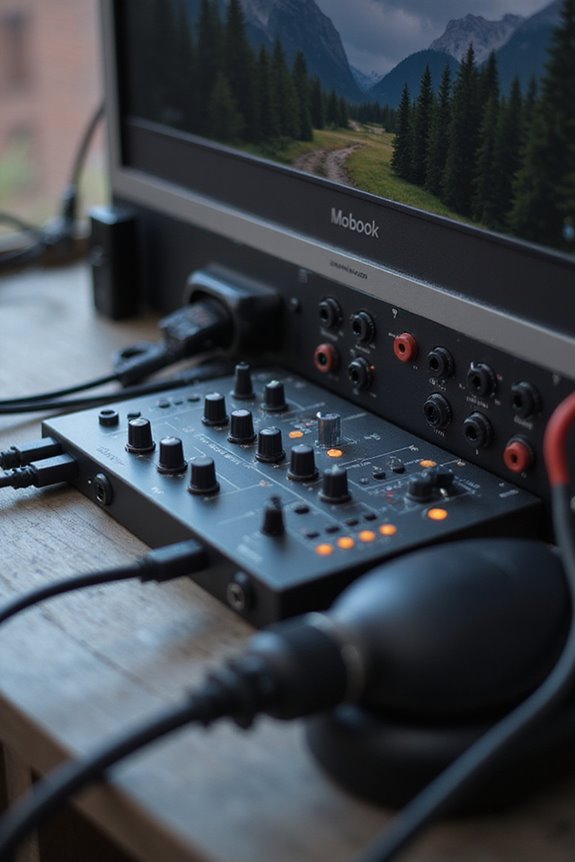
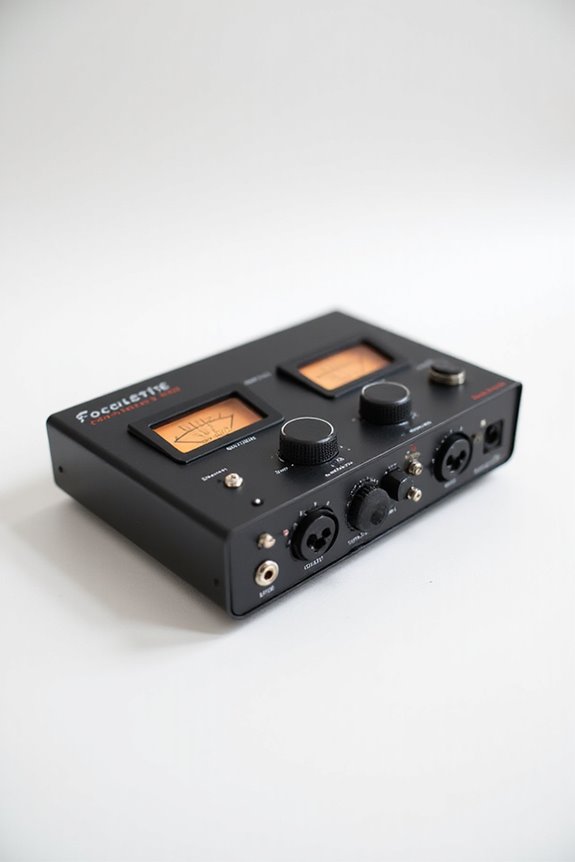
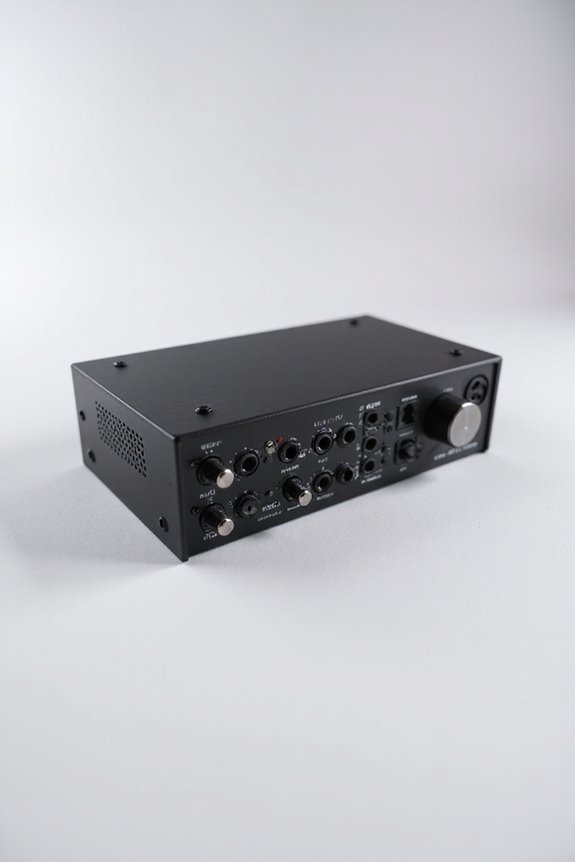
The loopback function on an audio interface is like your audio superhero! 🦸♂ It reroutes audio signals internally, letting us capture system sounds and microphone input without messy physical cables. This means we can combine our voice with background music seamlessly. Whether you’re live streaming or podcasting, loopback enhances our audio experience! Just remember, balance those levels to avoid distortion! 🎧 Stick around, and you’ll discover more about its setup and benefits!
Key Takeaways
- Loopback function reroutes audio signals internally, allowing capture of system audio without physical cables.
- It merges external sources, like microphones, with internal audio seamlessly for enhanced recordings.
- Ideal for live streaming and podcasting, it captures both system sounds and voice simultaneously.
- Loopback can be achieved through hardware connections or virtual software devices like BlackHole.
- While it enhances audio fidelity, misconfiguration may lead to feedback issues in live settings.
Definition and Concept of Loopback Function
You may be interested
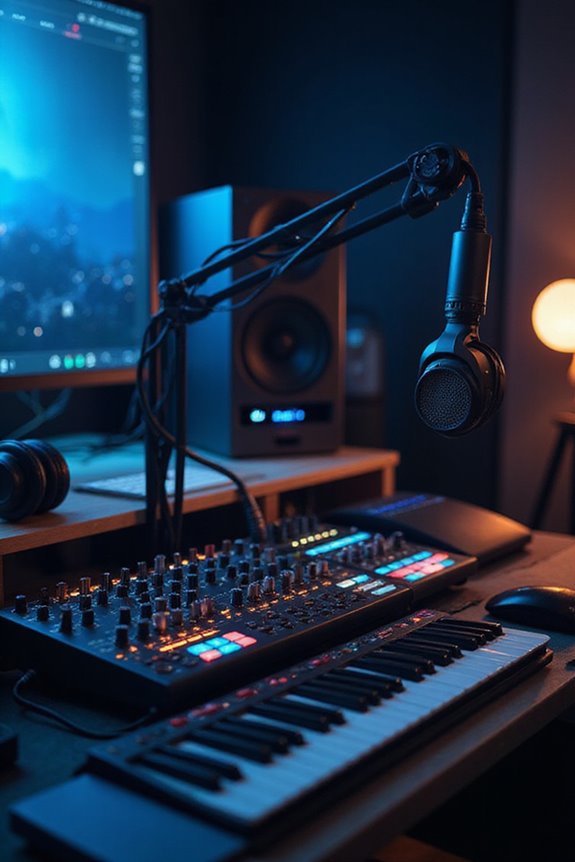

When we think about audio recording, one term that often pops up is the “loopback function.” This nifty feature lets us reroute audio signals internally, meaning we can capture audio playing on our computer without the mess of physical cables! 🚫🔌 Fundamentally, it’s like a secret passageway for sound, making it possible to record everything from our favorite music apps to system sounds—all while using just one interface.
In our loopback overview, we see audio rerouting as truly revolutionary. It enables us to merge external sources like microphones with internal audio seamlessly. The loopback feature is essential for capturing sounds from virtual instruments or online sources, allowing for richer interactions in recordings. Whether for streaming, podcasting, or music production, utilizing this function allows us to explore creativity in ways that were once tangled in wires!
Technical Operation and Routing

Understanding the technical operation and routing of the loopback function might seem complicated, but we’re here to break it down! 🎉 Fundamentally, this feature allows us to capture audio our computer plays by rerouting internal signals, bypassing cumbersome cables. When we engage the loopback function, it sends the loopback signal back into the interface’s input channel. This technology supports efficient audio routing and even mix-minus setups to avoid echo from distant sources.
We can utilize both hardware with dedicated knobs and virtual software devices like BlackHole. Just remember, balancing levels is essential to prevent distortion or noise! With proper configuration, we’re on our way to perfect internal audio capture, right from our DAWs! Additionally, many audio interfaces, such as the MOTU M6, come equipped with advanced features that enhance the loopback functionality. Let’s get our sound perfect!
Recommended Products

Pro performance with great pre-amps - Achieve a brighter recording thanks to the high performing mic pre-amps of the Scarlett 3rd Gen. A switchable Air mode will add extra clarity to your acoustic instruments when recording with your Solo 3rd Gen

The new generation of the songwriter's interface: Plug in your mic and guitar and let Scarlett Solo 4th Gen bring big studio sound to wherever you make music
Applications and Use Cases

There are numerous exciting applications for the loopback function that can elevate our audio experience! 🎤 By merging internal audio signals seamlessly, we open a world of possibilities for creators, performers, and professionals alike.
For live streaming, we can share exactly what we hear with our audiences, eliminating extra hardware! Plus, podcasting techniques become a breeze as we capture system sounds and microphone audio simultaneously.
Imagine mixing background music with our voice or recording remote interviews without a hitch! This integration makes workflow smoother, allowing us to focus on our creativity.
Whether we’re enhancing virtual meetings or troubleshooting audio setups, loopback’s versatility keeps our audio crisp and professional. It’s like having a backstage pass to the world of sound!
Recommended Products

Capture every detail of your sound: Imagine the perfect take, every note and beat, captured as if by magic. That's the MAONO PS22 Lite audio interface—designed for the recording enthusiast and streamer in you. With high-resolution recording at 24-bit/192kHz and a dynamic range of 106dB, this USB audio interface for PC and Mac ensures your sound is as clear and realistic as the original performance

PIYONE Plug-and-Play USB C Audio Interface. Experience seamless connectivity with this class-compliant audio interface for Mac and PC. The modern audio interface USB C port handles both high-speed data transfer and bus power, eliminating bulky external power supplies. No drivers are required—simply plug into your laptop and start creating with this portable xlr audio interface.
Hardware Vs Software Loopback Solutions

Hardware Loopback
Physical connections like TRS or XLR cables reroute output signals back into inputs. This method offers low latency and high-quality audio, ideal for professionals needing reliable sound. Remember to adjust levels to avoid pesky noise!
Software Loopback
Using virtual devices like BlackHole or Voicemeeter, you can flexibly route audio between apps without any cables. While it allows intricate audio routing, it can introduce latency depending on your system’s performance. Additionally, some audio interfaces, such as the Focusrite Vocaster One, are particularly well-suited for capturing high-quality audio, making them a great choice for loopback applications.
In choosing between these loopback methods, we balance the need for low latency and sound quality against the flexibility and cost-effectiveness of software solutions. Whatever works best for you!
Recommended Products

HYBRID CONNECTIVITY: Dual USB ports with MFi-certified connectivity connect your computer and phone or iPad simultaneously. Record in GarageBand or Logic Pro, then stream or upload guitar & vocal covers directly from your mobile device. No workflow interruptions. The MAONO P2 USB-C audio interface instantly records to Mac, PC, iPhone, Android, or cameras. Perfect for creators and streamers who need total workflow freedom to record anywhere, anytime

[XLR Mic Input] One XLR microphone input interface is set on the gaming audio mixer, which is great to up your audio quality with your XLR setup. The XLR mixer is a stepping stone to upgrade your live streaming. Audio mixer offered built-in 48V phantom power which opens up more choices for mics. Directly use it with your condenser microphone but do not solve added peripherals. (NOT available for USB mic)
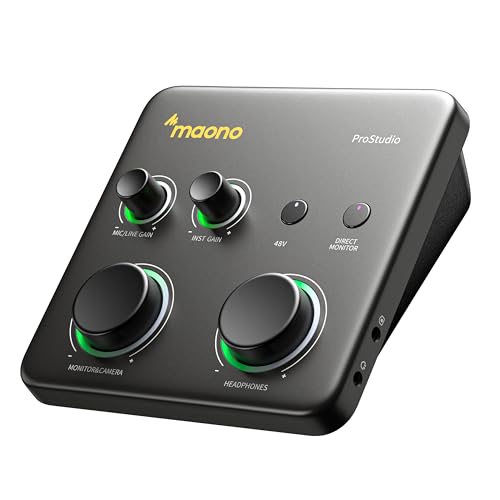
HYBRID CONNECTIVITY: Dual USB ports with MFi-certified connectivity connect your computer and phone or iPad simultaneously. Record in GarageBand or Logic Pro, then stream or upload guitar & vocal covers directly from your mobile device. No workflow interruptions. The MAONO P1 USB-C audio interface instantly records to Mac, PC, iPhone, Android, or cameras. Perfect for creators and streamers who need total workflow freedom to record anywhere, anytime
Setup and Configuration Steps

Don’t forget to save those changes, and adjust input levels to keep distortion at bay. Remember, optimizing our setup enhances the loopback benefits we experience. With these configuration tips in mind, we’ll be well on our way to capturing amazing audio! Additionally, utilizing an interface that supports low-latency monitoring is essential for achieving the best recording results. Let’s make it happen!
Recommended Products

80dB Gain for Any XLR Mic: Drive any XLR microphone with a massive 80dB gain; enjoy loud, clear amplification for any headphones with powerful amp output

Discrete JFET instrument input, multifunctional rotary control with LED ring, DSP-based "low latency" software mixer with flexible routing matrix

HIGH-RES PLAYBACK AND RECORDING - Supports high resolution audio playback and recording up to 24-bit 96kHz, so you can savor audio recordings with unparalleled clarity and fidelity
Benefits and Limitations
After optimizing our setup, it’s time to explore the benefits and limitations of the loopback function. The loopback advantages are hard to ignore! It allows us to capture system audio and our microphone simultaneously, making streaming and podcasting a breeze. We get to guarantee perfect audio fidelity, avoiding pesky analog rerouting. Additionally, low latency performance is crucial for real-time monitoring during recordings, enhancing the overall experience.
However, we must also consider loopback drawbacks. Misconfiguration can lead to feedback in live settings, and not all interfaces support this feature natively. Additionally, some may introduce latency, affecting our audio quality. And let’s face it, setting it up might feel like a puzzle for those of us less tech-savvy. Still, when done right, the benefits truly outweigh the limitations!
Recommended Products

Podcast, Record, Live Stream, This Portable Audio Interface Covers it All - USB sound card for Mac or PC delivers 48kHz audio resolution for pristine recording every time

5-year warranty - From careful selection of components through to manufacture & testing, the MiniFuse range is engineered to last. Each interface is constructed with the most robust & reliable materials, and goes through over 200 reliability tests before approval, meaning better build quality, a better product for the environment, and better value for you. The 5-year warranty is one of the most extensive on the market. Get creative safe in the knowledge that your MiniFuse can go the distance.

[Portable Audio Recording] Synido audio interface for music recording, as the ultimate practice companion for music enthusiasts, with ultra-clear loopback and monitor function. Unique instrument gain control adapts the output level of different instruments to ensure that each instrument can be recorded at its best
Frequently Asked Questions
How Does Loopback Differ From Regular Audio Recording?
Imagine capturing every sound your computer makes without any cables! Loopback’s digital audio routing revolutionizes recording techniques, allowing us to snag system sounds effortlessly, while regular recording needs those pesky physical inputs. Let’s embrace this innovation together!
Can Loopback Be Used With Bluetooth Audio Devices?
Using loopback with Bluetooth audio devices can be tricky. We’ve found Bluetooth latency can hinder audio clarity, making reliable recording challenging. However, with the right setup, it’s possible to achieve decent results together.
Is Loopback Compatible With All Audio Interfaces?
When it comes to loopback features, we’ve found that compatibility limitations are significant. Not every audio interface supports it, so we should check the specs carefully before jumping into our next project.
Does Loopback Work With Digital Audio Workstations (DAWS)?
We’ve found loopback setup enhances our DAW integration, allowing us to route and record internal audio seamlessly. With proper configuration, we can capture multiple sources, enriching our creative projects and keeping everything connected smoothly together.
Can I Adjust the Audio Quality During Loopback?
Absolutely, we can adjust audio quality during loopback by tweaking audio settings in our DAWs. With careful quality control, we can guarantee our recordings sound their best, enhancing our creative projects together.