
Audio interface drivers are like the translators for your audio gear! They help your microphones and speakers communicate with music software, ensuring smooth recordings and playback. Think of them as the tech-savvy middlemen, optimizing audio data transfer to minimize lag and errors. We’ve got different types too, like ASIO for low-latency performance and WASAPI for compatibility. So, if you want exceptional sound quality and seamless setups, you’ll want to understand these drivers better! 🎶
Key Takeaways
- Audio interface drivers enable communication between audio hardware and digital audio workstations (DAWs), facilitating recording and playback.
- They manage audio data streams and buffer management, optimizing performance and reducing CPU load.
- Low-latency drivers like ASIO provide minimal delay essential for real-time audio processing.
- Sound quality and performance depend on the driver type, with ASIO generally offering the best results for professional applications.
- Compatibility with operating systems is crucial, as outdated drivers may hinder functionality, requiring regular updates to maintain optimal performance.
Definition and Function of Audio Interface Drivers
You may be interested



When we plunge into the world of audio interface drivers, it’s like opening the door to seamless sound! 🎶 These software components enable communication between our audio hardware—like microphones and speakers—and our digital audio workstation (DAW). They translate and route audio data streams, ensuring smooth performance during recording and playback.
Driver installation is the first step, vital for optimizing performance. By configuring hardware settings to match software parameters, they help keep everything in sync. Plus, performance testing is essential; it checks for latency and glitches. With protocols like ASIO providing low-latency audio, we can achieve professional sound quality. Additionally, ensuring compatibility with Windows 11 can enhance your overall experience and functionality. So, let’s embrace these drivers for a better audio experience together!
How Audio Interface Drivers Work
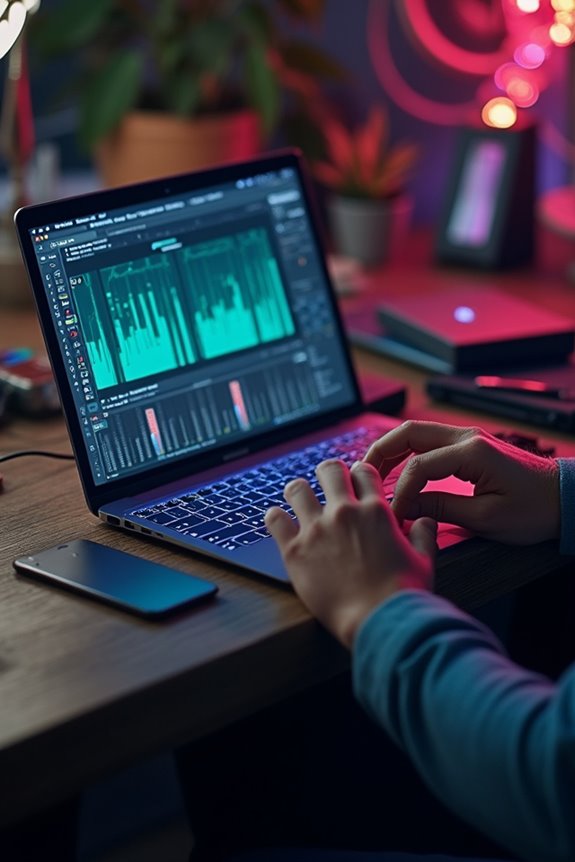
Though steering through the world of audio interface drivers can seem complex, it’s vital to understand how they operate under the hood! These drivers play a pivotal role in buffer management—they gather chunks of audio data, which reduces the CPU load. By optimizing data flow, they maintain synchronization between input and output signals, so you won’t face annoying delays while tracking or performing live.
When it comes to driver optimization, low-latency drivers like ASIO shine, providing minimal delay essential for recording. However, finding the right balance is key—smaller buffers bring lower latency but can lead to dropouts. So, let’s verify we choose compatible drivers with regular updates—our workflow depends on it! 🎶 Additionally, selecting interfaces with zero latency monitoring can further enhance your live audio experience and prevent any disruptions.
Types of Audio Interface Drivers
Understanding the types of audio interface drivers available is essential, especially if we want to optimize our audio recording and playback experience! Let’s explore some of the key players:
ASIO Drivers
Perfect for pros, offering low latency and high driver performance, they allow direct communication with audio software!
WASAPI Drivers
A Microsoft gem, supporting both exclusive and shared modes, they’re great for compatibility but generally come with higher audio latency.
Core Audio Drivers
Exclusively for macOS, ensuring low-latency performance and seamless audio routing—great news for Apple users!
WDM and MME Drivers
Older options that still hang around for compatibility. WDM’s better than MME, but both have limited performance!
Each driver has its strengths, and knowing them helps us make informed decisions! 🎶 Additionally, using interfaces with ASIO drivers can significantly enhance the recording experience in FL Studio.
Recommended Products
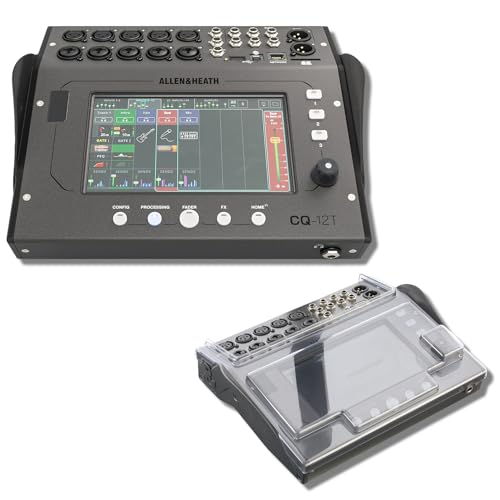
STUDIO PROTECTION DIGITAL CONSOLE — CQ-18T MIXER + PATENTED DECKSAVER DUST COVER: A desk-bound digital console needs more than the mixer alone — you need a cover that seals the touchscreen and controls from dust between sessions and absorbs drink spills at the desk. This bundle pairs the Allen & Heath CQ-18T digital mixer with the Decksaver DS-PC-CQ18T smoked polycarbonate cover cut specifically for the CQ-18T. Streamers, podcasters, home recording engineers — protect the touchscreen, start recording today.
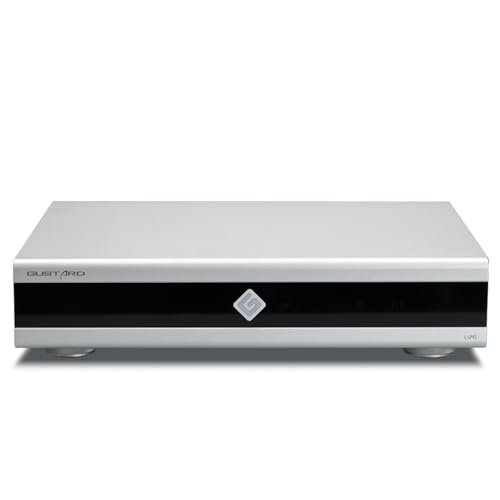
Gustard U26 is a professionally customized digital interface DDC. The Precision digital bridge for High-End Audio Systems. Support USB, 10MHz Clock input and IIS, IIS-G, AES, Optical, Coaxial and S/PDIF BNC Coaxial Output. Good partner for Gustard R30, X30, ect

Equipped with a customized USB Audio solution, it features an ARM Cortex-M7 core processor (IMXRT1011 chip). This delivers powerful processing capabilities and low-latency response for audio data processing, ensuring real-time and stable transmission of high-sample-rate signals
Importance of Audio Interface Drivers in Sound Quality and Performance
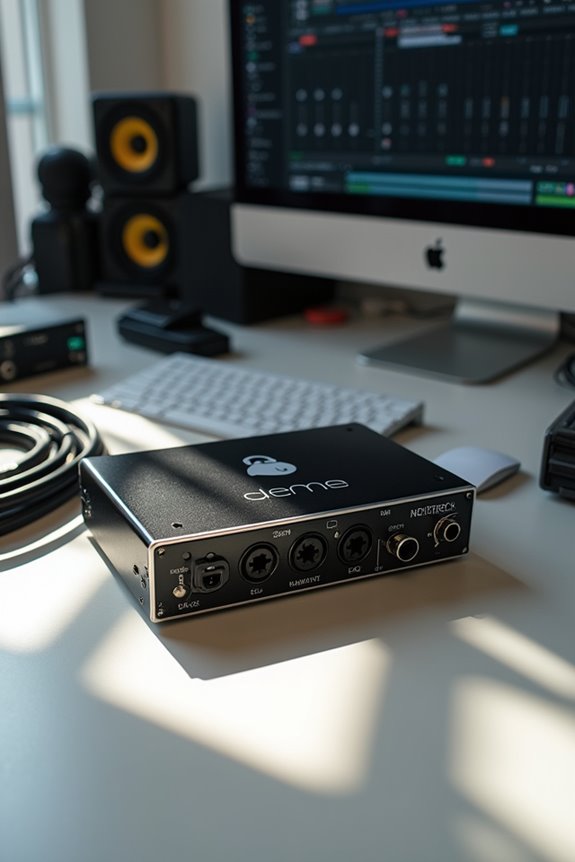
While we might often think of audio interface drivers as just technicalities, they play a crucial role in shaping our sound quality and performance! 🎧 These drivers act as the bridge between your audio interface and your digital audio workstation (DAW), dictating how efficiently audio is processed and transmitted. By choosing low-latency drivers, like ASIO, we can minimize delays and guarantee tight timing, essential in multi-track recording or live performances. Plus, stable drivers reduce glitches and errors, preserving sound fidelity and guaranteeing a smooth workflow. When equipped with high-quality drivers, we enhance audio clarity, avoid distortions, and maintain the original sound’s integrity. Additionally, the ability to support high-resolution A-D conversion ensures that we capture every nuance of our recordings. Remember, a great audio experience starts with the right drivers!
Recommended Products
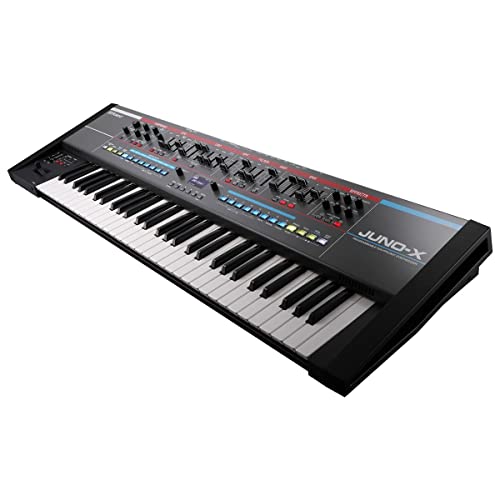
The legendary JUNO synthesizer experience reimagined with the power of the ZEN-Core Synthesis System
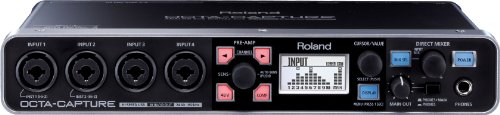
Ten inputs, ten outputs, and eight VS PREAMPS

Two award-winning Focusrite mic preamps – 6 inputs and 6 outputs and 2 headphone outputs with separate level controls
Compatibility and Operating System Dependency
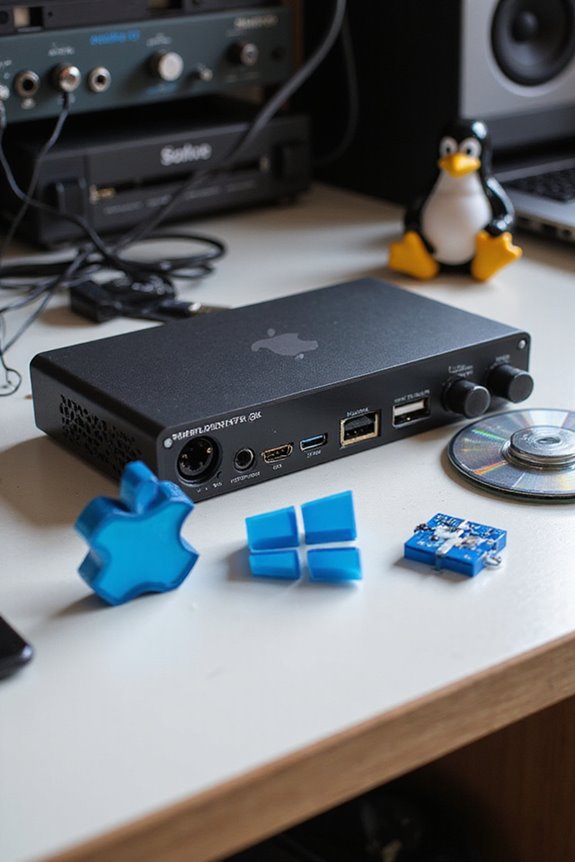
When we explore the world of audio interfaces, it’s vital to take into account how compatibility and operating system (OS) dependence can impact our audio experience! 🎶 If the drivers aren’t designed for your specific OS, you’re in for a rocky ride.
OS limitations, especially with updates, can cause chaos if we don’t keep track of driver updates. For example, newer macOS versions might break compatibility, leaving us in silence. Windows often uses ASIO drivers, which can be a lifesaver for pro audio. It’s crucial to ensure that your audio interface has ASIO drivers for seamless integration with Pro Tools.
High-end manufacturers like RME offer substantial support, but it’s important we verify compatibility before upgrading our OS. Remember, partially functional features on certain interfaces may become frustrating! Just stay informed, and we’ll make sweet music together!
Recommended Products

Industry leading converters providing up to 32-bit/192 kHz audio resolution

Multi-purpose 6-channel mixer and high resolution (24-bit 192 kHz) 2-track audio recording /playback computer interface (MAC or PC).

18x20 USB2.0 Audio/MIDI Interface with ADAT I/O for recording microphones and instruments
User Considerations and Practical Implications
Our exploration of audio interfaces naturally brings us to the user considerations and practical implications of driver stability and performance. A reliable driver enhances your user experience, ensuring consistent audio without annoying glitches. When things go wrong, we all appreciate some troubleshooting tips!
- Latency Management: Efficient drivers minimize latency, keeping your music sync’d.
- Resource Usage: Well-optimized drivers mean more CPU power for your favorite plugins.
- Expandability: Look for drivers that support future tech—this keeps your setup relevant as time flies! Moreover, consider drivers that enable low-latency monitoring, as this feature is crucial for real-time feedback during recording sessions.
With regular updates and strong manufacturer support, your audio interface can be a trusty companion, ready for any creative adventure! 🎶 Remember, a stable driver is like the reliable friend who always shows up on time!
Recommended Products

4K UltraHD Resolution - Experience incredible detail with 4X the resolution of 1080p Full HDTVs.

24-bit/192kHz USB Audio/MIDI Interface with 4 Mic/Instrument Preamps
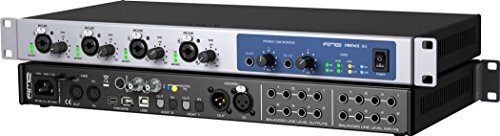
30-in/30-out Hybrid USB/FireWire Audio Interface with 12 x 12 Analog I/O
Frequently Asked Questions
Can Audio Interface Drivers Affect Gaming Audio Performance?
We can enhance our gaming sound quality greatly through driver optimization. With the right updates, we’ll minimize glitches and improve audio fidelity, ensuring our gaming experiences are immersive and enjoyable together.
How Do I Know if My Drivers Are up to Date?
To check if our drivers are up to date, we can use driver update methods like visiting the manufacturer’s site or using software tools. This helps guarantee our audio devices maintain compatibility and performance.
Are There Universal Drivers for All Audio Interfaces?
While we’d love universal compatibility for all audio interfaces, it just isn’t a reality. Each device requires specific driver installation to access its full potential, creating a patchwork landscape where we must navigate uniqueness together.
What Happens if I Uninstall My Audio Interface Drivers?
If we uninstall our audio interface drivers, we’ll lose audio performance entirely. It’s vital to guarantee driver compatibility for proper function. Reinstalling the right drivers restores our sound capabilities, so let’s be cautious during this process!
Can I Use Multiple Audio Interfaces With One Driver?
We can’t typically use multiple interfaces with one driver due to compatibility issues. If we’re looking to combine devices, seeking specialized multi-device drivers is our best bet for ideal performance and seamless integration.